

 rambaut
Text in trees displayed as blocks
Hi,
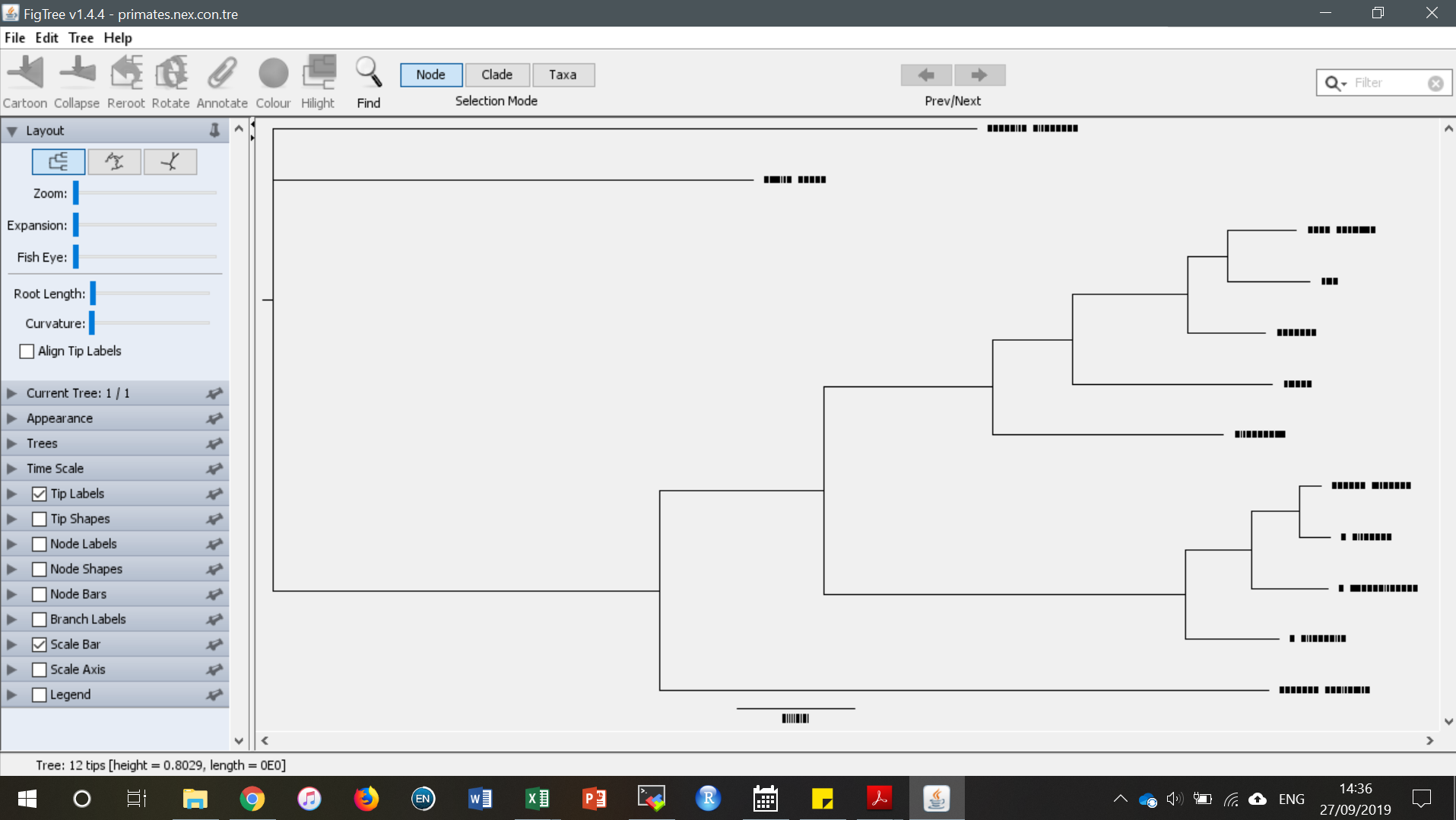
I've produced some trees using MrBayes v3.2.6, which produces trees in Figtree format by default, but when I open the con.tre file in Figtree, the text (e.g. tip labels) are just displayed as black blocks (see image below). I tried opening .tree files from BEAST that have opened without this problem in the past (in March 2019) and the same thing happens where the text is displayed as blocks.
So to me, it looks like a font issue of sorts, perhaps introduced after a Windows update. I'm on Windows 10 Pro Version 10.0.17134 Build 17134. I have the same problem with both Figtree v1.4.4 and v1.4.3. I opened the con.tre file in Figtree v1.4.3 on another computer running Windows 7 and the text displays correctly.
Has anyone else reported this issue? Do you have any ideas on how to get around it?


Hi @jumanaghmno9,
Sorry to hear you are having the same issue. I never did end up solving it, no, sorry. I just opened a con.tre file in Figtree v1.4.4 on my laptop (different to the PC that gave this issue) and the tip labels are fine (normal text), it is just the scale bar text that is now shown as blocks, but this was saved in figtree format from MrBayes, I think? It was a while ago now.
BEAST .tree files open without any font or text issues in Figtree v1.4.4 on my laptop.
So yeah, I haven't found the cause or solution to this problem, sorry.