

 qilingframework
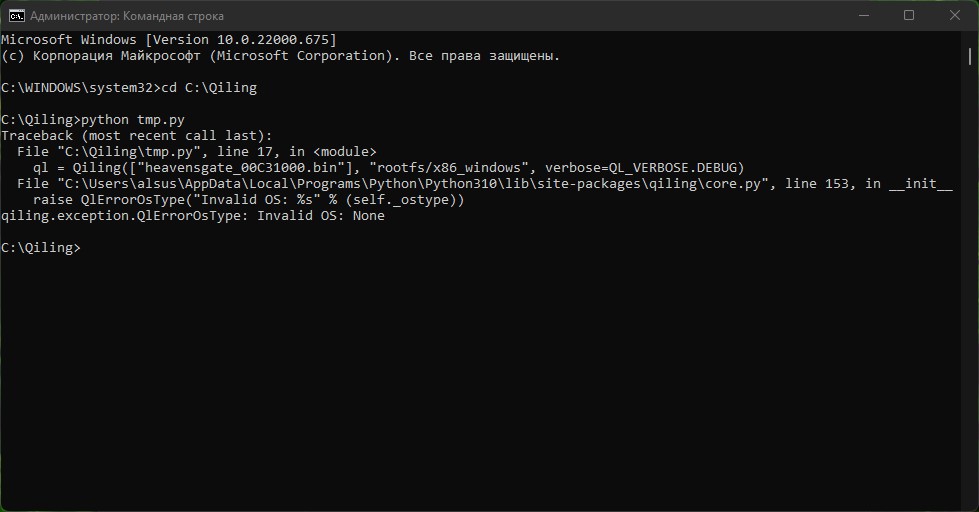
*bin file create in x64dbg
 ?
?
When a file is provided, Qiling tries to infer the appropriate architecture and OS to emulate from the file characteristics. If the file is not structured as a standard executable (e.g. PE, ELF, etc.) then Qiling cannot infer that. The best way to emulate a raw binary is to provide its content through the code argument, i.e.:
with open(r'heavensgate_00C31000.bin', 'rb') as infile:
    data = infile.read()

ql = Qiling(code=data, rootfs=r'rootfs/x86_windows', verbose=QL_VERBOSE.DEBUG)

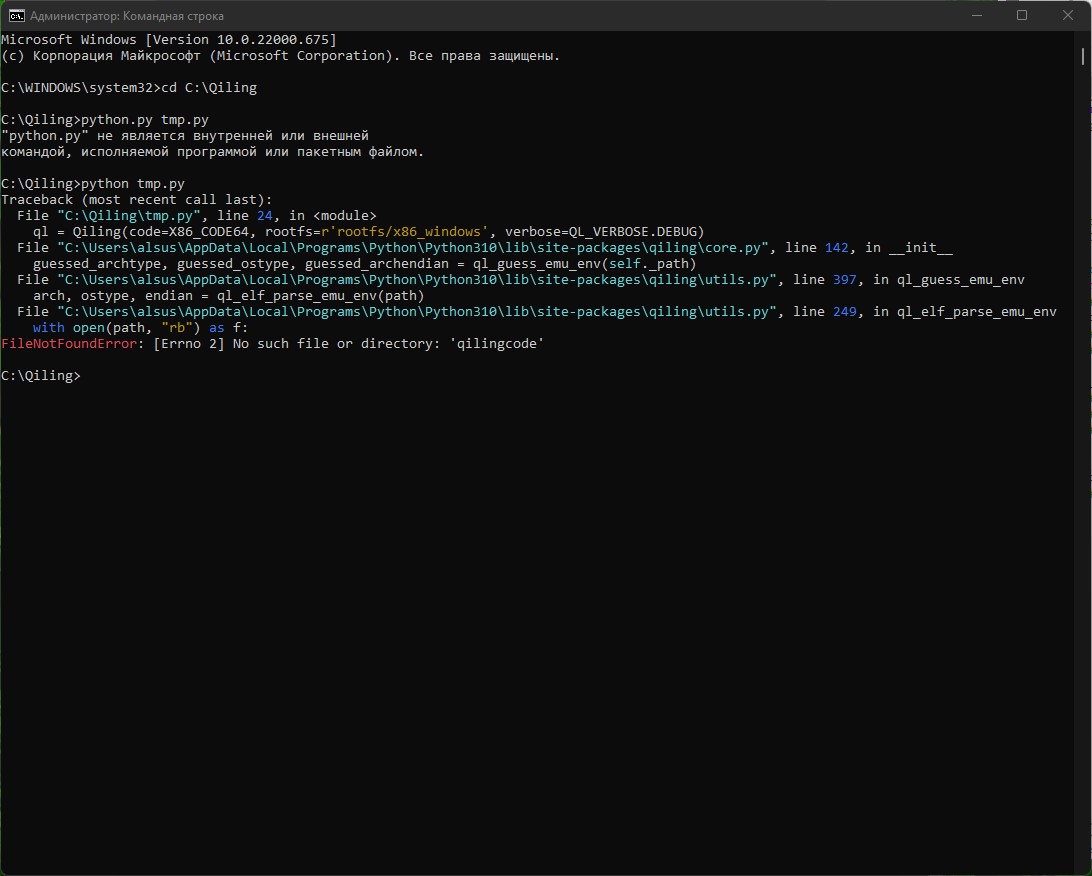
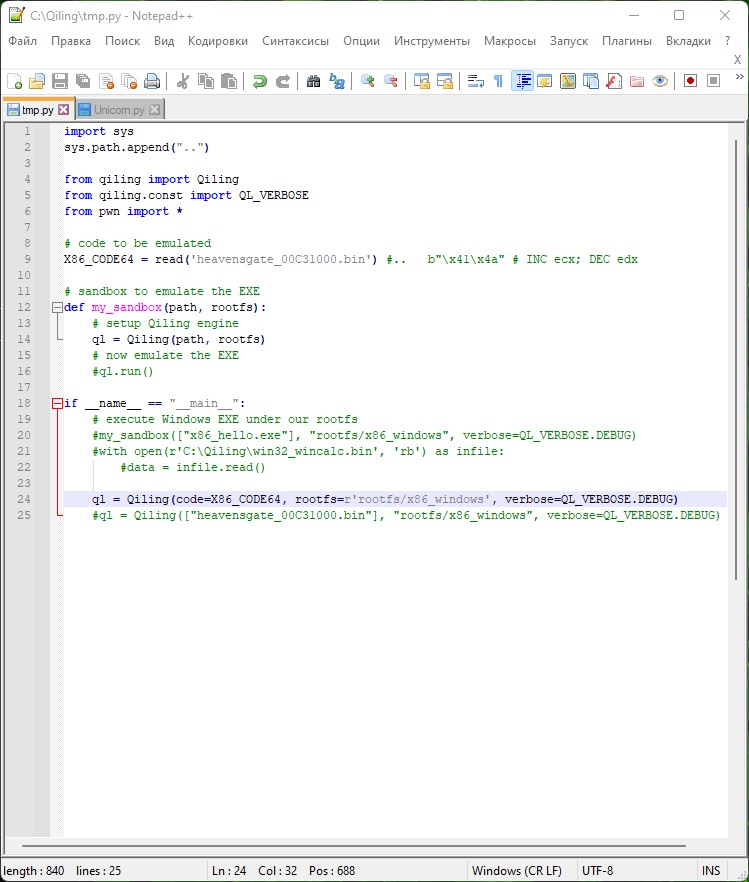
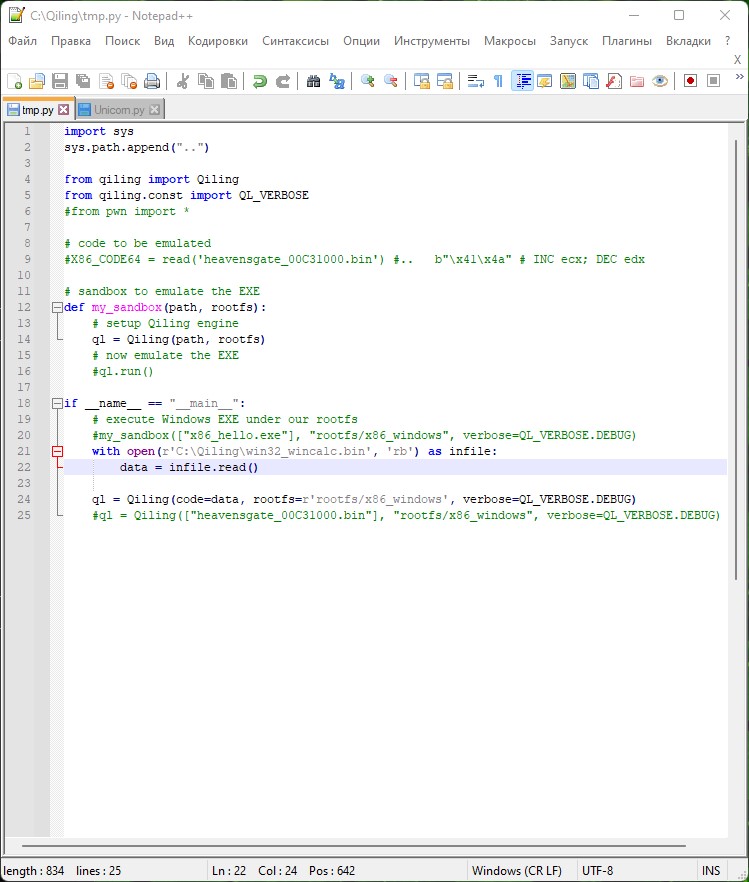
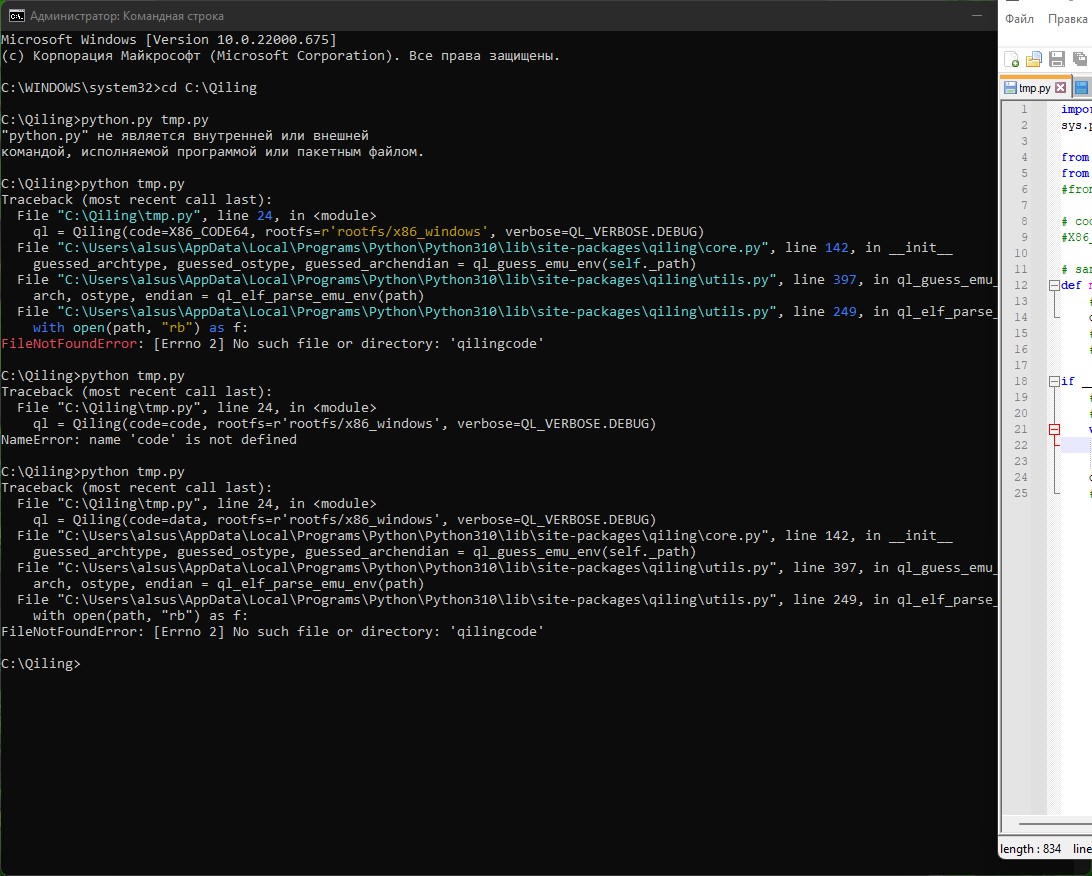 in Unicorn all works
You are using an old version of Qiling.. If possible, pull the latest Qiling dev branch and use it instead.
Otherwise, try to change the arg name from code to shellcode, which is the way it was called before.
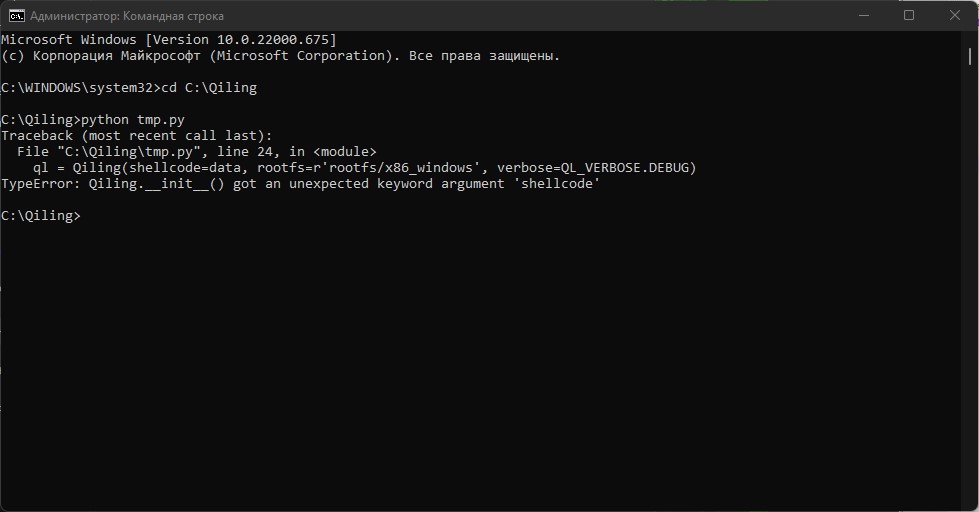
I figued out I forgot to add explicit OS and arch types:
from qiling import Qiling
from qiling.const import QL_ARCH, QL_OS, QL_VERBOSE

with open(r'heavensgate_00C31000.bin', 'rb') as infile:
    data = infile.read()

ql = Qiling(code=data, rootfs=r'rootfs/x86_windows', archtype=QL_ARCH.X86, ostype=QL_OS.WINDOWS, verbose=QL_VERBOSE.DEBUG)
# ...
ql.run()
Close for now.
We updated the codebase for Qiling and Unicorn since this issue being posted.
Feel free to try the latest version.
