

 python-pillow
Identify dominant colors
This is a feature request.
Would it be within the scope of pillow to have a function that identifies dominant colors within an image? The relevant question on StackOverflow has been viewed ~50k times.
One of the suggestions is the colorthief library that identifies an image's palette and dominant colors with only Pillow (and math, but it's not necessary). Could that code be ported to Pillow?
Pillow's own getcolors() doesn't solve the problem.

Partly just for a clearer picture of what you're after, could you explain why getcolors() doesn't solve the problem?
from PIL import Image
im = Image.new("RGB", (100, 100), "#f00")
im2 = Image.new("RGB", (50, 50), "#0f0")
im.paste(im2, (0, 0))
im.save("out.png")
print(im.getcolors())  # [(2500, (0, 255, 0)), (7500, (255, 0, 0))]


As I understand it, getcolors() returns the colours found in the image with their counts, but doesn't do any clustering: one has to process the counts to get the dominant colours/palette. In an image with a lot of blue, some green, and some brown, getting the X largest counts will return X hues of blue.
from colorthief import ColorThief
import requests
import seaborn as sns
from PIL import Image

url = 'https://zeevgilovitz.com/assets/content/2014/Apr/Eiffel-frequency.jpg'
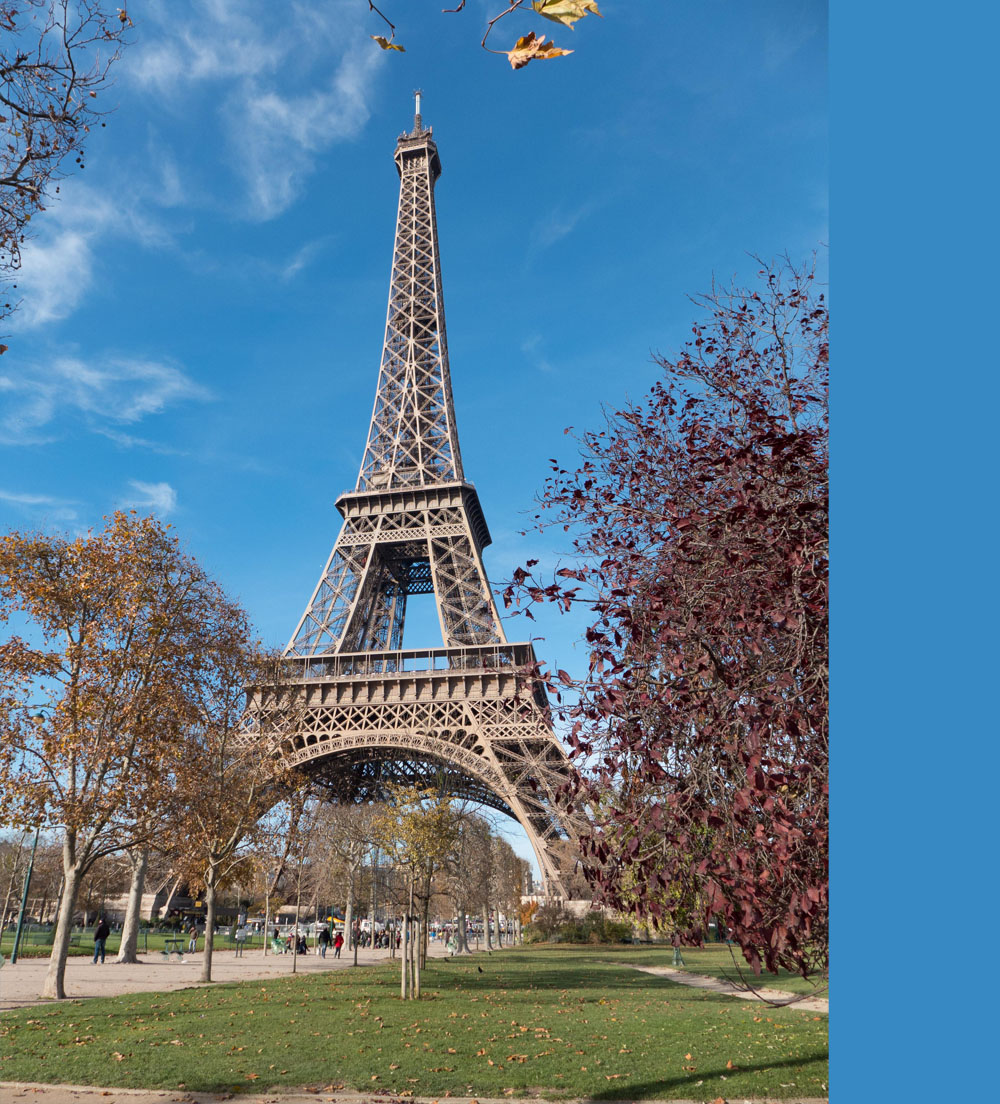
image = ColorThief(requests.get(url, stream=True).raw)
palette = image.get_palette(quality=1)
sns.palplot([tuple(i / 255 for i in j) for j in palette])
ColorThief palette

sns.palplot([('#%02x%02x%02x' % image.get_color(quality=1))])
ColorThief dominant colour

image = Image.open(requests.get(url, stream=True).raw)
palette = sorted(
    image.getcolors(maxcolors=1000000),
    key=lambda x: x[0],
    reverse=True
)[:10]
sns.palplot([tuple(j / 255 for i in j[1]) for j in palette])
pillow palette

I think another option is to use kmeans clustering... Unless that's already what Pillow does. I tried to find it in the source to get a better idea but wasn't entirely sure where to look.

I've used this before:
- https://charlesleifer.com/blog/using-python-and-k-means-to-find-the-dominant-colors-in-images/
- In case images are broken:
- https://web.archive.org/web/20200513060313/https://charlesleifer.com/blog/using-python-and-k-means-to-find-the-dominant-colors-in-images/

This also has a cleaner implementation of K-Means clustering (not specifically for dominant colors but still useful): https://learnai1.home.blog/2020/06/19/k-means/
At first glance it should be possible to implement without using external libraries... I'll test this out later.