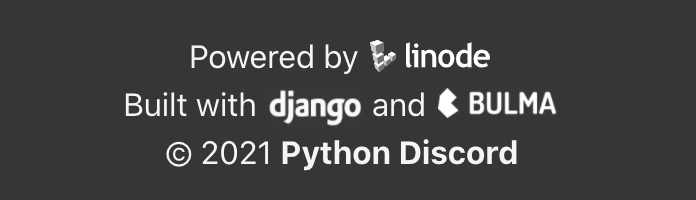
python-discord
Django logo is not aligned with baseline of text in the footer
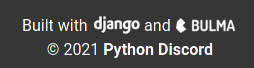
Here is a close up
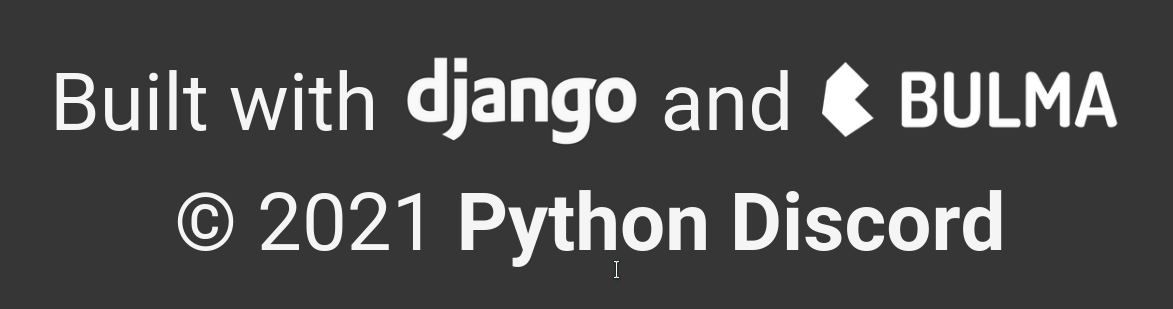
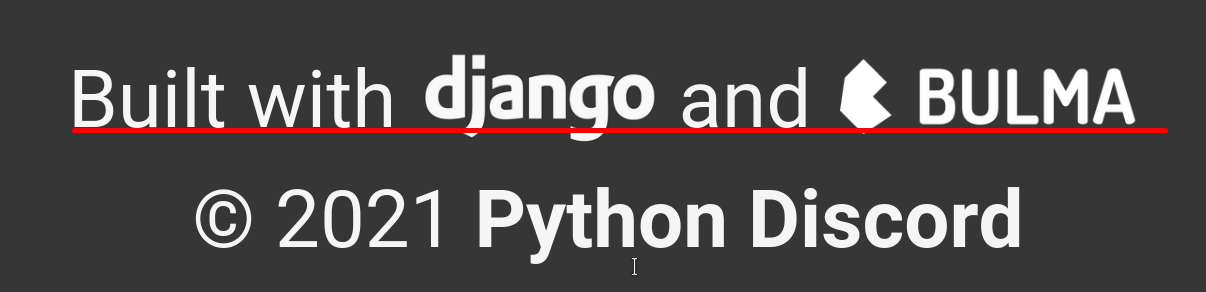
The Bulma logo is also a bit off, but it's close enough to not be visible at small sizes I think (I couldn't even notice until I zoomed in to take the screenshots above).

Of course the logos use different fonts, but I wonder if it's feasible to adjust their sizes such that the tops of the letters also somewhat align if they don't already.
Which browser are you using? It doesn't look like that for me in Firefox:
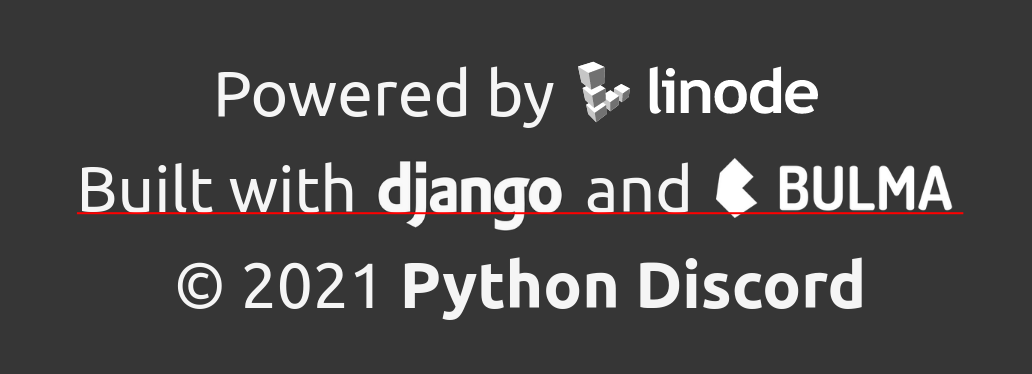
Chromium also seems fine. Bulma and Linode still look like they could go lower though.

Happens in Firefox on both Windows and Linux. Also happens in Chromium on Windows.
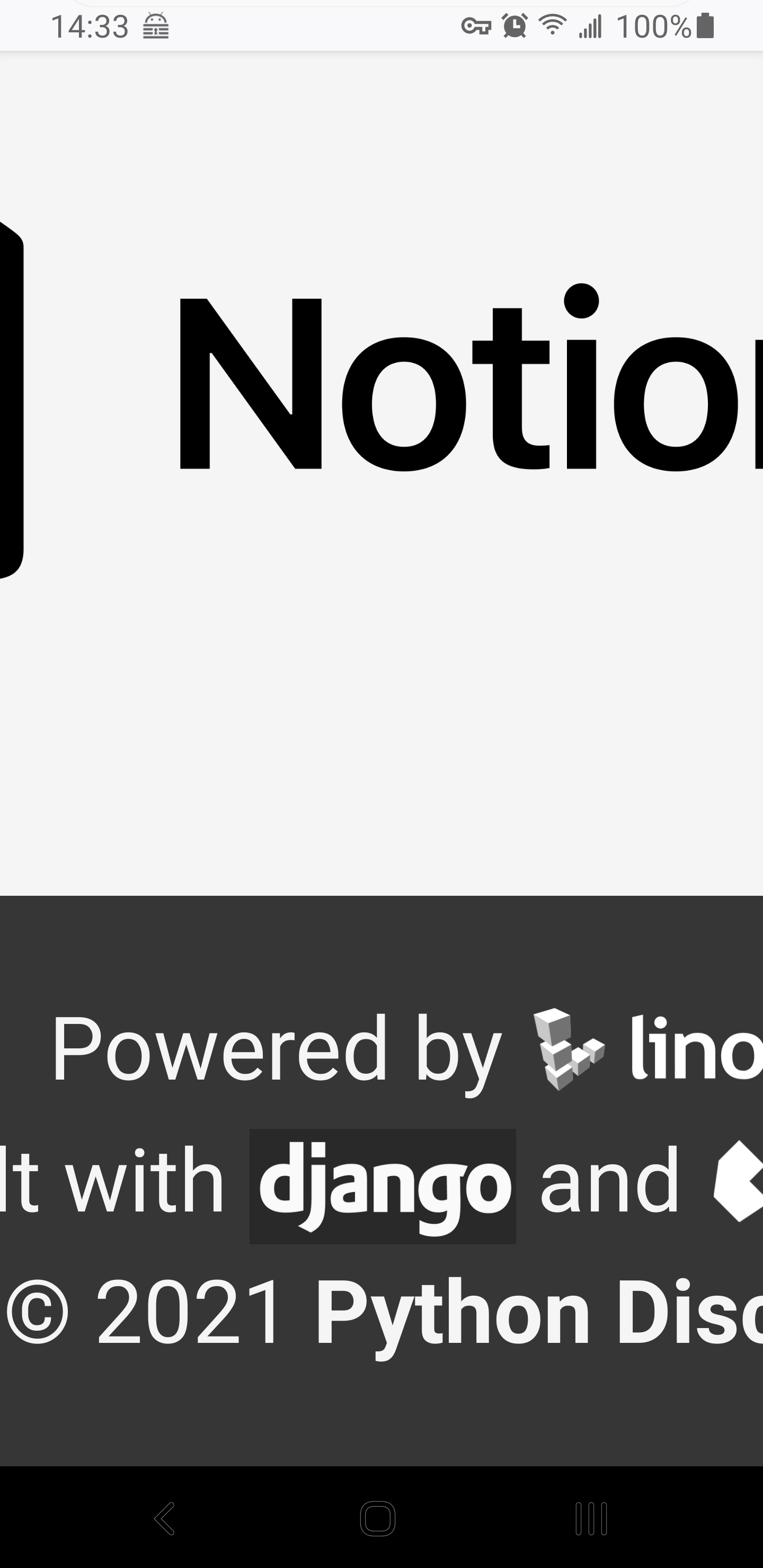
It looks fine on Firefox on Android in terms of alignment, but it instead has a different issue.
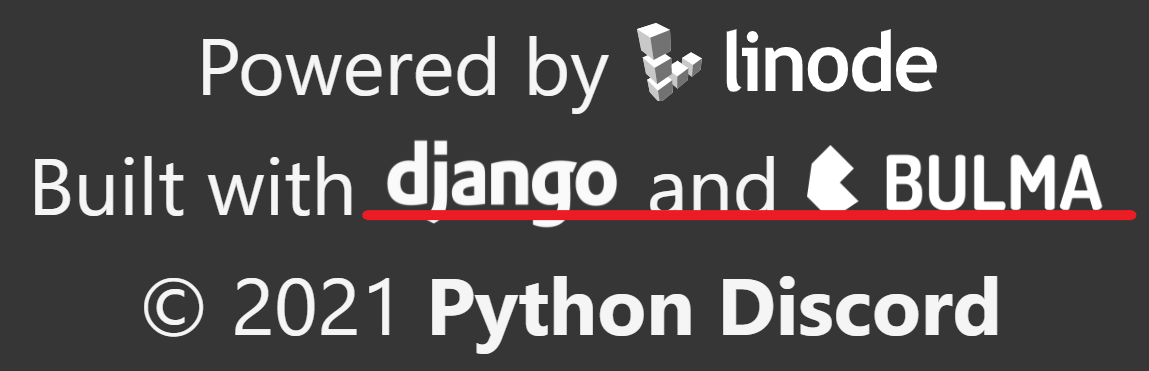

This problem exists for me on Windows 10 Pro 20H2 using the following browsers:
- Vivaldi: 3.7.2218.45 (Stable channel) (64-bit)
- Brave: Version 1.23.71 Chromium: 90.0.4430.72 (Official Build) (64-bit)
- Google Chrome: Version 92.0.4482.0 (Official Build) canary (64-bit)
- Google Chrome: Version 89.0.4389.128 (Official Build) (64-bit)
- Opera: Version:75.0.3969.171
- Edge: Version 89.0.774.77 (Official build) (64-bit)
- Firefox: 87.0 (64-bit)

Running on Windows 10 Pro 20H2 through WSL2 on Ubuntu 20.04LTS seems to be rending correctly with Firefox 86.0 (64-bit)
On macOS Catalina 10.15.7 using the following browsers seems to be correct:
- Google Chrome Version 90.0.4430.72 (Official Build) (x86_64)
- Safari Version 14.0.2 (15610.3.7.1.10, 15610)
- Firefox 80.0.1 (64-bit)
I'm guessing this is an OS specific issue.