

 pyrevitlabs
Tab Coloring doesn't work
Revit 2020.2.6 pyRevit 4.8.9
Tab Coloring is on, but tabs in Revit are grey. When I try to use "Background Fill", active tab is white without any text.
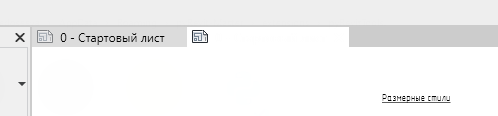


Uh it might be a UI layout difference between the two. Thanks a lot for the screenshot and testing
I can not replicate the issue on 2020.2.6. I can not see the color settings on your screenshot so make sure there are no white colors. See this
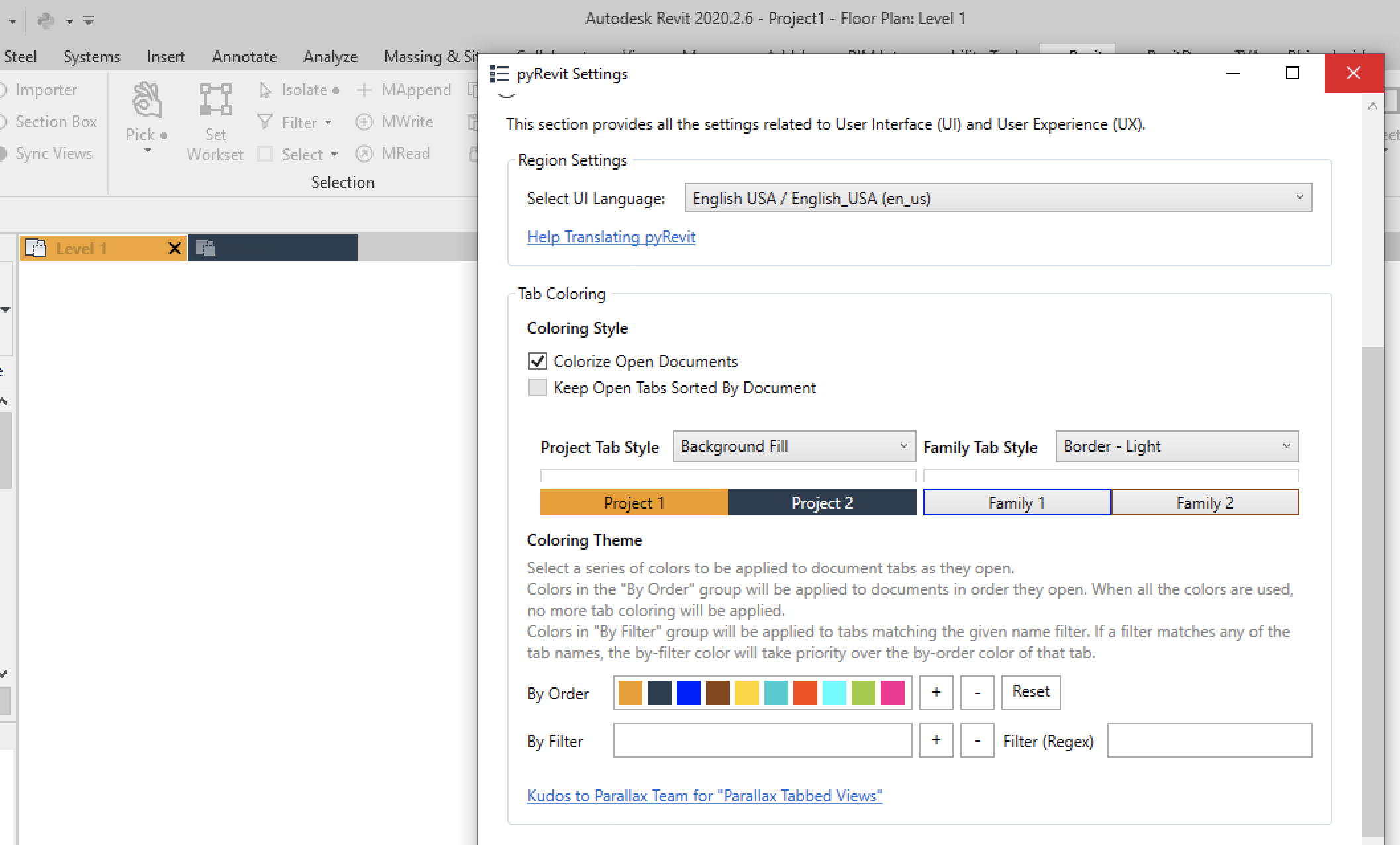
I was having tab coloring issues and found this thread... my settings doesn't show that whole "coloring theme" section. Is there something I need to do to get that to show up?
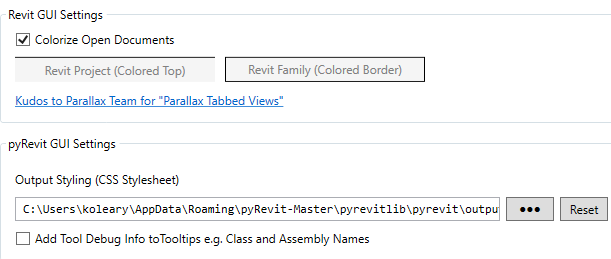

All is set-up for Tab- Coloring and works just fine when Revit is active. But everything reverts back to default after restart of Revit. Need to grab settings again to set it up. Works fine for some of my colleagues, but just can't get it to work for me and others... tried saving a separate CSS file as well, Reinstall PyRevit,... evrything except editing registry, nothing takes. Reset every time back to default. Any ideas?
