

 ptomasroos
how can i set an initial selected value to the slider eg selecting 0 by default

Set values={[0]} for slider with one cursor, or you can set both values for sldier with two cursors like this: values={[0,100]}

i have tried the above advise but a new thing arises I found that the items labels are not getting updated but when I move the slide it gets updated because in the Item in the checkactivity function this.props.second is coming 10 so why is this happening.
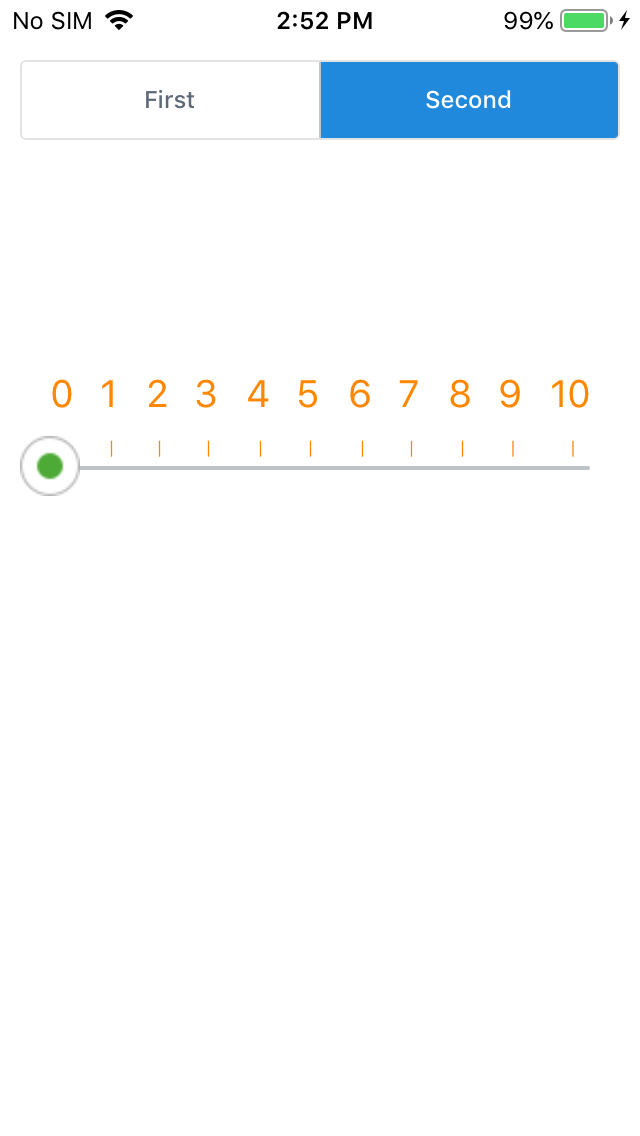
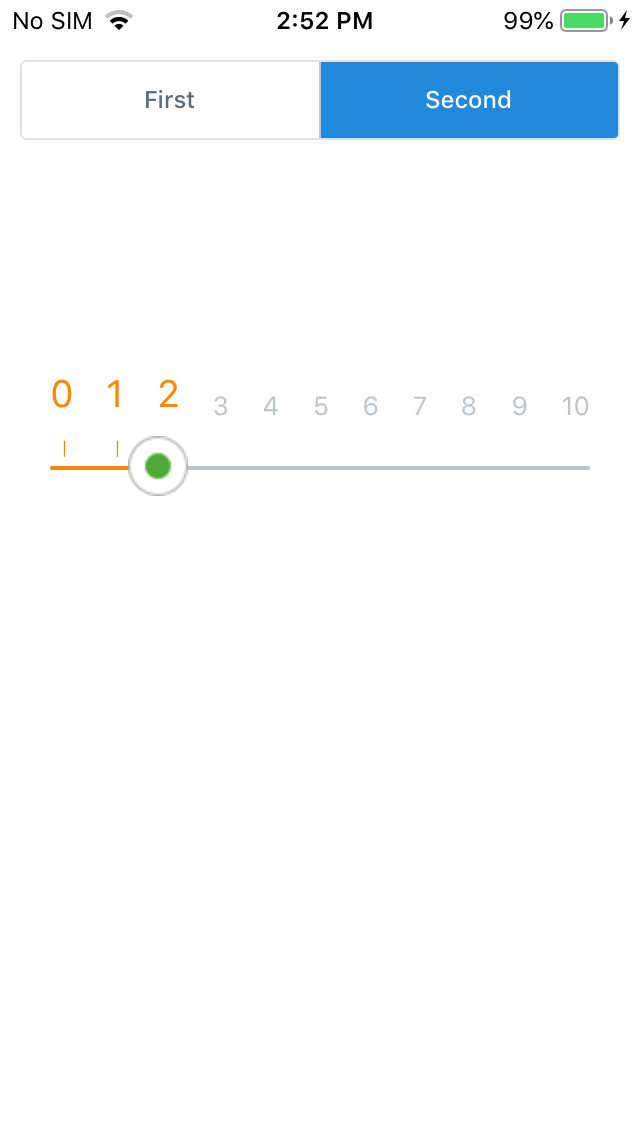
@maheshshrigod Can you please help me in implementing item labels. How did you achieve that? A code snippet would help me.

@maheshshrigod Can you please help me in implementing item labels. How did you achieve that? A code snippet would help me.
Custom view
`export class Item extends Component { render() { return ( <Text style={ [ this.checkActive() ? styles.active : styles.inactive]}>{this.props.value} <Text style={[ this.checkActive() ? styles.line : {}]}> { this.checkActive() ? '|' : ''} ); }
checkActive =()=>{
if(this.props.value >= this.props.first && this.props.value <= this.props.second)
return true
else
return false
}
}`
main View
<View> {this.renderScale()} <View> <MultiSlider trackStyle={{backgroundColor:'#bdc3c7'}} selectedStyle={{backgroundColor:"#fc8700"}} values={[0]} sliderLength={Dimensions.get('window').width-this.props.LRpadding*2} onValuesChange={this.multiSliderValuesChange} min={this.props.min} max={this.props.max} step={1} allowOverlap={false} customMarker={CustomMarker} snapped={true} /> </View>
function renderScale()
renderScale=()=> { const items = []; for (let i=this.props.min; i <= this.props.max; i++) { items.push( <Item //call of the custom view value = {i} first = {this.state.first} second = {this.state.second} /> ); } return items; }
Set
values={[0]}for slider with one cursor, or you can set both values for sldier with two cursors like this:values={[0,100]}
But setting this doesn't allow me to go beyond that value. Say, if the available options are 0,1,2 and I set values={[1]}, I can't go beyond 1.
