

 pschraut
Broken in 2022.1.0b9

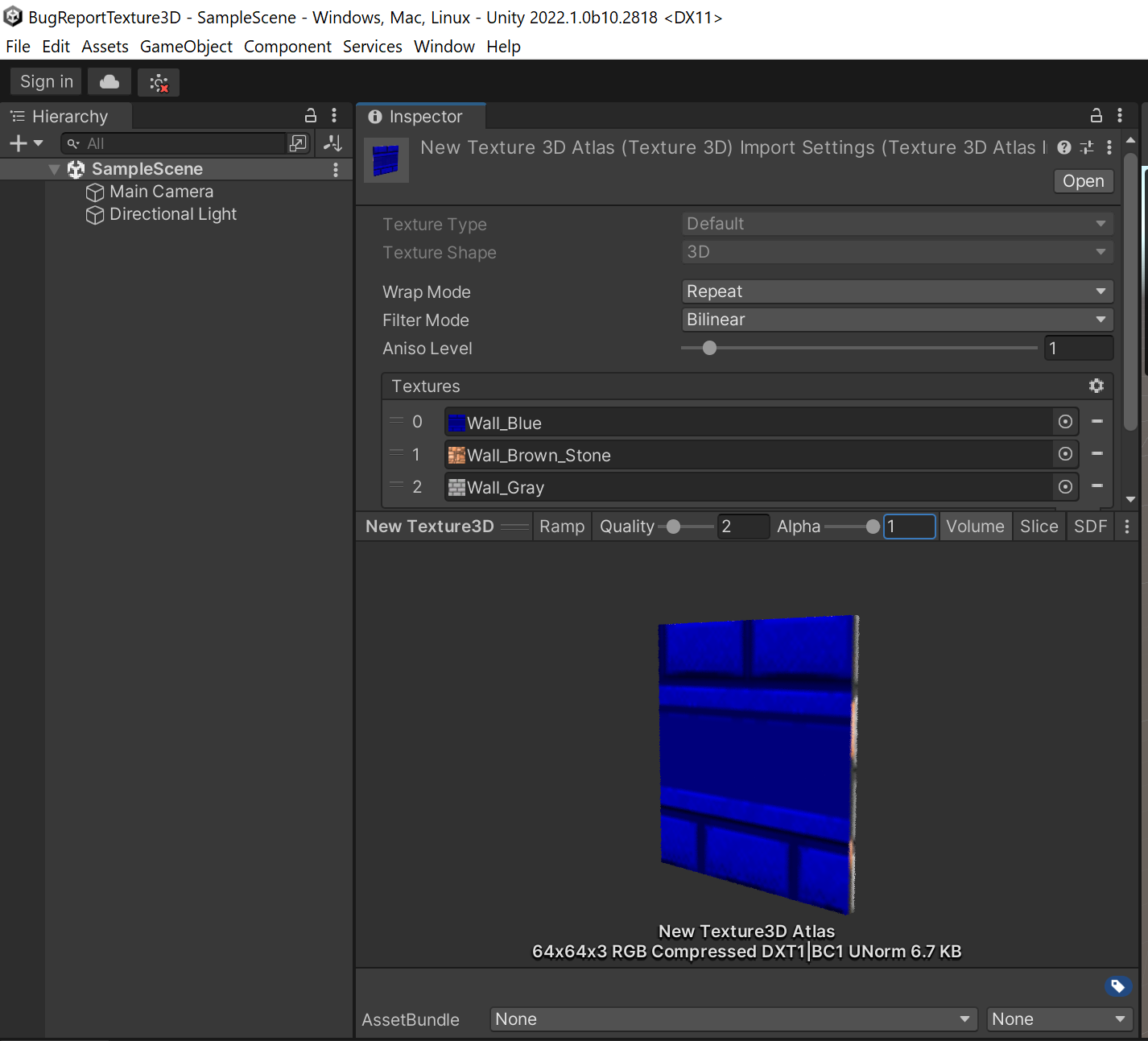
I'm unable to reproduce this issue in 2022.1.0b10. I created a new "3D" project and added a Texture3DAtlas with three textures, looking correct here, see screenshot below.
Perhaps it's fixed in b10 already? Perhaps it's related to the selected build target? Perhaps it's related to the selected Render Pipeline? Can you provide a small project that I can use to reproduce the problem?

Hmm it working again by disabling "Load Texture data on demand" in Editor Project Settings, but this was working fine previously in b8
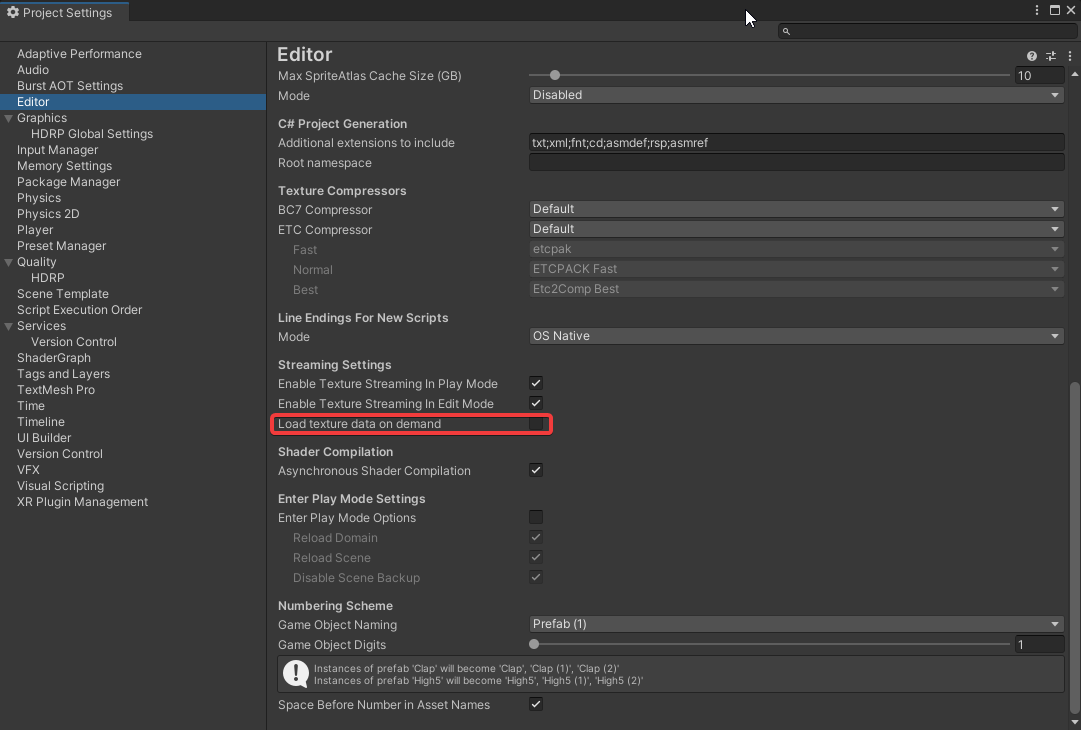 and for additional note i'm on HDRP, Virtual Texture are enabled "but" not for these specific textures which i'm using as 3dTexture Source.
Thank you. I was able to reproduce the problem with Unity 2022.1.0b8 and 0b10. I submitted a bug-report to Unity Technologies and posted in their beta forum:
https://forum.unity.com/threads/case-1408325-scriptedimporter-problem-with-load-texture-data-on-demand.1248223/
Unity Technologies were able to reproduce the issue. You can now find it in their public issue tracker:
https://issuetracker.unity3d.com/issues/texture3d-atlas-import-pipeline-3d-textures-are-corrupted-when-load-texture-data-on-demand-is-enabled