profclems
Allow customized colors/theme for pipeline view
Describe the feature or problem you'd like to solve
I find the gray background on glab pipeline ci view distracts me and makes it hard to read the text and see the borders around the job boxes.
Propose a Solution I would like an option to change the background color (or have no background color).
Additional context
I'm in the process of migrating from lab to glab. With lab ci view, my terminal's background color is used and I find that screen much easier to parse.

Thanks for opening the issue @seandilda.
This seems like a valid option to add, but could you provide some additional information about your setup, because I haven't had issues as you describe. For example
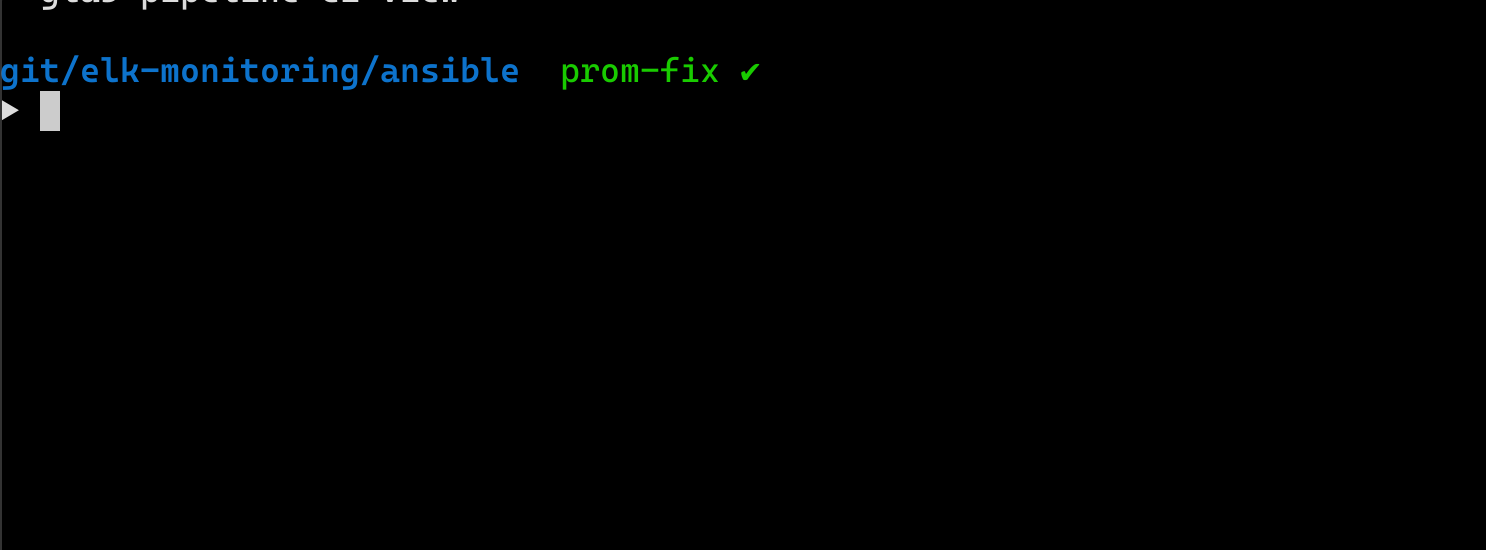 This is how my terminal looks, and when I open a ci view the background doesn't change for me and everything looks good
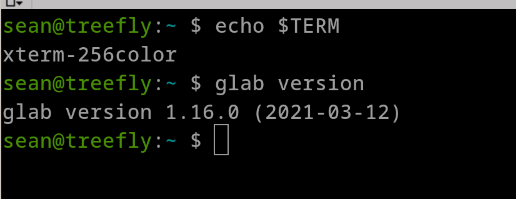
Could you provide your
- OS version
- glab version
- value of $TERM
- maybe terminal emulator and color scheme if possible? Then I might be able to reproduce this locally, and better undersstand this.

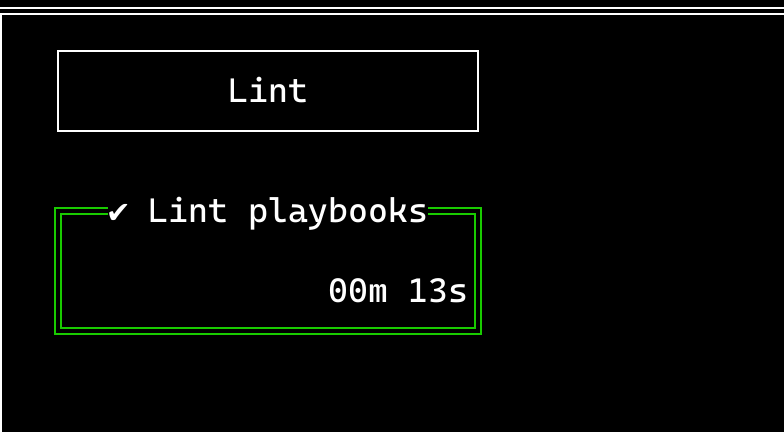
Ok, that image is exactly what I want.
I'm running terminator on Ubuntu 20.04 glab version 1.16.0 (2021-03-12) $TERM is xterm-256color
Here's my terminal:
Here's an example of what I see when I run glab ci view
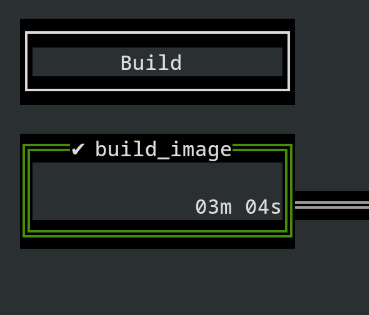
I just reproduced the issue in gnome-terminal with the same $TERM value.
Thanks for looking into this!
There is no background color set for ci view in the codebase and I'm unable to reproduce this in konsole withTERM=xterm-256color. Ideally, it should assume the background color of your terminal.
I'm trying to figure out what's causing this and get back to you on this.

I downloaded some older versions to test out. This issue first showed up in version 1.14.0. Earlier versions don't have the issue.
I was able to reproduce this. The first screenshot I took was on macos, in kitty terminal using 1.16-dev build. On my Linux machine, I get the same weird artifacts.
I did some bisecting and the first bad commit was d92edf84e1bf2cf2287be83e3146a2cbbf7e3ea4
Looks like updating to the newest tview or tcell version, borked something, and now it doesn't work as it should.
If someone is up to looking into why this happened feel free to do so. I sadly don't have the time at the moment to do so.
I think the best solution now is to downgrade tview to the previous working version till this issue is fixed. Or we explicitly get the background color of the terminal and set the ci view background color.
Sent from my iPhone
On 18 Apr 2021, at 1:14 PM, zemzale @.***> wrote:
I was able to reproduce this. The first screenshot I took was on macos, in kitty terminal using 1.16-dev build. On my Linux machine, I get the same weird artifacts.
I did some bisecting and the first bad commit was d92edf8
Looks like updating to the newest tview or tcell version, borked something, and now it doesn't work as it should.
If someone is up to looking into why this happened feel free to do so. I sadly don't have the time at the moment to do so.
— You are receiving this because you were mentioned. Reply to this email directly, view it on GitHub, or unsubscribe.
This issue has been automatically marked as stale because it has not had recent activity. We haven't had the time to address it yet, but we want to keep it open. This message is just a reminder for us to help triage issues.

Just wanted to throw in my support for prioritizing this fix! I love seeing the pipeline view in my terminal and would love if it matched my color settings.
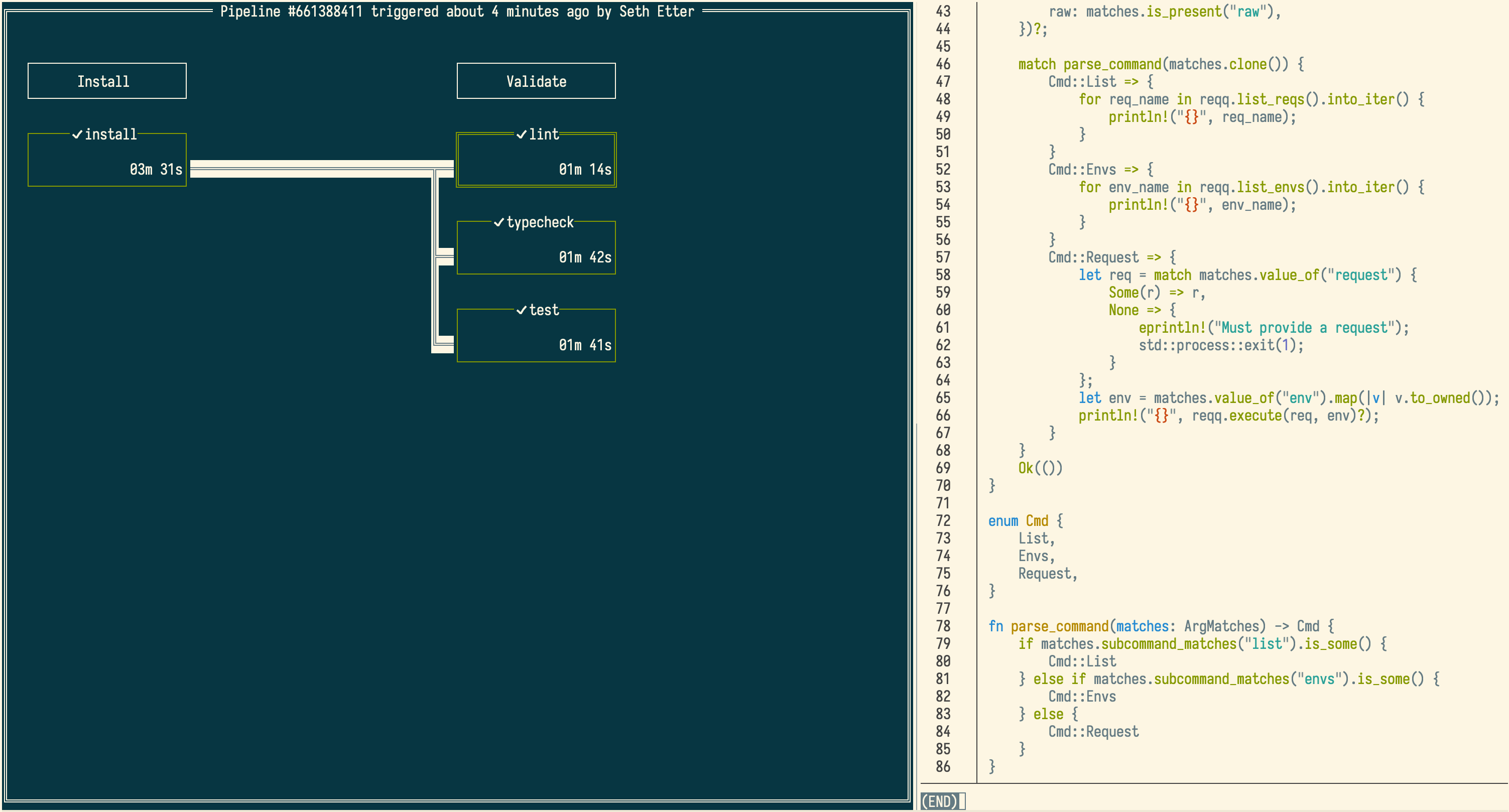
Currently I used solarized light, but glab ci view opens with a dark background. Screenshot below! I have another pane open in tmux to show what my base colors looks like.