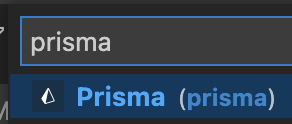
prisma
Custom icon for .prisma files

Update This got reverted because the icon made the extension an icon theme. This is blocked by https://github.com/microsoft/vscode/issues/14662.

Looks like a new update of VSCode (1.64) made that possible
Language contributors can define an icon for the language. The icon is shown if the current file icon theme only has a generic file icon for the language.
https://code.visualstudio.com/updates/v1_64#_language-default-icons

The originally references issue was closed: https://github.com/microsoft/vscode/issues/14662#event-5836315630 PR to close was: https://github.com/microsoft/vscode/pull/118846 Final API is: https://github.com/microsoft/vscode/issues/140047

It seems it's already done in https://marketplace.visualstudio.com/items?itemName=vscode-icons-team.vscode-icons
See search https://github.com/vscode-icons/vscode-icons/search?q=prisma
People would need to install the extension though, but it's one of the most popular one +12M downloads.
I do not have the extension installed (though it might be included with VS Code) and a schema.prisma file shows like this

I found that it comes from my theme Seti
This theme downloads some files https://github.com/microsoft/vscode/blob/bbc1c35e4c683276b9d3f89c2dcab144576746bc/extensions/theme-seti/build/update-icon-theme.js#L62
And in there, there is a line for prisma with this icon: https://github.com/jesseweed/seti-ui/blob/master/icons/prisma.svg
The color is the old green color, we could open a PR to change it?
Looks like a new update of VSCode (1.64) made that possible
Language contributors can define an icon for the language. The icon is shown if the current file icon theme only has a generic file icon for the language.
https://code.visualstudio.com/updates/v1_64#_language-default-icons
Indeed this is the case
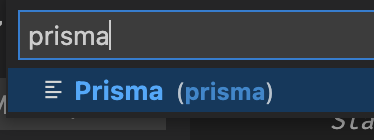
I have a local change that provides the fix for themes that do not provide an icon for .prisma files, though we might want new / different icons for dark and light themes: