

 pop-os
Extra @!72,27;BDH window on Ubuntu
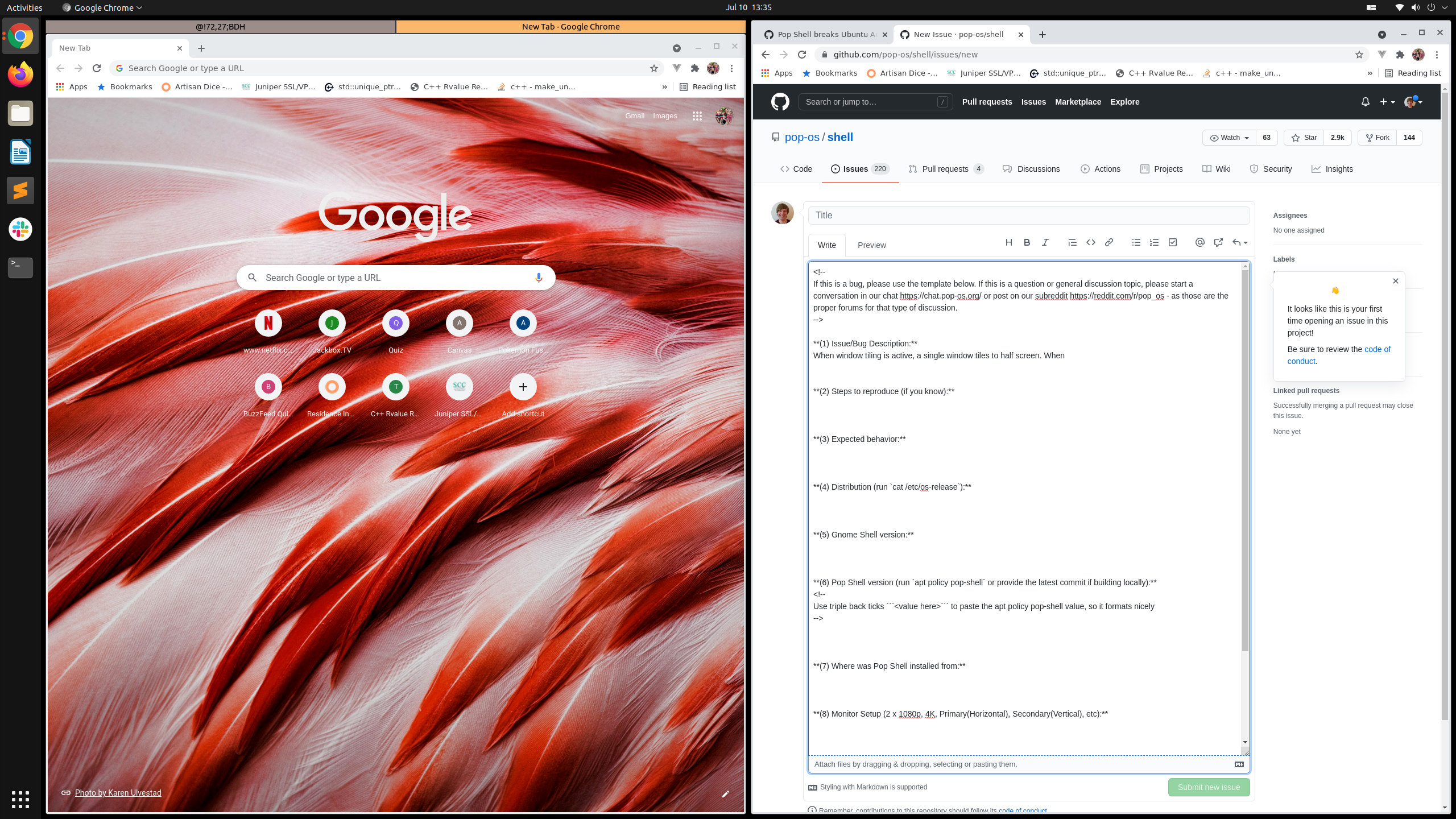
(1) Issue/Bug Description: When window tiling is active, a single window tiles to half screen. When adding a second window and forcing it to fill the empty half (by dragging the window where the cursor is in the middle of the empty half and highlighting the second half of the screen), the second half of the screen is tabbed. One tab is the expected window and the other is a window with the title @!72,27;BDH.
(2) Steps to reproduce (if you know): Open an application with window tiling active.
(3) Expected behavior: One window tiling to full screen, two windows tiling to half, etc. without an empty space
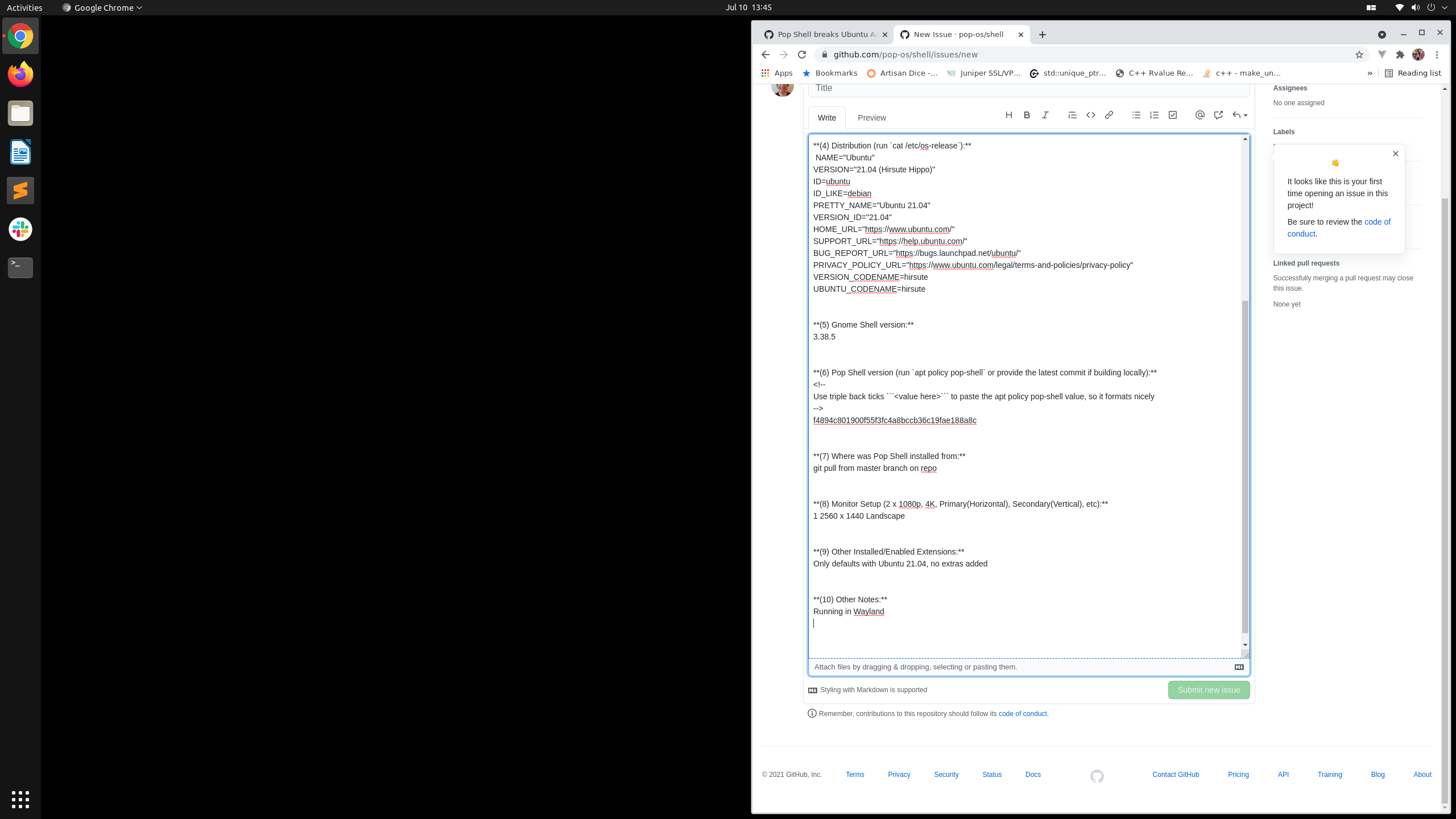
(4) Distribution (run cat /etc/os-release):
NAME="Ubuntu"
VERSION="21.04 (Hirsute Hippo)"
ID=ubuntu
ID_LIKE=debian
PRETTY_NAME="Ubuntu 21.04"
VERSION_ID="21.04"
HOME_URL="https://www.ubuntu.com/"
SUPPORT_URL="https://help.ubuntu.com/"
BUG_REPORT_URL="https://bugs.launchpad.net/ubuntu/"
PRIVACY_POLICY_URL="https://www.ubuntu.com/legal/terms-and-policies/privacy-policy"
VERSION_CODENAME=hirsute
UBUNTU_CODENAME=hirsute
(5) Gnome Shell version: 3.38.5
(6) Pop Shell version (run apt policy pop-shell or provide the latest commit if building locally):
f4894c801900f55f3fc4a8bccb36c19fae188a8c
(7) Where was Pop Shell installed from: git pull from master branch
(8) Monitor Setup (2 x 1080p, 4K, Primary(Horizontal), Secondary(Vertical), etc): 1 2560 x 1440 Landscape
(9) Other Installed/Enabled Extensions: Only defaults with Ubuntu 21.04, no extras added
(10) Other Notes:
Running in Wayland

It looks like the Destkop Icons NG (DING) extension + Wayland + Pop shell causes this issue. If you can live without the Desktop Icons disabling the extension will work as a quick work around.

I believe there's a fix in a newer version of DING, but it's not released yet.

Thank you for the recommendation @bflanagin. Yeah, I don't need the desktop icons so disabling them is fine for me.
For anyone looking here to help find a workaround, the command I ran to disable ding was:
gnome-extensions disable [email protected]

To add to the record:
I have gnome-shell-extension-desktop-icons/hirsute,hirsute,now 20.04.0+git20200908-5build1 all [installed], which is the latest currently available in Ubuntu hirsute, and upgrading via https://extensions.gnome.org/extension/1465/desktop-icons/ can't be done.
My additional window was named @!0,54;BDH . I disabled the icons via gnome-extensions disable [email protected] as per https://github.com/pop-os/shell/issues/1075#issuecomment-881025548 and that's resolved it for me.

Seeing the same in Ubuntu 22.04.1 LTS.
I've created an issue in Desktop Icons NG: https://gitlab.com/rastersoft/desktop-icons-ng/-/issues/250
I also found an issue filled in Mutter (https://gitlab.gnome.org/GNOME/mutter/-/issues/930) so I'm not sure where is the problem.
