

 pnp
pnp
New command: purview threatassessment add
Usage
m365 purview threatassessment add
Description
Create a threat assessment
Options
| Option | Description |
|---|---|
-t, --type <type> |
The type of threat assessment to retrieve. Supports mail, file, emailFile and url. |
-e, --expectedAssessment <expectedAssessment> |
The expected assessment from submitter. Possible values are: block and unblock. |
-c, --category <category> |
The threat category. Possible values are: spam, phishing, malware. |
-r, --recipientEmail [recipientEmail] |
The mail recipient whose policies are used to assess the mail. Can only be used for threat assessment with type mail and emailFile. |
-p, --path [path] |
Local path to the file to upload. Can only be used for threat assessment with type file and emailFile. |
-u, --url [url] |
The URL string. Can only be used for threat assessment with type url. |
-m, --messageUri [messageUri] |
The resource URI of the mail message for assessment. Can only be used for threat assessment with type mail. |
Examples
Create a mail threat assessment
m365 purview threatassessment add --type mail --expectedAssessment block --recipientEmail "[email protected]" --category spam --messageUri "https://graph.microsoft.com/v1.0/users/c52ce8db-3e4b-4181-93c4-7d6b6bffaf60/messages/AAMkADU3MWUxOTU0LWNlOTEt="
Create a emailFile threat assessment
m365 purview threatassessment add --type emailFile --expectedAssessment block --category malware --recipientEmail "[email protected]" --contentData "UmVjZWl2ZWQ6IGZyb20gTVcyUFIwME1CMDMxNC5uYW1wcmQwMC"
Create a file threat assessment
m365 purview threatassessment add --type file --expectedAssessment block --category malware --fileName "test.txt" --contentData "VGhpcyBpcyBhIHRlc3QgZmlsZQ=="
Create a url threat assessment
m365 purview threatassessment add --type url --expectedAssessment block --category phishing --url "http://contoso.com"
Default properties
No response
Additional Info
Needed permissions
- ThreatAssessment.ReadWrite.All

Hi @nicodecleyre, A few comments:
- I think
urlandmessageUrishould be optional, if I read the descriptions correctly. - could you also add some shorts for the options?
- I think we should reference the necessary permission level as well.
Should we maybe add a short More information section with a link to more information about threat assessments?

Also: as we've got some conditionally required options, could you add that in a remarks section so it's clear for the contributor that will build this how to treat option validation?
- i'm sorry, it seems that i made the optional options required and visa versa. Updated the specs with the right notation
- added some short. But I'm not sure which to define for
category&contentDatasince they both start with the same letter? - updated the specs with the needed permissions
Hi @nicodecleyre , about contentData, we could also just name it content and let people pipe in a filepath, just like we do elsewhere.
About the shorts: just pick the one that's most important and add -c for that. The other one will not have a short.
Slept on it @nicodecleyre : Let's rename --content to path:
-p, --path [path] Local path to the file to upload
Also, we can now remove the filename option, as we can get that from the file.
Slept on it @nicodecleyre : Let's rename --content to path:
-p, --path [path] Local path to the file to upload
Also, we can now remove the filename option, as we can get that from the file.
Updated


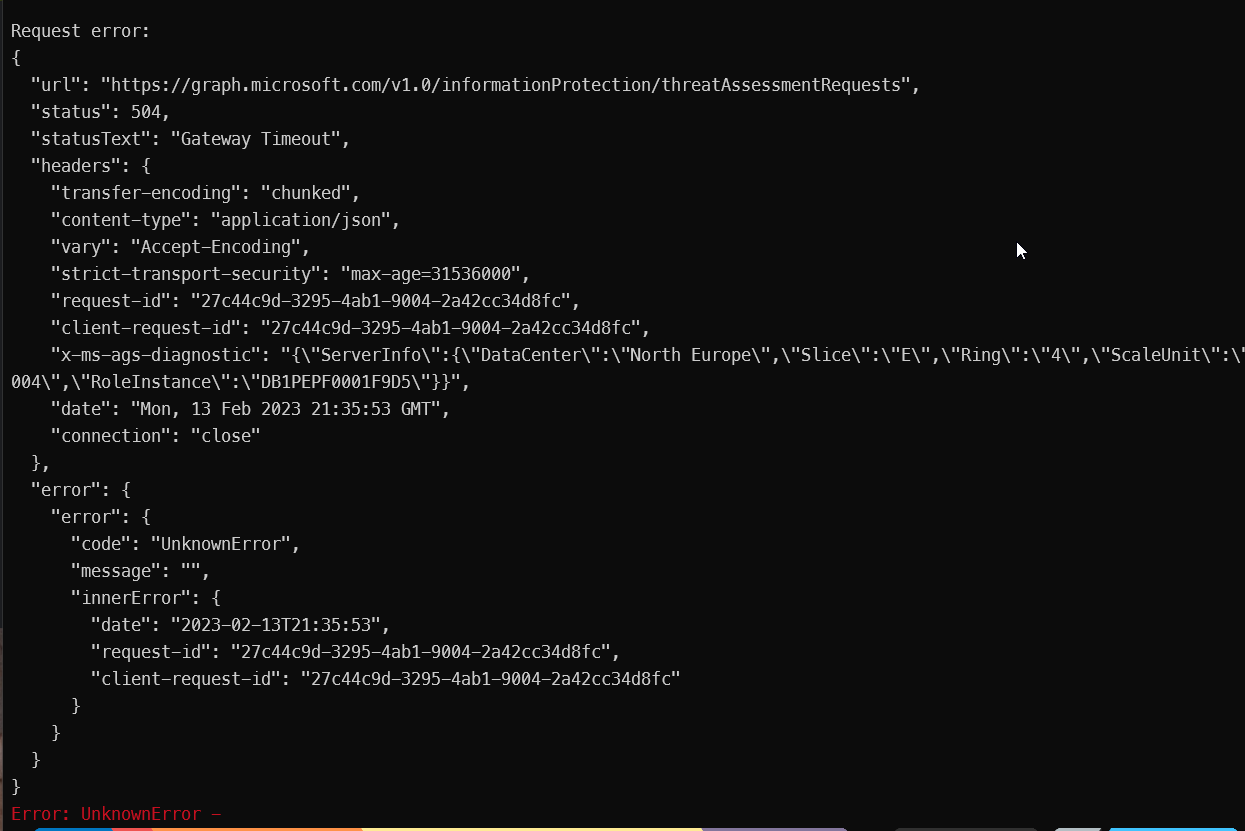
Just a quick feedback: I'm currently working on this issue, but am having quite a few API issues:
Sometimes, I will get this error:
Another time, the API throttles, while I'm not doing anything on the tenant:
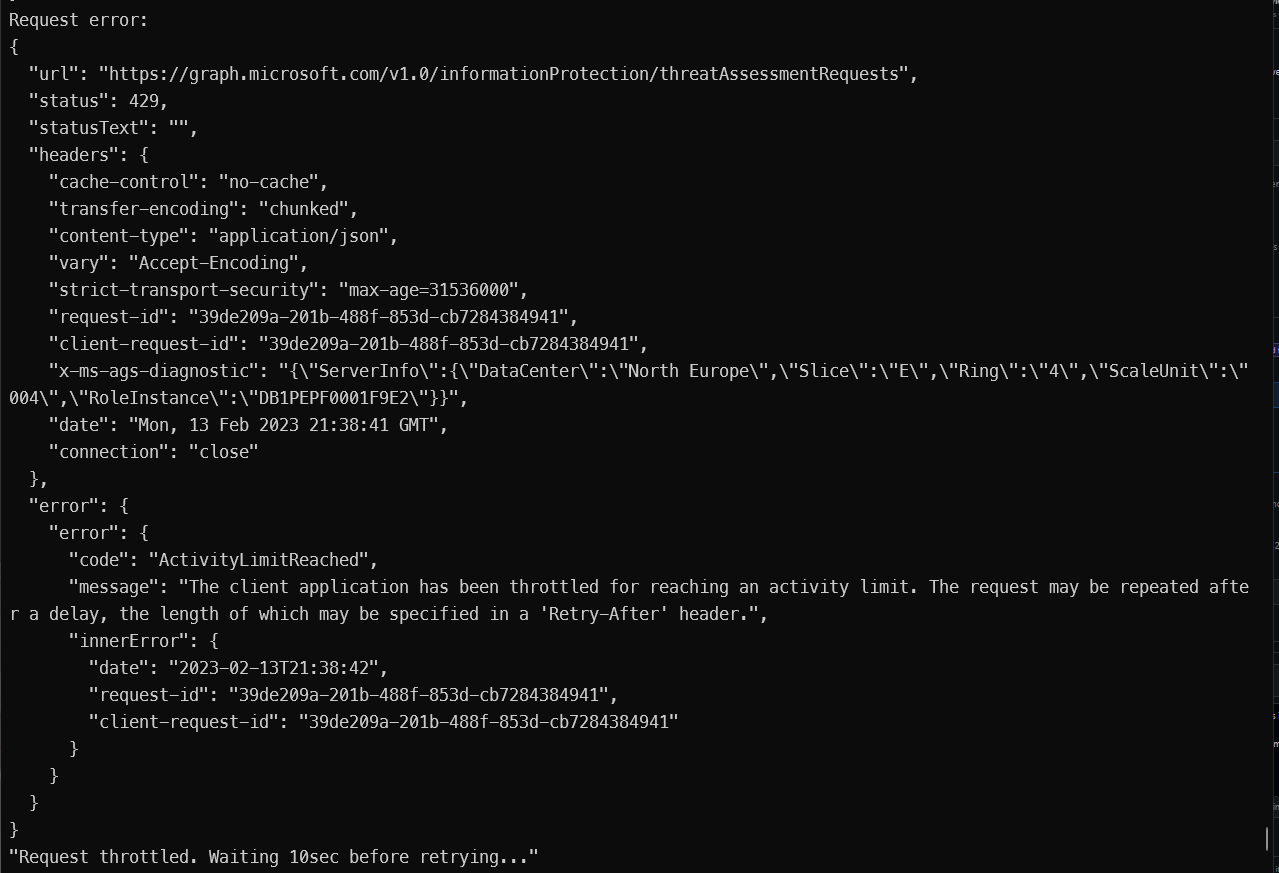
And sometimes, it just succeeds, even though the response is very slow (more than 5 seconds atleast).
Not sure what to think about this. When running it in the Graph Explorer. Same thing occurs.
Hi @MathijsVerbeeck, thanks for the feedback! I will pass this on to Microsoft using the MVP channels. I did the same for the retention endpoints. 👍
Oh no, just continue the work. They'll have to look at it, and it might take some time for them to fix it. It's beta after all.
Oh no, just continue the work. They'll have to look at it, and it might take some time for them to fix it. It's beta after all.
The command is finished, but I can't really test it properly with the API not working well 😄. It is also in the V1.0 endpoint already, but I tested both V1.0 and beta but both aren't working properly.
Still having the throttling / timeout issues as soon as I've added one threat assessment, just letting you know 😄.
@martinlingstuyl Not sure whats going on, but when retesting the endpoint, I now get the following error, both in Graph Explorer & using the Cli

As you can see, I granted the ThreatAssessment.ReadWrite.All, and validated the bearer token and it exists there, so not sure what's going wrong.
Yes, I've seen this too. I've let MS know last week. No response yet :)
Yes, I've seen this too. I've let MS know last week. No response yet :)
Unlucky, let's wait for their answer then and I'll put this on hold and recheck in like a week or so 😄. Quite weird as this is in the v1.0 endpoint...
@martinlingstuyl Still seems to be broken... 😞 Same error although bearer token contains the permission scope...
Yeah, all these endpoints still fail. I've pointed it out using my channels to MS people, but it hasn't had any effect till now 😁 I'll report it again.
@martinlingstuyl I have noticed that in the meantime, the url and the file threat assessment requests have started working, however, when creating a mail request, it gives the error :
Error: BadRequest - Cannot process the request because it is malformed or incorrect.
Should I continue and already implement the url and file threat assessment request? Or should we wait until everything is working properly?
2 out of 3 is good enough for me, let's get it in! @MathijsVerbeeck, great to have you back! 💪