

 pnp
pnp
Conditionally Run a flow or Start Flow doesn't run with certain icons
Sample (which sample are you having trouble with)
https://github.com/pnp/sp-dev-list-formatting/tree/master/column-samples/generic-start-flow https://github.com/pnp/sp-dev-list-formatting/tree/master/column-samples/generic-start-flow-conditionally
When trying to run flows through columnformatting with UI Fabric Icon TaskAdd
"attributes": { "iconName": "TaskAdd" },
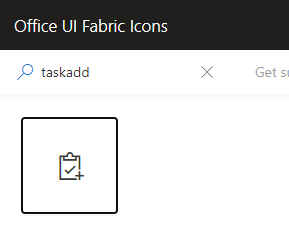
The flow won't run for other users. It will work for list owner, possibly flow owner (have not tested). I am not sure if there are other UI Fabric Icons that do not work. Changing the icon any other icon afaik example Flow, PlannerLogo, AddEvent and more will make the Flow run again for other users. It is only the TaskAdd icon afaik that has this issue.
So not the biggest bug but strange
What Should Happen
The Flow should run
What Actually Happens
Nothing happens. The window that normally appears with confirmation to run flow does not appear.
