

 plotly
White or blank screen when opening Falcon
This is using Electron on Ubuntu 16.04. Ubuntu 14.04 does not seem to have the same problem. This is from the deb.
I can overcome this problem by clicking on links, that are hidden, or opening the Developer Tools, which makes everything fade in. So I cannot see from the developer tools what is causing the problem.

Thanks for checking on both OSes, that helps us narrow things down! Can you confirm which .deb version you're using? The latest we have is falcon-sql-client_3.0.3_amd64.deb. I'm not sure if the amd64 part makes a difference here: was the 14.04 machine an AMD machine and the 16.04 an intel one or... ?


@mattc-nca @nicolaskruchten
I believe all the blank screen relates to hot linking to minified react js. I believe these type of JS should bundled in the app distribution.
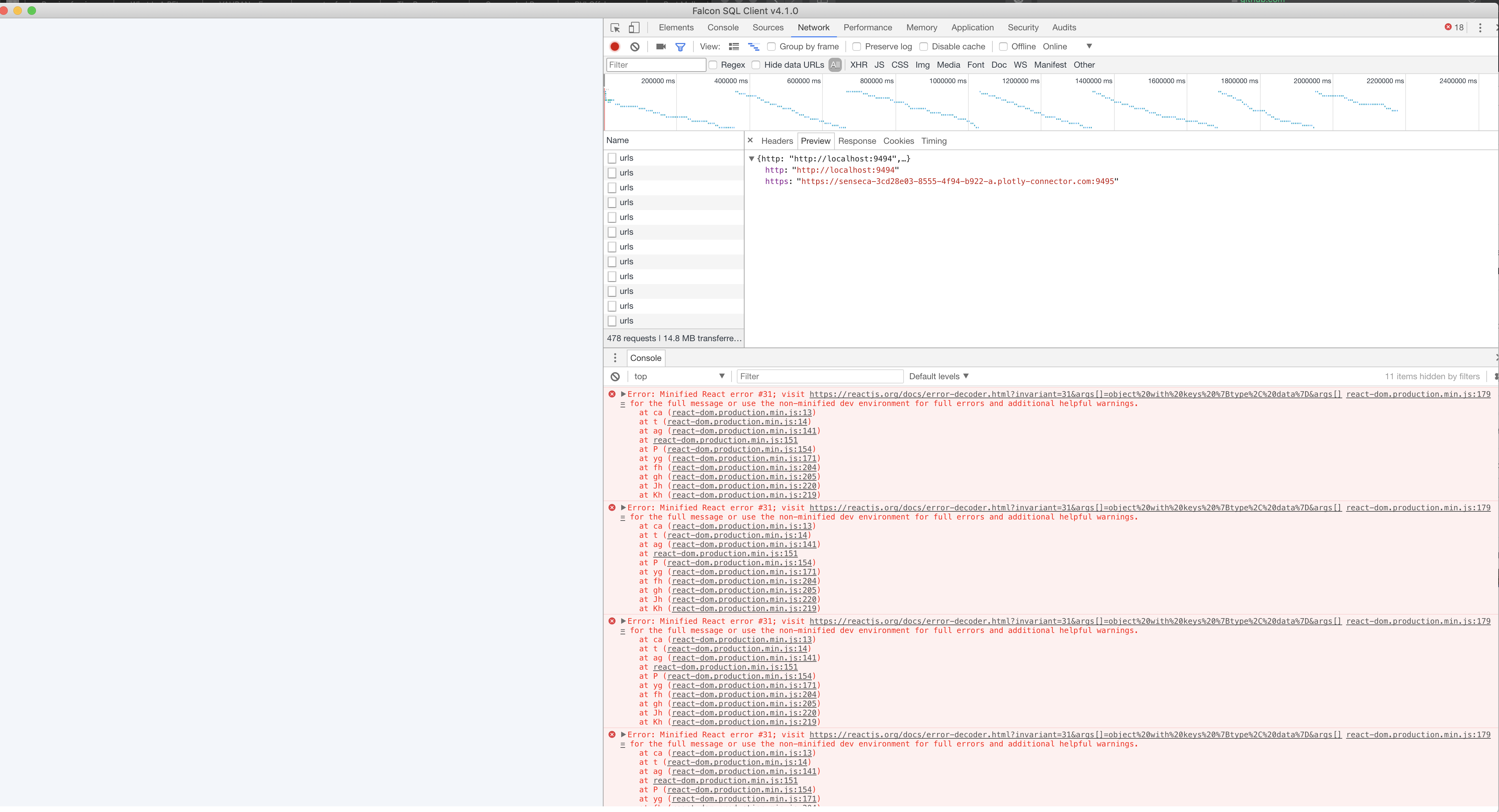
I'm also seeing this. Like @speedmax, if I pull up the developer console there is clearly a react error.
For me this happens when I try query a elastic search db.


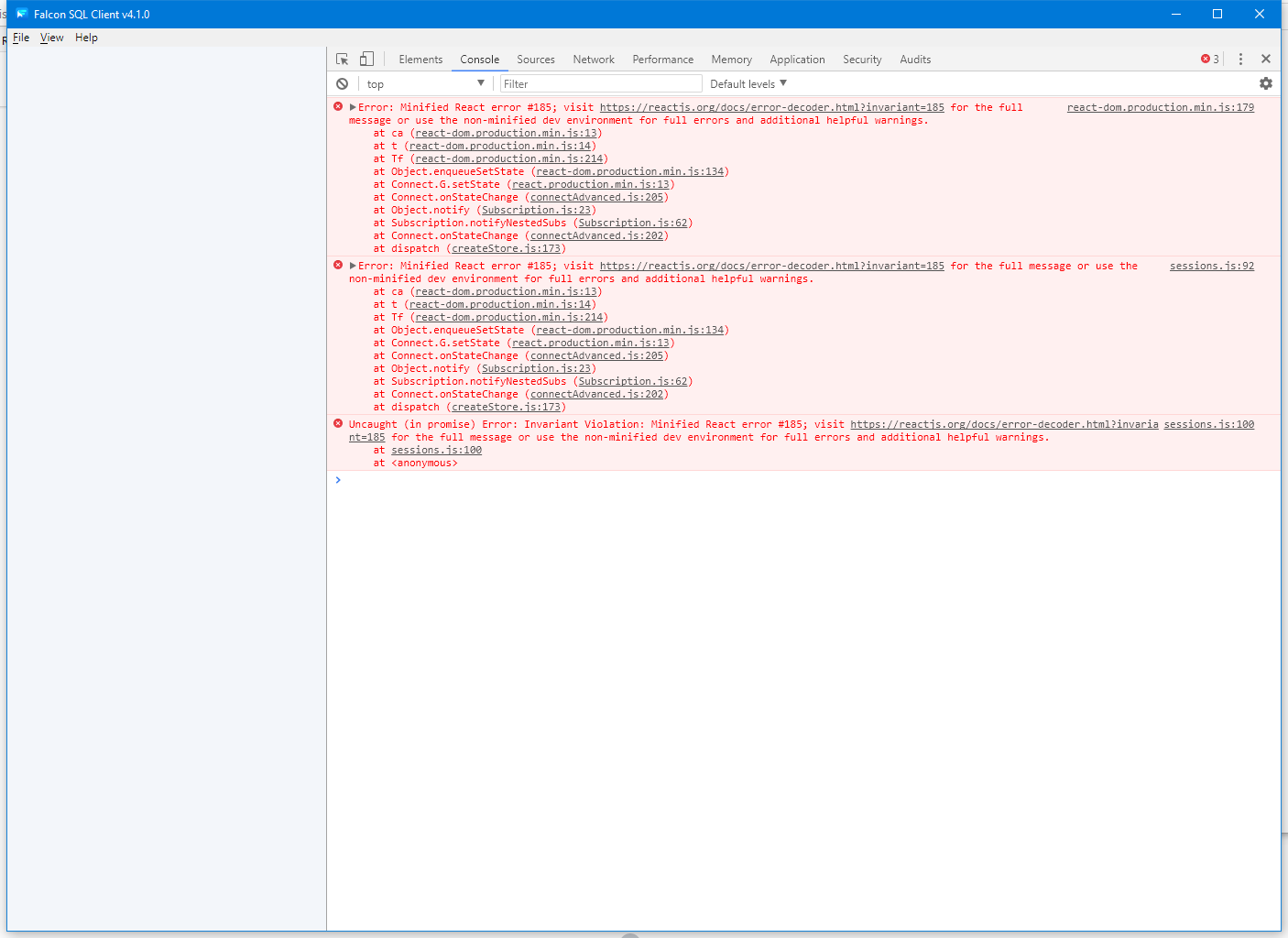
Also seeing this on Windows 10 while attempting to use elastic search. Different React error than @speedmax, though I don't know enough React to say that it's a significant difference.

I'm getting the blank screen as well when I open the query pane after connecting to a local mysql (5.6.47) instance.
OS: macOS 10.15.4 Falcon SQL Client Version 4.1.0 (4.1.0.930)

Error: Minified React error #31; visit https://reactjs.org/docs/error-decoder.html?invariant=31&args[]=object%20with%20keys%20%7Btype%2C%20data%7D&args[]= for the full message or use the non-minified dev environment for full errors and additional helpful warnings.
    at ca (react-dom.production.min.js:13)
    at t (react-dom.production.min.js:14)
    at ag (react-dom.production.min.js:141)
    at react-dom.production.min.js:151
    at P (react-dom.production.min.js:154)
    at yg (react-dom.production.min.js:171)
    at fh (react-dom.production.min.js:204)
    at gh (react-dom.production.min.js:205)
    at Jh (react-dom.production.min.js:220)
    at Kh (react-dom.production.min.js:219)
Hg @ react-dom.production.min.js:179
Pg.c.callback @ react-dom.production.min.js:190
uf @ react-dom.production.min.js:128
tf @ react-dom.production.min.js:128
Mh @ react-dom.production.min.js:229
Jh @ react-dom.production.min.js:220
Kh @ react-dom.production.min.js:219
Ph @ react-dom.production.min.js:231
Id @ react-dom.production.min.js:85
