
ElectronBot
 ElectronBot copied to clipboard
 peng-zhihui


### Discussed in https://github.com/peng-zhihui/ElectronBot/discussions/206 Originally posted by **TitanRGB** July 24, 2022  效果类似上图,就是能让GitHub的语言统计识别到这些EDA软件。我整理了一个万能的`.gitattributes`,可以使GitHub正确的识别Altium Designer、KiCAD、Gerber以及Eagle。我把这个文件放在了我的Gist里[https://gist.github.com/TitanRGB/61c37bf71159cc9a511558ec7c218339](https://gist.github.com/TitanRGB/61c37bf71159cc9a511558ec7c218339) 其中,能使AD语言生效的部分是: ``` *.OutJob linguist-detectable=true *.PcbDoc linguist-detectable=true *.PrjPCB linguist-detectable=true *.SchDoc linguist-detectable=true *.outjob linguist-detectable=true *.pcbdoc linguist-detectable=true *.prjpcb linguist-detectable=true...

 ![Uploading Snipaste_2022-07-12_02-21-41.jpg…]()

  前后对比
首先我很菜很菜,研究了好一段时间源码,发现PID我没理解,如图  请问dce.integralVel项有什么意义?好像在固件里因为dce.kv为0所以此项一直不起作用。 另外主机获取舵机速度会返回有效值吗?

程序测试的时候发现屏幕初始化后花屏,而且程序卡在45行,electron.SendUsbPacket函数,返回值一直USBD_BUSY。感觉是硬件问题,但是USB3300我换过,屏幕也换过!问题一样! 显示效果如下: 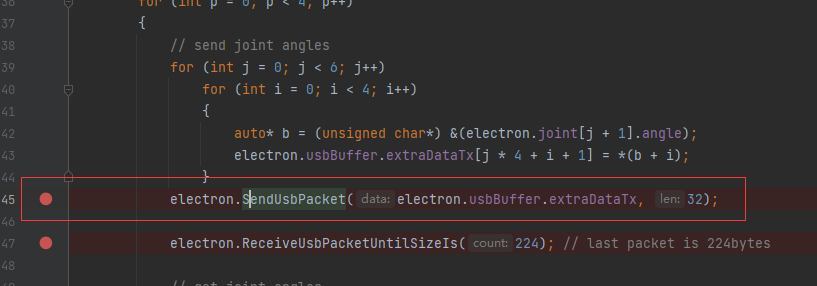 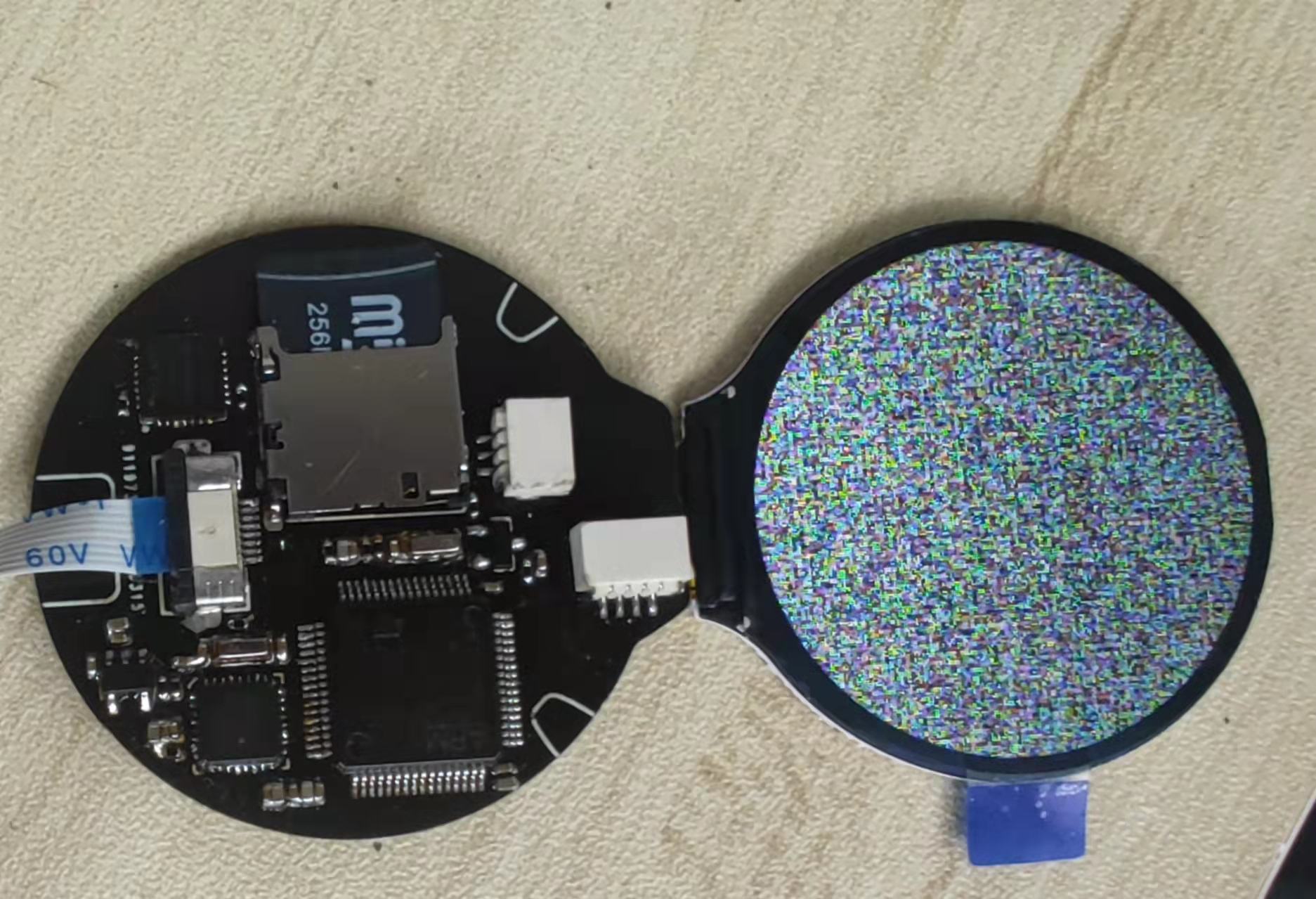 硬件测试了,没有测试出问题啊!,这个情况一般是什么问题导致?


打开电子上位机问题,不能放大 

问题还很多,仅限提供个开发思路。 目前用着还不错。CLR封装如下: [BaseBotCLR.zip](https://github.com/peng-zhihui/ElectronBot/files/8669931/BaseBotCLR.zip) 另外,需要说明的一点是:我只用到了4个舵机,少的两个舵机默认置0了。需要按需调整。 6个舵机实在太难装了,挤断无数回后,痛定思痛改装了乞丐版,成本降低40元左右?少了2个自由度,对于关注软件开发的人来说,收效比还可以。乞丐版改造如下(螺丝发得多,是有用的):  C#开发了简单的winform如下: 

STM32焊好后,可以正常烧录,但是烧录后并不显示有新设备,`electronbot@PZH`那个驱动也就无从装起了,有人遇到这种问题么,是啥原因啊。 另外,之前CP2102焊好后会被识别成`"Verifone USB for Printer"`,百度了一下,这个就是CP2102,按教程安装CP2102的驱动后,可以识别成CP2102。  这个正常么?是不是买到假芯片了。 已经新买了CP2102和两个晶振,回头换了试试看。
