

 pedroSG94
I have got one issue while live streaming in portrait camera orientation
Hi pedroSG94, I am using your library for live streaming. I am testing on the 4G HD Law enforcement recorder for which I have uploaded a screenshot. I am trying to stream in portrait resolution which is 352 x 288. But the issue I am facing is that when I am streaming in portrait but it changes to the landscape. Could you help me with this issue ?
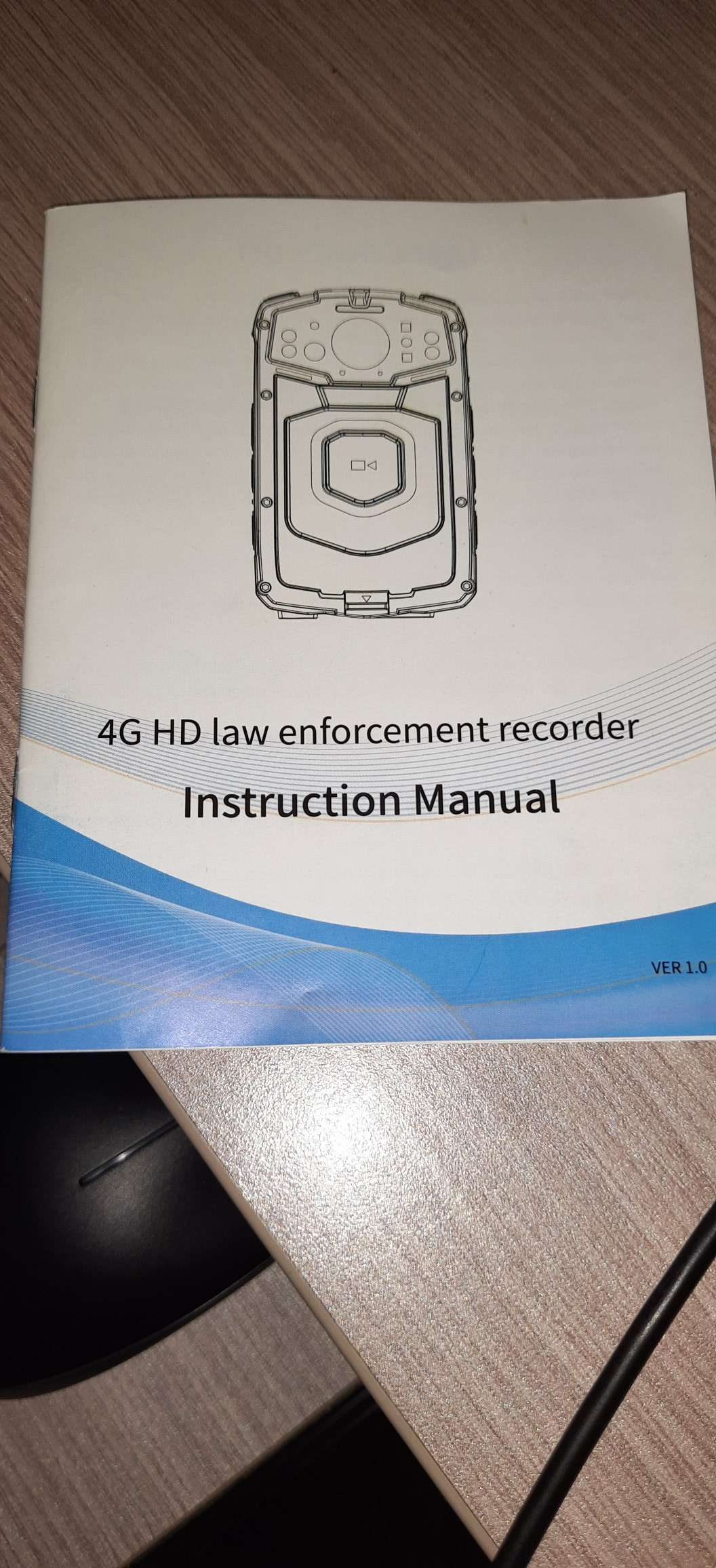
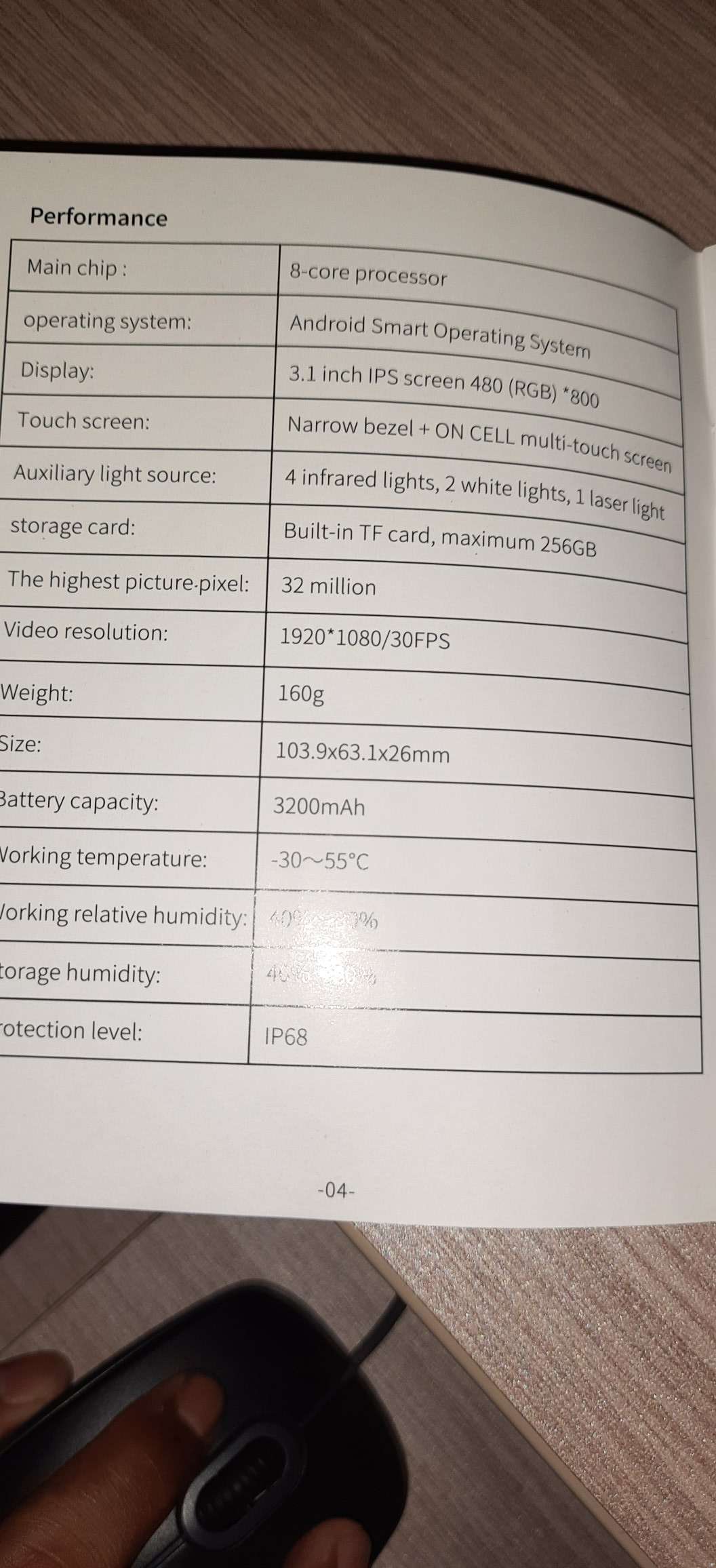
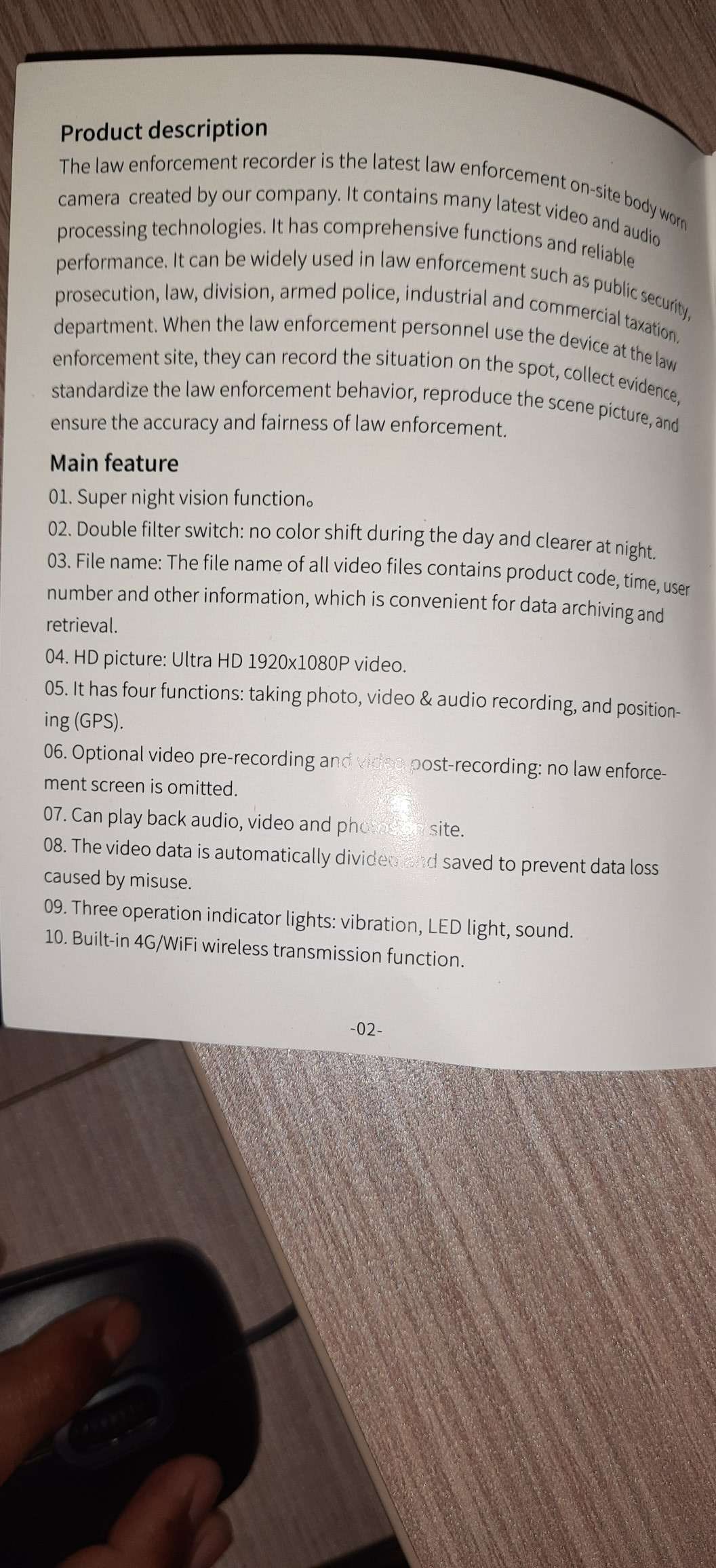

I don't understand the problem. Can you explain it better? Where is the problem exactly when you change to landscape? Can you explain desired behavior?

- I have started streaming in portrait device mode(Vertical),
- It shows a preview in Landscape device mode(Horizontal).
Can you please see below attachment link show (Preview video) https://www.youtube.com/shorts/OU1cufH664o
Actually. How the f did you manage to get the video to rotate when you rotated the device like that?

Actually. How the f did you manage to get the video to rotate when you rotated the device like that?
That is the issue which I am facing!
Ok, I understand now.
Do you have prepareVideo method with rotation value setted correctly? The correct value should be like this:
prepareVideo(width, height, fps, bitrate, CameraHelper.getCameraOrientation(context);
If you have this method corerctly configured lest try other ways:
- Use OpenGView as preview and set RotationFilter:
        RotationFilterRender rotationFilterRender = new RotationFilterRender();
        rtmpCamera1.getGlInterface().setFilter(rotationFilterRender);
        rotationFilterRender.setRotation(90);
- If you are using Camera1 you can try with this method:
rtmpCamera1.setPreviewOrientation(90);
- Use OpenGView as preview and set rotation to OpenGlView:
//rotate preview and stream/record
rtmpCamera1.getGlInterface().setRotation(90);
//rotate only stream/record result
rtmpCamera1.getGlInterface().setStreamRotation(90);