parse-dashboard

parse-dashboard copied to clipboard
 parse-community
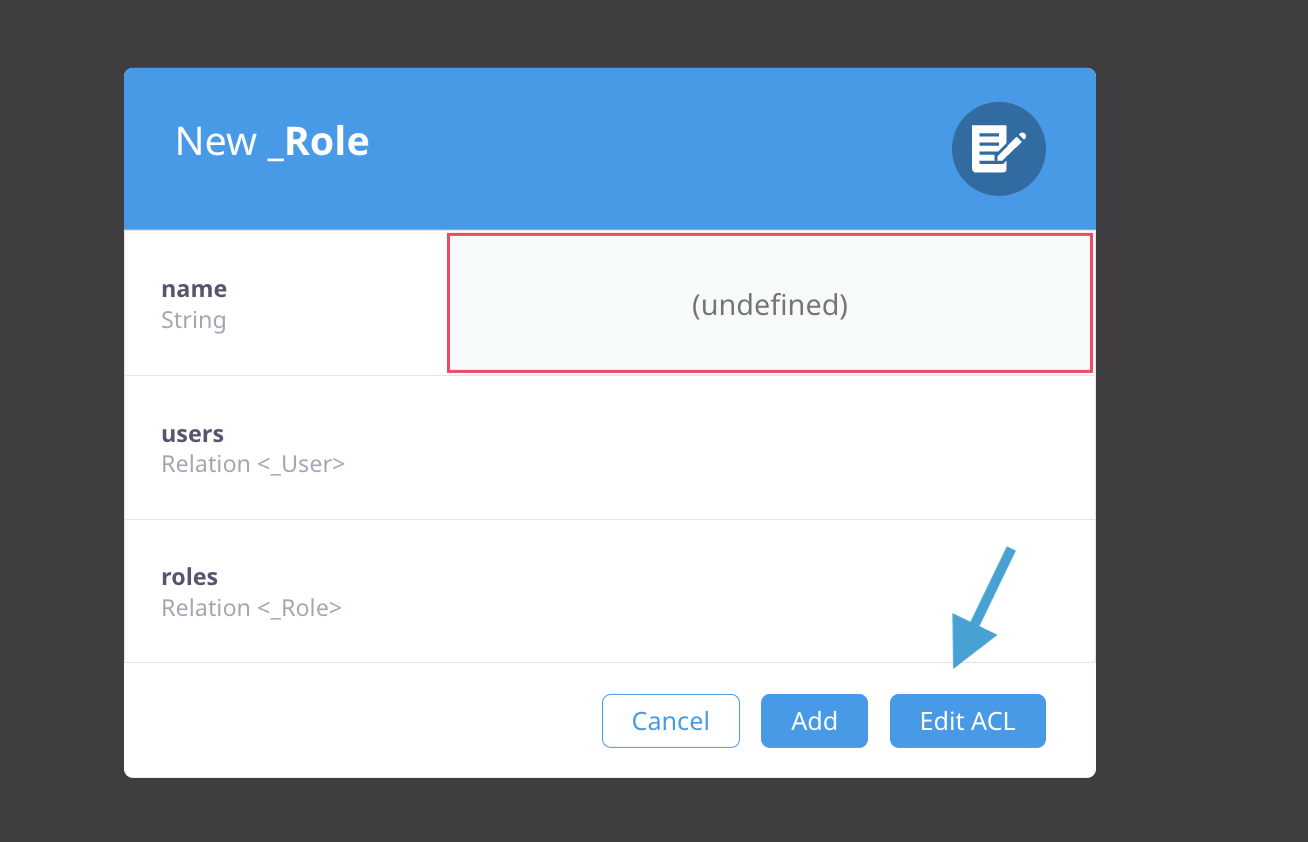
"Add row with modal" dialog has no cancel button
New Issue Checklist
- [x] I am not disclosing a vulnerability.
- [x] I am not just asking a question.
- [x] I have searched through existing issues.
- [x] I can reproduce the issue with the latest versions of Parse Server and Parse Dashboard.
Issue Description
The "Add row with modal" dialog has:
- no "Cancel" button, but such a button would be commonly expected in a modal dialog
- a "Close" button, which is ambiguous, does it "close and cancel" or "close and save"?
Steps to reproduce
- In the data browser open the menu Edit > Add row with modal
Actual Outcome
Has aforementioned buttons
Expected Outcome
- Should have a "Cancel" button
- Instead of the "Close" button, it should have an "Add" button (named the same as when adding a row within the data browser table), that saved the row.
Environment
Dashboard
- Parse Dashboard version:
4.0.0-alpha.5

@mtrezza Do you have any ideas on how to display an error message for the required ACL field, which is hidden on the modal?
Row

Modal