

 pannal
Update installation Documentation
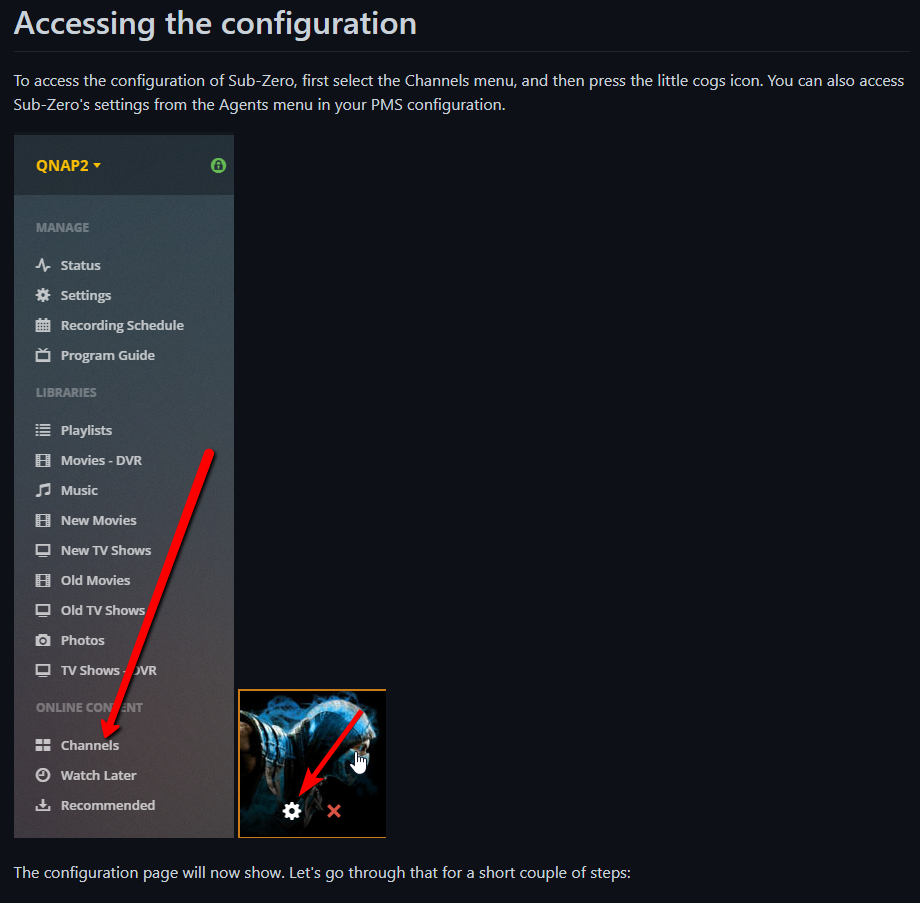
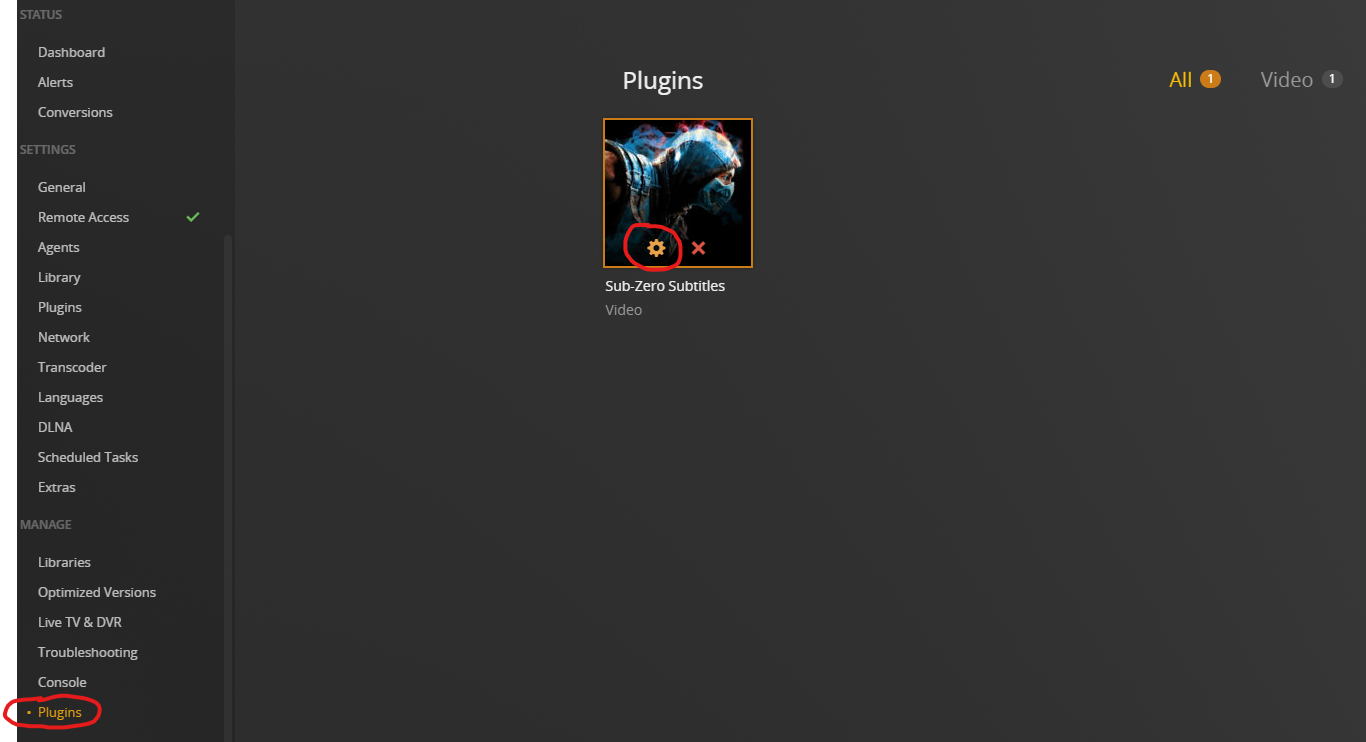
The install documentation seems a bit outdated. The documentation says to go to 'Channels' to configure Sub-Zero but that does not seem to be the way to do it anymore. Now to configure Sub-Zero you would go to Settings > Plugins.
Old:
New:

I agree with this. The guide was written before the Live TV interface was updated with Plex's own selection of streaming content (back when "Live TV" relied on having a TV tuner either directly connected to the server or via the network; i.e.: HDHomeRun). While the method you posted above will get you to the configuration section (just like when you use the "gear" icon on the agent selection/configuration screen), it will still not get you to the actual "main" interface of this plugin (as shown in the installation/configuration guide), which I know existed prior to this change (as I used to use it before many of the plugins became depreciated in Plex).
