openstf
STF is empty when openning on win7.
What is the issue or idea you have?
Does it only happen on a specific device? Please run adb devices -l and paste the corresponding row.
Please provide the steps to reproduce the issue. open STF on win7 What is the expected behavior?
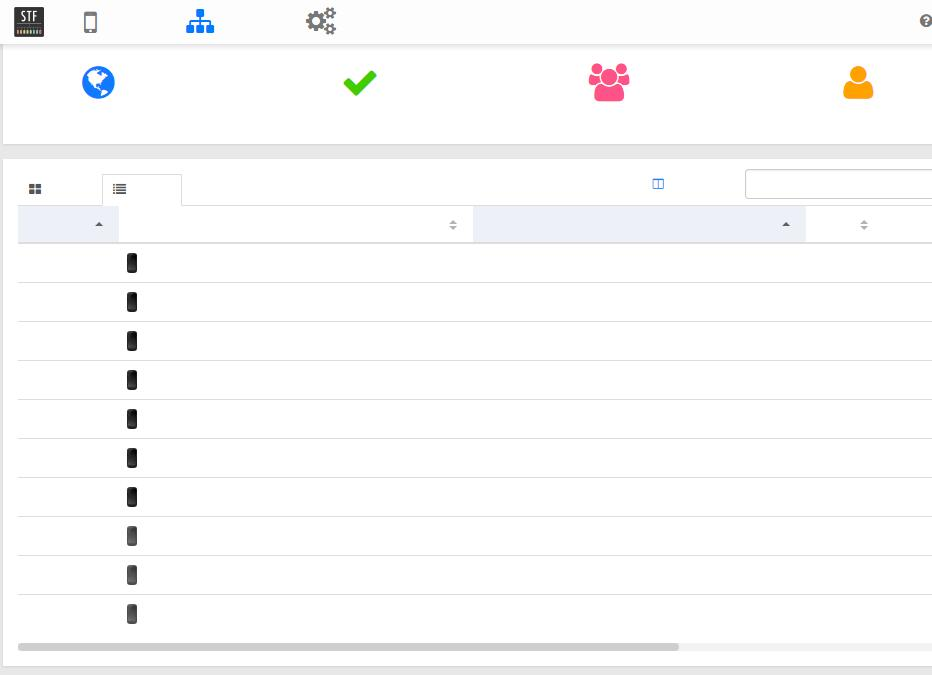
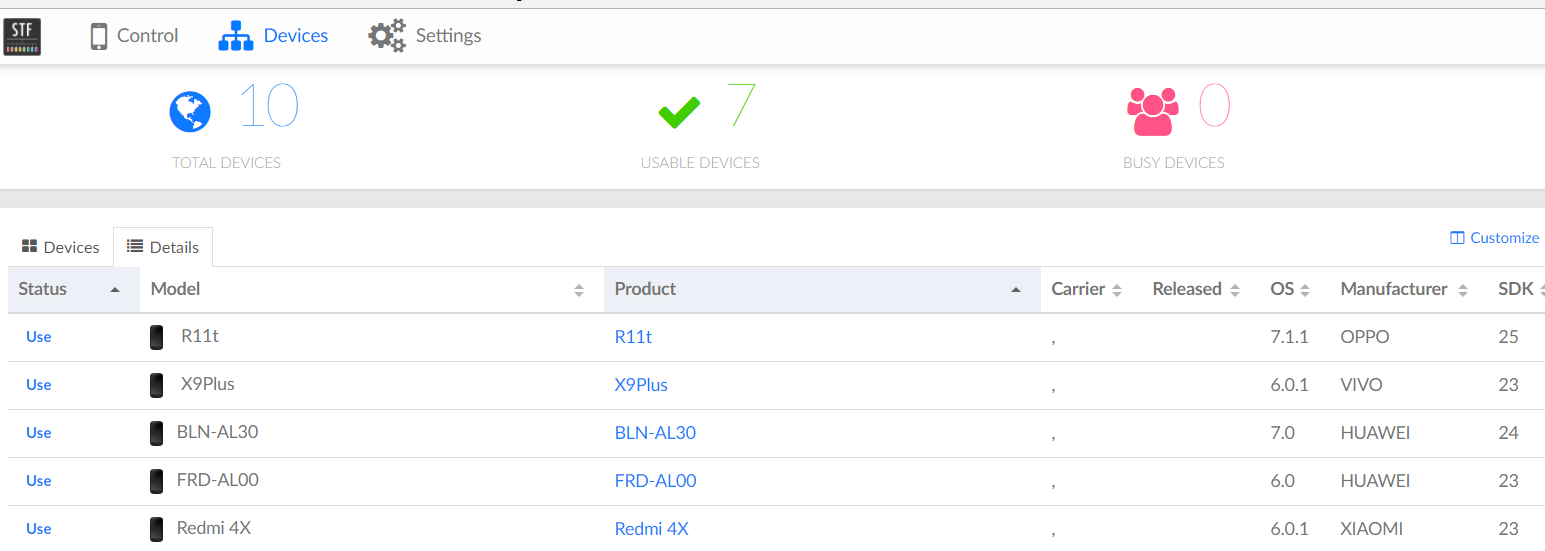
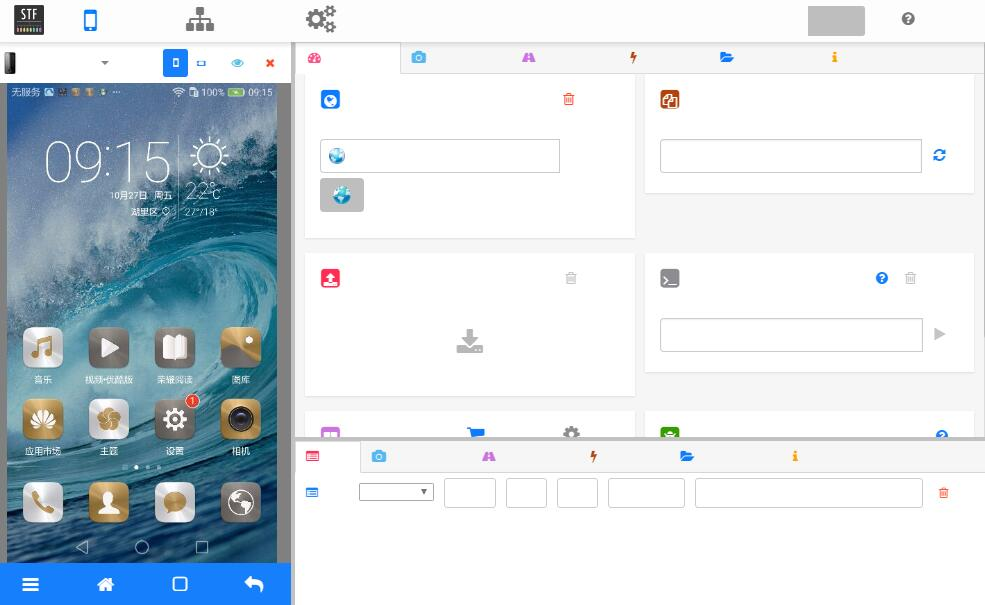 When I open STF on win10,it's OK! Like this:
Do you see errors or warnings in the stf local output? If so, please paste them or the full log here.
Please run stf doctor and paste the output here.


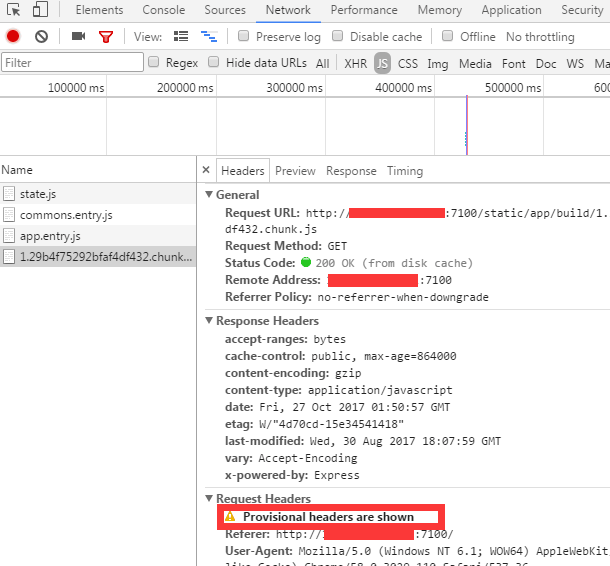
@sorccu I open STF on win7 chrome v58/v61, it's empty.But open on win7 chrome v59 and win10 chrome v61, it's ok.
Provisional headers are shown just means that its using cached content. Try to check the Disable cache checkbox.
@HeartIsBeat can you check with latest Canary version of Chrome and also Firefox? It looks like it may be a Chrome bug (see here).

@gunta Both I select Disable cache checkbox or not, the same. Canary version of Chrome is crashed always. The same on Firefox. STF opennig on Win7 chrome v58/v61 is empty, on Win7 chrome v59 is ok, on Win10 chrome is always ok.
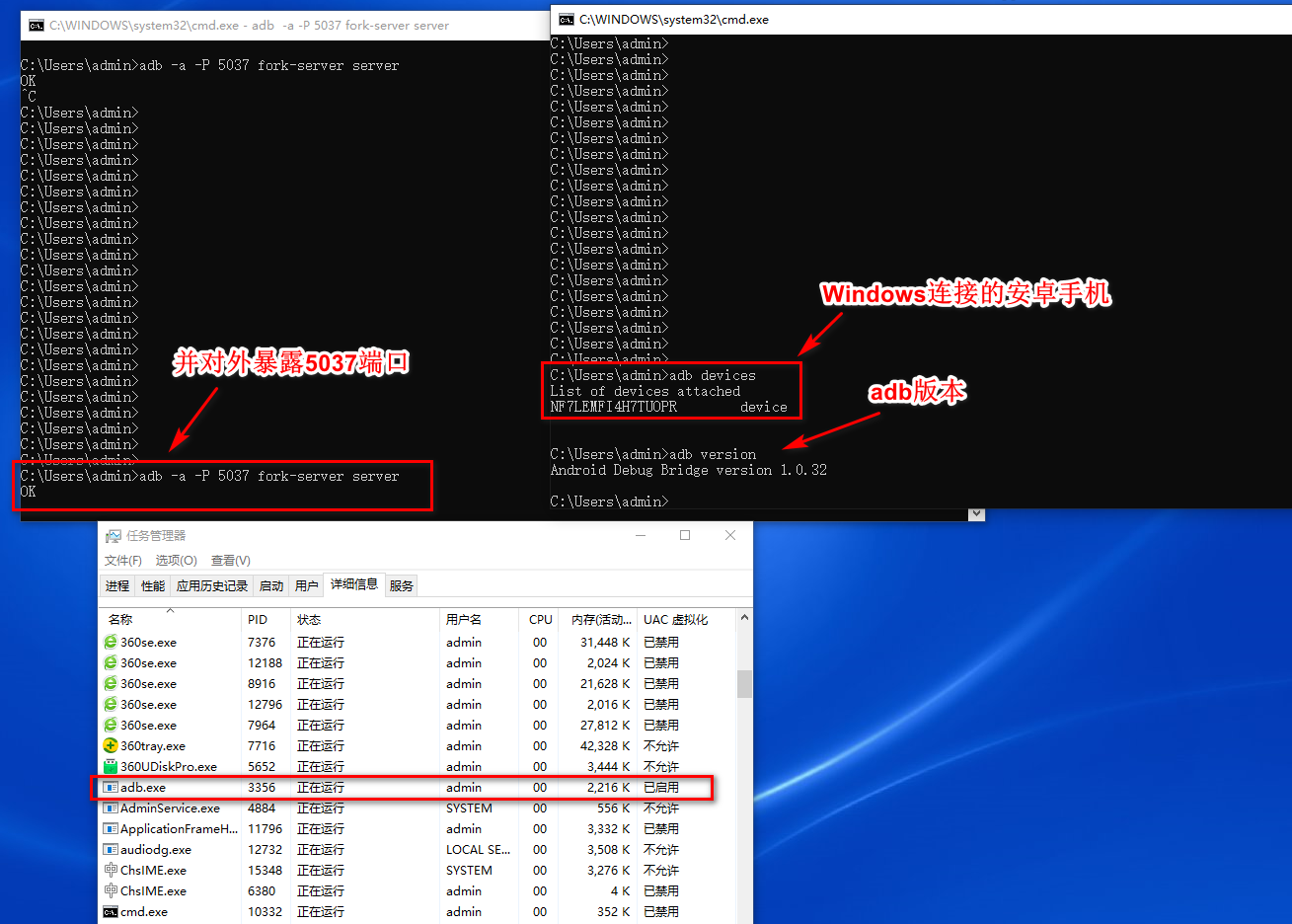
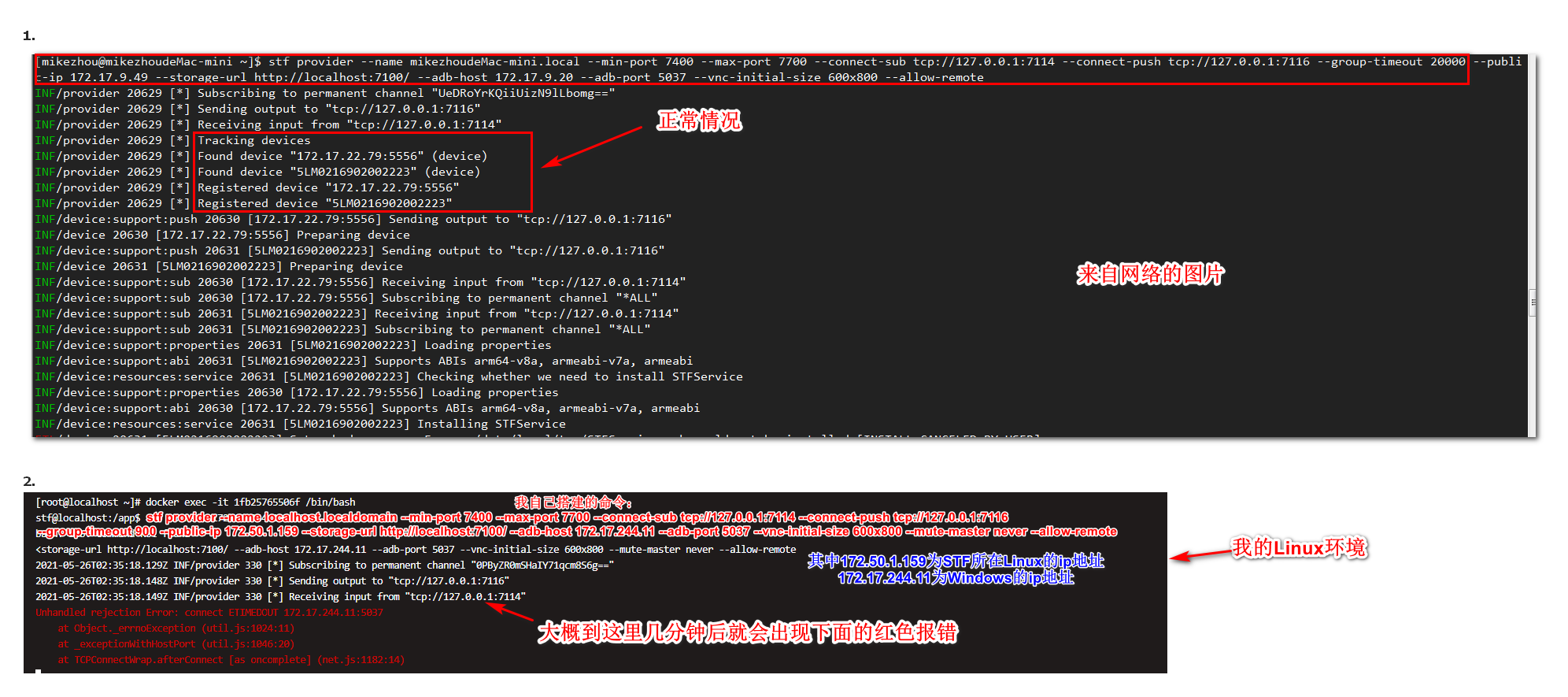
Linux机器使用docker搭建STF,Windows安装SDK后,使用USB连接安卓设备 首先在Windows暴露5037端口 然后在Linux使用命令:stf provider --name localhost.localdomain --min-port 7400 --max-port 7700 --connect-sub tcp://172.50.1.159:7114 --connect-push tcp://172.50.1.159:7116 --group-timeout 900 --public-ip 172.50.1.159 --storage-url http://172.50.1.159:7100/ --adb-host 172.17.244.11 --adb-port 5037 --vnc-initial-size 600x800 --mute-master never --allow-remote
就一直停在“ tcp://172.50.1.159:7114”接收输入,过了几分钟就报错了,这个是什么原因?