openMF
Fixes #1762 : UI enhancement done in item_checker_task.xml
Fixes #1762
Please make sure these boxes are checked before submitting your pull request - thanks!
-
[x] Apply the
MifosStyle.xmlstyle template to your code in Android Studio. -
[x] Run the unit tests with
./gradlew checkto make sure you didn't break anything -
[x] If you have multiple commits please combine them into one commit by squashing them.

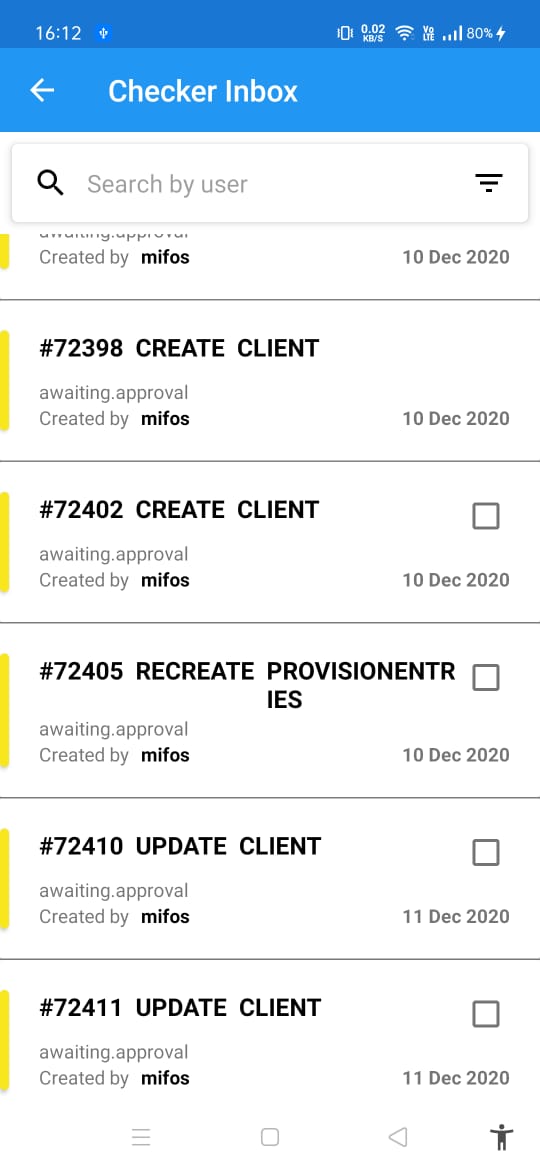
Text in next line visible at center doesn't look good. I think better is to set text gravity to
start|left.
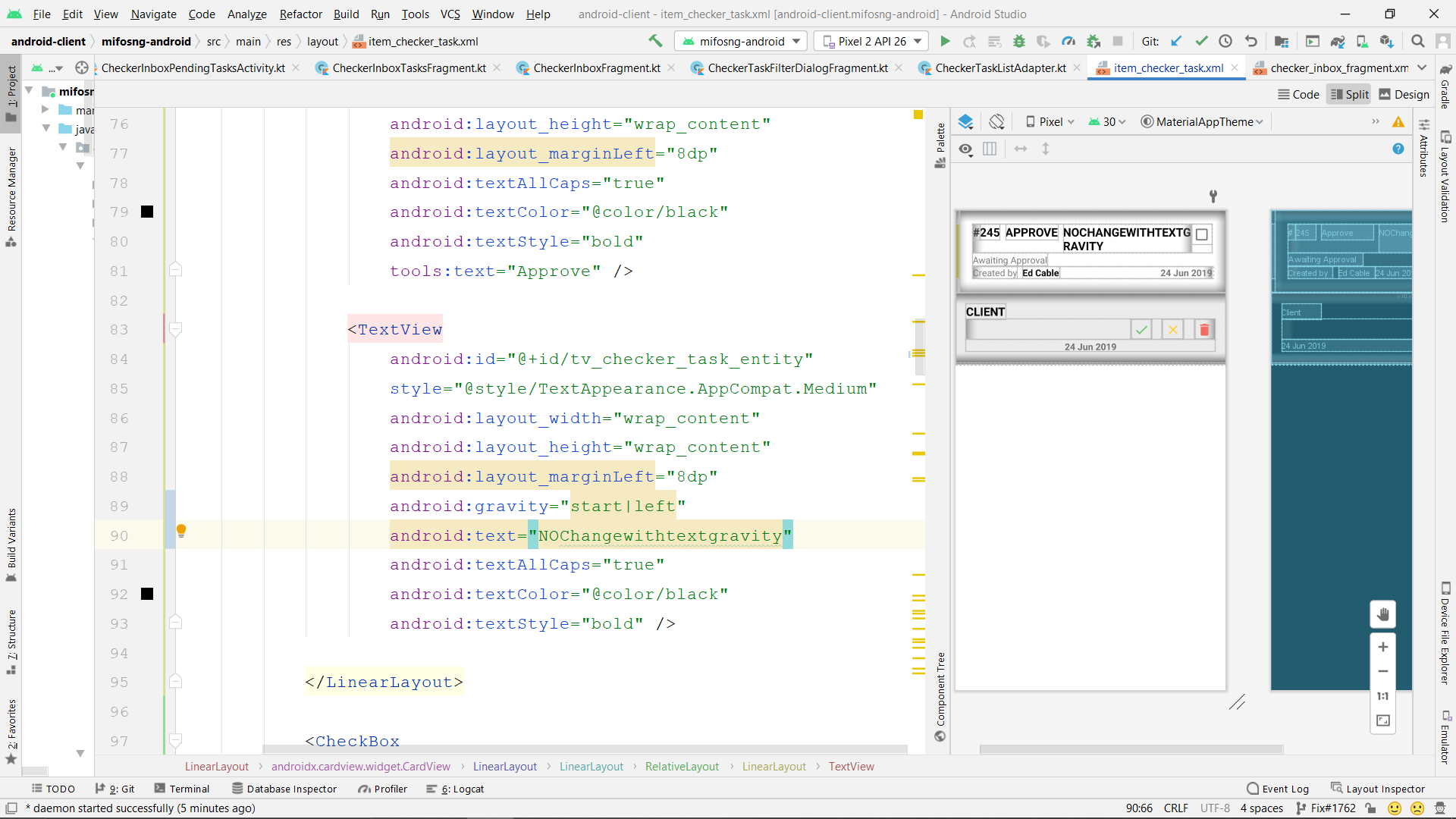
@PatelVatsalB21 , that is not making any change and will not make since there is no space left to the right so no change of gravity. Also it is a demo and while user will make its use he must give space between two words so that will automatically come to next line.
@NikunjGarg2000 i got it but this solution isn't looking pleasant. So can you suggest any change that can be made it layout to suit better?

Yes @PatelVatsalB21 , I too think it doesn't looks good but I can't really think of anything we can really do if user don't give spaces between words otherwise I might have done it. Let me think again and please suggest me something if you get what to be done.
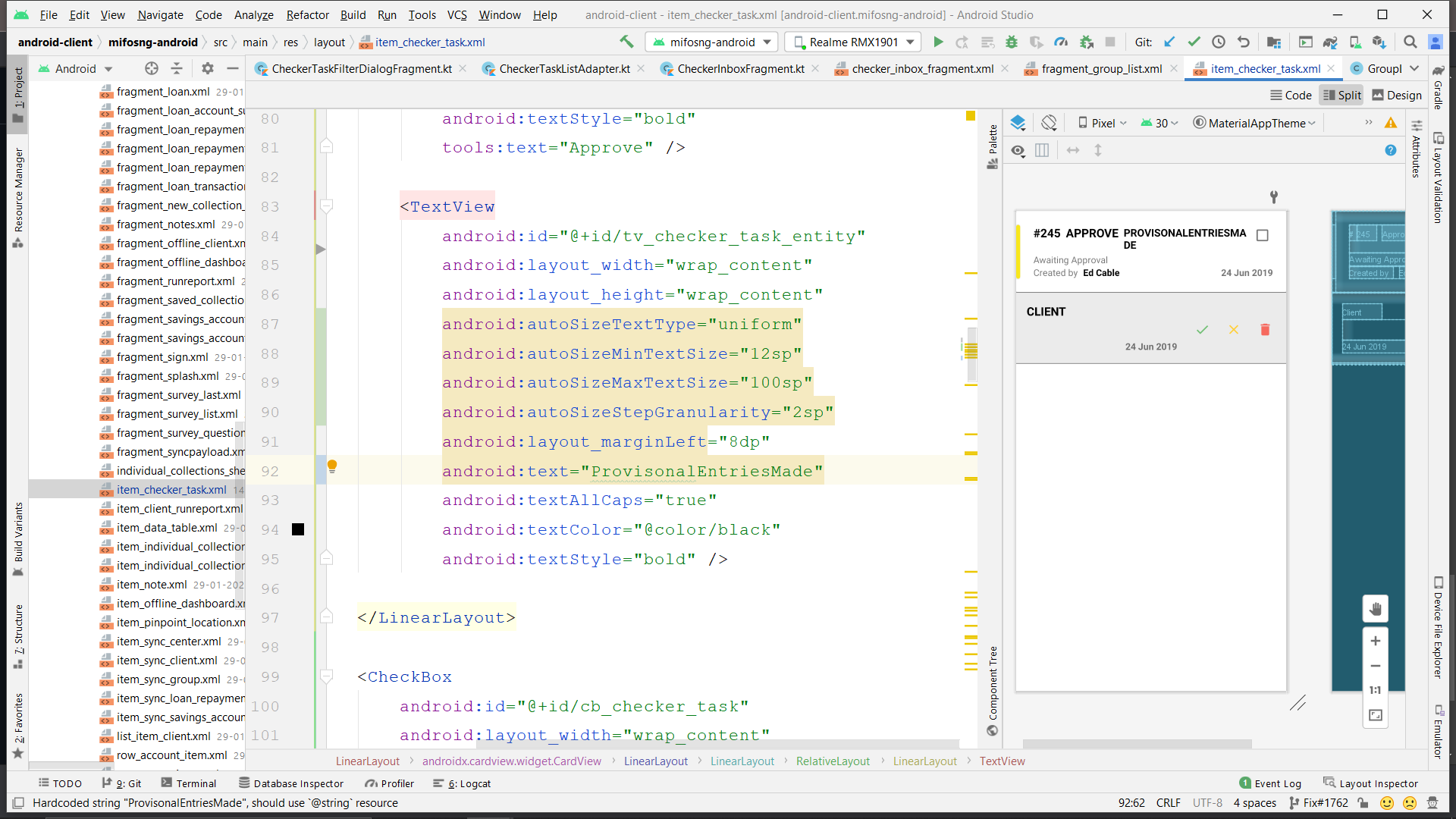
@NikunjGarg2000 , try using the below code snippet what it does is auto resizes the text to fit within bound try this and tell if it looks good.
<?xml version="1.0" encoding="utf-8"?>
<TextView
    android:layout_width="match_parent"
    android:layout_height="200dp"
    android:autoSizeTextType="uniform"
    android:autoSizeMinTextSize="12sp"
    android:autoSizeMaxTextSize="100sp"
    android:autoSizeStepGranularity="2sp" />

@NikunjGarg2000 , try using the below code snippet what it does is auto resizes the text to fit within bound try this and tell if it looks good.
<?xml version="1.0" encoding="utf-8"?>
<TextView
    android:layout_width="match_parent"
    android:layout_height="200dp"
    android:autoSizeTextType="uniform"
    android:autoSizeMinTextSize="12sp"
    android:autoSizeMaxTextSize="100sp"
    android:autoSizeStepGranularity="2sp" />
@danishjamal104 great suggestion it is doing the work here for the word "ProvisionalEntries" but then the point comes to that the word can be bigger too if user don't give spaces.