

 open-metadata
Enable Direct to Glossary term on Assets page
Is your feature request related to a problem? Please describe. I can tag columns (assets) with a glossary, but if I want to find out more about the it, there is no way to go to the glossary (I need to open "Glossary" and find it). Right now I can only remove the tag. Most users would use this as a consumer (not producer) and hence the ability to be linked to a glossary is more important than edit the tags.
Describe the solution you'd like When a column (asset) is tagged to a glossary, I should be a able to click on the tag and be directed to the glossary.
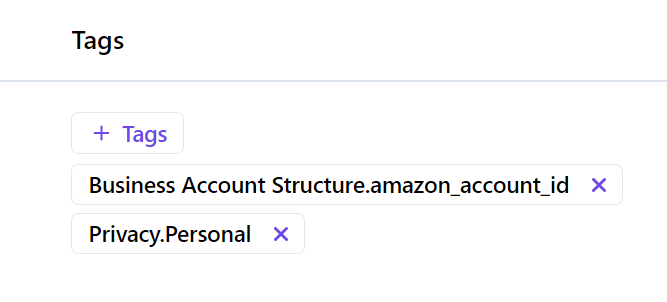


@Sachin-chaurasiya when the user clicks a glossary tag we should redirect them to that specific term under glossary -> assets, we should do the same thing for tags as well.

With which version is this going to be released?
Hey @trillhaa , It will be part of 0.12.0.

Hello @trillhaa, We were thinking of having functionality like if users click on the tag we can redirect them to explore page with that tag, and users will get the all results that have selectedTag.
Example: Let's say the user clicked on the PII.Sensitive tag and then he will be redirected to explore page with the PII.Sensitive tag selected.
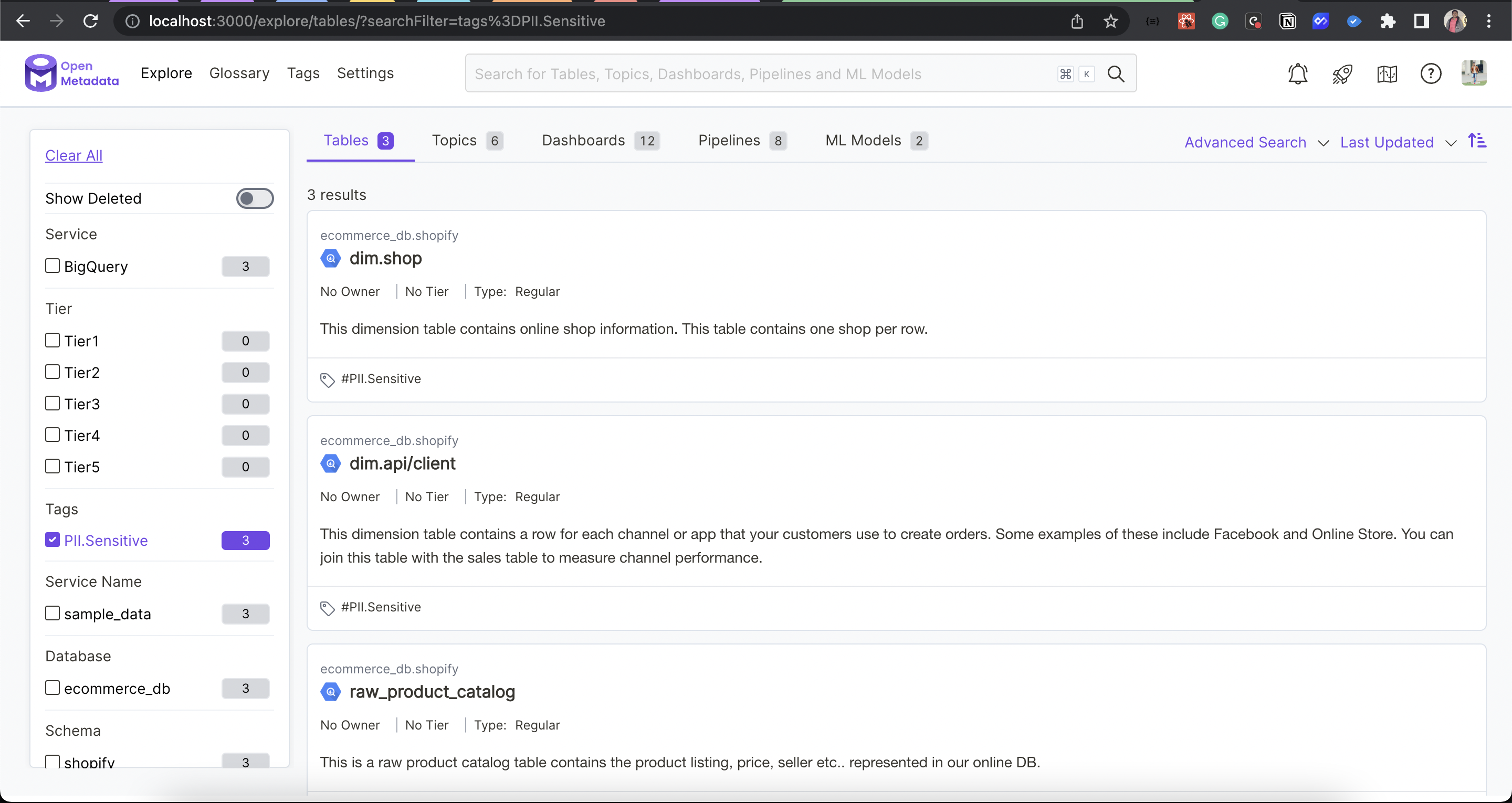
Please let us know your thought on this.
This would make sense for tags, but it doesn't make sense for glossary terms. However, user should have the same experienece on when clicking on tag/glossary in my POV.
How do you think about these two concepts (tags/glossary) from a product perspective and how should they be used differently? From my understanding, tags and glossaries only seem to be differentiated in that ...
- tags do not have educational context
- tags are tied to an asset while glossary could be standalone potentially.
For glossaries, I think users would want to learn about this term and hence should be directed to the glossary page (where they are anyways seeing related assets). With that in mind, I'm wondering what I should be even using tags for. Happy to chat in slack quickly.