

 opa334
After uicache the application will re-request notification permissions
No Duplicates Issue
- [X] I'm sure I've searched on the issue tracker before creating one.
Expected Behavior?
Under normal circumstances the app should still have the appropriate notification permissions after the icon cache has been rebuilt
Current Behavior?
Every time the desktop icon cache is rebuilt, the app will ask for notification permissions again
Possible Solution?
I found that I only need to set the app type to user before rebuilding the desktop icon cache (uicache). trollstore will set the type back to system when rebuilding the icon cache, and the app will open normally after logging out, and will not ask for notification permission again. All it takes is to slightly improve the trollstore's steps to rebuild the icon cache by setting all app types to user before rebuilding the desktop icon cache
Steps to Reproduce
TrollStore Version
TrollStore 1.4.4
iOS/iPadOS version
iOS 15.4.1 & iPadOS 15.4.1
iDevice Model
iPhone14.5 & iPad13.1
Other info of your environment
No response

I'm confused... Don't TrollStore installed apps automatically get access to push notifications without asking for it?

Sorry, I'm using a translator, I don't know if what you see is what I expressed
After rebuild icon cache, both wechat and sileo demo will request notification permissions with this popup
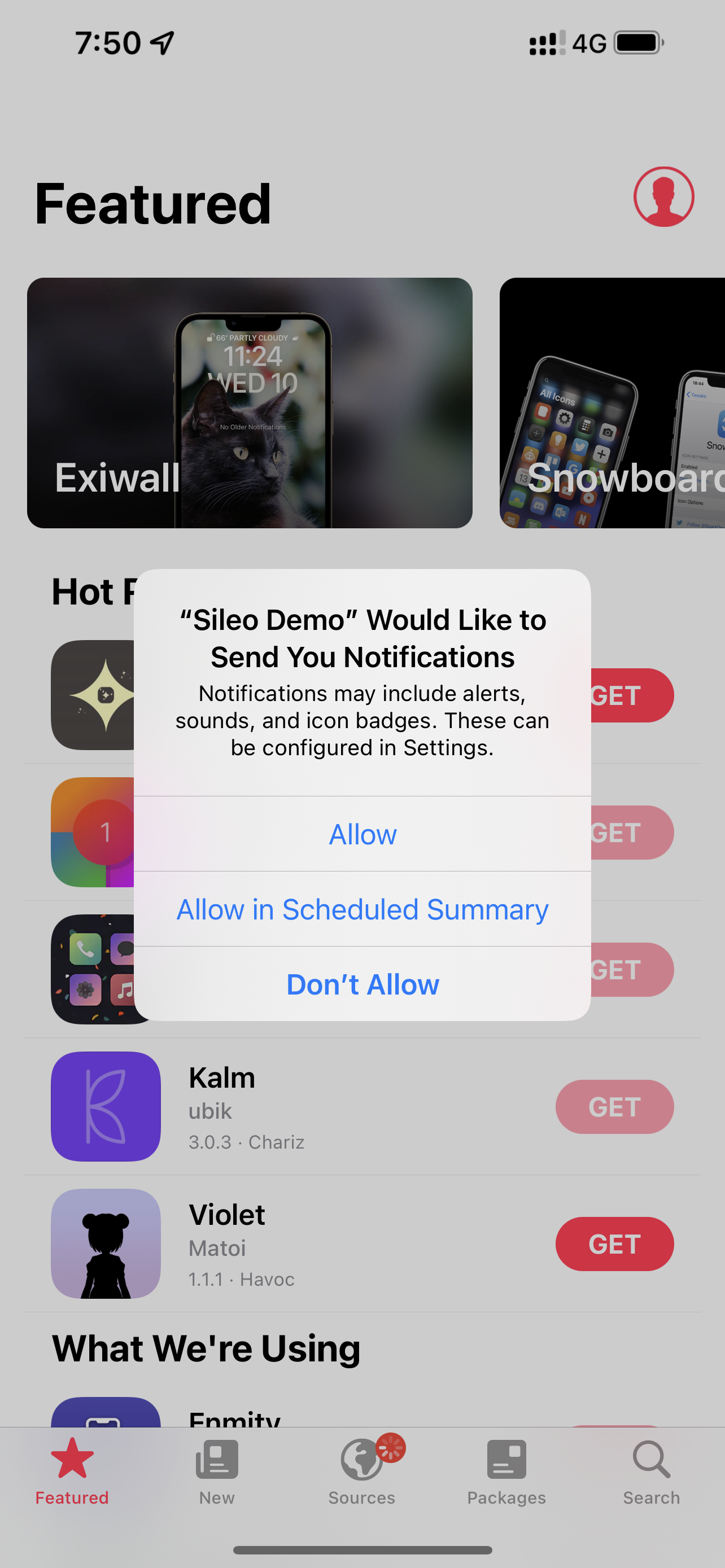
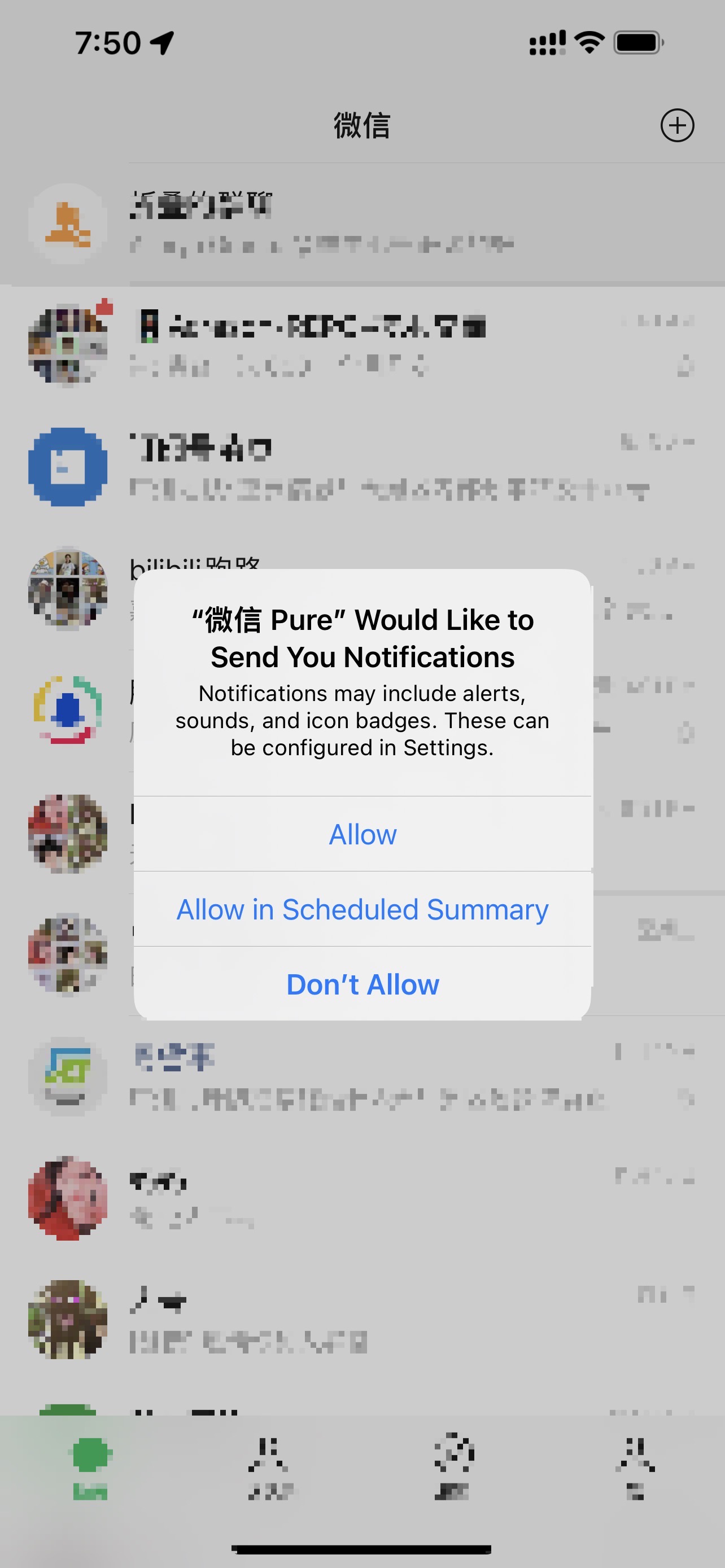
After clicking allow, the window will not pop up again without uninstalling and rebuilding the icon cache, but when the icon cache is rebuilt again, this window will pop up
Let me rephrase this. TrollStore apps are registered as system and get a specific Info.plist key to enable notifications. This "App Would Like to Send You Notifications" should NEVER appear on a TrollStore installed app. When the app requests permissions it should automatically get them without this pop up appearing. The fact that this appears for you is really weird, it does not appear on any of my devices.
Maybe this happens on chinese devices only? Although I fail to see why it would be that way, but there are some weird quirks like this because of chinese regulations.
I also have an iPhonese1 sold in the US, iOS1541, and I get a notification pop-up after the same attempt
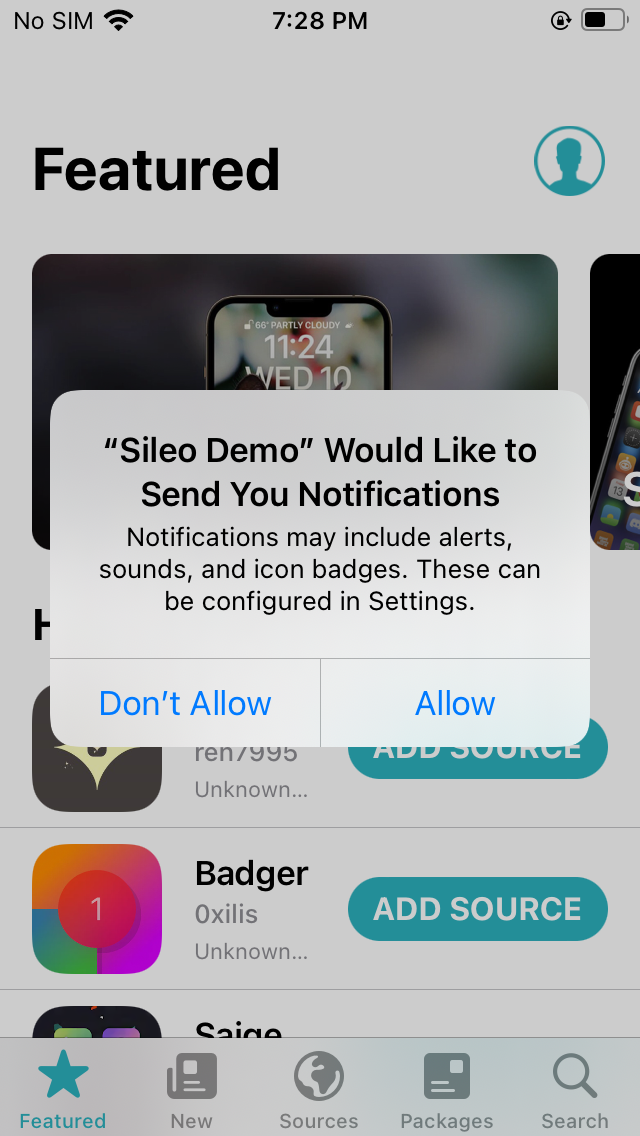
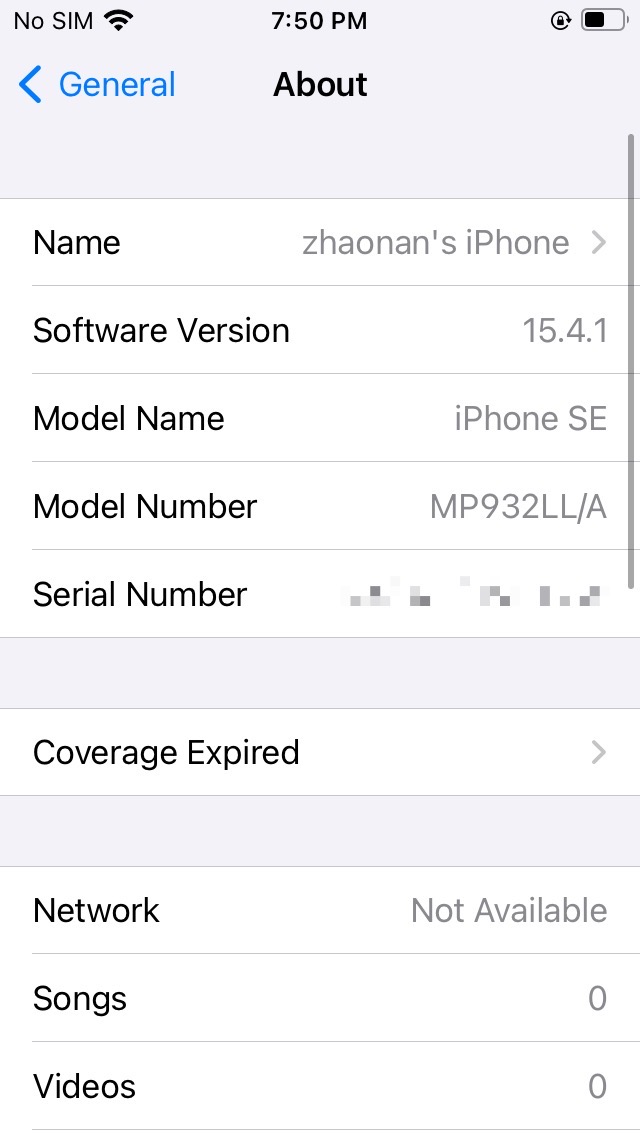
Also with some of my friends using Chinese devices, uicache doesn't cause a popup requesting notification permissions
And after asking people around, they if not pop-ups, then within settings-notifications, the application has indeed acquired notification permissions. But if you execute uicache with type system, then even if you turn off the notification switch for this app before, the switch will turn on by itself, the solution is to set the type of the app to user before uicahce
Should be fixed in 1.4.5 beta 1, please test and report back
https://twitter.com/opa334dev/status/1597720828711313408
Thanks, tested on ipad (1451) & iphone (1451) & iphone (148) and it did solve
Unfortunately registering everything as user before doing the icon cache reload causes apps on the home screen to move around on some devices, which is worse IMO also I don't want to knowingly introduce new issues so late in TrollStores development. So I will have to revert this fix for 1.4.5 full version.
Maybe save the home screen layout before uicache and restore it before logging out?
/var/mobile/Library/SpringBoard/IconState.plist
Maybe save the home screen layout before uicache and restore it before logging out?
/var/mobile/Library/SpringBoard/IconState.plist
No Duplicates Issue
- [x] I'm sure I've searched on the issue tracker before creating one.
Expected Behavior?
Under normal circumstances the app should still have the appropriate notification permissions after the icon cache has been rebuilt
Current Behavior?
Every time the desktop icon cache is rebuilt, the app will ask for notification permissions again
Possible Solution?
I found that I only need to set the app type to user before rebuilding the desktop icon cache (uicache). trollstore will set the type back to system when rebuilding the icon cache, and the app will open normally after logging out, and will not ask for notification permission again. All it takes is to slightly improve the trollstore's steps to rebuild the icon cache by setting all app types to user before rebuilding the desktop icon cache
Steps to Reproduce
TrollStore Version
TrollStore 1.4.4
iOS/iPadOS version
iOS 15.4.1 & iPadOS 15.4.1
iDevice Model
iPhone14.5 & iPad13.1
Other info of your environment
No response
OMG same is happening here on trollstore2 i just refreshed Icon cache from tollstore and now all of my troll apps are asking for notifications permissions again. this still hasn't been completely fixed yet

this can't be fixed. It's either this or apps randomly changing positions when refreshing so I picked the lesser evil.
this can't be fixed. It's either this or apps randomly changing positions when refreshing so I picked the lesser evil.
Are you referring to the icon positions on the homescreen? If so, there is a workaround that might help you. You can copy the "iconstate.plist" file from "/var/mobile/Library/SpringBoard" and paste it back into the same folder. After a respring, the icon positions should be restored.
this can't be fixed. It's either this or apps randomly changing positions when refreshing so I picked the lesser evil.
https://github.com/opa334/TrollStore/assets/103202023/1bbf6333-fc41-4251-bf5b-675e304ea6e7
The reason why even doing that won't fix it, is because iOS by itself will also periodically refresh the icon cache, which causes the same behaviour and is not fixable. I also don't see how copying the IconState before and restoring it afterwards would make anything better, like what do you really expect the "Refresh Icon Cache" button to do at that point?
The reason why even doing that won't fix it, is because iOS by itself will also periodically refresh the icon cache, which causes the same behaviour and is not fixable. I also don't see how copying the IconState before and restoring it afterwards would make anything better, like what do you really expect the "Refresh Icon Cache" button to do at that point?
I believe that Refresh Icon Cache should register unregistered apps, as well as refresh currently installed apps whose icons have been modified by the users to new icons. IconState.plist only saves the sorting information of the icons, replacing it after the refresh should solve the problem of app icons moving on the home screen. Unregistered apps won't be saved in IconState.plist, they should by default appear on the second page, or in the resource library due to user settings, so I believe replacing it won't cause the problem of unregistered apps not appearing on the desktop. As for iOS itself, it also periodically refreshes the cache, which will not cause the app icons to move on the home screen.
The reason why even doing that won't fix it, is because iOS by itself will also periodically refresh the icon cache, which causes the same behaviour and is not fixable. I also don't see how copying the IconState before and restoring it afterwards would make anything better, like what do you really expect the "Refresh Icon Cache" button to do at that point?
I believe that Refresh Icon Cache should register unregistered apps, as well as refresh currently installed apps whose icons have been modified by the users to new icons. IconState.plist only saves the sorting information of the icons, replacing it after the refresh should solve the problem of app icons moving on the home screen. Unregistered apps won't be saved in IconState.plist, they should by default appear on the second page, or in the resource library due to user settings, so I believe replacing it won't cause the problem of unregistered apps not appearing on the desktop. As for iOS itself, it also periodically refreshes the cache, which will not cause the app icons to move on the home screen.
iOS reloading icon cache will cause the original issue reported here however (apps loosing their permissions)
