

 node-red
gauges in Internet Explore 11 are automatically resized(small)
Below are the image of the gauges in chrome and ie. The gauges are really small which makes it very hard to read. If I change the size of the widget, and then will be too big of chrome but just enough for ie. Is there a way to make both of them the same? Both of them are not zoom in or enlarge.
IE
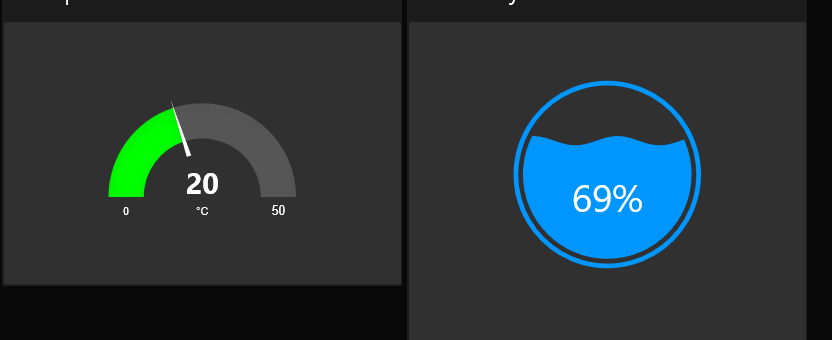
Chrome


Possibly. Seem to work on Edge OK. IE11 seems to have known problems dealing with dynamic height of containing element. Happy to take any advice on how to fix that doesn't break other browsers.
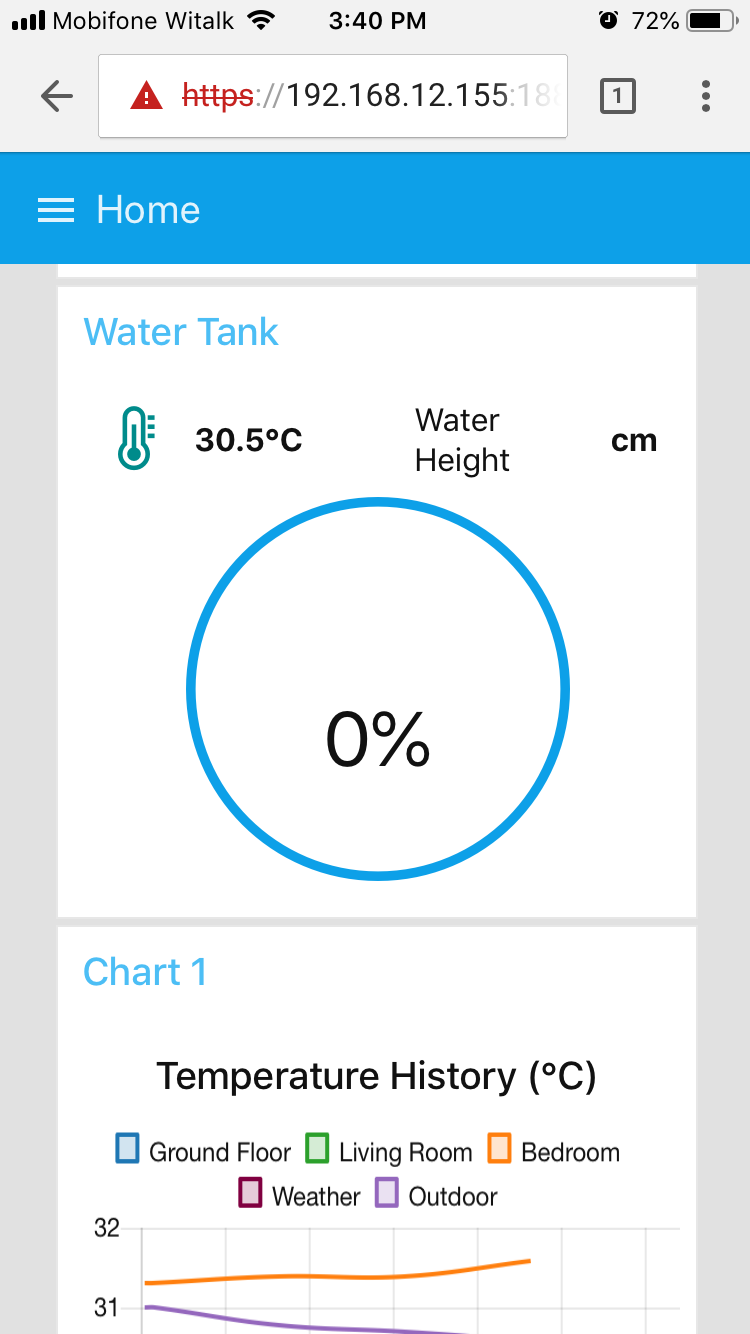
I also encounter this issue in Safari and Chrome browser on my iPhone with IOS 11.4
it's intermittently happen. sometime correct sometime incorrect size.
below is my screen shot FYR:
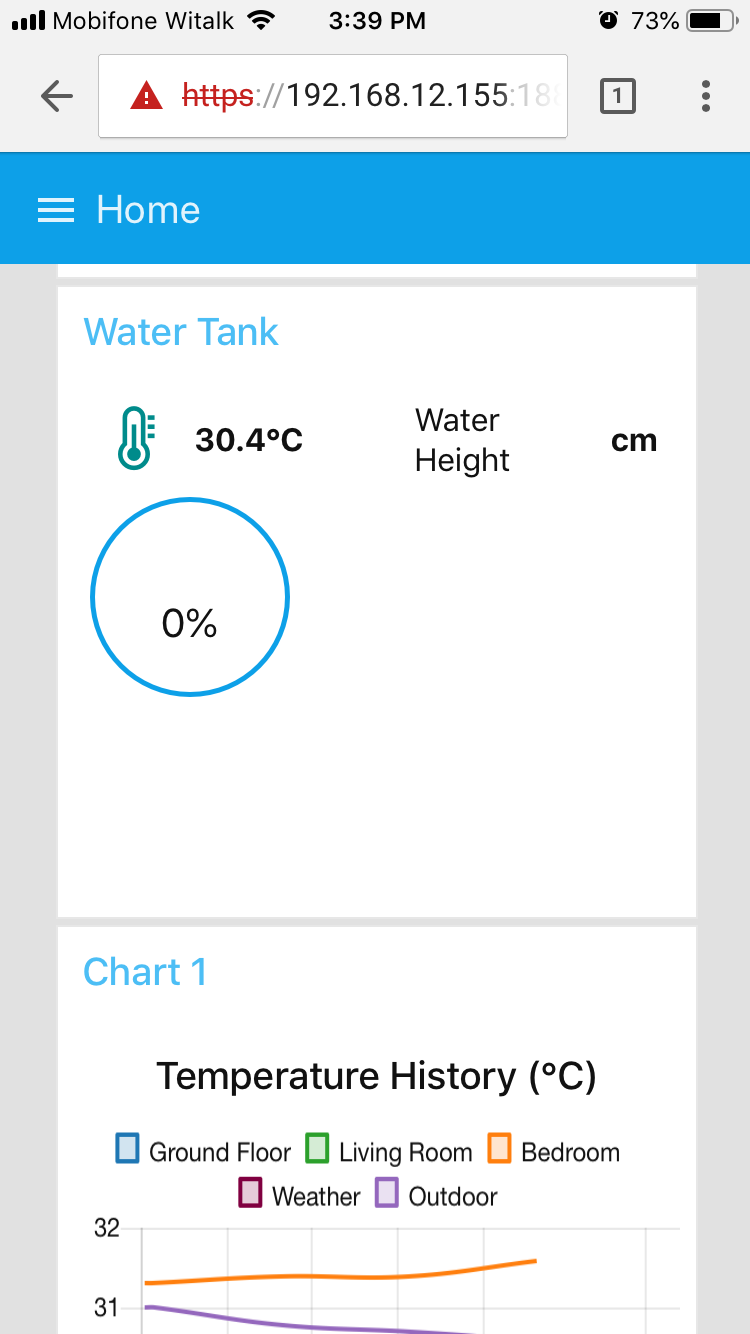
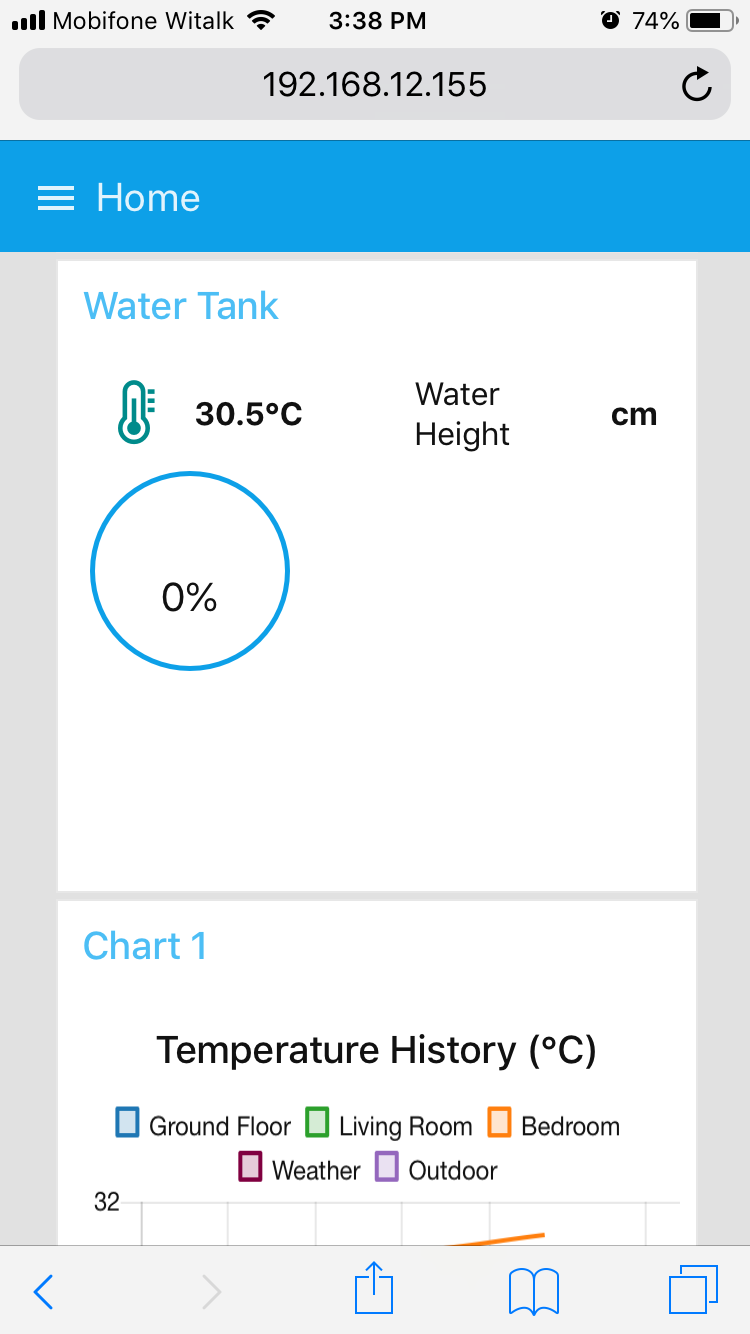

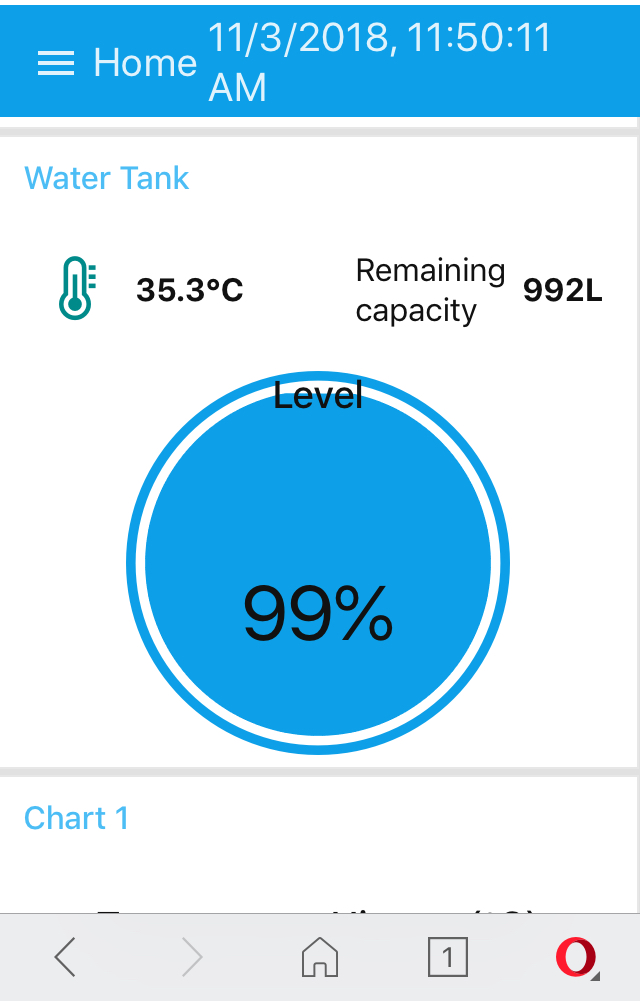
Latest dashboard 2.10.1 still have this issue. Incorrect display:
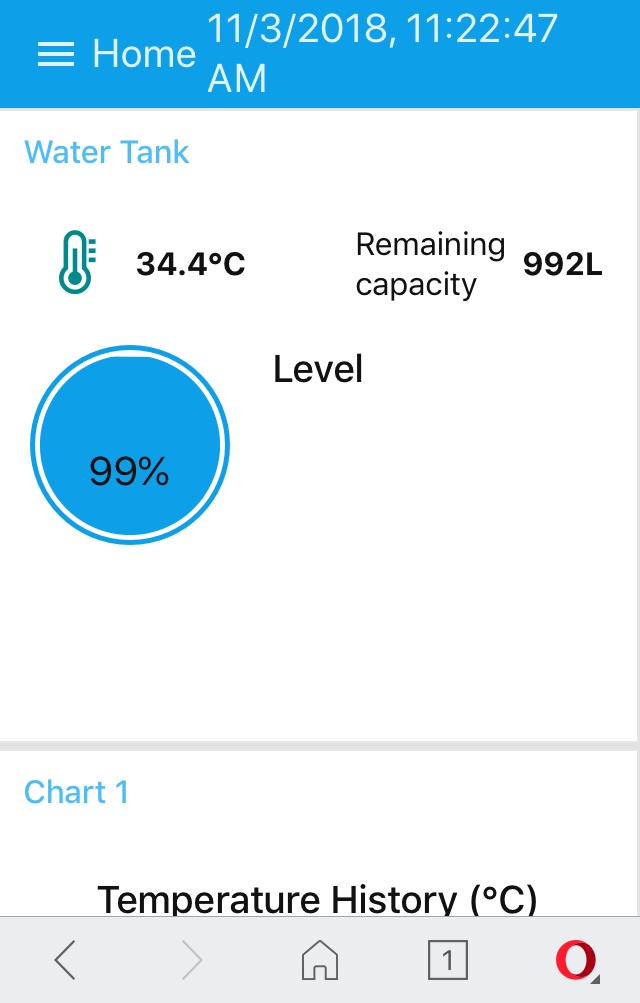
Correct display:
As this issue is still open - means it hasn't been addressed yet... Adding more images of it not working won't help get it fixed... lines of code may.