

 nicehash
[BUG] Version v0.5.5.0 seem to be treating the 3080 unlocked card as a LHR
Describe the bug Simillar to what happened in v05.3.3 "In this version, some non-LHR 3080/3090 cards, might be detected as LHR cards and speed will drop drastically after installation. This is a known bug and is fixed in the v0.5.3.4_RC."
The new stable version is also treating my 3080 non-LHR as a LHR card. I was using the v0.5.3.4_RC before updating it without a problem.
Screenshots

Version affected (please complete the following information):
- Version number v0.5.5.0
- STABLE?
NVIDIA driver version 512.77
Hardware RTX3080 (non-LHR)
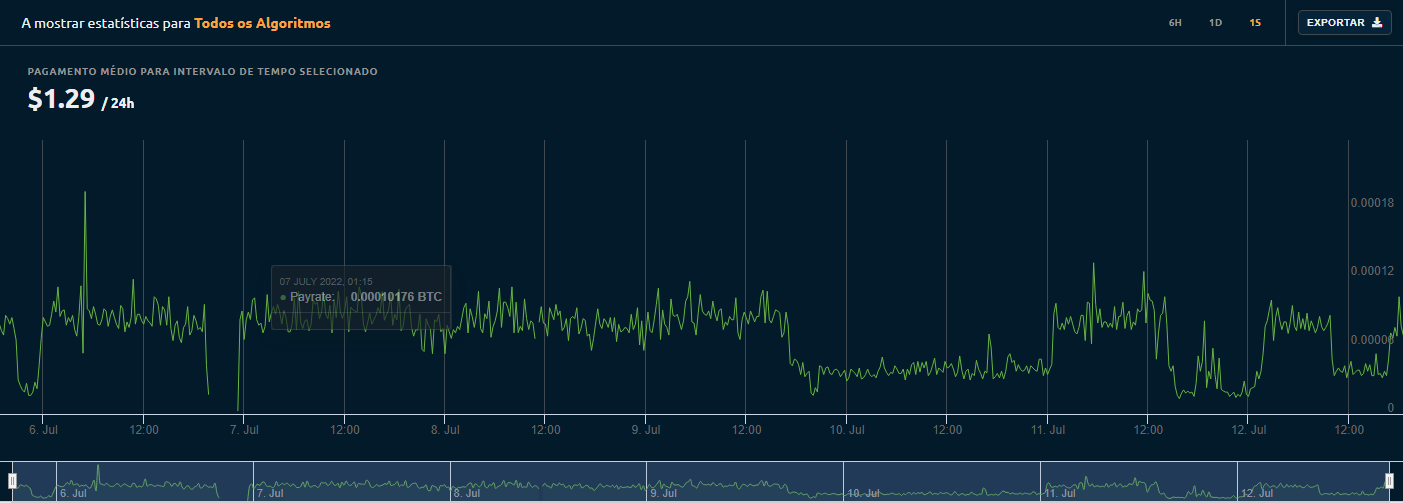
Additional context after updating it to this version my hashrate droped to half.

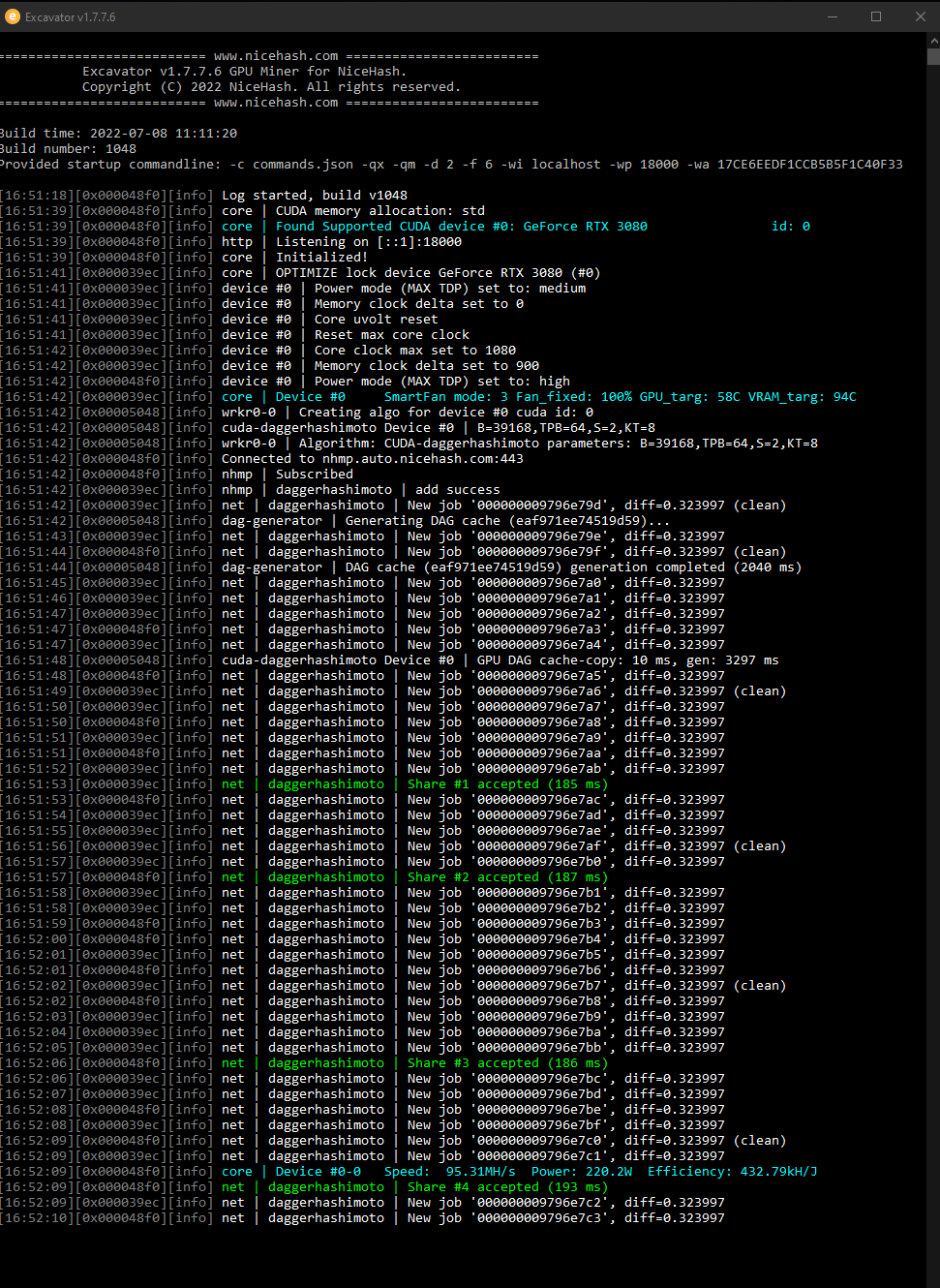
After restarting the PC it came back to normal rates 95MH/s, later it when back to LHR rates 45MH/s
Right after restarting the PC:
After the rates droped and i restarted the miner:

Try setting POWER MANAGEMENT MODE to PREFER MAX PERFORMANCE.
Please let me know if this fixed the issue

I'm using "Bitsum Highest Performance" só power does not seems to be the issue...
Try setting POWER MANAGEMENT MODE to PREFER MAX PERFORMANCE.
Please let me know if this fixed the issue
I also tried restarting the driver to reset to full power, changing to game-mode then turning it off, and none worked, only restarting the entire PC.
Reinstall the GPU drivers by following this guide: https://www.nicehash.com/blog/post/how-to-correctly-uninstall-and-install-gpu-drivers
Please try the above.
Also, try uninstalling QuickMiner and do a clean install again.
I can confirm almost same issue. I have 3080 which came in LHR packaging and which worked without any problems with full hash rate up until this stable (0.5.5.0). After some 13 hours working on full hash rate it droped to 47 mh/s. Driver restart from octune, nhqm restart, and it is back again on full hash rate (didn't need computer restart). But after some 14 hours later same happened, so I just rolled back to last RC and no problems.
Edit: Driver version: 516.40

Please try setting NVIDIA power mode to max performance as displayed here: https://nvidia.custhelp.com/app/answers/detail/a_id/3130/~/setting-power-management-mode-from-adaptive-to-maximum-performance
Alternative is to open a Paint software. Please report back if any of the above solutions helped.