
ng-docs.github.io

ng-docs.github.io copied to clipboard
 ng-docs
proxy.conf.json不生效
src 目录下配置了 proxy.conf.json 尝试 npm serve --proxy-config ./src/proxy.conf.json
{

  "/api/*": {
    "target": "http://localhost:8080",
    "secure": false
  },
  "logLevel":"debug"

}
localhost:8080下的test路由预期返回 字符串 test
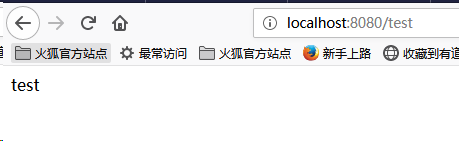
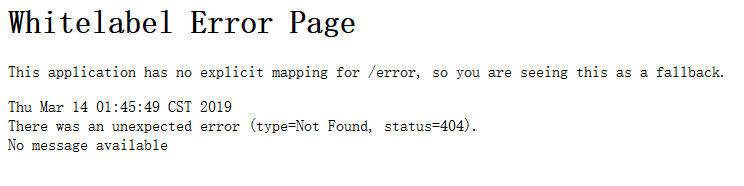
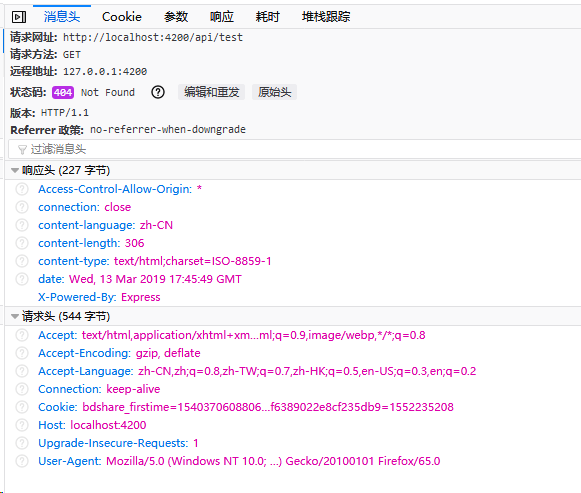
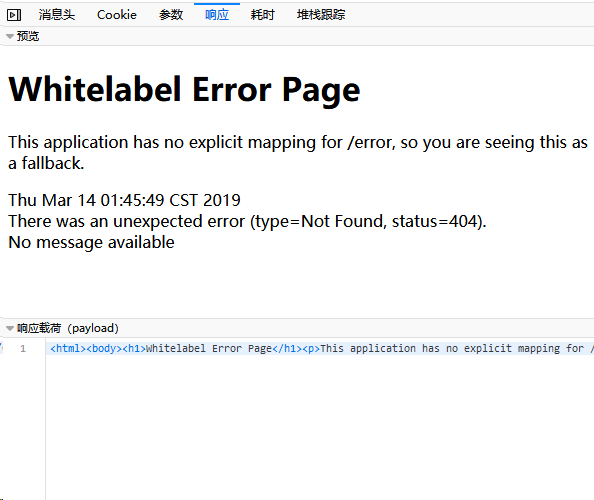
但是,http://localhost:4200/api/test 并未返回字符串test 。浏览器调试窗口抓包404

"/api": {
    "target": "http://localhost:8080/",
    "secure": false,
    "pathRewrite": {
      "^/api": ""
    },
    "logLevel":"debug",
    "changeOrigin": true
  }

为何不配置更简单的http拦截器? 在拦截器中可以对请求统一加上服务器地址前缀,这样就不需要proxy.conf.json文件了
一个简单的http拦截器配置 ajaxInterceptor.ts:
import { Injectable } from '@angular/core';
import { HttpEvent, HttpInterceptor, HttpHandler, HttpRequest } from '@angular/common/http';
import { Observable } from 'rxjs';

@Injectable()
export class AjaxInterceptor implements HttpInterceptor {

	private baseUrl = "http://127.0.0.1:8089/";

	intercept(req: HttpRequest<any>, next: HttpHandler): Observable<HttpEvent<any>> {
		console.log("执行http拦截器");
		const authReq = req.clone({
			url: this.baseUrl + req.url
		});
		return next.handle(authReq);
	}
}
index.ts:
import { HTTP_INTERCEPTORS } from '@angular/common/http';
import { AjaxInterceptor } from './ajaxInterceptor';

/** Http interceptor providers in outside-in order */
export const httpInterceptorProviders = [
	{ provide: HTTP_INTERCEPTORS, useClass: AjaxInterceptor, multi: true }
];
接下来在app.module.ts的providers数组中加入httpInterceptorProviders:
...
providers: [httpInterceptorProviders],
bootstrap: [AppComponent]
