

 nextcloud
Confusing sharing drop-down when typing an email address
I'm not 100% sure I have the perfect solution, I just know that this confuses people:
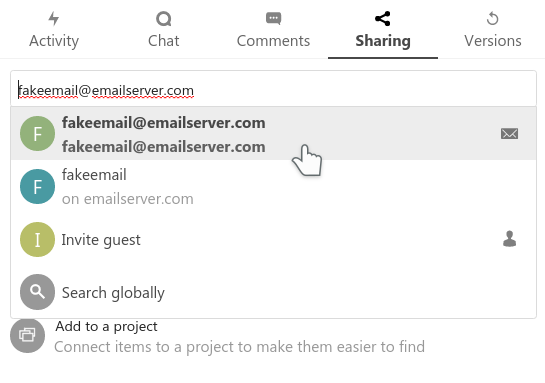
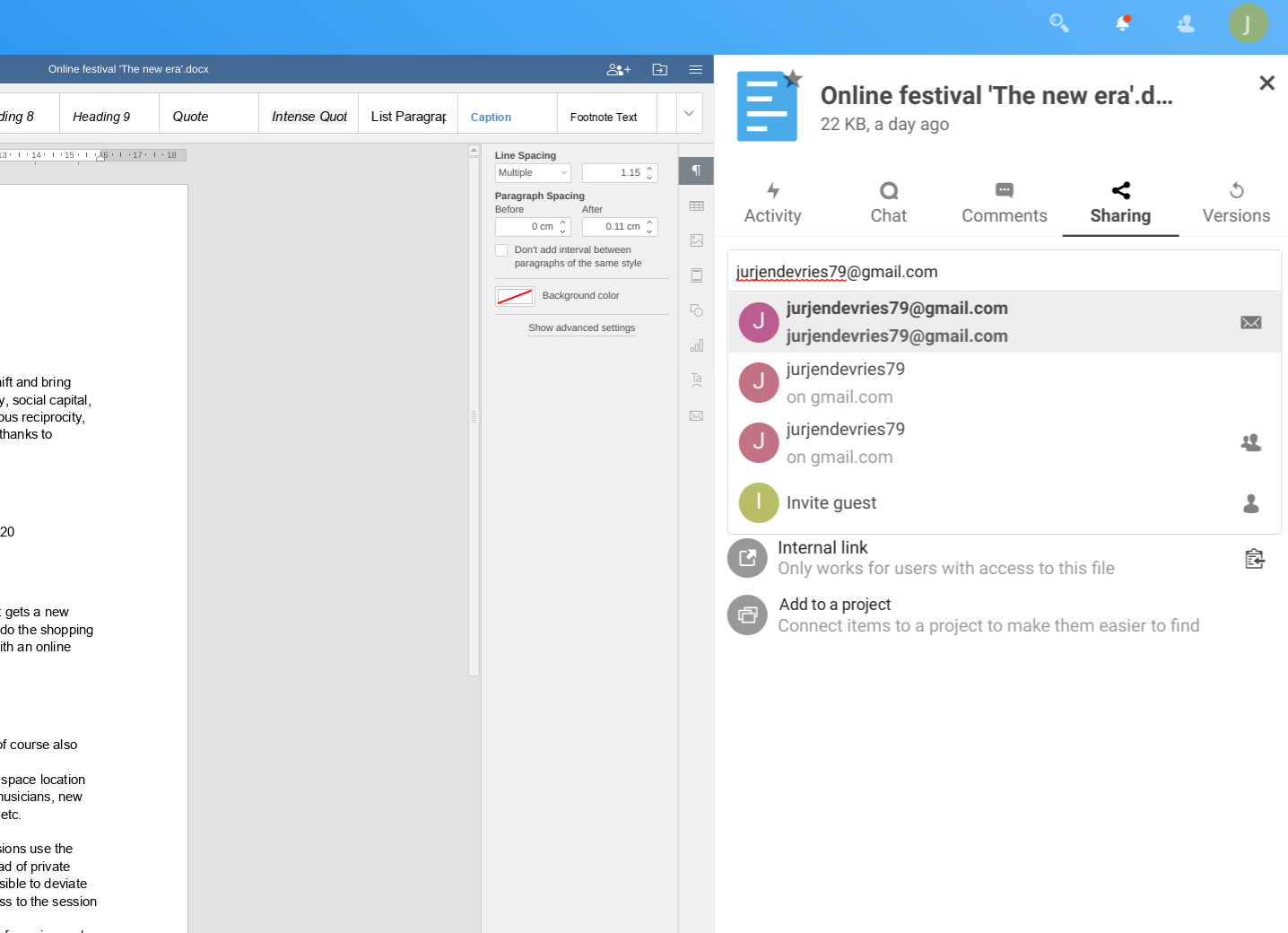
In the first, I know the second is federation, first is email, there's a icon. But perhaps we can still do better explaining things - like with a tooltip perhaps? Or a mouse-over effect?
In the 2nd screenshot, the mess is a bit worse - I don't even understand myself what the 3rd is...
Does it make sense to instead of repeating what the user typed, say something like
- send an email (email address)
- share to other server (username on servername)
- invite to guest account (email address)
??? @nextcloud/designers

FYI also posted originally at https://help.nextcloud.com/t/usability-document-sharing-function/77663
Thank you Jos.

Does it make sense to instead of repeating what the user typed, say something like
Yup, that makes a lot of sense! :)
Specific example with improved wording:
Send share link via email to [email protected]
Share to other Nextcloud server jurjen on server example.com
Invite as guest account with email [email protected]

In talk we separate different sources of contacts with captions, we could do something similar here. I hope to be able to implement editing from the input in the near future.
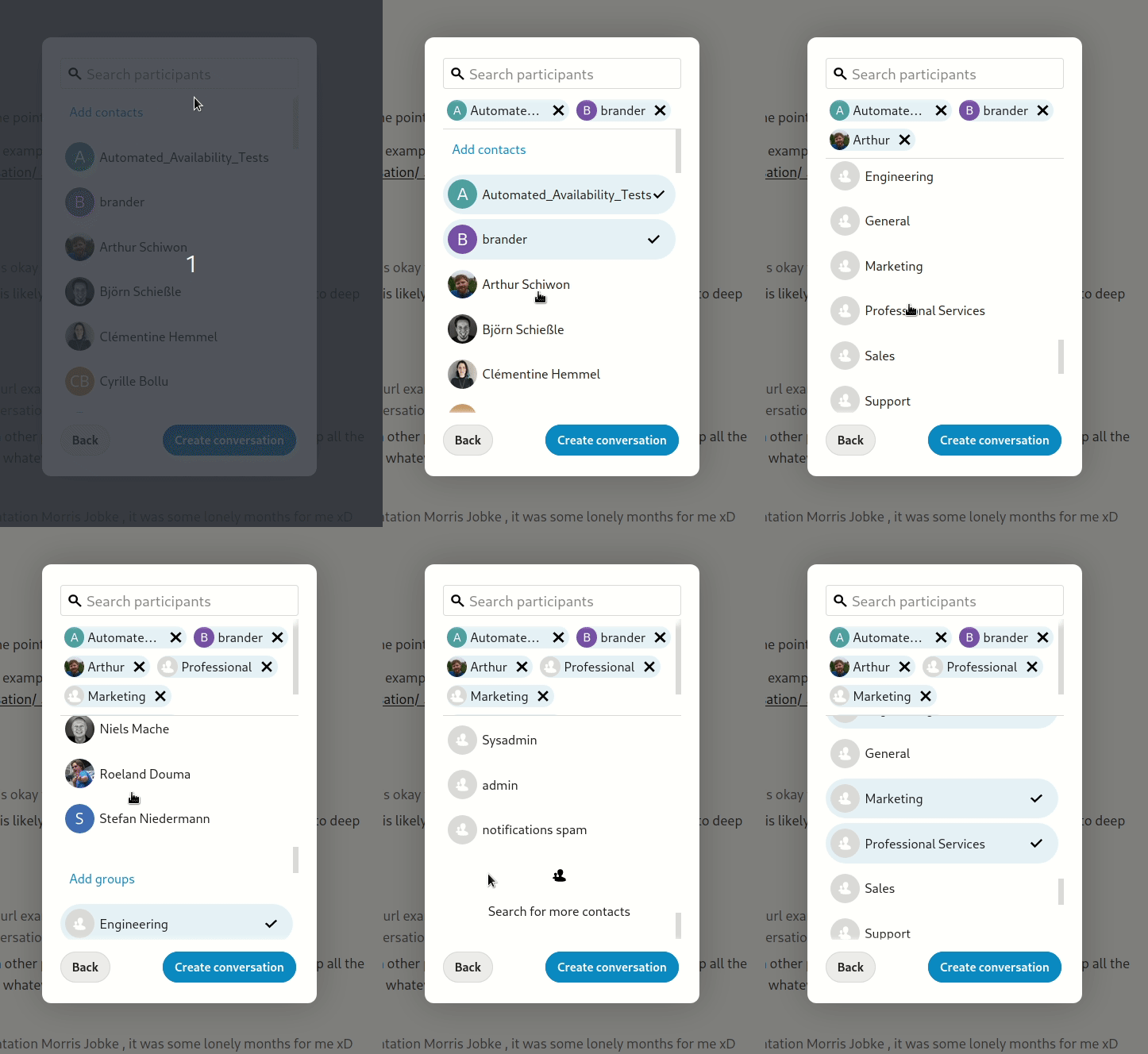

@jancborchardt Thanks for helping. But even with the labeling it is not fully clear for me, especially when I see this for the first time. Try to see this function if you are new to nextcloud. You want to invite someone to your document. The goal is to invite someone or multiple people to the document (with view, comment or edit permission). 'Share via email' and 'Invite as guest account' seems to be very similar to each other. I am not sure, but maybe you mean 'Send by email' here. But I think that could be better a different 'send' function, not behind the share button.
About the 'Share to other Nextcloud server'. Could it be possible to only show this if the domain typed is having a Nextcloud server? For example builtwith.com can recognize if a domain is using G suite, etc. not sure how they do the lookup for this, and if it can be fast / low resource. Or should the one that invite someone else even know if the user is using nextcloud? I would say the origin of the document is the server where it is created (or moved to by the owner), and the invitee can edit it using its own server and see the file in its own file browser.
@jurjendevries adjusted the wording to "Send share link via email", is that better?
About the 'Share to other Nextcloud server'. Could it be possible to only show this if the domain typed is having a Nextcloud server? For example builtwith.com can recognize if a domain is using G suite, etc. not sure how they do the lookup for this, and if it can be fast / low resource.
That is indeed a good question → @rullzer? As a dirty but effective solution, we could simply have a blocklist which e.g. makes so that the federated sharing part is not shown if the email is @gmail.com, @hotmail.com, @me.com etc – as there are simply no Nextcloud instances there and probably never will. This will already catch the majority of confusion.