

 nextcloud
No passwords in Chrome extension
Steps to reproduce
- Install Passman web extension in Chrome
- Set it up, by specifying server authentication details
- Select a vault, from multiple in my case
- Hit Done.
Expected behaviour
In Passman extension when searching for sites/passwords I should be able to see the password and fill it into an auth web form.
Actual behaviour
Nothing happens by default when on a site with a auth web form. When clicking on the extension icon, the popup says "No credentials found for this site." Manually searching for a site e.g. by typing "ubuntu" finds the site but with no auth details attached to it. Neither in the General nor in the Custom fields section See attached screenshot.
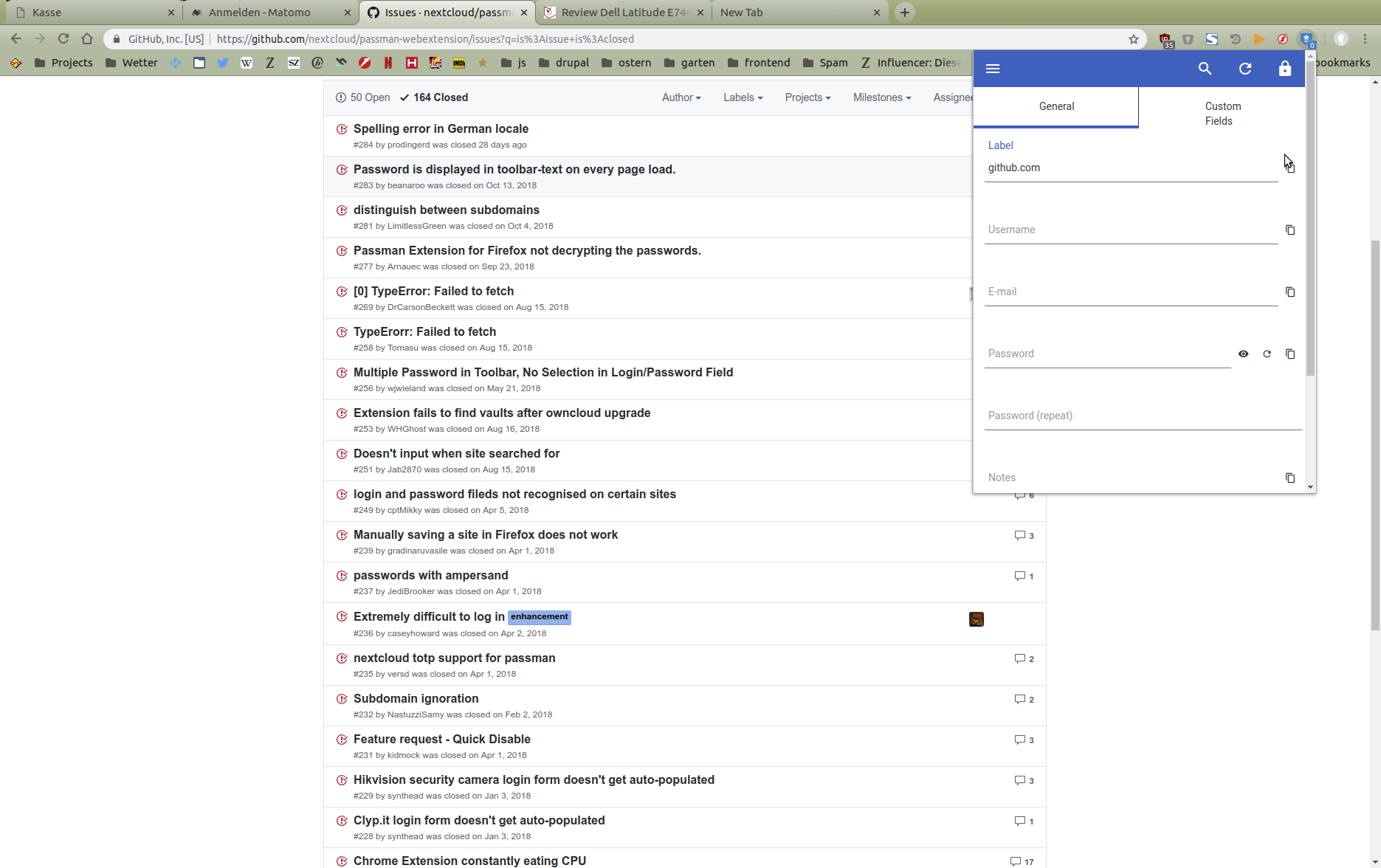
All sites with passwords are available in Nextcloud Passman app.
Configuration
Operating system: Linux jaxelnb 4.15.0-43-generic #46~16.04.1-Ubuntu SMP Fri Dec 7 13:31:08 UTC 2018 x86_64 x86_64 x86_64 GNU/Linux
Browser: Chromium Version 71.0.3578.98 (Official Build) Built on Ubuntu , running on Ubuntu 16.04 (64-bit)
Extensions that might cause interference:
Passman version: 2.2.1
Extension version: 2.1.2
Nextcloud version: 15.0.2
Browser log
Browser log
``` Insert your browser log here, this could for example include:a) The javascript console log b) The network log c) ...
</details>


<bountysource-plugin>

---
Want to back this issue? **[Post a bounty on it!](https://www.bountysource.com/issues/69648711-no-passwords-in-chrome-extension?utm_campaign=plugin&utm_content=tracker%2F52236699&utm_medium=issues&utm_source=github)** We accept bounties via [Bountysource](https://www.bountysource.com/?utm_campaign=plugin&utm_content=tracker%2F52236699&utm_medium=issues&utm_source=github).
</bountysource-plugin>

18 months later, the problem remains but has changed slightly (for me). No credentials show up when on a site, and when searching for a site nothing appears at all.
On very rare occasions closing and restarting Chrome will fix it, but I have not seen any pattern about how or why it sometimes works.
