

 nextcloud
Can't stop the sync
Expected behaviour
To have more control on files that in transit. To have options to stop the sync that works?
Actual behaviour
If the file are in auto upload folder and is in the transit, and you want to stop upload (as for example if it is very large file). You chase it where is it in files on server and trying to cancel sync. But it still in transit and keeps syncing.
In my case I'm on mobile network and it cost for me to upload 2GB file but there is no option to stop it.
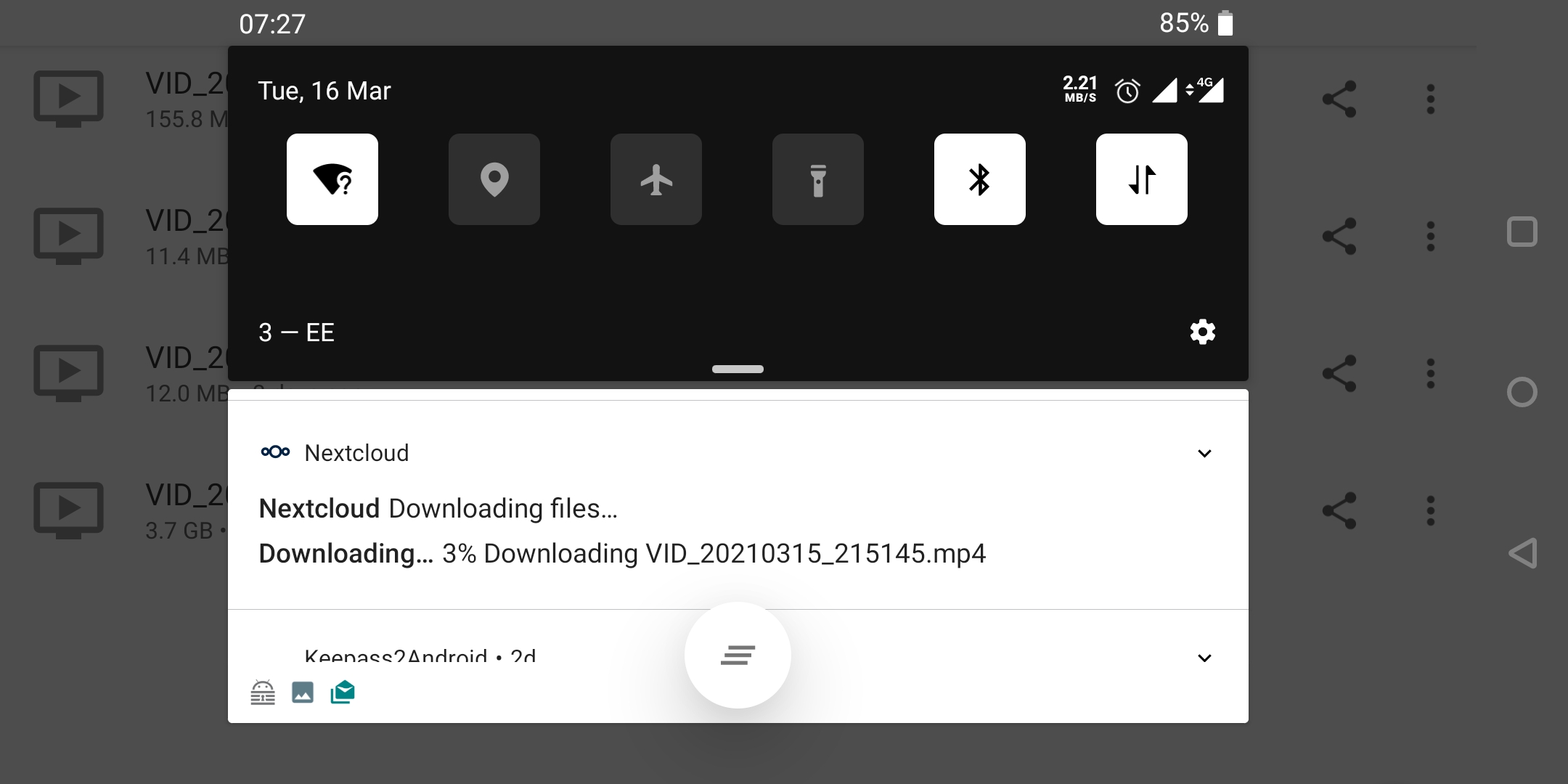 In the task bar there is no option to stop it. And you can see that my network monitors shows about 2Mb/s traffic.
 And the actual file is already in the server because this is related to #8134 in this case I have chosen to keep server version and file keeps downloading.

Totally true, this is something we need: have pause/resume for any upload.

Hi I have the same error. I synced a large folder but couldn't stop the sync, despite canceling the sync and having removed the auto-send configuration for the folder.
Even restarting the app/switching the wifi off didn't helped.
I had to rename the local folder for the app to stop trying to sync every files.

