

 neuralmagic
Unable to startup the server for image classification
When I run the script below, the error occur
deepsparse.server \
    --model_path "zoo:cv/classification/resnet_v1-50/pytorch/sparseml/imagenet/pruned-moderate" \
    --task image_classification
ValueError: unsupported task given of image_classification for serve model config task='image_classification' model_path='zoo:cv/classification/resnet_v1-50/pytorch/sparseml/imagenet/pruned-moderate' batch_size=1 alias=None kwargs={} engine='deepsparse' num_cores=None scheduler='async' .

Hi @I-aashishM, which version of deepsparse are you working with? Can you paste the output from pip show deepsparse, along with your OS and the installation pathway you used to install deepsparse?

pip3 show deepsparse
Name: deepsparse Version: 0.12.2 Summary: Neural network inference engine that delivers GPU-class performance for sparsified models on CPUs Home-page: https://github.com/neuralmagic/deepsparse Author: Neuralmagic, Inc. Author-email: [email protected] License: Neural Magic Engine License, Apache Location: {$HOME}/cpu_perf/lib/python3.6/site-packages Requires: numpy, onnx, protobuf, requests, sparsezoo, tqdm
OS : ubuntu 18.04
I installed the deepsparse using command below:
pip3 install deepsparse
and, It is install in {$HOME}/cpu_perf/lib/python3.6/site-packages (virtual environment)
I have updated the latest deepsparse version. The output of pip3 show deepsparse is below:
Name: deepsparse Version: 1.0.1 Summary: Neural network inference engine that delivers GPU-class performance for sparsified models on CPUs Home-page: https://github.com/neuralmagic/deepsparse Author: Neuralmagic, Inc. Author-email: [email protected] License: Neural Magic Engine License, Apache Location: {$HOME}/CPu_performance/cpu_perf/lib/python3.6/site-packages Requires: click, numpy, onnx, protobuf, pydantic, requests, sparsezoo, tqdm
After I run the below command :
deepsparse.server \
    --model_path "zoo:cv/classification/resnet_v1-50/pytorch/sparseml/imagenet/pruned-moderate" \
    --task image_classification
Now I'm getting a different error:
INFO: Started server process [6096] INFO: Waiting for application startup. INFO: Application startup complete. INFO: Uvicorn running on http://0.0.0.0:5543 (Press CTRL+C to quit) INFO: 127.0.0.1:55920 - "GET / HTTP/1.1" 307 Temporary Redirect INFO: 127.0.0.1:55920 - "GET /docs HTTP/1.1" 200 OK INFO: 127.0.0.1:55920 - "GET /openapi.json HTTP/1.1" 500 Internal Server Error ERROR: Exception in ASGI application
ValueError: Value not declarable with JSON Schema, field: name='images_ndarray' type=ndarray required=True
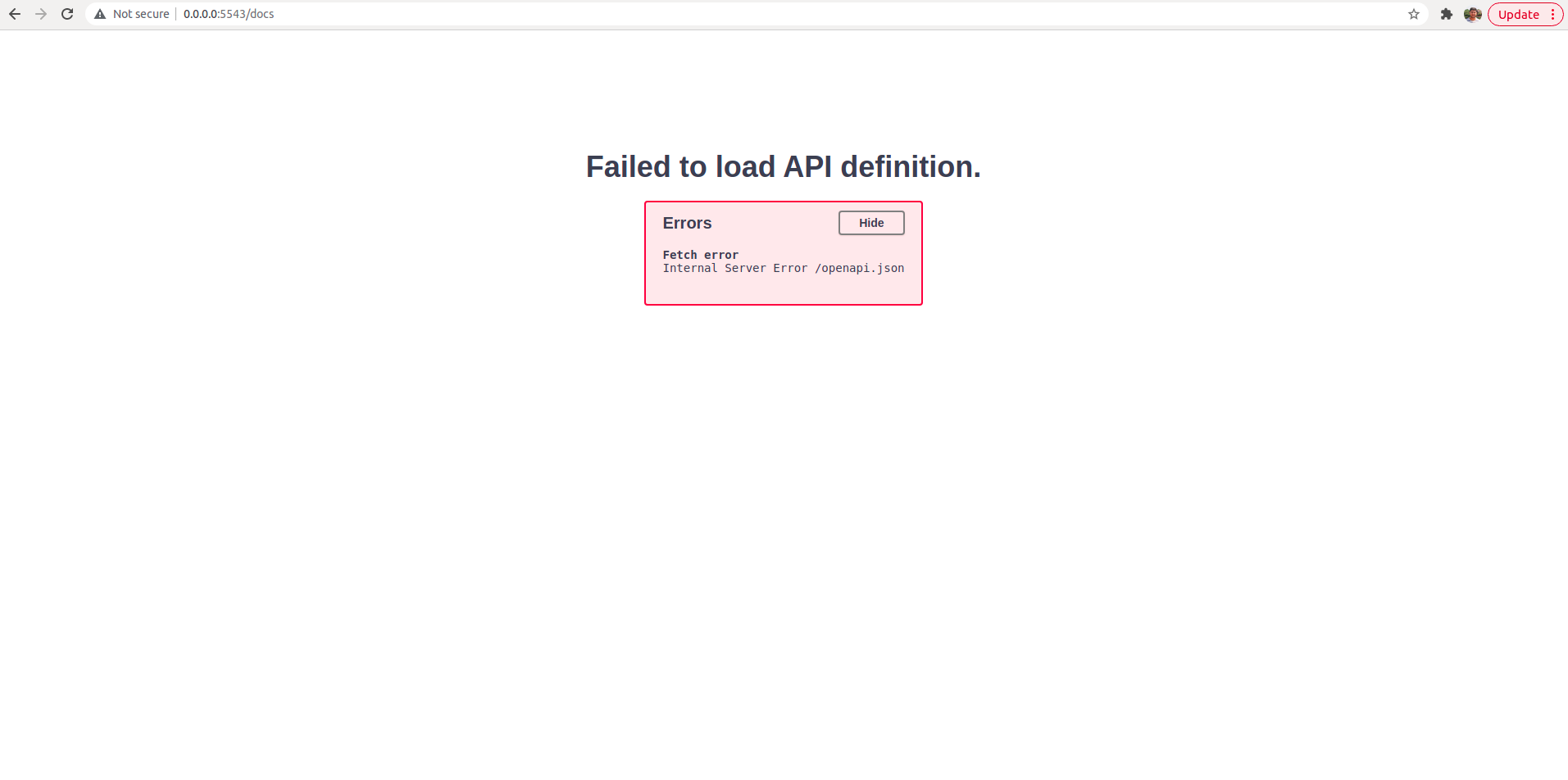
Hi @I-aashishM, We have dropped python3.6 support kindly use a version b/w 3.7 - 3.10
Kindly follow the following steps to run the server (I verified these on my end) Assuming inside an activated virtual environment
- Install server dependencies
pip install deepsparse[server]
- Run the server
deepsparse.server \
--model_path "zoo:cv/classification/resnet_v1-50/pytorch/sparseml/imagenet/pruned-moderate" \
--task image_classification
This should start a working server at http://0.0.0.0:5543 by default
Closing this issue for now, kindly let us know if you see this issue again. Thanks!