

 nerfstudio-project
How to set aabb_bbox, near, far plane for UAV datasets
Hi there, first of all, thanks for this fantastic work.
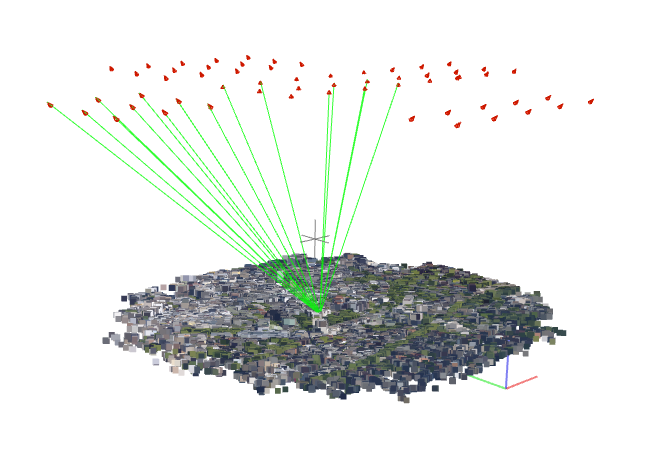
Here is my problem. I have a custom dataset of UAV images in colmap format (shown in figure below). By using nerfacto, I first load camera poses and set the value of scene_box with the bounding box (~1000m in x,y ,~100m in z) of sparse point cloud derived by colmap. Both are in meter unit. Then I scale both poses and scene_bbox with 0.001, otherwise the rendered images during training turn all-gray. For near and far plane, i set to 0 and 1000. However, the results are kind blurry. I am not sure if my settings are correct. Or, put it in this way, if the cameras are out of the scene_bbox, will the sampler only sample within the scene_bbox or within the near and far plane or mixture of them?
Thanks so much!
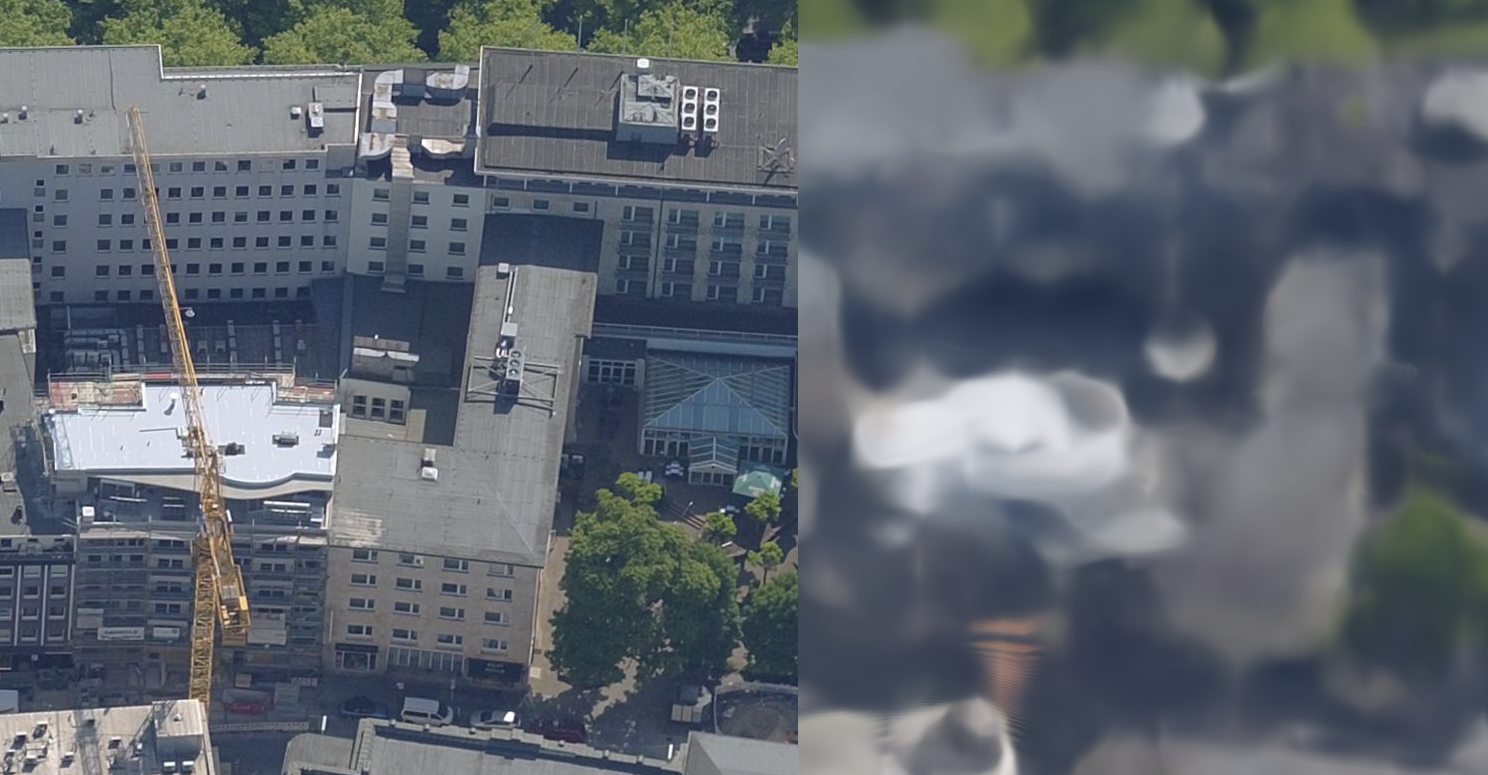

I think there are two issues you are potentially running into the with nerfacto model. The first is that nerfacto uses scene contraction - https://docs.nerf.studio/en/latest/nerfology/model_components/visualize_spatial_distortions.html This could be warping the space around where the camera potentially leading to less efficient allocation of space. In this scene you probably don't want to use scene contraction (requires modifying the code). The second potential issue is that nerfacto does uniform sampling up to a distance of "1" followed by exponential spacing. This could be leading to fewer samples around the area of interest. One thing your could try is increasing the "near plane" to a value that is closer to the target. A better approach would be to create a custom sampler that just samples the region of interest around the ground plane (this would require modifying the code).

Thanks for your quick comment. I am new to the nerf, so there are lots of parameters I need to play around with. It turns out that nerfacto without scene contracting works fine with my drone datasets. I previously used distorted images with a simple pinhole camera model. Also, after modifying the scene_bbox, the results look good now.
Thanks for sharing your experience and solution! Could you please provide more details on how you modified the scene_bbox and what values worked for you? I'm facing a similar issue on a similar dataset and it would be helpful to know. Thanks!

@rmx4 I let the scene_bbox encompass both the cameras and the objects. And when it ray sampling, i let it only samples within the object bounding box. I use nerfacto without scene contraction, and increase the number of layers/neurons and hash encoding parameters for modeling large-scene. But be carefull about the weight decay of optimizer, bigger one will largely reduce the accuracy.
Hi,
@Ggs1mida to ray sample within the bbox do you use the class VolumetricSampler(Sampler) ?

@rmx4 I let the scene_bbox encompass both the cameras and the objects. And when it ray sampling, i let it only samples within the object bounding box. I use nerfacto without scene contraction, and increase the number of layers/neurons and hash encoding parameters for modeling large-scene. But be carefull about the weight decay of optimizer, bigger one will largely reduce the accuracy.
Thanks for sharing your experience and great solution! I am working on a similar task of street view reconstruction with the same failure cases, but I am not familiar with the nerfstudio code framework, could you give some suggestions of modifing the code according to your solutions? And how to change the position and the scale of the scene box? Thanks a lot. :)
