
homebrewery-vscode
 homebrewery-vscode copied to clipboard
 nathonius
Adding 5e Homebrewery markdown formatting to Visual Studio Code's markdown preview
Styles the markdown preview pane like the Homebrewery, so that you can create 5th Edition D&D homebrew in a more powerful application.
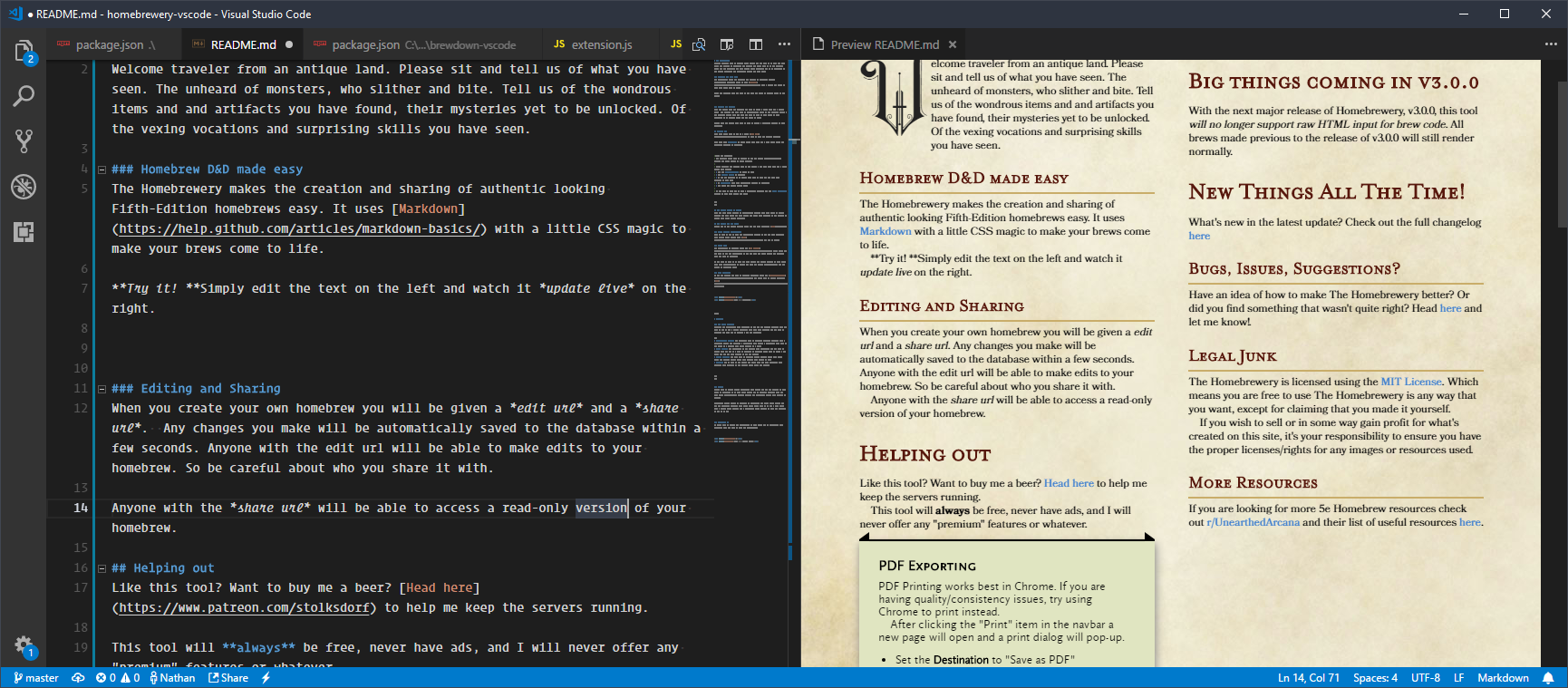
Features
- Most markdown and formatting from the Homebrewery is supported.
- Use
\pageto create new pages. - Most of the same snippets The Homebrewery provides are available with the 'brew' prefix. Ex:
brewStatBlock
Commands
homebrewery.toggle
toggles the homebrewery.enabled setting
homebrewery.brew
print to HTML
Settings
homebrewery.enabled
use homebrewery formatting in the markdown preview pane. true by default.
Usage
For best results, set the following options:
"markdown.preview.scrollEditorWithPreview": false"markdown.preview.scrollPreviewWithEditor": false"markdown.preview.markEditorSelection": false
This prevents the preview jumping around and stops the formatting breaking when mousing over selections in the preview window.
Known Issues
- Any div element used requires a new line between the div and its content
- The HTML rendered by the
homebrewery.brewcommand is sometimes slightly different than the preview. - Images from external URLs may not be shown. This is due to security restrictions on Code's markdown preview. For best results, ensure that all image urls use
https://. Though it is not recommended, you can also disable security. - The preview will sometimes scroll to the wrong place. See Usage above.
To-Do List
- Allow for alternate styles and color palettes
Release Notes
0.1.0
- Added brew command to print to HTML
0.0.4
- Added remaining snippets
- Both manual and auto page numbering work.
0.0.3
- Added toggle command to enable/disable homebrewery formatting
See Changelog for more.
 nathonius