

 mysteriumnetwork
Constantly failing connections to my nodes
Describe the bug Hello all i've got a problem recently. On all my mysterium nodes. Appears like 95% wrong connections always wrong session is exactly 1 minute 35 seconds long and transfer only few KBs. I have no idea what the hell is wrong with it [all running on Docker- Windows, installed with Mysterium node launcher]. I did no changes, only update them from time to time when Docker release some new version. And my NAT type is port restricted cone with default port range and my nodes appears as online just fine on Mystnodes site. Since this happens on all my Myst nodes throughout the whole network of like 4-5 Windows- Docker Deskopt nodes. It looks definetly like a mysterium-side problem. Pls take a look this error must be frustrating mainly for end- users. [Also to mention, my ISP is tottaly fine with this and doesn't block any traffic or something it's a professional business fiber plan in the CzechRepublic.
Environment
Node version: mainnet (1.9.5-8569a6fd) OS: [Windows Server 2019 1809 x64 Docker Desktop 4.10.1 (82475)
Identities of my nodes where this problem happens:
node 1: 0x6743da755b7e4e1f47af5b67999101301ab8e33c
screenshot:
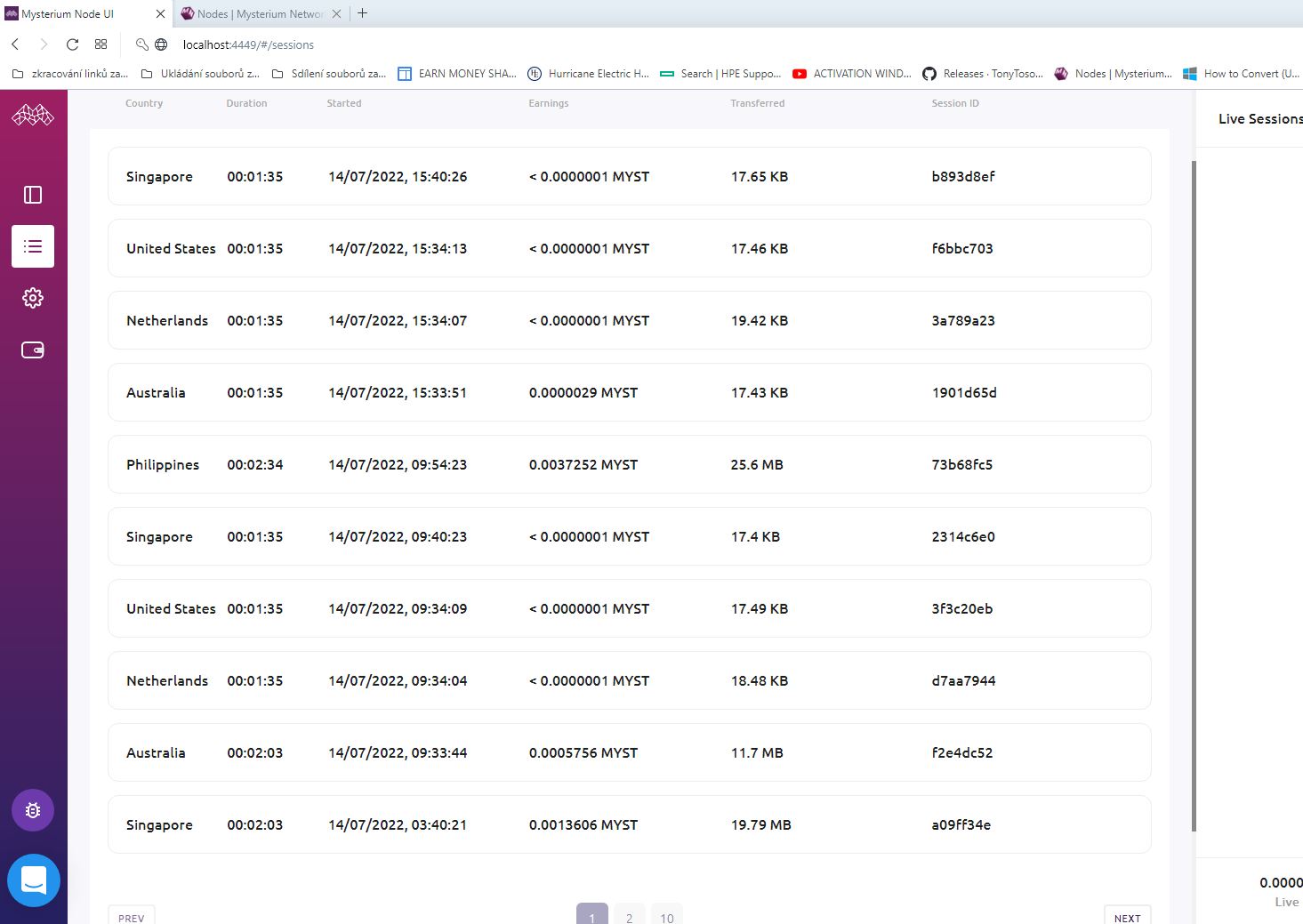
node 2: 0x6d270957a273467a09d8b89602701ace6463cd8b
screenshot:
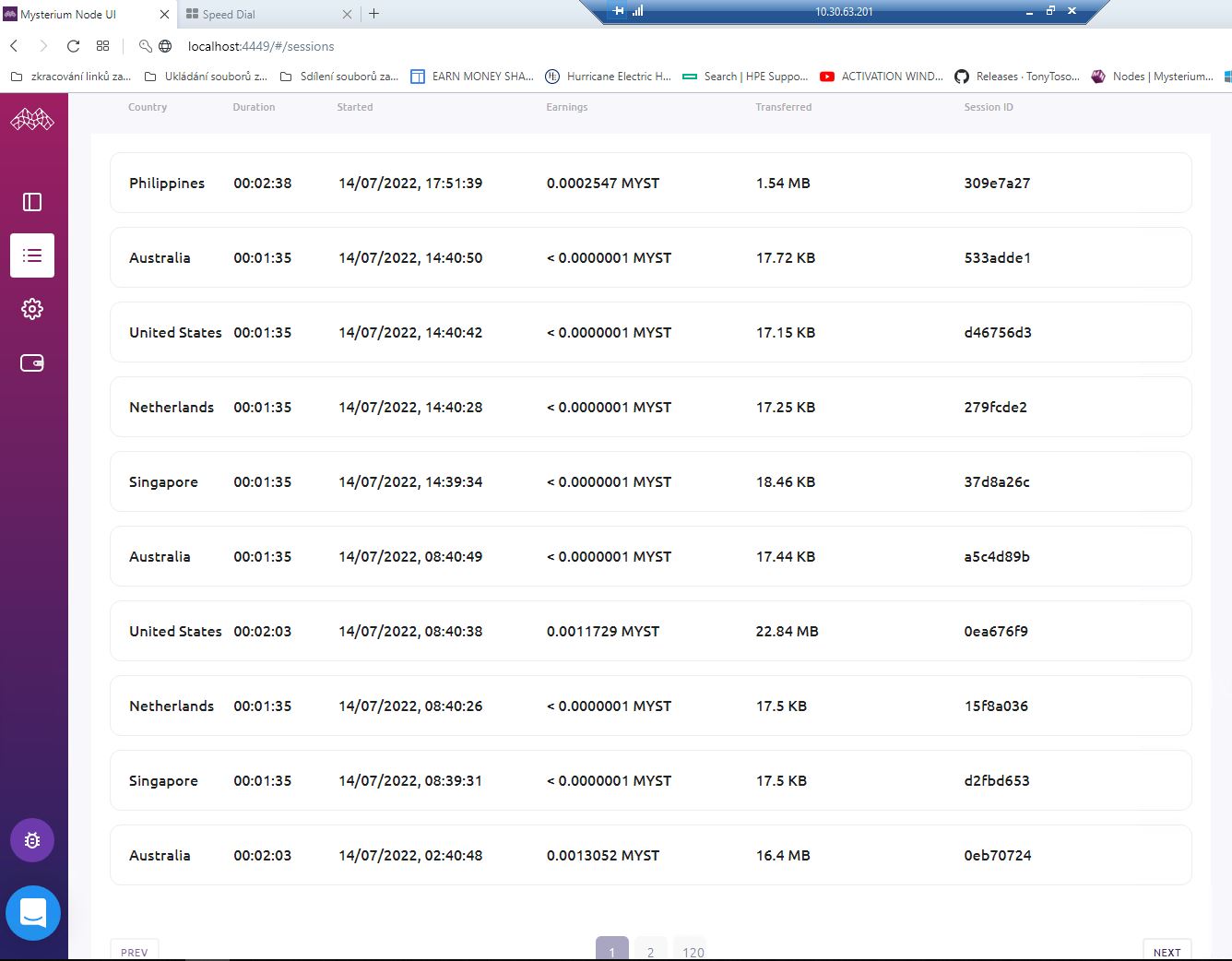
node 3: 0xfbeb41b2705d1d56b395a7d8ff55400da03623b3
screenshot:
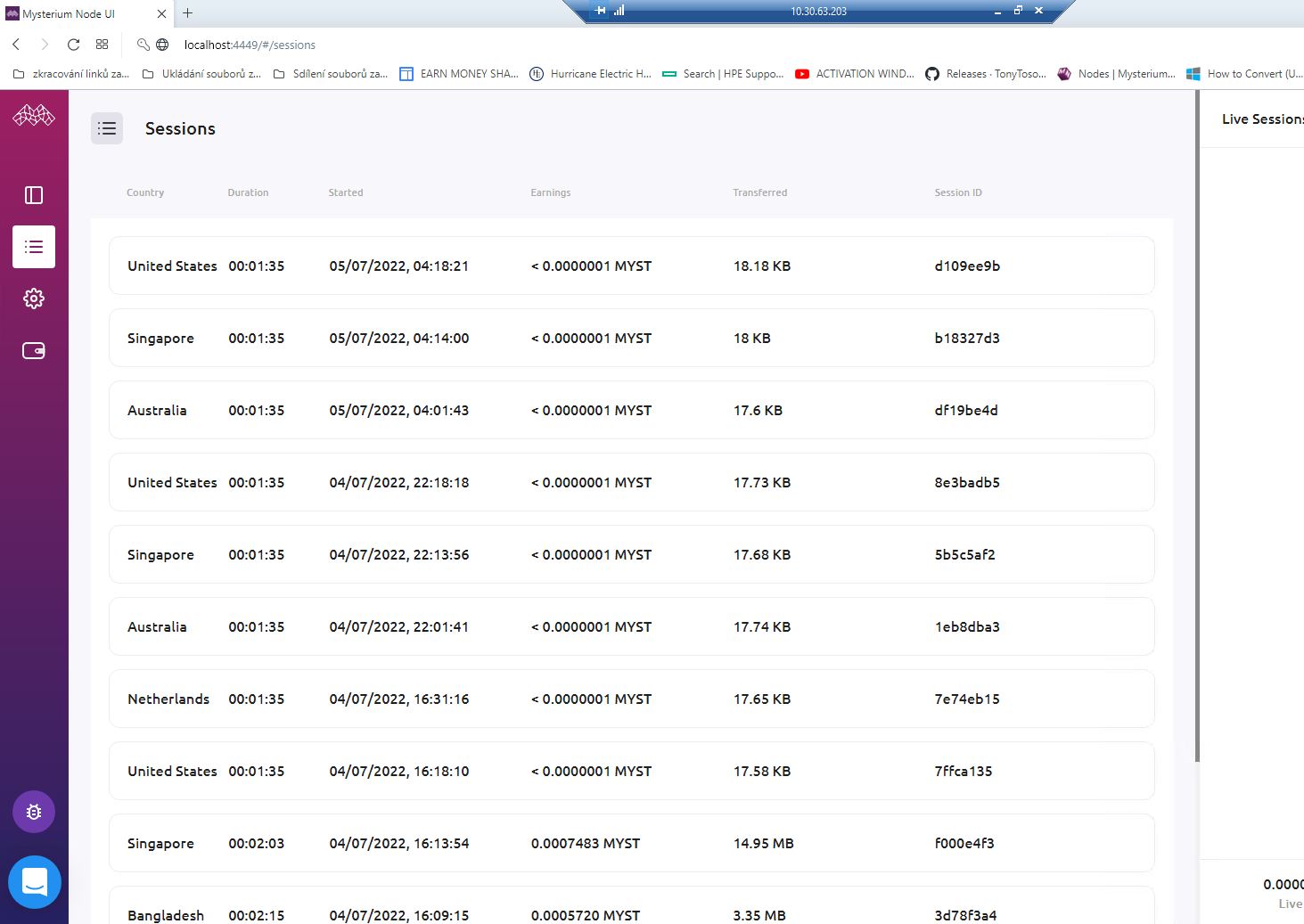
node 4: 0xd93944a2e55272eb473375a666b46f011318779c
screenshot:
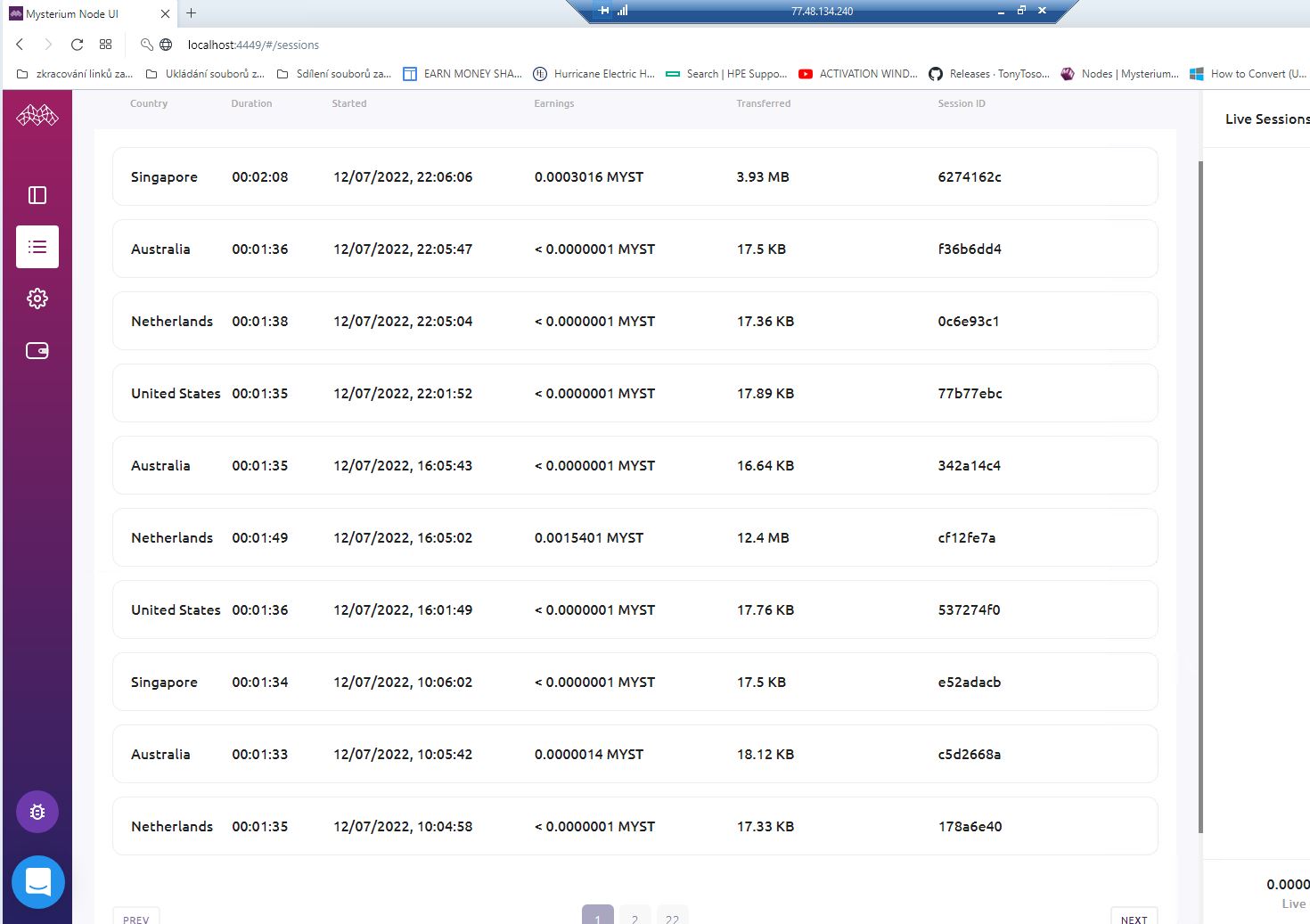
Check these nodes [If you can] and LMK i can take more pictures if so.

it is probably due to the firewall of your computer/server or the router.
Few things you can do to make it work;
- Disable the firewall
- Enable port forwarding in the node + router.
- If (1, 2) didn't work, change the Advanced Settings of your node by using Node UI and keep hole-punching to the top of UPnP and manual.

This issue has been automatically marked as stale because it has not had recent activity. It will be closed if no further activity occurs. Thank you for your contributions.
![stale[bot] avatar](https://avatars.githubusercontent.com/in/1724?v=4 "Published by a pub.dev verified publisher")
This issue has been automatically closed because it has not had activity for a long time. If this issue is still valid, please ping a maintainer and ask them to label it as "pinned". Thank you for your contributions.