

 mysteriumnetwork
Windows launcher - Node has stopped working
Node 0xbf58b2b1cdc4281dae809be06c7d7224817a10e3 has gone offline. This is a node running on a Windows docker container.
The Mysterium Node Launcher keeps cycling status from "Offline" to "Installing".
Trying to start the container manually in docker gives the following message "Error invoking remote method 'docker-start'container'. Error: (HTTTP code 500) server error - Ports are not available: listen upd 0.0.0.0:58545: bind: An attempt was made to access a socket in a way forbidden by its access permissions."
This node has been working fine. I don't think any changes have been made to the PC or network.

Hi @speedf1
If you are using Manual port forwarding mode and UDP port 58545 is used in the range of ports, then try to use some other range

HI, I don't think this is the issue. The node has been working fine. Only recently it's started displaying this behaviour. The "networking mode" option in the launcher is also greyed-out.
@speedf1
can you try execute a following command in a terminal / powershell:
docker container port myst
I'd like to get a list of ports bound by container
Hi,
I'm not too familiar with docker, but that command doesn't seem to do anything. See screenshot
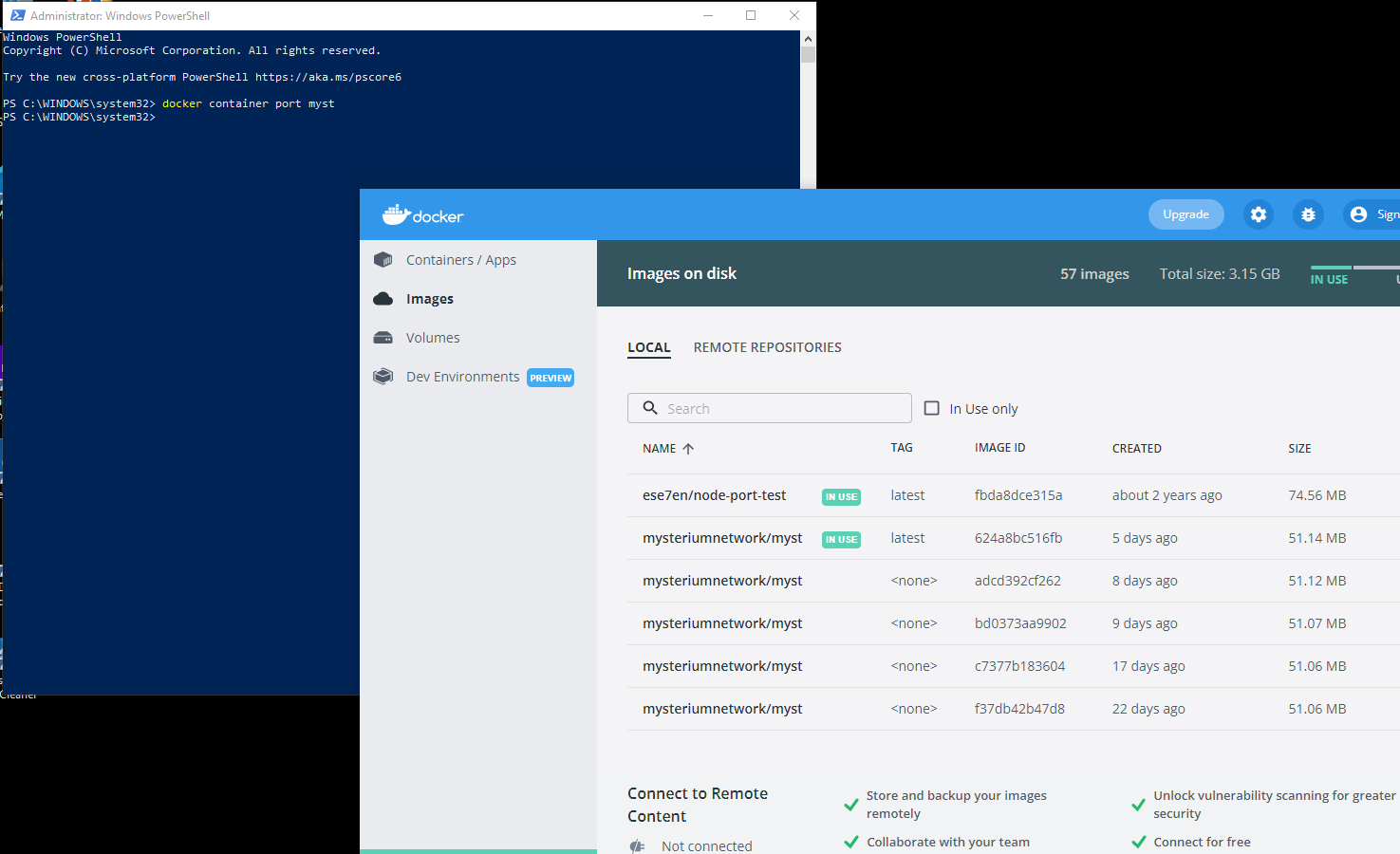
@speedf1 Could you try start container manually from the Dicker desktop UI ? If it fails, then try to detect which program uses the UDP port with the program called "Process Hacker 2". Or just close all programs, especially P2P programs, VoIP, browsers - they can use UDP ports for WebRTC protocol and launch Docker Desktop first -- before other programs.
So trying to start the node from the Docker UI now gives the following message:
Error invoking remote method 'docker-start-container': Error: (HTTP code 500) server error. Ports are not available. exposing port UDP 0.0.0.0.52559 ->0.0.0.0.0. listen udp 0.0.0.0:52559. bind: An attemp was made to access a socket in a way forbidden by its access permissions.
I've tried closing all other programs that are running on this PC. Still the same message. Again, this node was working. I'm not aware of any changes that should've caused it to stop (nothing new has been installed). I've checked for virus and nothing.
Please remove myst container (from Docker desktop UI), container will be recreated automatically.
Also please provide:
- launcher version
- file %USERPROFILE%/.myst_node_launcher
- output of command:
docker container port myst
Hi, I deleted the container. It was recreated but still same message.
Launcher version is:
1.0.30 myst_node_launcher.txt As mentioned above, the command docker container port myst doesn't respond with anything.
@speedf1 the port range is wrong: 10000-60000
In general (42000-42100) 100 port is more than enough, it means 100 possible concurrent VPN consumers served simultaneously ! The use of a larger range is not advisable.
Ports from higher range like >=51000 and >=60000 are used by OS and VoIP applications, like WebRTC / browser, so don't use ports from higher ranges.
@speedf1 So you need to change port range, preferably to 42000-42100 and remove container, so a new instance will be created with correct port range
This issue has been automatically marked as stale because it has not had recent activity. It will be closed if no further activity occurs. Thank you for your contributions.
![stale[bot] avatar](https://avatars.githubusercontent.com/in/1724?v=4 "Published by a pub.dev verified publisher")
This issue has been automatically closed because it has not had activity for a long time. If this issue is still valid, please ping a maintainer and ask them to label it as "pinned". Thank you for your contributions.