
vscode-todo-parser

vscode-todo-parser copied to clipboard
 mt40
mt40
showInProblems doesn't work
VSCode version: 1.29.1 TODO Parser version: 1.9.1
TODOs aren't shown in the Problems view in my case:
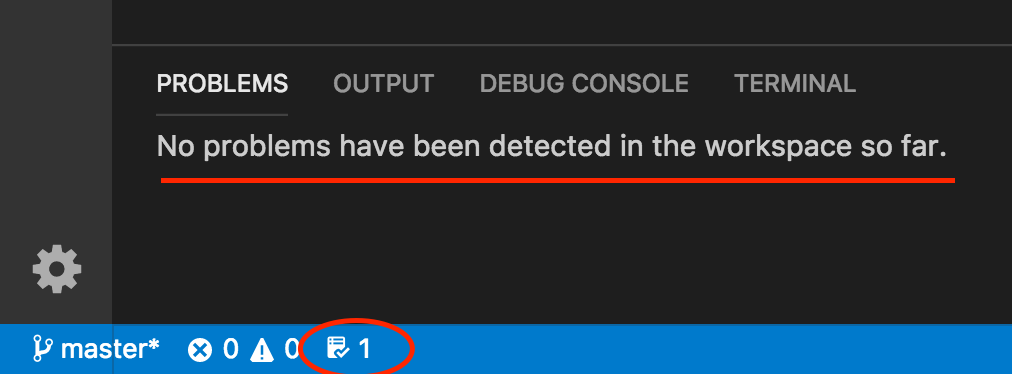
I've tried reloading workspace for a couple of times.

Define the priority level of each marker in the settings.json file appears to fix this.
    "TodoParser": {
        "showInProblems": true,
        "markers": [["TODO", "Information"], ["FIXME", "Warning"]]
      }

This still doesn't work. This is my config file:
    "TodoParser": {
        "showInProblems": true,
        "autoDefaultMarkers": true,
        "markers": [["TODO", "Information"], ["FIXME", "Warning"]]
    }
