

 mpv-player
Dark (near black) areas have blue tint (gpu-next)
- libmpv (06.11.2022)
- Win64 22H2
- mpv-dev-x86_64-v3-20221106-git-2590651.7z
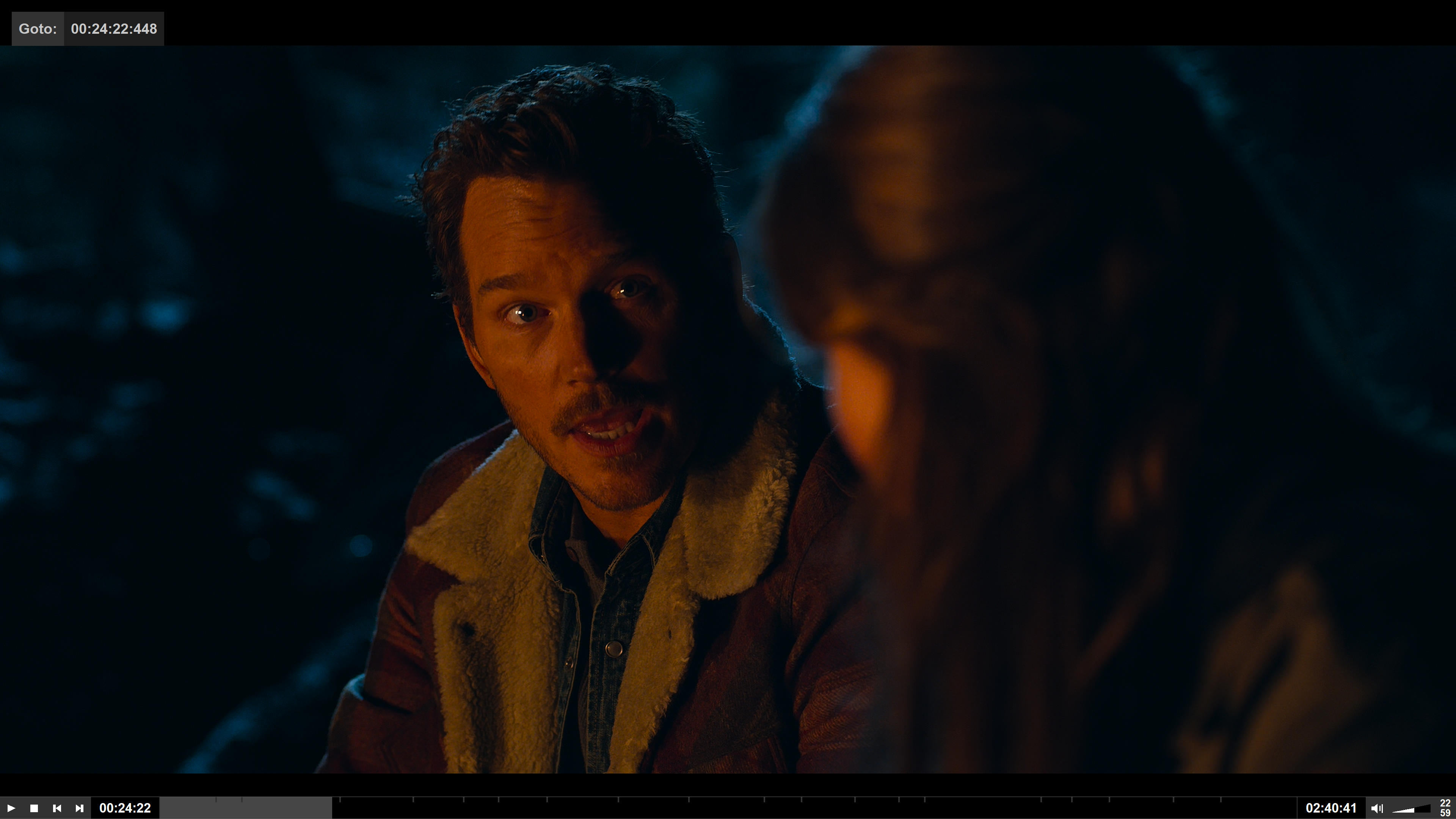
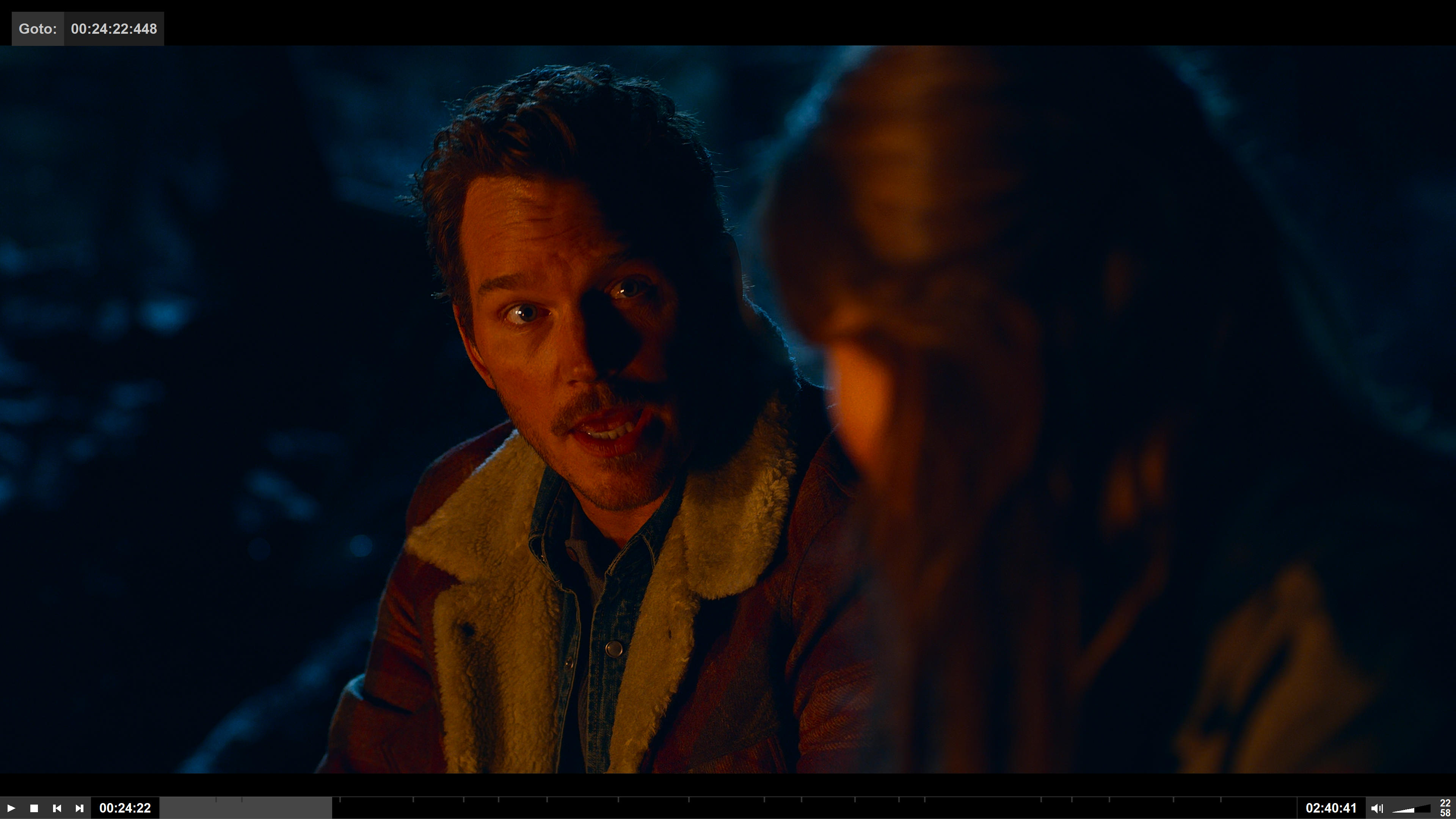
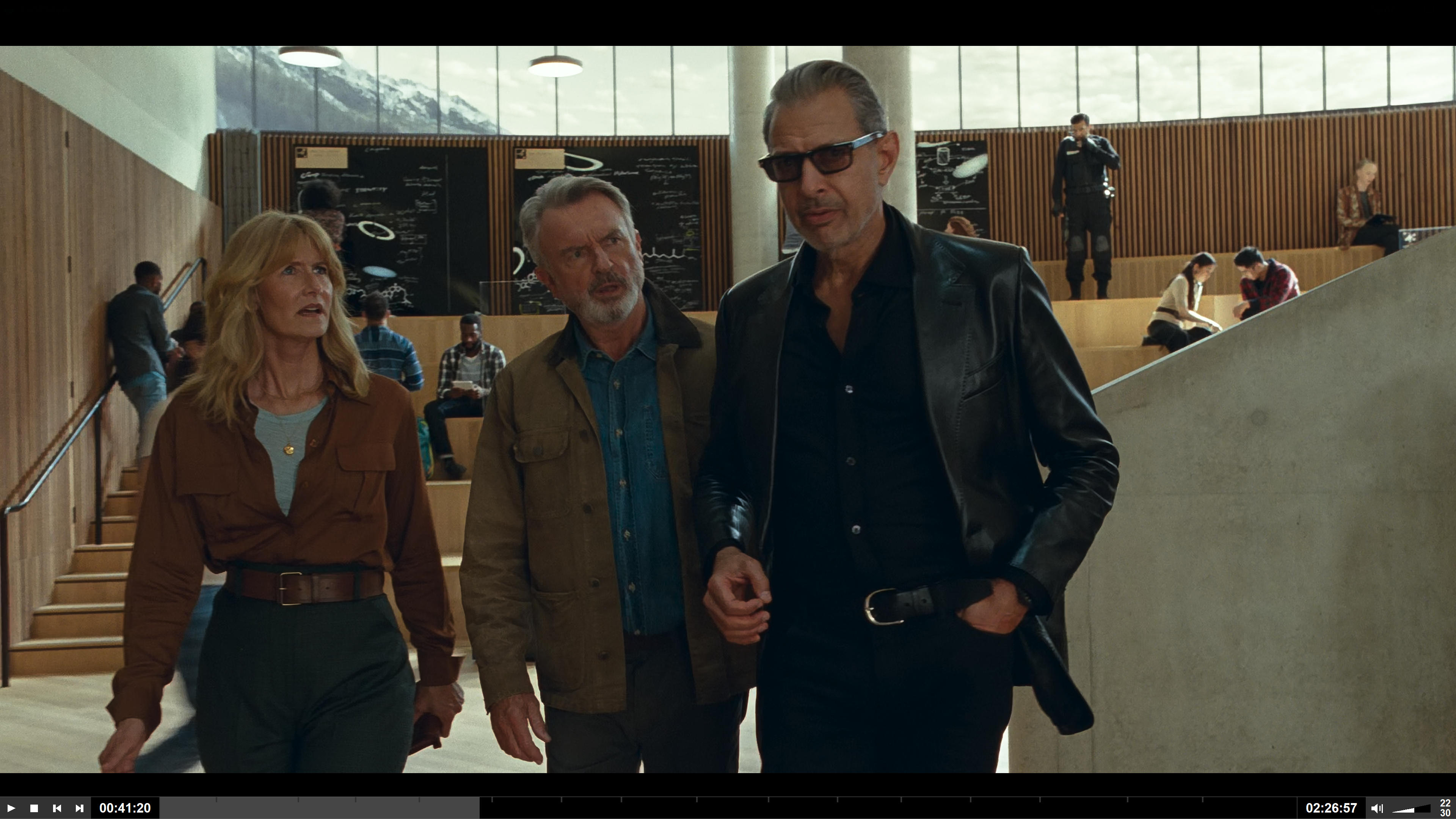
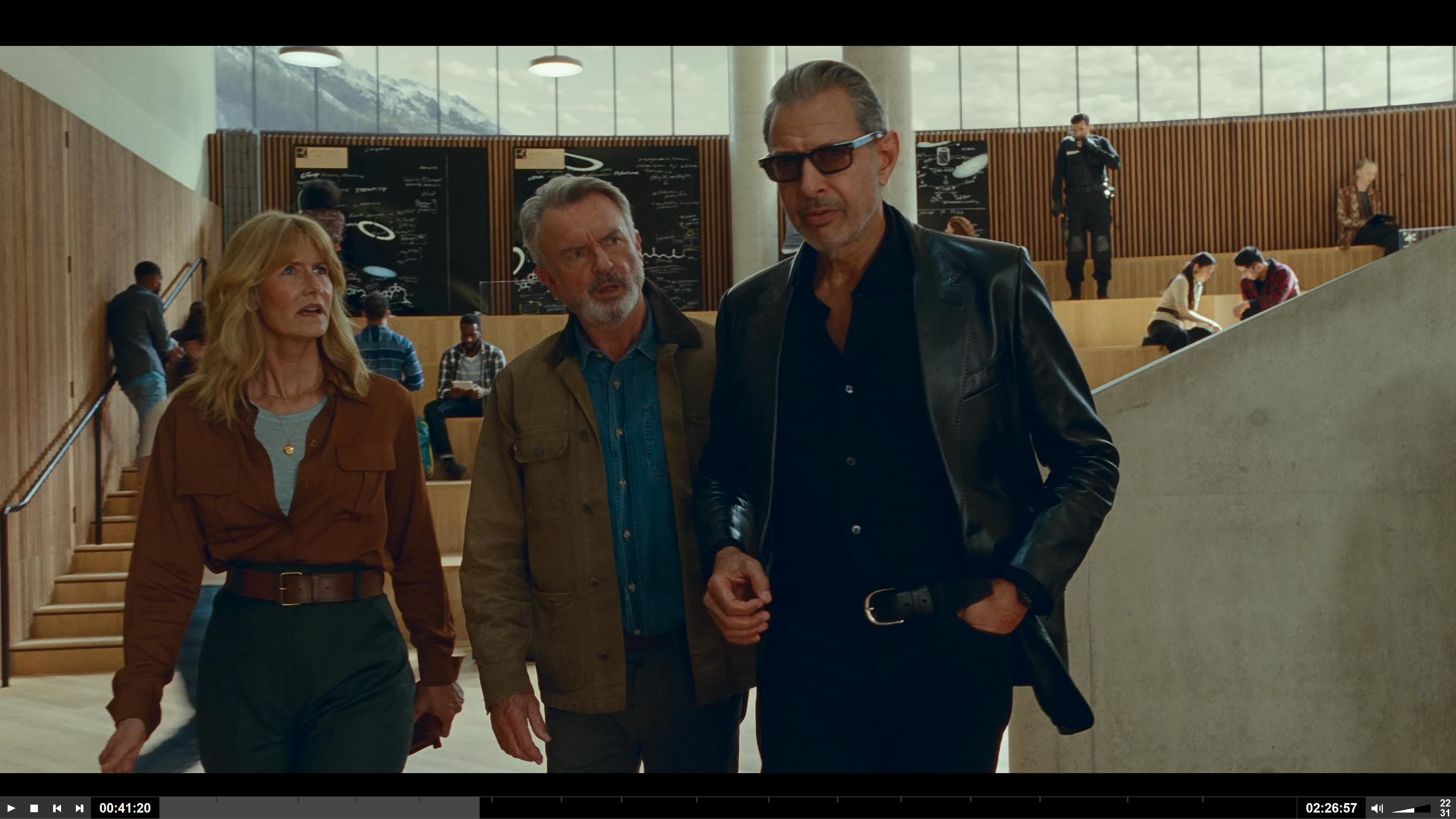
gpu-next produces a blue-ish tint on near black (very dark) areas in HDR material. Old gpu does not show this issue for the same video material.
See the attached screenshots from Jurassic World: 1: gpu-next produces kind of oversaturated colors and dark areas are clearly blue instead of black. 2: gpu-next colors the dark parts of the black shirt and trousers blue.
You can clearly see the effect when you directly switch between the images with an image viewer.
Would be nice if this could be fixed, because it is quite dominant in many dark scenes...
Here is the mpf conf:
[1] vo=gpu hdr-compute-peak = yes target-peak = auto tone-mapping = auto
[2] vo = gpu-next hdr-compute-peak = yes target-peak = 88 tone-mapping = auto
BTW: target-peak = auto is much too dark on my system, that's why I'm using "88", which roughly equaly "auto" of old gpu.

Try this, and remove target-peak = 88 from conf.
[hdr]
profile-cond=get("video-params/sig-peak") > 1
profile-restore=copy
target-trc=pq
target-prim=bt.2020
glsl-shader=~~/shaders/BT2100PQ_to_BT709.glsl

This does seem to remove the blue, but the picture gets dark, washed out, pale, etc. All the HDR effect seems gone and it's not nice to watch...
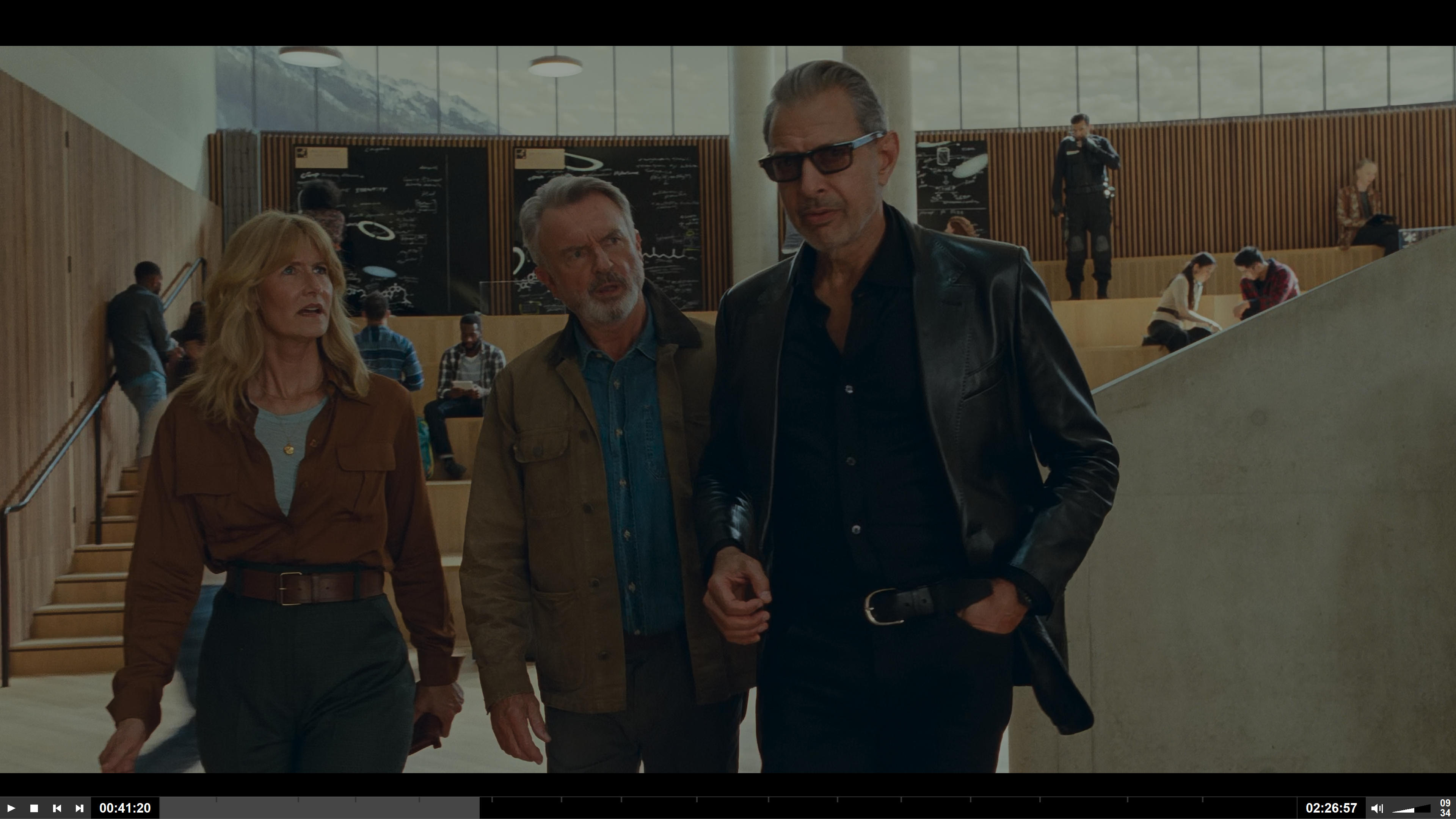
Do you downloaded that glsl and put it into ~~/shaders?
If yes, press shift+i then press 2, show me the screenshot.
I'm using my own player with libmpv. But the shader is active and the profile is set to the values you described. I checked by adding the shader only (which results in distorted colors), then added the target-* lines, etc.
I've installed the latest mpv. Same result:
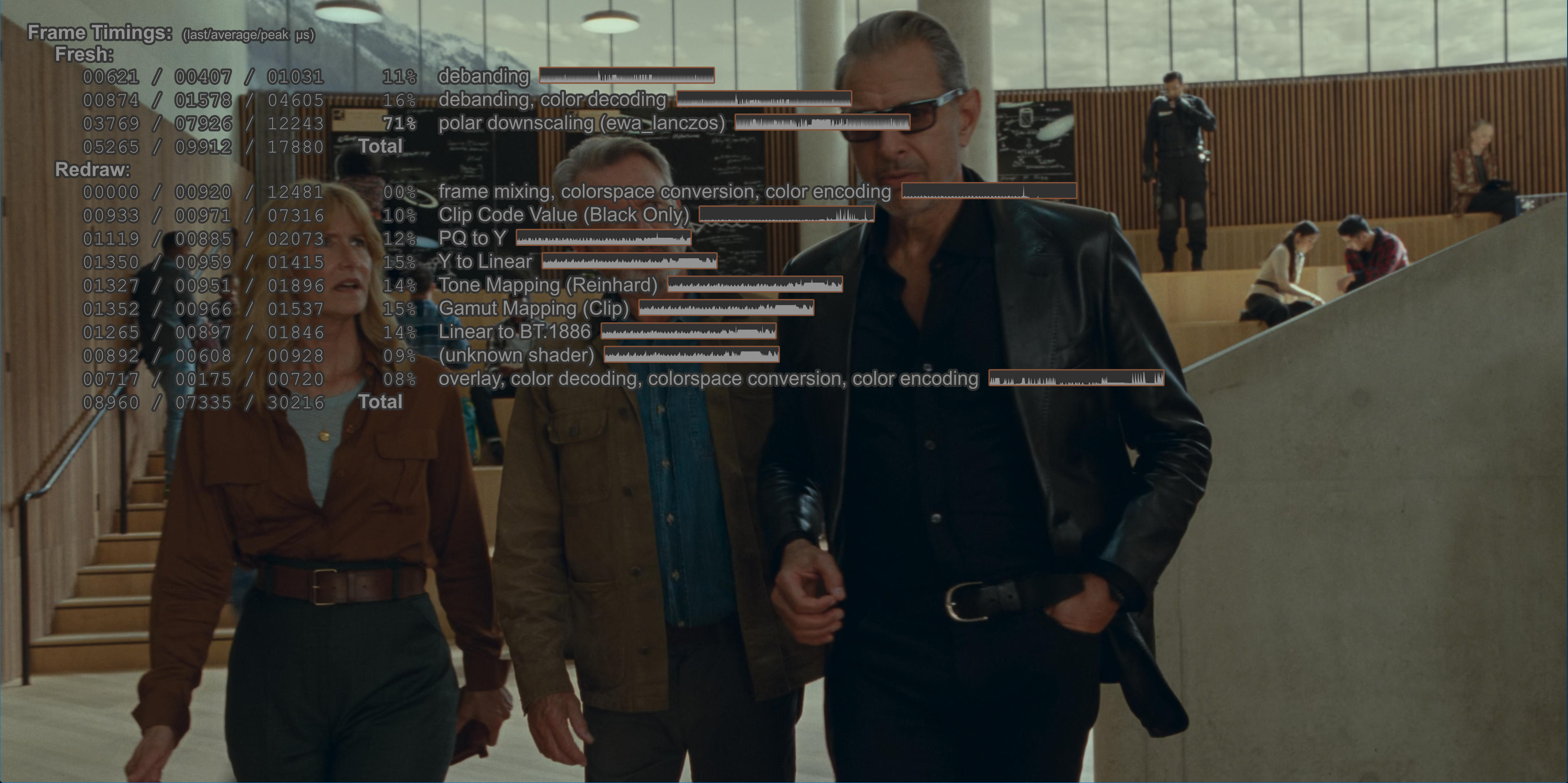
Looks like a dark and washed out SDR...
How about changing this line to 88? as you set target-peak = 88.
https://github.com/Natural-Harmonia-Gropius/mpv_config/blob/5d517e312ef631d693edbc2eeb002c9c71d5b66d/shaders/BT2100PQ_to_BT709.glsl#L58
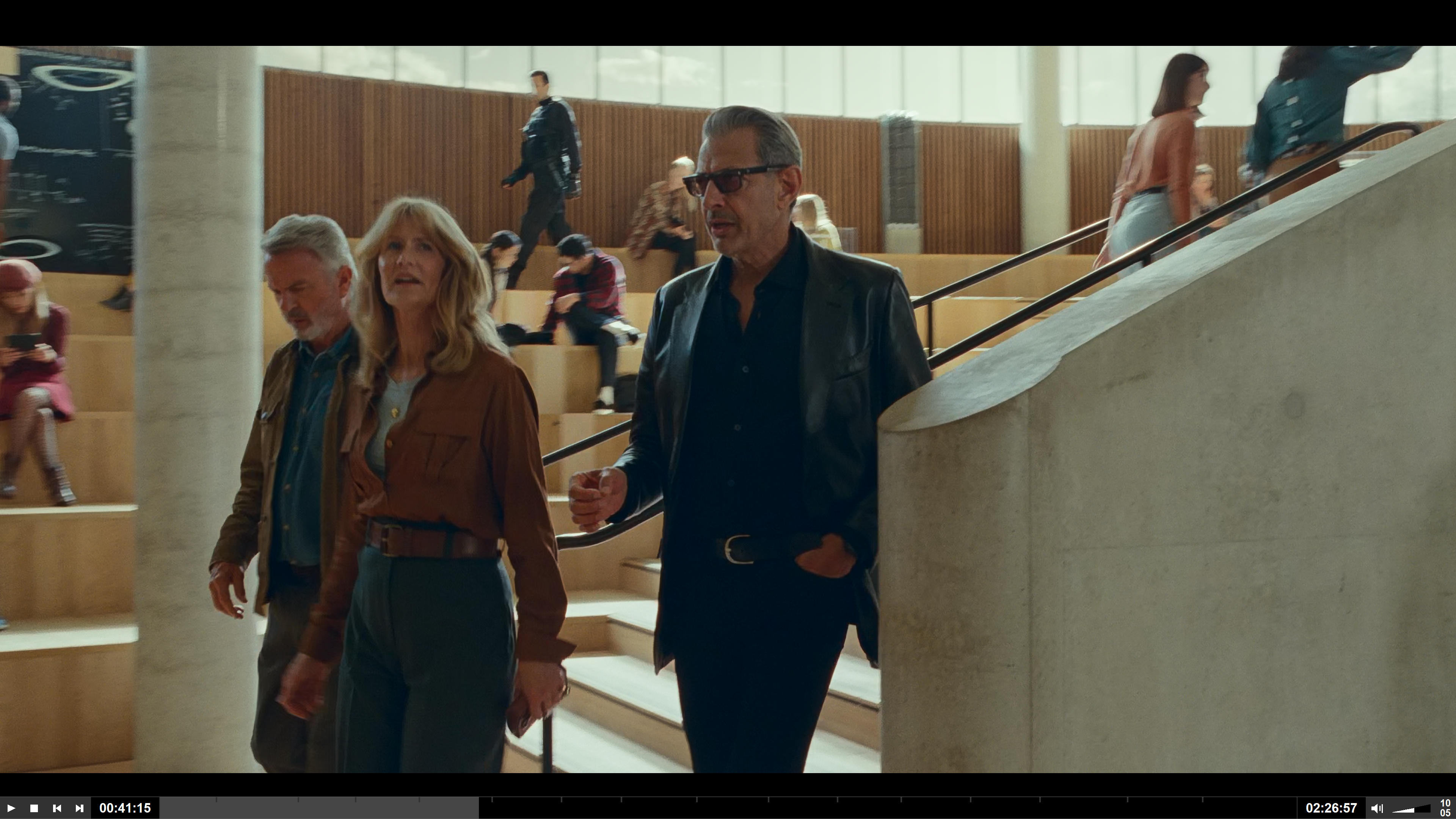
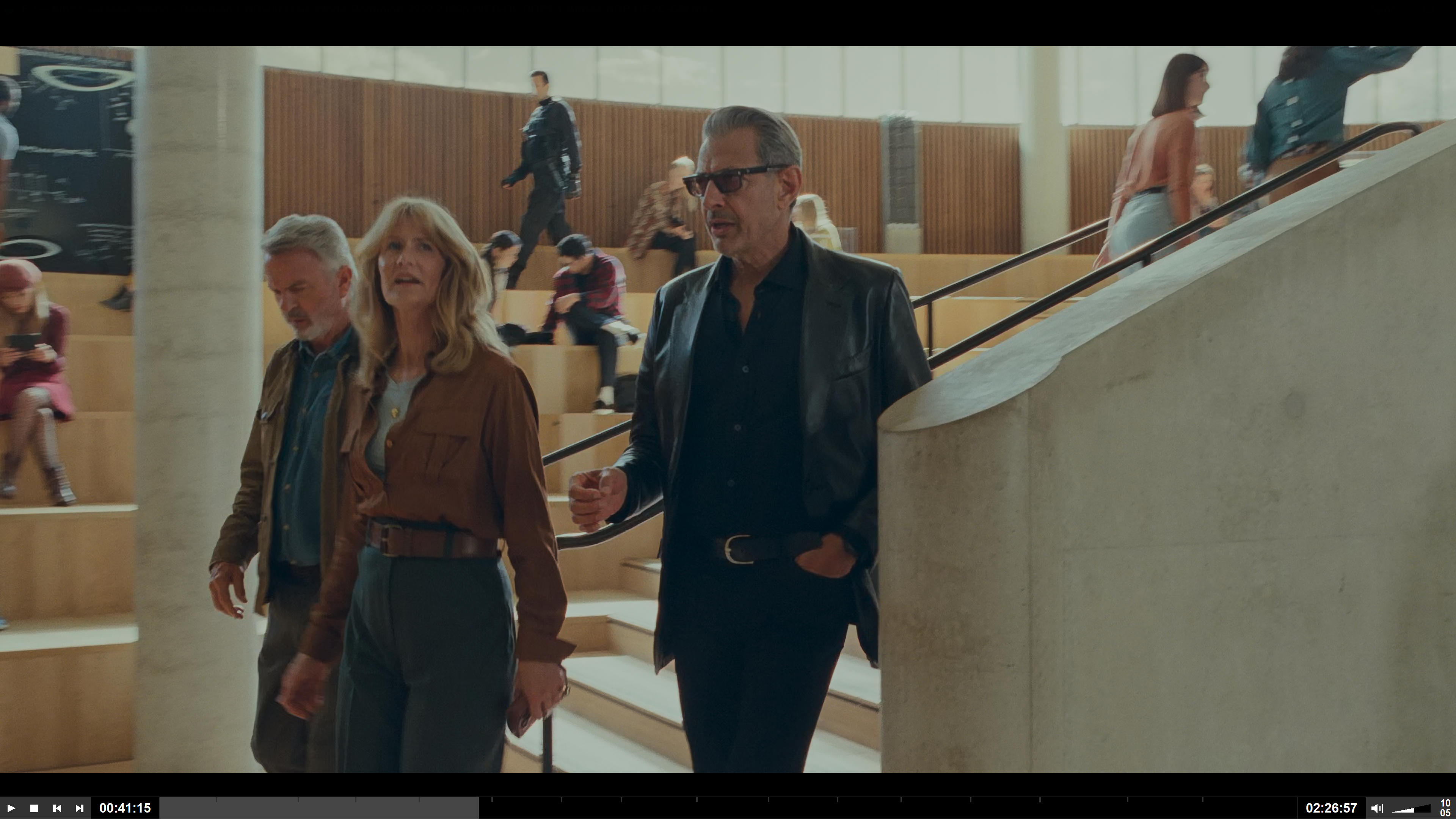
Yes, this helps. Blue is reduced, brightness is better, but still the picture looks "dull" compared to the original "gpu-next". The contrast is significantly worse and the dark areas are brightened up, there's a gray "haze" over the picture:
Original:
With Shader:
There simply seems to be a bug in gpu-next that causes dark areas to get a blue tint... Would be best if this could be fixed in the gpu-next code rather than correcting it with shaders, etc....
Using the old "gpu" does not show this effect...
gpu-next also seems to over saturate quite a bit! At least using "saturation = -25" seems to be necessary to get relatively natural colors... Again, compared to old gpu.
Can you try --tone-mapping-mode=rgb vs --tone-maping-mode=luma? Does only one of the two produce the oversaturated shadows?

Just tried both mapping modes and the result is the same!
After some more testing I think there simply is a general problem with the saturation in gpu-next and HDR material! When using
vo = gpu-next hdr-compute-peak = yes target-peak = 88 tone-mapping = auto target-prim = auto target-trc = auto saturation = -25 contrast = 8 brightness = 0
I get pretty natural, bright results (comparable to the old vo=gpu). And the blue shadows also are reduced a lot. Seems the shadows in some HDR scenes do have a dominant blue component and when the saturation is too high, they can be noticed as blue instead of black...
Maybe we should open a new issue "Over-saturated colors with gpu-next"? I think that's the culprit...
Does setting just --vo=gpu-next --target-prim=dci-p3 roughly match the desaturated effect you're looking for?
I think it might be due to a difference in how HDR metadata is applied. --vo=gpu ignores mastering metadata entirely and always stretches the full BT.2020 gamut down to the target display's capabilities. --vo=gpu-next goes the other way and only stretches the indicated part of the spectrum.
This results in more saturated colors overall, but the resulting increase in saturation is still a decrease relative to how it would look on a native BT.2020 (HDR) monitor.
No, --target-prim=dci-p3 is also visibly oversaturated. However, it just needs saturation=-13 instead of -25 to look the same (exactly the same, actually).
There really is a saturation problem with gpu-.next...
Here is a test clip that shows extremely oversaturated red colors. Turning saturation down -25 and turning contrast up +8 fixes it and produces a great picture (still with slight blueish tint of the black background, but maybe that's the source material).
Actually, the oversaturation shows in every HDR material! And even in SDR... I now use saturation-25 and contrast+8 for ALL material and it always looks good! leaving these at 0 causes completely oversaturaed colors in almost everything.
Also: target-peak = auto is much (!) too dark on all my systems! On my monitor (a UHD TV run in SDR mode) and my projector (UHD, also run in SDR mode) I need to use "88" instead of "auto" to get a bright and nice picture. with the old "gpu" I could use "auto" for correct brightness.
Does setting just --vo=gpu-next --target-prim=dci-p3 roughly match the desaturated effect you're looking for?
--target-trc=hlg could.
hlg much better for me, or --tone-mapping-mode=rgb (last screenshot).
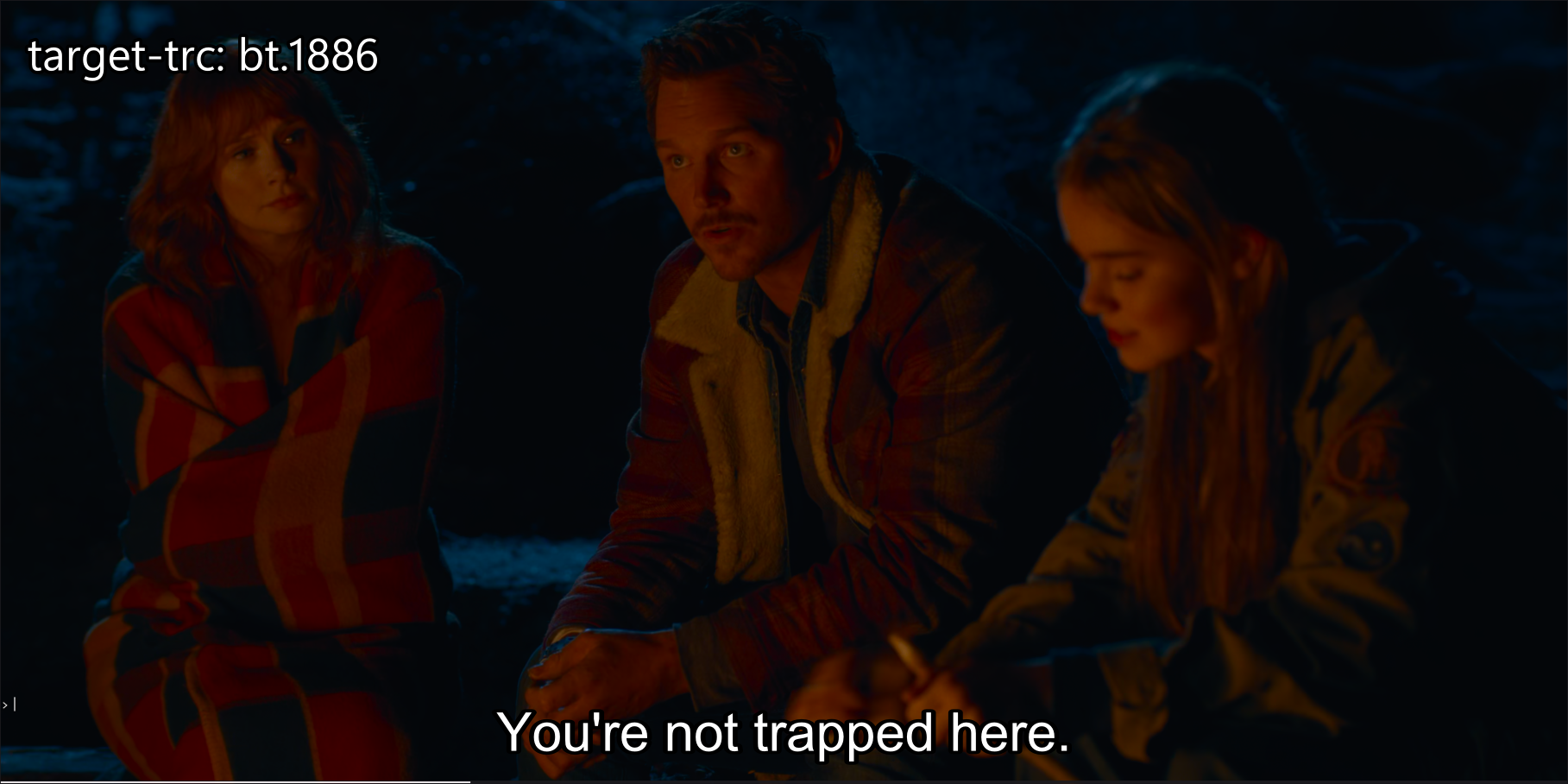
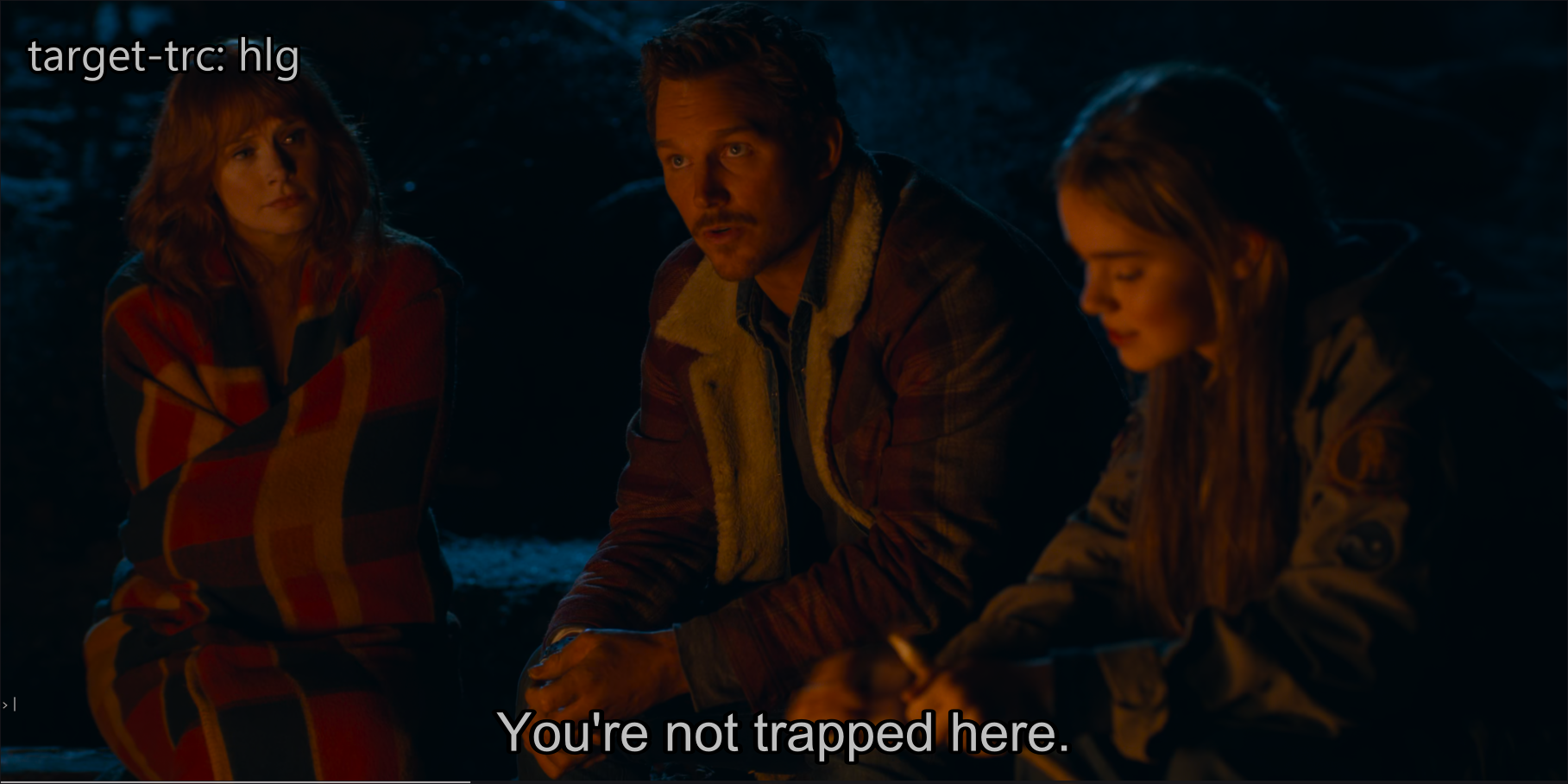
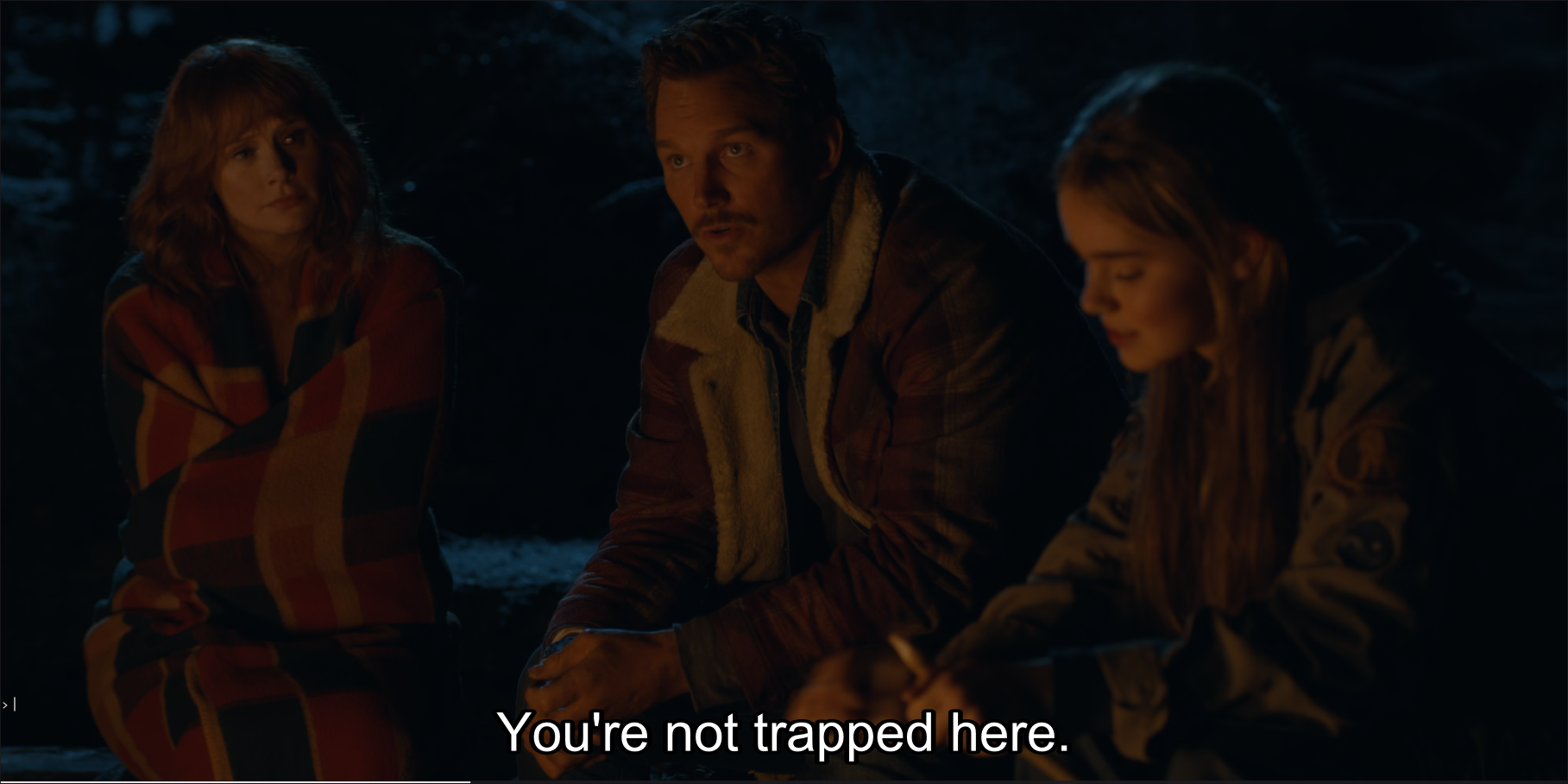
I just know this is partially caused by the default black point for 1000:1 contrast ratio.
Even switching to 10k contrast ratio makes a significant improvement on saturation at lower brightness.
Lowering the black point more causes some issues though.
Comparison: https://slow.pics/c/RFXCww5e

So is this over-saturation issue acknowledged by the developers or should I open a separate issue for it?
Here is a test clip that shows extremely oversaturated red colors. Turning saturation down -25 and turning contrast up +8 fixes it and produces a great picture (still with slight blueish tint of the black background, but maybe that's the source material).
Yeah, I see it. I'll have to look more closely at it but what almost appears to be going on is that BT.2446a tone-mapping is making the image significantly brighter than the source material.
If you look at --tone-mapping=clip (or --tone-mapping=spline) for comparison, it is not as oversaturated. I will try figuring out why BT.2246a is so aggressive in raising the brightness here, because it should IMO not be the case.
Thanks for looking into this! However, I really like the brightness - it looks fantastic compared to the dull dark picture. If I turn down the saturation, everything is perfect...
It seems like there might be a mathematical error in our calculation of the desaturation (in --tone-mapping-mode=luma/hybrid). I'll look into it further in a bit.
https://code.videolan.org/videolan/libplacebo/-/merge_requests/329 this fixes the bug in the desaturation logic, to make it pick the proper desaturation factor from BT.2446a. This is not quite extreme as --saturation=-25, but overall saturation should be significantly lower.
(Edit: actually, with target-peak=88 it looks roughly about the same as --saturation=-25)
Original (bugged, before the patch):
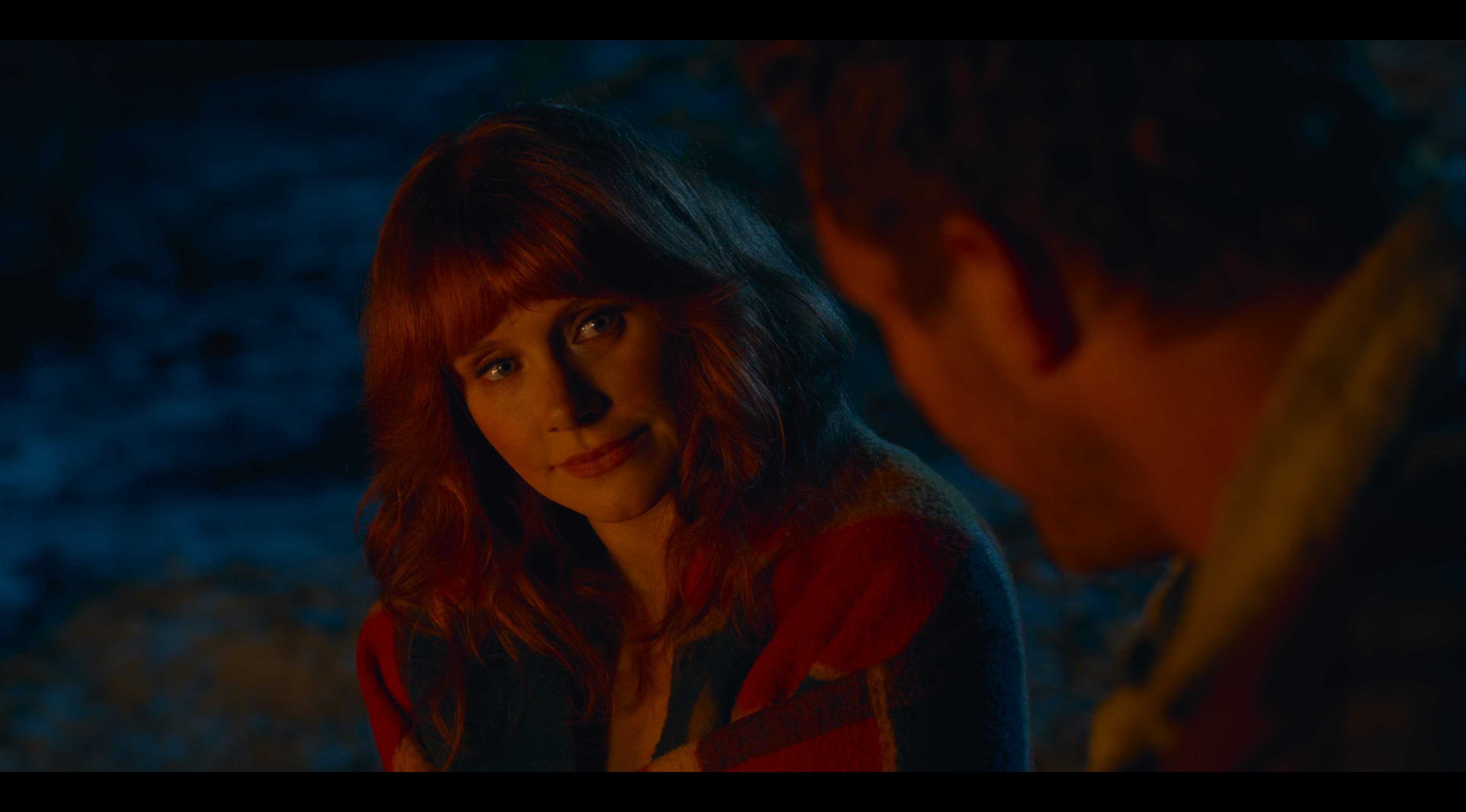
Original with --target-peak=88:

Original with --target-peak=88 --saturation=-25:

Fixed with --target-peak=88:
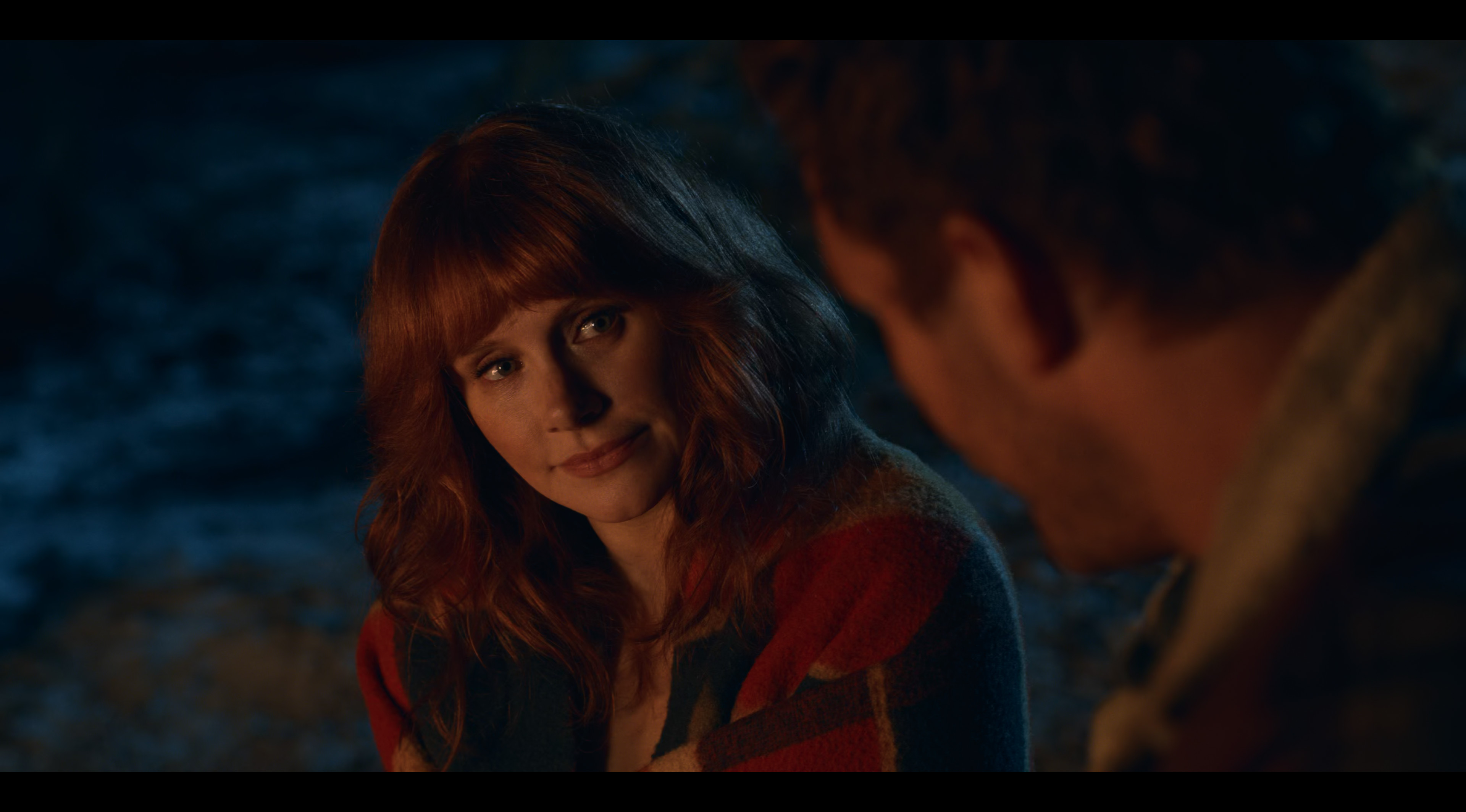
Fixed with no settings: (default peak)
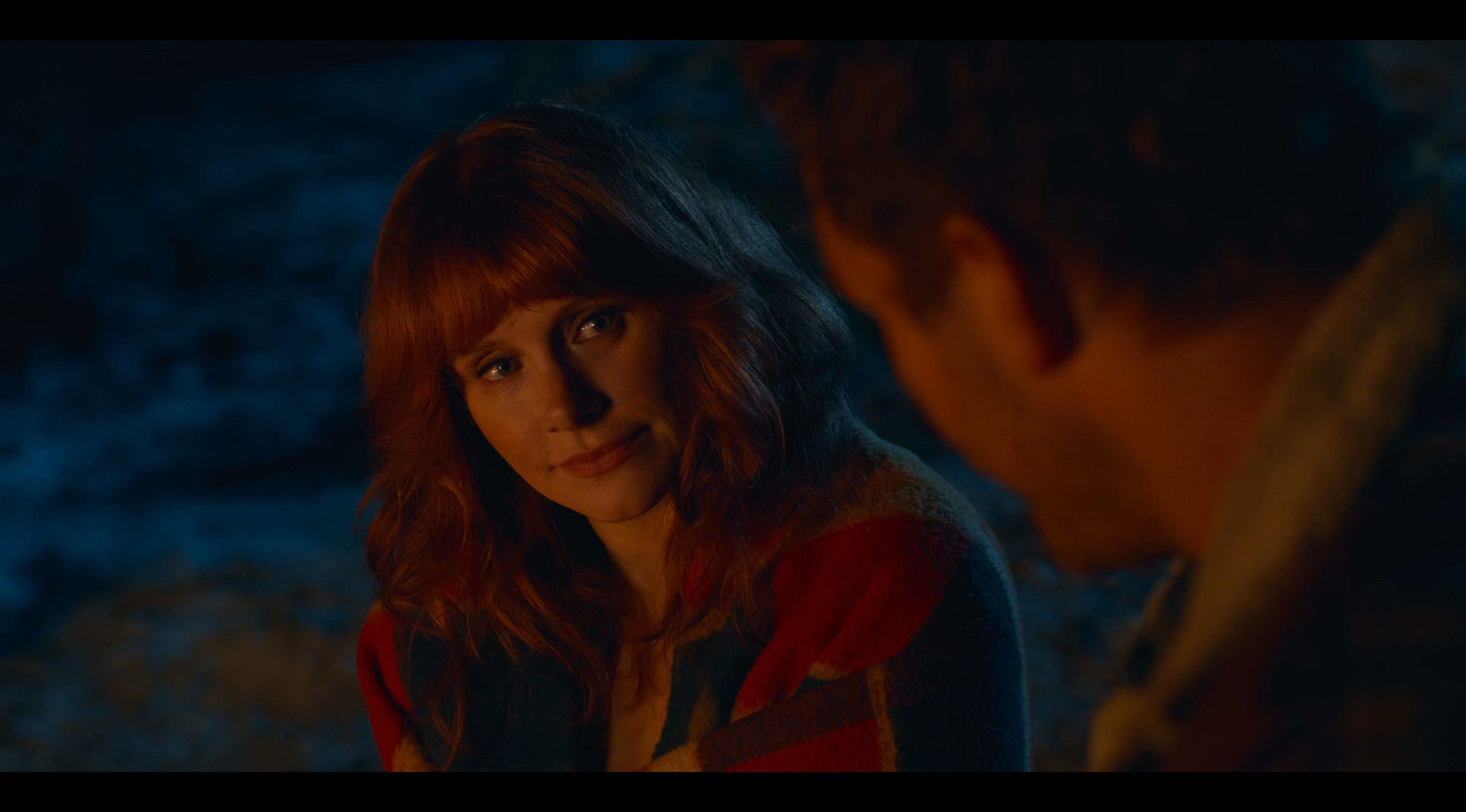
You can clearly tell that it's desaturating a lot more when tone-mapping down to peak 88, as intended.
Oh, the new logic has a fatal flaw for more extreme tone-mapping ratios. A better function is needed.
"We're gonna need a bigger boat!" (quote from "Jaws") ;-)
Thanks for trying to fix this! Please update this thread when a fixed libmpv sinchiro build for Window is available so that I can test it.
Thanks!
Maybe we should just expose the peak-dependent desaturation factor as a user control.
An "auto" setting is always preferrable - at least this should be applicable for all video material, so that the user does not have to adjust it for each and every video separately...