

 mozilla
Media Loader loads video on network but not images - AWS Cloud
Description Media Loader loads video on network but not images - AWS Cloud
To Reproduce Visit this URL from 2 different networks (e.g. mobile phone + desktop) https://metafashion.rocks/zrQyJFy/understated-realistic-rendezvous press previous button press next button
Observed behaviour
images+video change only locally.
(The first device that enters the room can control the video of the other device. Chrome browser on both.)
Expected behavior images+video should also change over the network (so they are visible for other users)
Screenshots
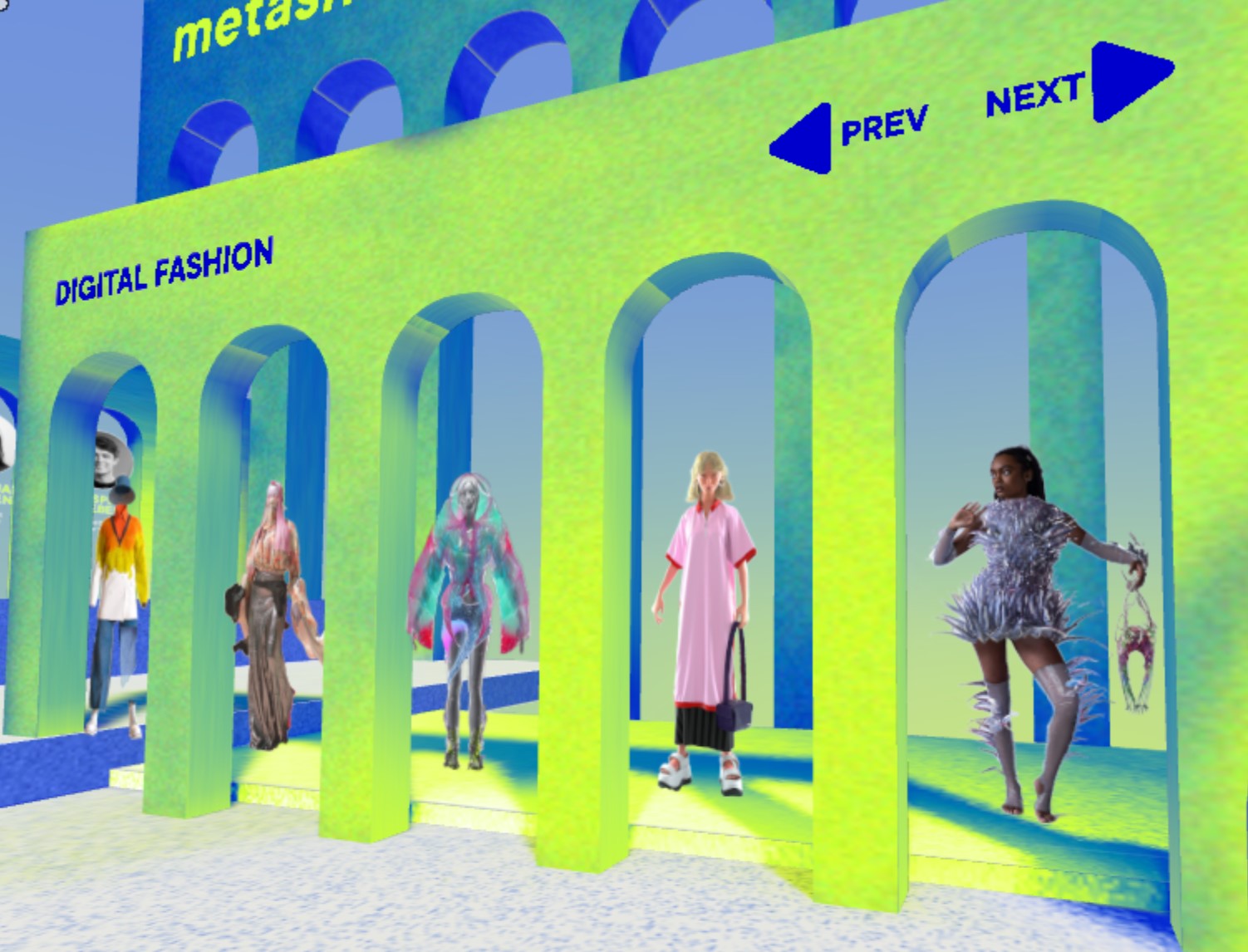
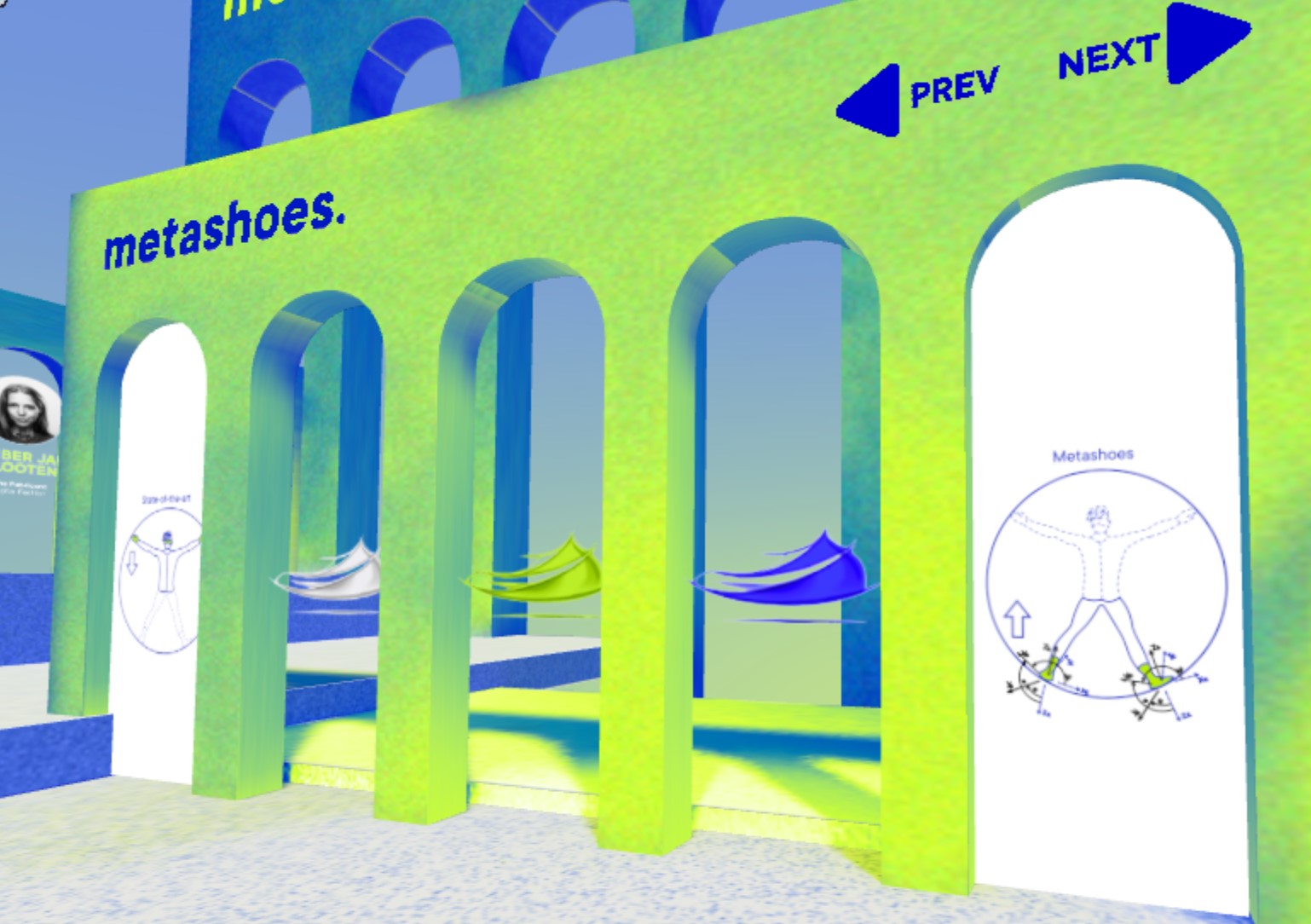
Interactivity does not work over the network. Only locally.
Hardware
- Device: Desktop, iPhone, Android phone, Oculus Quest
- OS: Windows, iOS
- Browser: Firefox, Chrome, Edge, Safari, Oculus Browser
Additional context
//added external script in hub, here is code that we used for changing images and videos
// dataItem is object having image & video URL
function setScreens(dataItem) {
    currentSet = dataItem.id
    images.forEach(function (item, sIdx) {
      item.setAttribute("media-loader", {
        src: dataItem.textures[sIdx].image,
        fitToBox: true,
        resolve: true,
        fileIsOwned: true,
        animate: true,
      })
    })
    mainVideo.setAttribute("media-loader", {
      src: dataItem.video,
      fitToBox: true,
      resolve: true,
      fileIsOwned: true,
      animate: true,
    })
}


As far as we understand, attaching scripts is only possible with a custom client. We followed aelatgt/hubs-scripting-guide and merged all recent commits. Maybe this:
https://github.com/mozilla/hubs/blob/f856e60dd9bab4a0aff063028390a3021156d1f3/src/network-schemas.js#L100
and ideed, there is code for component: "media-video", and "media-pdf". Not for "media-image".
Added in "#static-controlled-media" template of network-schemas.js (LINE199):
      {
        component: "media-video",
        property: "src"
      },
     {
        component: "media-image",
        property: "src"
      },
But this had no effect. Please see a video of the network traffic inspection here: https://www.loom.com/share/d5f202074082400cbca4a217561d7819 Any ideas would be greatly appreciated.