

 mozilla
Momentum decay (i.e. not drifting forever) for "thrown" objects?
Description
This is /almost/ a bug, i admit... but during my workshop, many participants had trouble with releasing images which drifted away infinitely, and got lost. I'm not sure if there is a way to get objects to slow down faster, but I think they should not be "throwable" more than a few meters away unless you try REALLY hard. This was a persistent issue for some users and really made working in the space difficult.
I think perhaps some input devices make this much harder? Some users had to be /really/ careful not to throw things by accident.
Could perhaps the deceleration be made tweakable?
Also, is there a strong positive reason for such high momentum?
Thank you!!!!
To Reproduce Steps to reproduce the behavior:
- Drag an object
- Release it while you're still moving, or with the flick of the mouse
- Watch it drift away forever
Expected behavior
I expected objects to slow down faster so they could only be thrown 10m max.
Screenshots
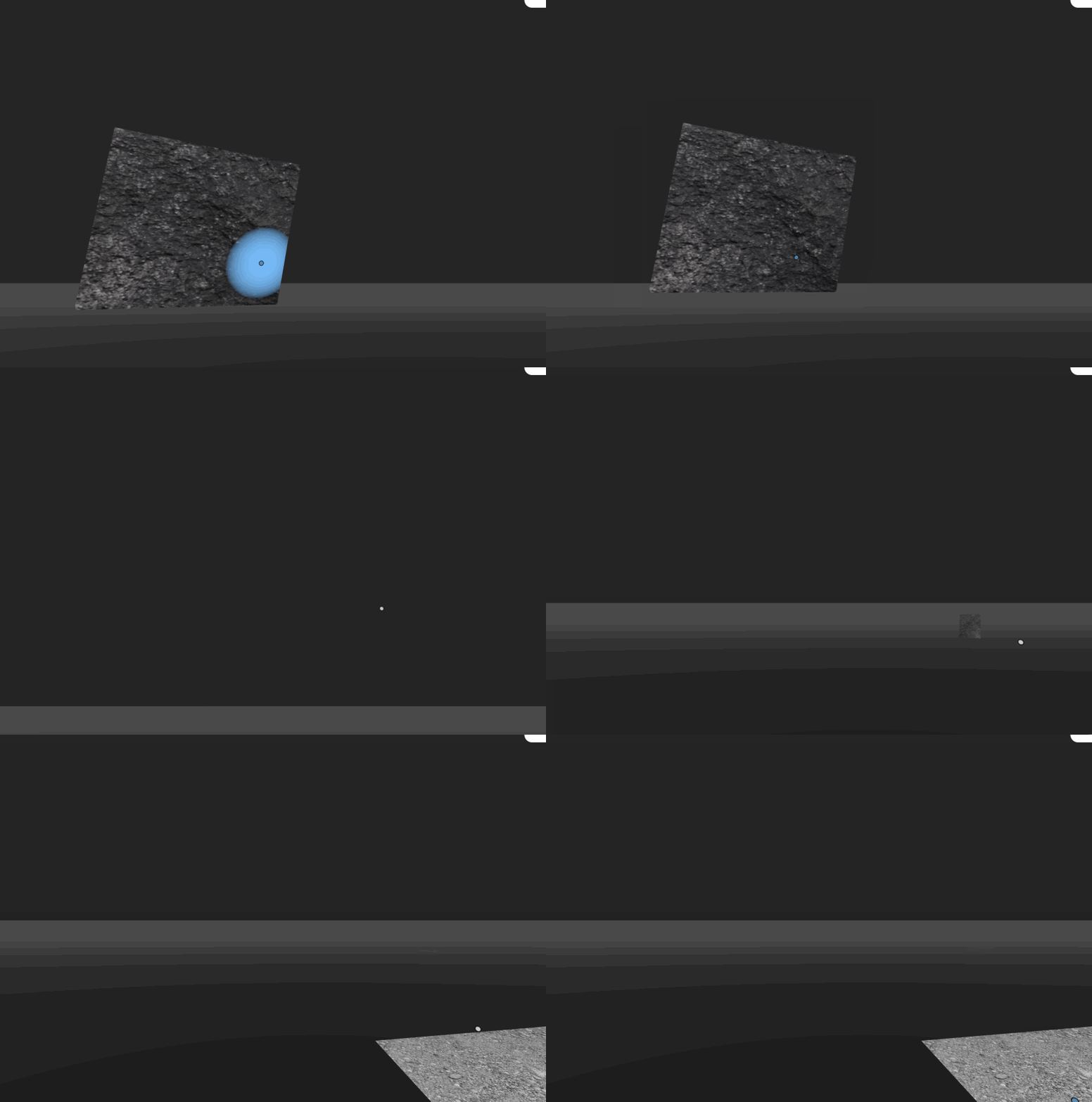
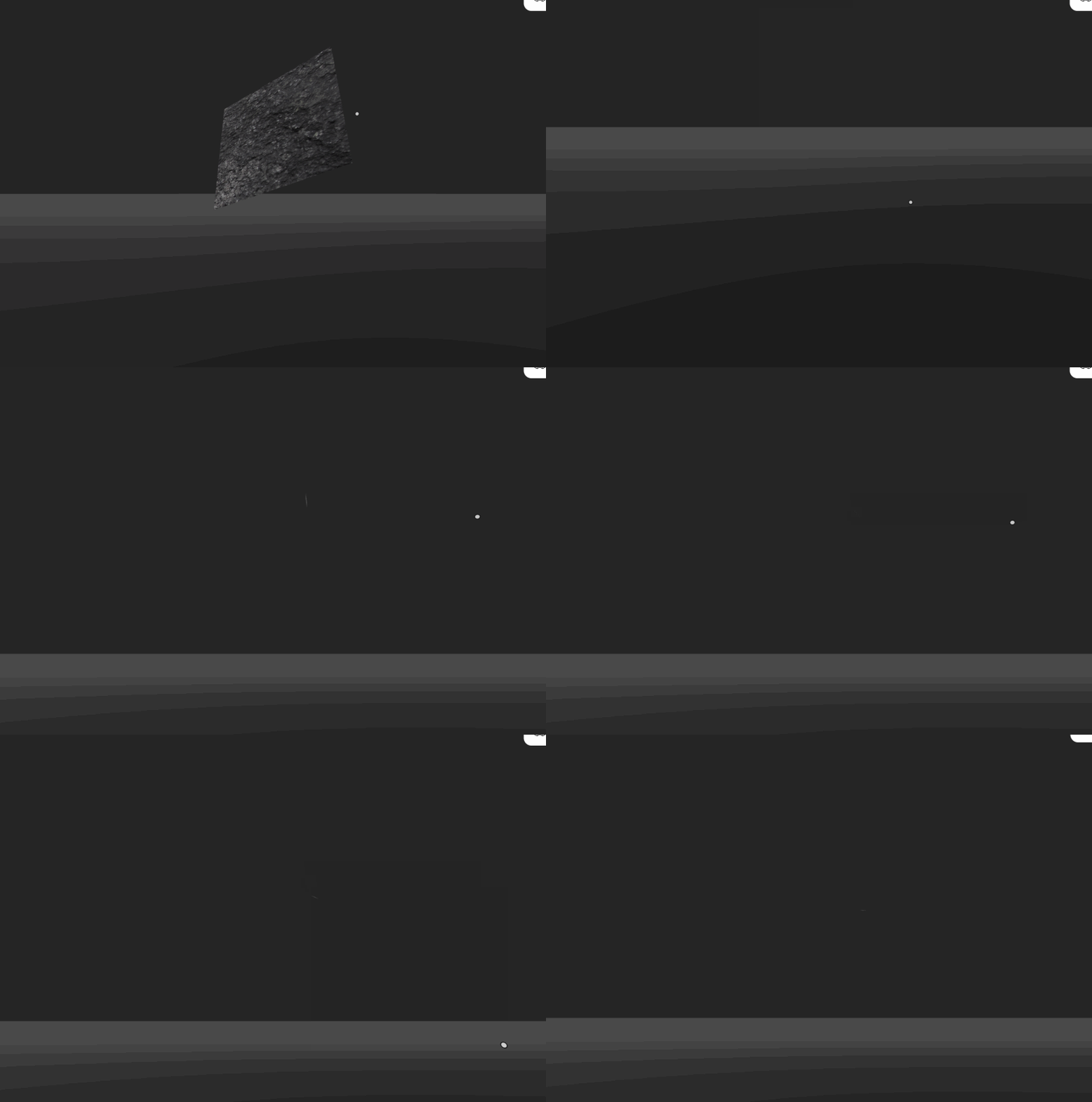
Hardware
- Device: Mac
- OS: Mac
- Browser: Chrome

I have this problem as well. Relatedly, I found that, at some speeds, objects will defeat the collision detection and fly through the floor. At lower framerates, simply dropping them with gravity enabled yields the same result. However, cameras don't seem to be affected and they'll stop as soon as you release the mouse.
By the way, if you're trying to italicize words, /text/ won't do anything. You have to put the text between underscores, like this: _text_. Super logical, i know.

I actually utilize the high momentum in some of my scenes as a game mechanic, but I agree that for some cases it can cause problems. I believe it was done this way initially so that you could throw objects to delete them. I think the best way to fix this would be to have a scene level setting in Spoke/Blender.

Thank you. I did find some references in the code which seem to be related to floating and gravity of released objects, unless I'm misreading:
https://github.com/mozilla/hubs/blob/41373e0078ce55eb09b6034fe2c621871c88ce96/src/components/floaty-object.js#L4-L24
I believe it was done this way initially so that you could throw objects to delete them
Wow that's super interesting actually!
Thank you. I did find some references in the code which seem to be related to floating and gravity of released objects, unless I'm misreading:
https://github.com/mozilla/hubs/blob/41373e0078ce55eb09b6034fe2c621871c88ce96/src/components/floaty-object.js#L4-L24
I'm not very familiar with gravity and physics systems, but it seems like that's a good file to start with. But, I'd try modifying the onRelease function, rather than what looks like just the defaults at the top. Maybe try modifying this if statement (which, if true, potentially acts on thrown objects without the manually applied gravity from the spacebar menu, I think) to always be false so it skips to the else part which would make it act like the much slower applied gravity from the spacebar menu.
if (
        this.data.gravitySpeedLimit === 0 ||
        (physicsSystem.bodyInitialized(uuid) && physicsSystem.getLinearVelocity(uuid) < this.data.gravitySpeedLimit)
      ) {
So it would end up like this:
if (
        false &&
        this.data.gravitySpeedLimit === 0 ||
        (physicsSystem.bodyInitialized(uuid) && physicsSystem.getLinearVelocity(uuid) < this.data.gravitySpeedLimit)
      ) {
Unless I'm wrong about which is which, in that case you'll want to try always running the if statement:
if (
        true ||
        this.data.gravitySpeedLimit === 0 ||
        (physicsSystem.bodyInitialized(uuid) && physicsSystem.getLinearVelocity(uuid) < this.data.gravitySpeedLimit)
      ) {
Hopefully you can make sense of all that and it's not too confusing :stuck_out_tongue:
Actually, it would be nice if there were a preference to disable throwing entirely (like what happens when you pin an object, hold the spacebar, and then move it, which it will do with no danger of throwing, it will stick immediately on release, but that only works if you're logged in and have permission to pin things)
But just a preference, as it is very fun to throw things >:)
Thank you - just collecting a bit more info on this:
https://github.com/mozilla/hubs/blob/4c129b75c8d1b3442f931553158ea5eafe2c993c/src/hub.html#L300-L315
Here seems to be the template for uploaded "interactive media" which sets modifyGravityOnRelease: true, good to know...
Also some confirmation on your thought of "throw far to delete" -- https://github.com/mozilla/hubs/blob/d2ceef5bb25cd98cd620c1184101847edc61546d/src/components/destroy-at-extreme-distances.js
And - here seems to be another place we see defaults set for "image" uploads (reduceAngularFloat: true, releaseGravity: -1):
https://github.com/mozilla/hubs/blob/e8ad2c67bc9d6a2011f9faf84bd0e4712d7124e6/src/components/media-loader.js#L484
Thanks again!
Ah, wait - aren't we confusing gravity and momentum? I'm fine with gravity acting basically however it wants, as long as objects slow down faster. Could we imagine a scene setting which dampens thrown momentum, by modifying linearDamping and linearSleepingThreshold, so things slow down faster and stop moving faster?
https://github.com/mozilla/hubs/blob/41373e0078ce55eb09b6034fe2c621871c88ce96/src/components/floaty-object.js#L91-L114
I thought objects gained vertical momentum when falling as a result of being affected by gravity? Is this implemented differently here? In any case, objects still tend to fall through the floor for me at lower framerates.
I guess we're stretching the interpretation of physics a bit here, but you're right in that objects might slow down or stop because they "hit the ground" after being affected by gravity. I had been thinking of them not flying as far, so that could be due to "air resistance" (even more of a stretch but maybe a useful metaphor to lean on so that things don't fly so far?) -- the third possibility is that we think about how much velocity we can transfer into them by "throwing" -- we aren't really thinking about their mass, i'd guess, but maybe that's a better metaphor -- that we limit how much velocity can be transferred to an object, rather than think about dampening that velocity once we've released it.
So, i guess we have 3 possible metaphors for slowing them down... i just happened to notice the linearDamping attribute and thought we could change that value for a simple way to slow things down but if we could find where the velocity of the thrown object is set, we could lower that too?
Perhaps, but I'm not sure how this would carry over to other input methods. VR headsets have a huge advantage because they can calculate the velocity an object is thrown at (having a fixed throw velocity would feel very unnatural), whereas with touchscreens and gamepads you carry the object in front of your face, start walking, release it and hope for the best.
We mentioned making this adjustable, how silly would it be exactly if we had a dedicated wizard to help you configure your preferred maximum throw velocity for devices that can't figure this out on their own?🤣 I'm thinking it would just be a HUD with a slider and a room where you can test the setting until it feels right. If we add a dedicated throw button, holding it down could show the throw trajectory.
@jywarren Sorry for the late reply, you're probably way past this, but I'll share my thoughts anyway.
Thank you - just collecting a bit more info on this:
https://github.com/mozilla/hubs/blob/4c129b75c8d1b3442f931553158ea5eafe2c993c/src/hub.html#L300-L315
Here seems to be the template for uploaded "interactive media" which sets
modifyGravityOnRelease: true, good to know...Also some confirmation on your thought of "throw far to delete" -- https://github.com/mozilla/hubs/blob/d2ceef5bb25cd98cd620c1184101847edc61546d/src/components/destroy-at-extreme-distances.js
And - here seems to be another place we see defaults set for "image" uploads (
reduceAngularFloat: true, releaseGravity: -1):https://github.com/mozilla/hubs/blob/e8ad2c67bc9d6a2011f9faf84bd0e4712d7124e6/src/components/media-loader.js#L484
Thanks again!
Hm, interesting. Yes, good to know.
Ah, wait - aren't we confusing gravity and momentum? I'm fine with gravity acting basically however it wants, as long as objects slow down faster. Could we imagine a scene setting which dampens thrown momentum, by modifying linearDamping and linearSleepingThreshold, so things slow down faster and stop moving faster?
Yes, I think you're right. In that case, I'm betting that lower values mean less slow down and so more throwing, and so that probably means that you'll need to modify the code in this block to have higher damping values: https://github.com/mozilla/hubs/blob/41373e0078ce55eb09b6034fe2c621871c88ce96/src/components/floaty-object.js#L105-L113
Again, physics systems are not my area of expertise, so take what I say with a massive grain of salt :)
@DominikNovosel
whereas with touchscreens and gamepads you carry the object in front of your face, start walking, release it and hope for the best.
That's not quite correct, if you release the object while moving your mouse cursor, or finger in the case of touchscreens, it will throw the object with a speed relative to how fast you are moving the object before releasing (and you can generate very fast speeds in a short distance). I believe this is why accidentally throwing things is a problem.
We mentioned making this adjustable, how silly would it be exactly if we had a dedicated wizard to help you configure your preferred maximum throw velocity for devices that can't figure this out on their own?rofl I'm thinking it would just be a HUD with a slider and a room where you can test the setting until it feels right. If we add a dedicated throw button, holding it down could show the throw trajectory.
I don't know :thinking: I kinda think it would be more intuitive to use the mouse, etc. as it is now, rather than have a dedicated throw button that shoots objects in a direction, also I'm thinking that you'd either want basically no throwing (for when interacting with stuff in meetings) or regular throwing. Maybe it would make more sense to take off all physics on objects, unless physics has been enabled from the spacebar menu or a key (Alt?) is held down when the object is released?
But if we were to make a dedicated wizard, that's probably how I'd set it up :+1: