

 motioneye-project
MotionEye won't display stream from Motion camera
Motioneye 0.42.1 installed on Raspian Bullseye on a Pi4.
Motion 4.4.0 installed on 2 Raspian Bullseye Pi02W devices.
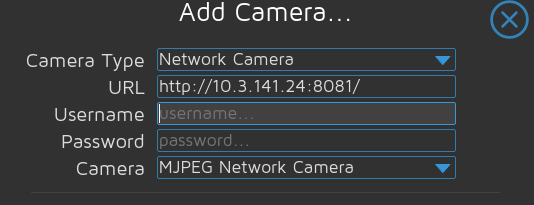
From both Pi0, I can access the video feed from IP:8080 without issue. I can add both cameras to MotionEye in the web gui with IP:8081.
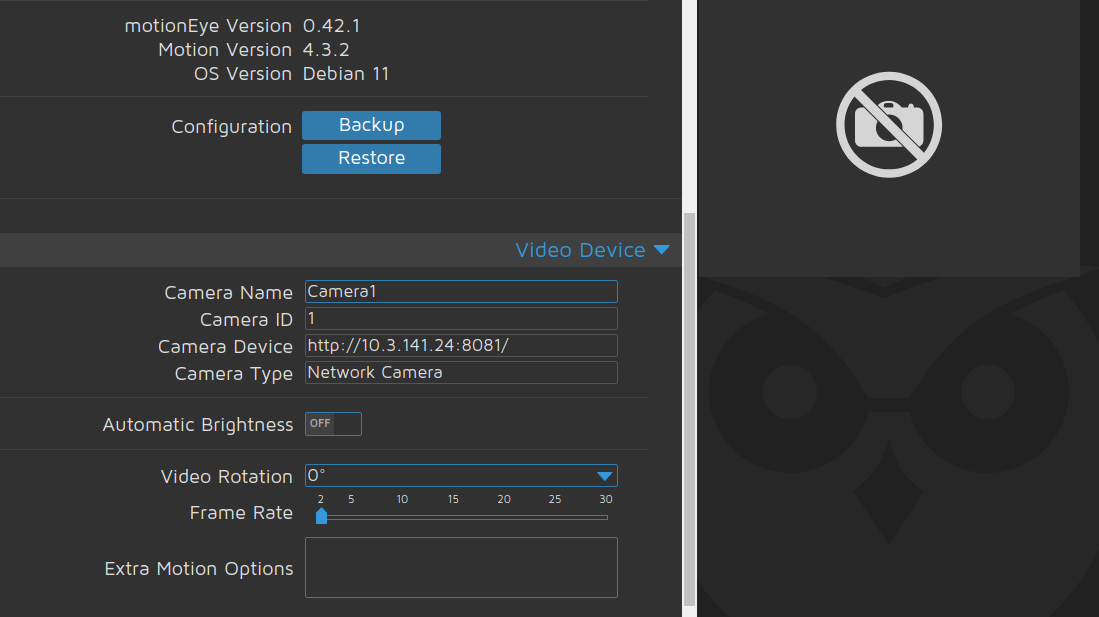
cat /var/log/motion.log [0:motion] [NTC] [ALL] conf_load: Processing thread 0 - config file /etc/motioneye/motion.conf [0:motion] [NTC] [ALL] config_camera: Processing camera config file camera-1.conf [0:motion] [NTC] [ALL] motion_startup: Logging to syslog [0:motion] [NTC] [ALL] motion_startup: Motion 4.3.2 Started [0:motion] [NTC] [ALL] motion_startup: Using default log type (ALL) [0:motion] [NTC] [ALL] motion_startup: Using log type (ALL) log level (WRN) [1:ml1:Camera1] [WRN] [NET] netcam_next: called with no data in buffer [1:ml1:Camera1] [WRN] [NET] netcam_init_jpeg: no new pic, no signal rcvd
UFW is disabled on all 3. I can access all 3 on web gui, SSH, etc. It seems that MotionEye isn't able to render the stream?
I went back through the install steps and verified that each dependency was met. I even ran a MotionEye update and everything is current. I know I am missing something silly here. Oh, I also edited /etc/motion/motion.conf on both Pi0: webcontrol_localhost off stream_localhost off

Many thanks for your report.
Are you sure that http:/<IP>:<port>/ is the full URL to access the MJPEG stream? When accessing via browser, a loaded frontend might present the stream which isn't loaded by a simple HTTP client (which doesn't load additional sources like JavaScript). E.g. with mjpg-streamer the full URL is http://<IP>:<port>/?action=stream.

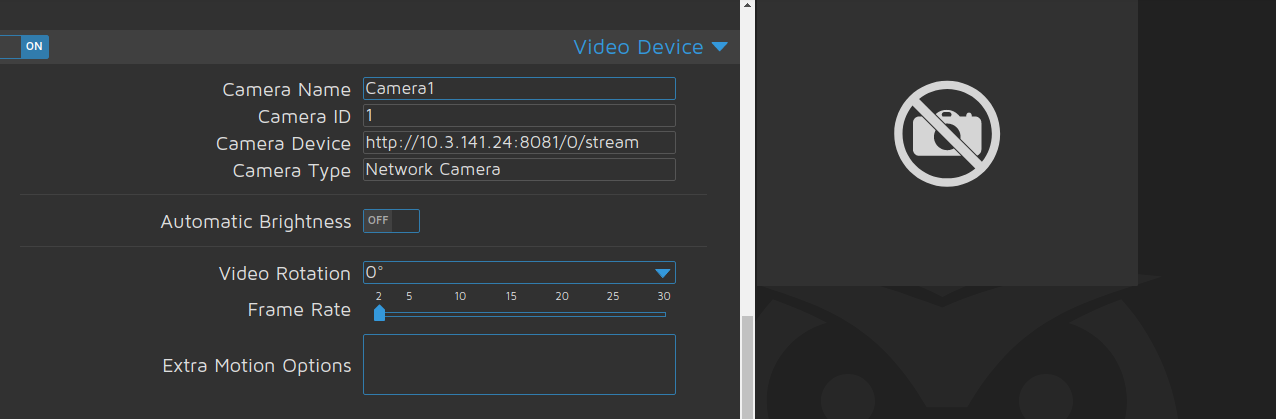
Can you check again /var/log/motion.log but also the browser console for errors? Also, when you access the stream via browser, the browser console/developer tools network/sources tabs may give a hint about the actual URL where the stream is pulled from. Generally MJPEG network cams work, so I guess it is either a wrong URL or some missing authentication.
[0:motion] [NTC] [ALL] conf_load: Processing thread 0 - config file /etc/motioneye/motion.conf
[0:motion] [NTC] [ALL] config_camera: Processing camera config file camera-1.conf
[0:motion] [NTC] [ALL] motion_startup: Logging to syslog
[0:motion] [NTC] [ALL] motion_startup: Motion 4.3.2 Started
[0:motion] [NTC] [ALL] motion_startup: Using default log type (ALL)
[0:motion] [NTC] [ALL] motion_startup: Using log type (ALL) log level (WRN)
[1:ml1:Camera1] [WRN] [NET] netcam_next: called with no data in buffer
[1:ml1:Camera1] [WRN] [NET] netcam_init_jpeg: no new pic, no signal rcvd
curl: (7) Failed to connect to 127.0.0.1 port 8765: Connection refused
curl: (7) Failed to connect to 127.0.0.1 port 8765: Connection refused
curl: (7) Failed to connect to 127.0.0.1 port 8765: Connection refused
curl: (7) Failed to connect to 127.0.0.1 port 8765: Connection refused
curl: (7) Failed to connect to 127.0.0.1 port 8765: Connection refused
curl: (7) Failed to connect to 127.0.0.1 port 8765: Connection refused
I figured out part of it. In the motioneye.conf file, I set the listen IP to a specific IP and I guess it needs local also. Can I see 2 addresses? I don't want to use listen 0.0.0.0 due to multiple interfaces. I tried:
listen: IP ADDRESS
listen: 127.0.0.1
but the service won't start correctly. So I changed it back to listen 0.0.0.0 and readded the camera. Same result, no stream.
Here is the new output of /var/log/motion.log:
[0:motion] [NTC] [ALL] conf_load: Processing thread 0 - config file /etc/motioneye/motion.conf
[0:motion] [NTC] [ALL] config_camera: Processing camera config file camera-1.conf
[0:motion] [NTC] [ALL] motion_startup: Logging to syslog
[0:motion] [NTC] [ALL] motion_startup: Motion 4.3.2 Started
[0:motion] [NTC] [ALL] motion_startup: Using default log type (ALL)
[0:motion] [NTC] [ALL] motion_startup: Using log type (ALL) log level (WRN)
[1:ml1:Camera1] [WRN] [NET] netcam_next: called with no data in buffer
[1:ml1:Camera1] [WRN] [NET] netcam_init_jpeg: no new pic, no signal rcvd
I felt so free to add some code fences to your comment to enhance console log readability.
Interesting find with the listening IP. I'll test this with current dev version. It would completely break that setting when the backend did connect to itself and hence loopback IP listening is always required additionally to the actual client. I do not see any option to make the used tornado framework listening on multiple addresses. But also doing required from the backend to itself somehow seems dumb, given that it should be able to access its own information internally, without any network request.
Sorry about not entering the code correctly. I will do so from now on. If it can't listen on multiple, I can leave it as 0.0.0.0 and then use ufw to block on the other interfaces as a stopgap. But ideally, it would be good to not have it listening on the WAN side.
Regardless, putting it back to listen 0.0.0.0 didn't seem to fix it. I still can't add the cameras. I appreciate all of your help.
Sorry about not entering the code correctly. I will do so from now on.
No problem, all of us needed to find this option once 🙂. After pasting the lines, you can also select them and hit the <> ("Add code") button or CTRL+e. When it's multiple lines, code fences are used automatically, when its just a single line or part of it, inline code tags are used.
If it can't listen on multiple, I can leave it as 0.0.0.0 and then use ufw to block on the other interfaces as a stopgap. But ideally, it would be good to not have it listening on the WAN side.
Yes that is the obvious workaround that came to my mind as well. However, it totally makes sense the at have a usable application level setting for this. I will test it the next days.
Regardless, putting it back to listen 0.0.0.0 didn't seem to fix it. I still can't add the cameras.
Okay, that is odd. You did systemctl restart motioneye to apply the change? You verified that the URL is correct by having a look into browser development tools, when accessing the MJPEG camera directly via browser?
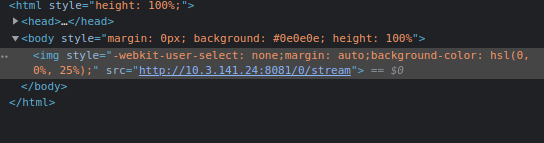 Yes, I verified the URL. Its acting as if its being blocked but there is nothing in syslog and ufw is disabled. I checked for anything in syslog for block, nothing. The only errors in motion.log are in the ones I posted earlier about"
[1:ml1:Camera1] [WRN] [NET] netcam_init_jpeg: no new pic, no signal rcvd
I decided to format and re-install and now its working. So something I did in my configs broke this. But I do like the idea of binding the interface to a specific address. Thank you for all of your help.
Let me reopen the issue, to track verifying and fixing the broken network binding. Basically we need to remove loopback network requests from the backend to itself and instead store/pass information directly.