

 moonlight-stream
Ok to stream pc but game streaming dont work
Hi
Before i used Moonlight streaming on a desktop with i7 6700+gtx1080 and all work fine Now im on a desktop Lenovo légion 5 with ryzen 5 and rtx 3070 And i have paired m'y laptop on Android TV or m'y phone Internet hosting tool Saïd that all are ok
But when i want to connect to m'y pc .. rtsp etc load , no problème .. but when i want to launch a game there are this screen..
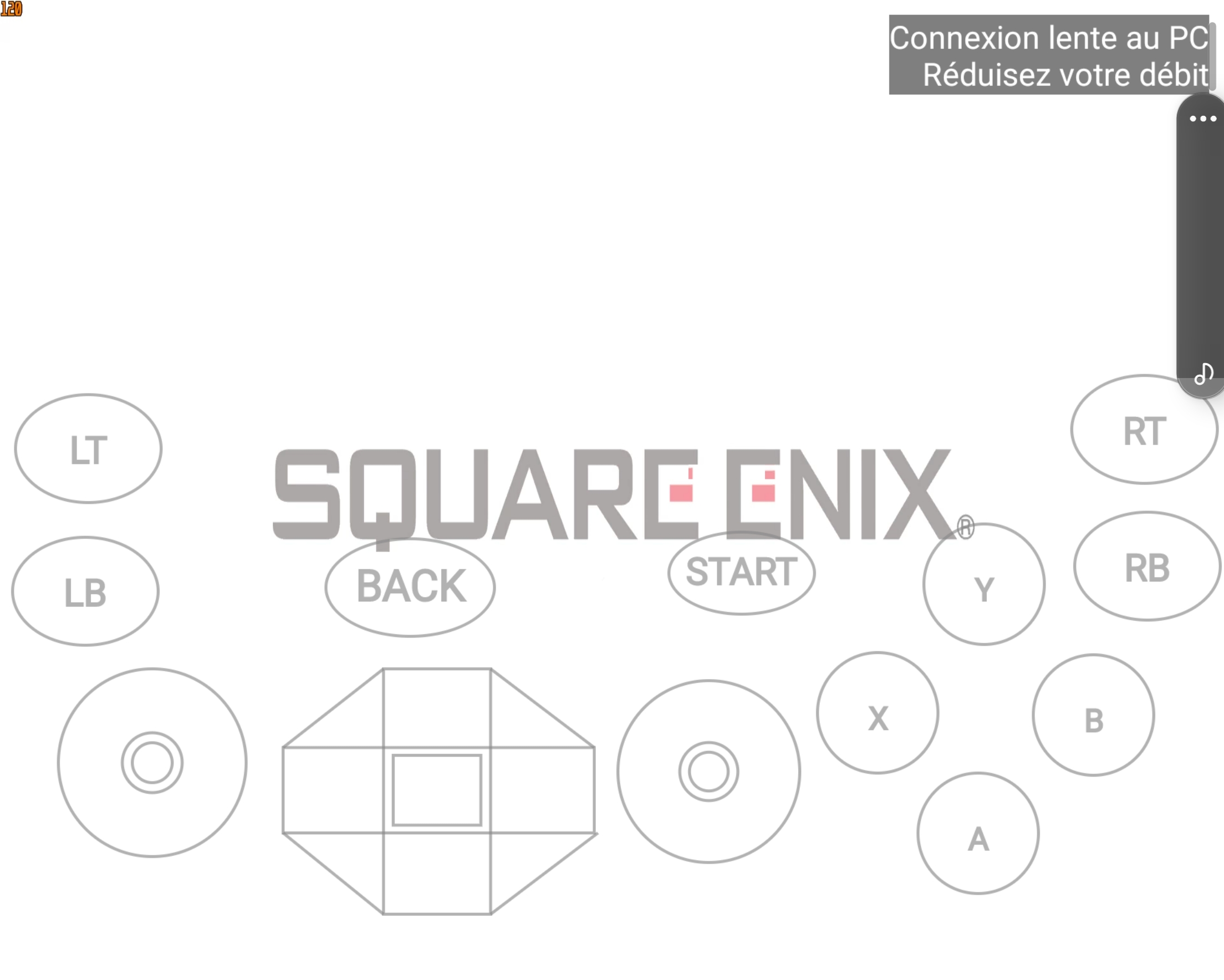
I use fiber connections.. 2gb connections.. With or without allm or hardware accelation.. its the same problèm.. they Say ''poor connections please have a better connection'' ..
How to solve it!? . On a Galaxy z fold 3 or NVIDIA Shield TV 2019
Thanks

Are your devices connected over 5 GHz WiFi? What resolution, frame rate, and bitrate do you have Moonlight set to use?

I have wifi 6e or wifi 6 (on m'y légion 5 or on m'y z fold 3) Résolution : native (for fold) or 1080p 120 fps. All m'y displays are 120fps..smartphone or légion or Android tv .. And i have never change bitrate .. because i have a 2gbs connexion in m'y box..
When you mention 2Gbps, are you referring to the speed of your Internet connection or your WiFi link speed?
Are you streaming while connected the same network as your laptop or are you trying to stream over the Internet from some other location?
2gbs its the speed of m'y internet connexion .. Stream over the internet or on the same network = same problème
I'have an other pc for example with a GTX 1080 which is ok to stream but since i have buy this laptop i cant stream via Moonlight.. but m'y first pc (with GTX 1080) is deleted from moonlight
Does your new PC have a 2.5 Gb Ethernet adapter installed? If so, is it connected at 2.5Gb?
I use wifi, no ethernet ^^ And its légion 5 15ac h6h so i dont know if it have 2.5gb ethernet adaptater preinstalled
For information , if i stream a video via VLC its ok, it dont freeze..
It freeze only with games..
Édit : it freeze After 5min...
Can you check that you have "hardware accelerated GPU scheduling" disabled on your host PC? That can cause the video to freeze when streaming.
You mentioned that you tried streaming to a laptop. Can you get the logs from the Moonlight PC client? That will have much more detail than Android can provide.
- On Windows,
Moonlight-###.logfiles can be found in%TEMP%. Simply type that into the File Explorer path field to navigate there. - On macOS,
Moonlight-###.logfiles can be found in/tmp. In Finder, press Cmd+Shift+G, then type/tmpto navigate there. - On Linux with the Flatpak, logs print to the terminal when running with the command:
flatpak run com.moonlight_stream.Moonlight - On Linux with the Snap, logs print to the terminal when running with the command:
moonlight
I'm sorry, i dont found any logfile , i dont have moonlight client, i just want to stream from my laptop, to an android tv (nvidia shield) or to my phone (z fold 3 from samsung) on my laptop there are only internet hosting tool ^^
I'm really not sure. I can't say why your old PC worked and your new one doesn't. It seems likely to be hardware or drivers because the same GeForce Experience version works on your other PC.
You'll probably need to try eliminating factors (try a different WiFi network, different WiFi adapter, Ethernet, etc).
This issue tracker isn't really designed for technical support. If you need further help, I suggest following up on the Discord server where there are many volunteers helping the community.