

 minorua
Tile count is over limit
When attempting to export map with generated tiles in map canvas (QGIS) via Tile Layer Plugin for map with 180 meridian gives me an error 'Tile count is over limit', although the projection is lambert conformal conic (there's no gap between 180E and 180W). It was loaded succesfully in other cases (for other maps). https://gis.stackexchange.com/questions/245501/tile-layer-plugin-tile-count-is-over-limit?noredirect=1#comment384778_245501 How I can load all required tiles?

I think this is a bug related to plugin's reprojection and zoom level calculation. I have not tested enough for rare CRSs.
I don't know whether this workaround works well, but try to change the maximum zoom level of the layer definition to a small value.

I have tested at different scales in QGIS, rewrited layer definition, but it didn't work(
When opening my tileset in browser - tiles have been coalesced, without gaps:
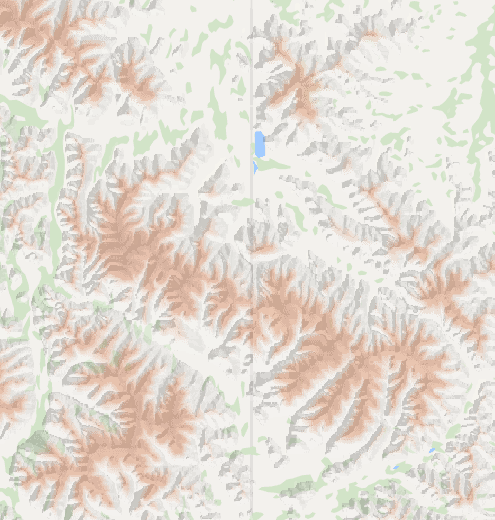
(grey line corresponds to 180 meridian in google maps) But in QGIS when approaching to 180 meridian, I get an error( I have tested different projections and different zooms I suppose the thing is that in plugin designated cutting the Earth at 180 meridian. Is it possible to check this and make it possible to load tiles in 2 hemispheres?