

 microsoftgraph
onedrive search not returning results
onedrive search only returns blank response.
Steps to reproduce the behavior:
- I have created graph.xlsx in the root folder of my one drive
- grant permissions for files.readwrite.all and sites.readwrite.all
- get /v1.0/me/drive/root/search(q='graph.xlsx')?select=name,id,webUrl
- Response = 200 OK
{ "@odata.context": "https://graph.microsoft.com/v1.0/$metadata#Collection(driveItem)", "value": [] } - value is blank. I can replace the query with any search term and no file details are ever returned.
I would expect to see a response that includes the driveItem details.
If I do /v1.0/me/drive/root/children (get all items in my drive), I receive back all driveItems with details, including the graph.xlsx file I am searching for.
I'm testing in the graph explorer as well as python graph client and get same behavior for both.

hey @anthony1293,
I'm unable to reproduce this. I have tried something similar and I get a response
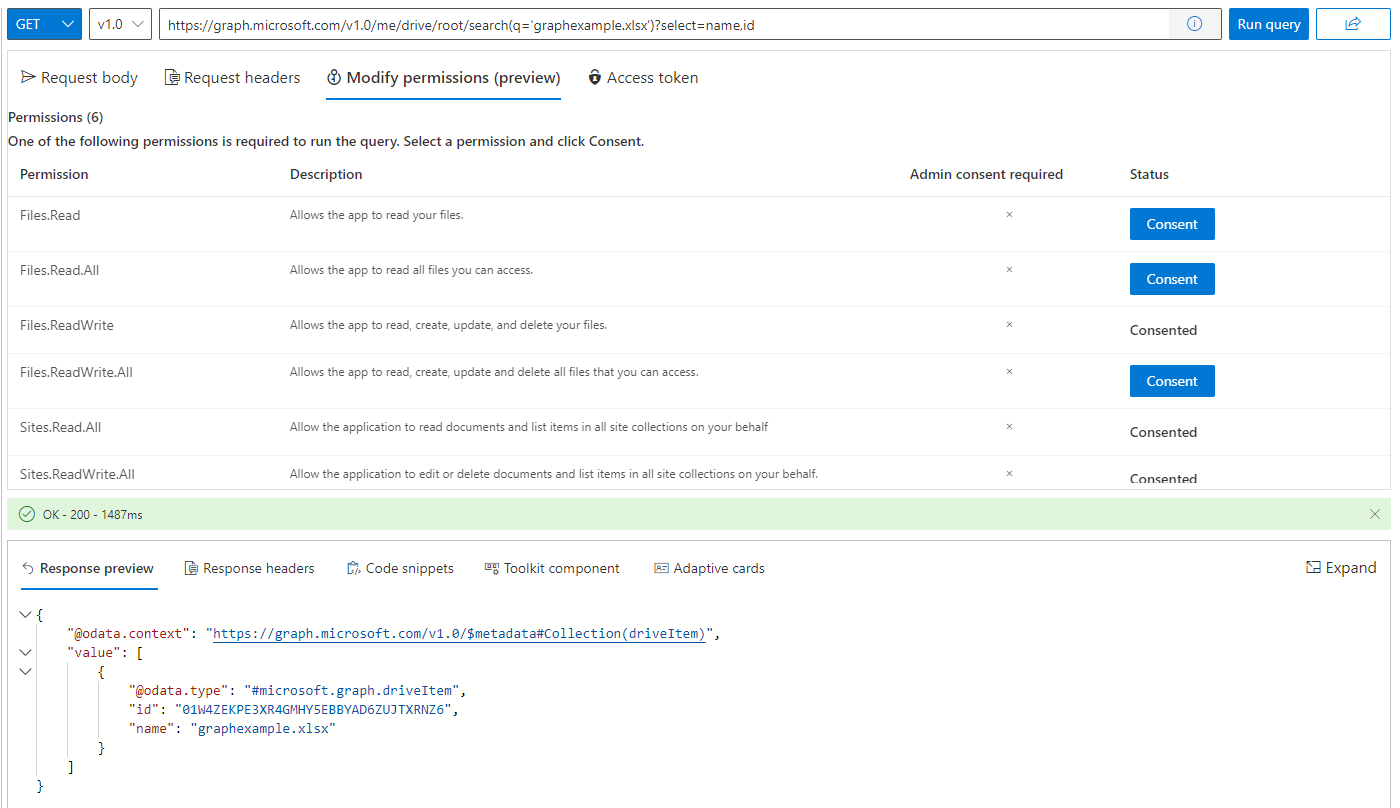
Could you confirm if you are still getting a blank response?


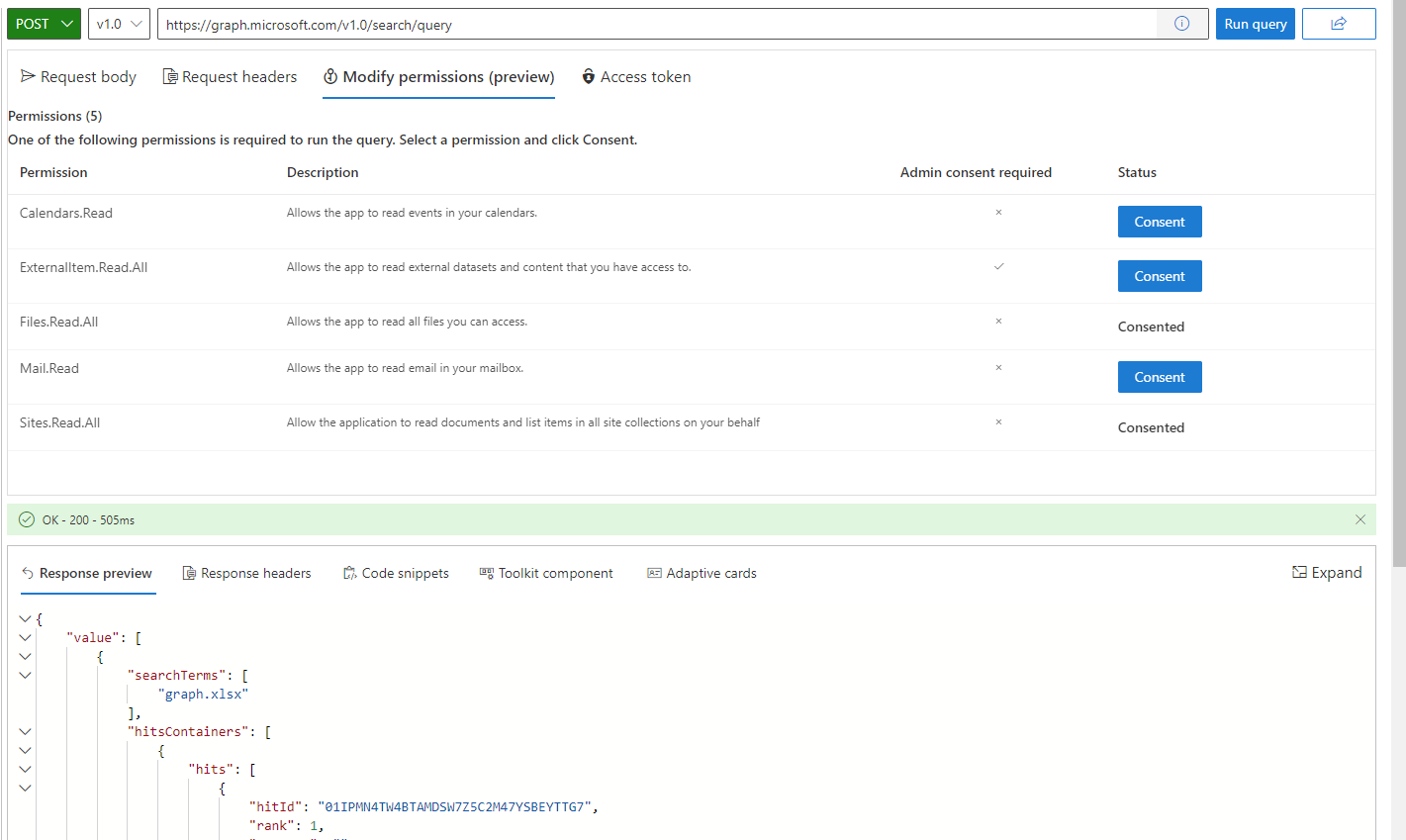
@ElinorW It's worth noting that the user I have signed into graph explorer with has no admin privileges, so I can only give delegated permissions, no application permissions. Not sure if that would have any effect.
@ElinorW It's worth noting that the user I have signed into graph explorer with has no admin privileges, so I can only give delegated permissions, no application permissions. Not sure if that would have any effect.
Yeah, I tried this with a user with no admin privileges and it still works. I'll investigate some more
Hey @anthony1293, are you still having trouble this? I'm still unable to reproduce
Hi @Elinor, yes it's still a problem but it seems to be related to only a specific Tenant. Using a login for another tenant, and it works ok.
Hey @anthony1293 Oh okay. Could be a configuration issue... I'll close this since it doesn't seem to be a problem specific to Graph Explorer.