vscode

vscode copied to clipboard
 microsoft
Emmet snippets autocomplete stops midway
Does this issue occur when all extensions are disabled?: Yes
- VS Code Version: 1.70.0 (user setup)
- OS Version: Windows_NT x64 10.0.22000
Steps to Reproduce:
-
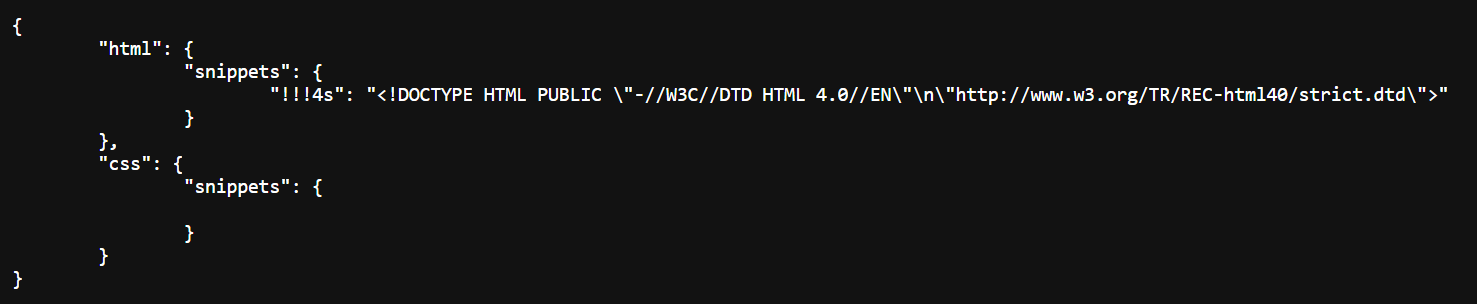
Create an Emmet snippet using VScode. Here is my example:
-
Create a blank HTML document
-
Type "!!!4s" fully.
Expected Behavior: The Emmet autocomplete box should still be visible to the user, so the user can hit Enter or Tab to output the Emmet snippet.
Current Behavior:
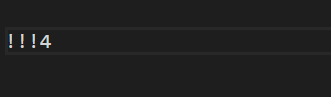
Emmet autocomplete box only appears for the first "!!!" string. Soon after typing '4' after "!!!", the autocomplete box completely disappears from the user's view.