microsoft
Improve configuration of dev container .gitconfig
Thank you for responding @chrmarti, I appreciate you discussing this even if you didn't necessarily agree with it.
I really appreciate the tip regarding devcontainer.json. That is non-obvious but it works great!
I still question why the local configuration is imported by default, but with a working shippable setting to disable that behaviour, I'm good.
I'm now running the following shell script as my postCreateCommand:
git config --global core.editor "code --wait"
git config --global diff.tool vscode
git config --global difftool.vscode.cmd "code --wait --diff \$LOCAL \$REMOTE"
git config --global merge.tool vscode
git config --global mergetool.vscode.cmd "code --wait \$MERGED"
yarn install
Maybe in the future this extension would consider setting more than just credential.helper by default; "text editor sets itself as text editor" seems like fair game in terms of behaviour, and would probably improve ease of use for most folks. It would also overwrite any incompatible imported settings.
Originally posted by @aaronadamsCA in https://github.com/microsoft/vscode-remote-release/issues/4603#issuecomment-792959197

I may have misunderstood, but +100 to not overwriting the container user's .gitconfig as a default. As far as I can tell, this was the same beef as with #4603. Silently overwriting a bunch of stuff on behalf of the user by default is not only disrespectful, but it's hard to debug. Please either turn it off by default or make it stupid simple to detect and disable without requiring protracted investigations by end users.

.gitconfig is only copied into the container when there is no .gitconfig in the container yet. The credential.helper is then overwritten with a helper that forwards the credentials from the host. Both can be controlled through user settings.

Hmmm…my existing .gitconfig (from my container user's home directory which is mounted from a named volume) is updated every time I rebuild the container. (I don't publish my dotfiles in a repository.)
And yet:
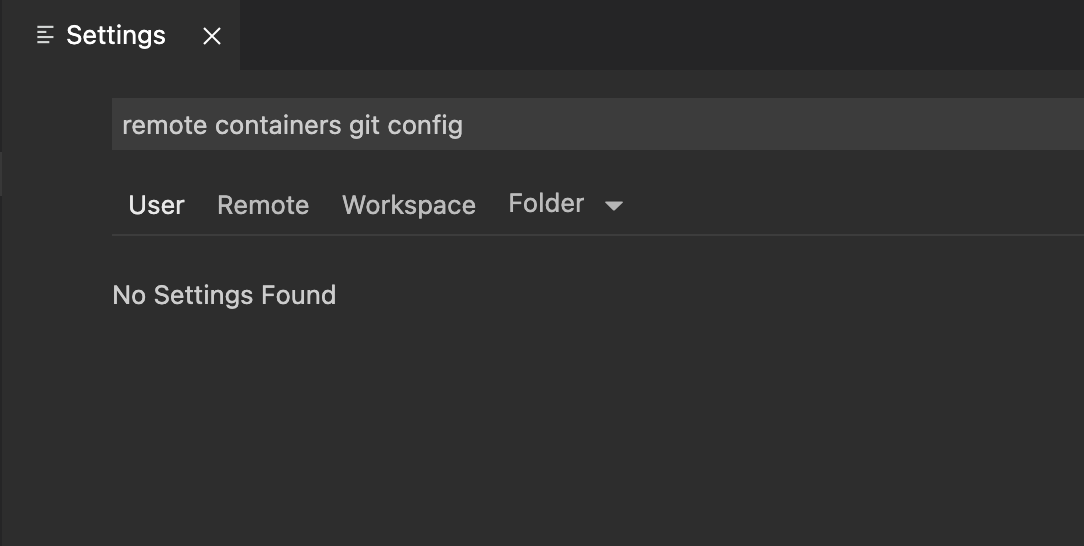
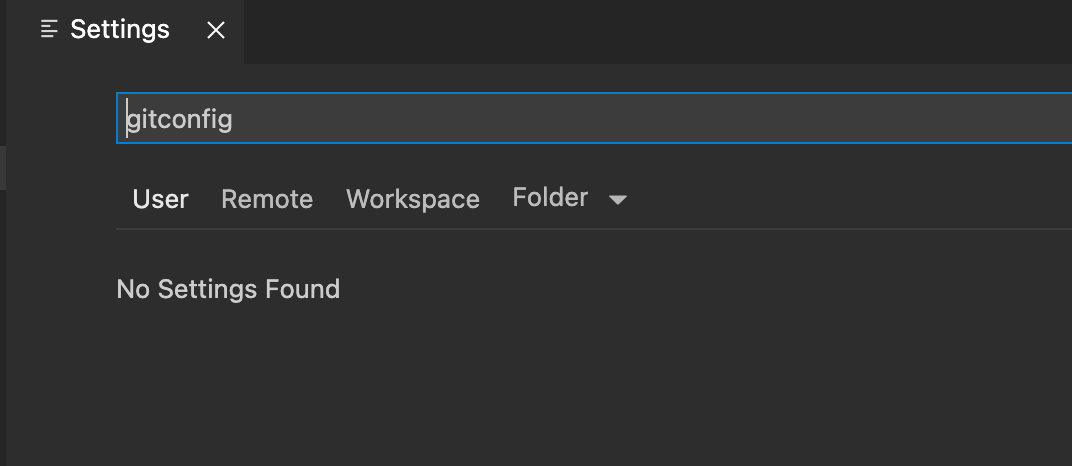
Not sure if this is getting off-topic for the original issue, though.
Check the Remote tab. That will store the setting in your container's home folder. (Or disconnect from the remote and the setting will be under the User tab.)
Nothing under the remote tab either:
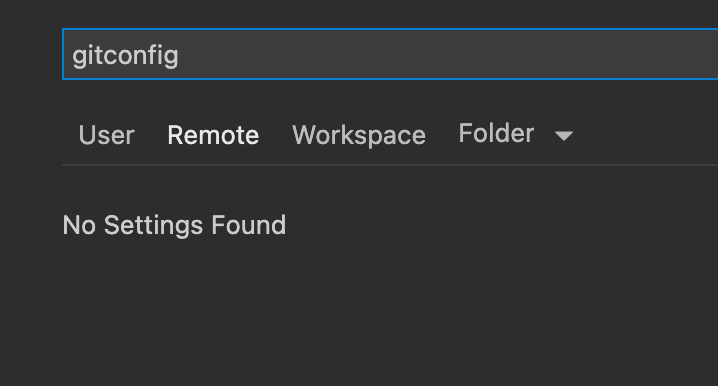

Or do I not understand what you mean by "Remote Tab"?

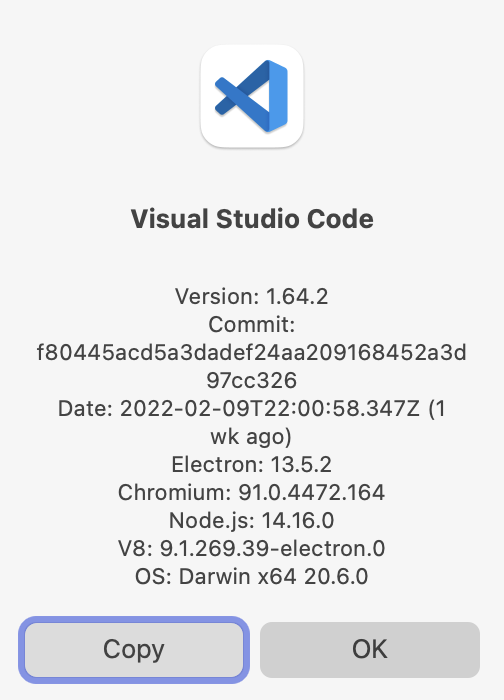
@posita If searching settings for "git config" gives you no results, something's up with your environment well beyond the topic of this issue. A clean install of VS Code should return at least 4 results for that search term just from built-in extensions.

Okay, I reinstalled and now have those settings. Git Credential Helper Config Location only appears in Remote -Containers, though, not User. When I set it to global and restart my container, my container user's ~/.gitconfig still gets modified, though. Not sure if that's a separate bug, but it's certainly not honoring the settting.
I remember finding that copyGitConfig only worked for me when I put it into my devcontainer.json file, like this:
{
  "settings": {
    "remote.containers.copyGitConfig": false
  }
}
It's possible gitCredentialHelperConfigLocation has the same limitation, I'm not sure.
I tried that. It's not honored. This does not appear to have any effect:
{
  "settings": {
    "remote.containers.gitCredentialHelperConfigLocation": "global"
  }
}
I have verified that the setting does propagate to ~/.vscode-server/data/Machine/settings.json on the container side.
Note that "remote.containers.gitCredentialHelperConfigLocation": "global" is the default and copies the .gitconfig to the user's home folder. global and system are Git's terminology for the gitconfig's location.
I see #6124 (git email/name is not copied) if I run git config --global ... in the postCreateCommand script like @chrmarti do.

The .gitconfig is not copied if one already exists in the container.
The copying is done after postCreateCommand and any dotfiles install script run, so if postCreateCommand or the dotfiles installs script create a .gitconfig in the container (e.g., as part of git config --global ...), the local .gitconfig will not be copied.
There must be a way to avoid modifying the user's .gitconfig file, right? :thinking:

@chrmarti That's on by default, and it's talking about copying the host's .gitconfig into the container, no? How does that relate to modifying the host's .gitconfig?
@chrmarti Correct me if I'm wrong, but from what I've observed the extension adds its own credential helper to ~/.gitconfig, which causes lots of problems, especially when it fails to clean up after itself.
Also, it does chown as well...
It'd really be preferable for the extension to only modify the project's .git/config in the case of credential helpers.
@teohhanhui It sounds like you have your local home folder mounted in the container. You could change the following user setting to system (there is no project at the moment):
It sounds like you have your local home folder mounted in the container.
Yes, it's a very common setup. I'm using distrobox, but toolbox does the same as well.
https://github.com/microsoft/vscode-remote-release/issues/4632#issuecomment-1495924470
The
.gitconfigis not copied if one already exists in the container.The copying is done after
postCreateCommandand any dotfiles install script run, so ifpostCreateCommandor the dotfiles installs script create a.gitconfigin the container (e.g., as part ofgit config --global ...), the local.gitconfigwill not be copied.
Is this documented anywhere? This is the only place I've been able to find this information and think it would be very valuable to have in the documentation as it would have saved me a bunch of time trying to figure out why my .gitconfig wasn't being copied into the container.