microsoft
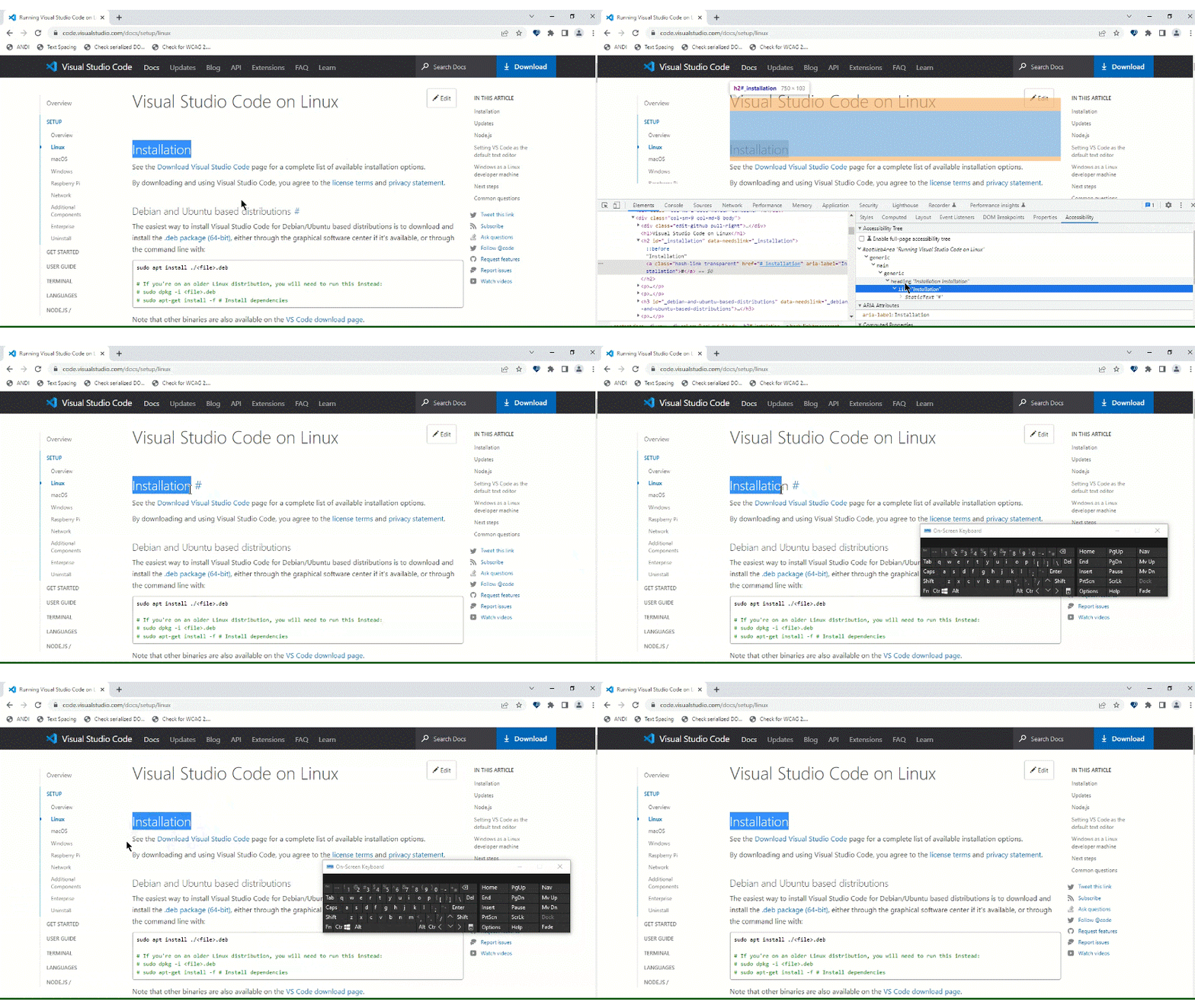
A11y_Visual Studio Code Services_Docs Setup_Linux_Usability:The "Installation" header has an additional "# installation link" besides it.
“Check out Accessibility Insights! - Identify accessibility bugs before check-in and make bug fixing faster and easier.”
GitHubTags:#A11yUsable;#A11yTCS;#BM_Visual Studio Code Services_Aug2022;#Visual Studio Code Services;#Win10;#FTP;#DesktopWeb;#A11ySev4;#Chrome;#Keyboard;
Environment Details:
Application Name: Visual Studio Code Services URL: https://code.visualstudio.com/ Windows Version: Win10 Chrome Version: Version 103.0.5060.134(Official build)(64-bit)
Repro Steps:
- Please do not close this bug. This bug should only be closed by TCS, C+AI Accessibility tester after verification of the fix
- Launch the application Url : https://code.visualstudio.com/
- Tab till "Docs" link.
- From left navigation, select "Setup".
- Tab till"Linux" link.
- Tab till link given beside heading "Installation".
Actual:
The "Installation" header has an additional "# installation link" besides it Similar issue is observed throughout the application.
Expected:
The link "# Installation" can directly be associated to the heading "Installation" so that keyboard user will not require to press one more Tab key to visit the "#" link. They can directly Tab to the heading "Installation" and click on the link.
User Impact:
Screen Reader users will hear the word installation twice.
Attachment