microsoft
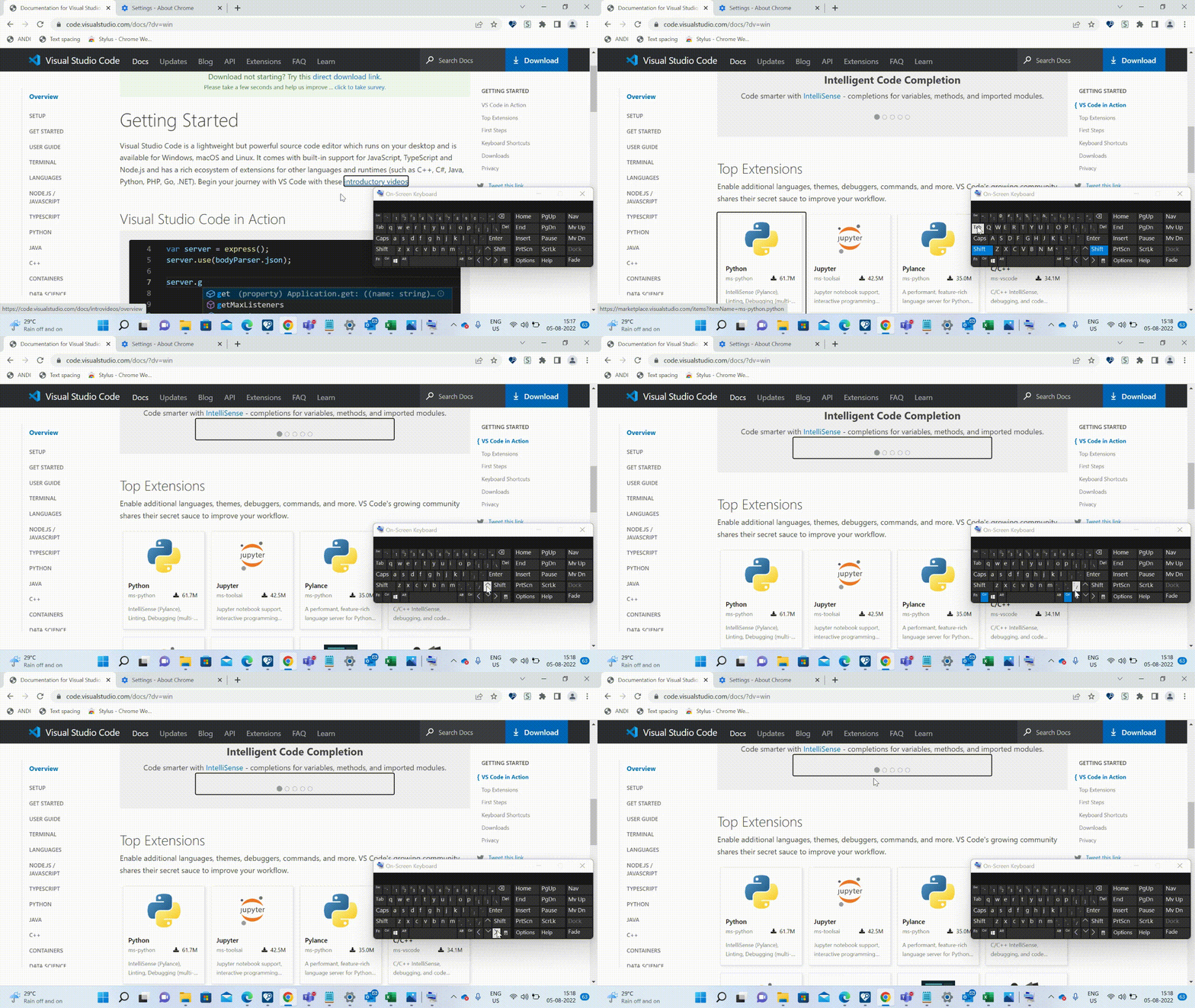
A11y_Visual Studio Code Services_Download_Platform Specific_Keyboard:Keyboard focus is not going to the circular list items present in the carousel under heading "Visual Studio Code in Action"
“Check out Accessibility Insights! - Identify accessibility bugs before check-in and make bug fixing faster and easier.”
GitHubTags:#A11yMAS;#A11yTCS;#BM_Visual Studio Code Services_Aug2022;#Visual Studio Code Services;#Win11;#FTP;#DesktopWeb;#A11ySev1;#WCAG2.1.1;#Keyboard;#Chrome;
Environment Details:
Application Name: Visual Studio Code Services URL: https://code.visualstudio.com/ Windows Version: Win11 Version 21H2(OS Build 22000.795) Chrome Version: Version 103.0.5060.134 (Official Build) (64-bit)
Repro Steps:
- Please do not close this bug. This bug should only be closed by TCS, C+AI Accessibility tester after verification of the fix
- Launch the application Url : https://code.visualstudio.com/
- Navigate to "Download" button.
- Hit on any of the platform(Windows/Linux/MacOS) links or any installer type(*64 and *32).
- Thanks for downloading VS code for windows screen will open.
- Tab to the list items under heading "Visual studio code in action".
Actual:
Keyboard focus is not going to the circular list items present in the carousel under heading "Visual Studio Code in Action"
Expected:
Keyboard focus should go to each of the list items under heading "Visual studio code in action".First list item should be accessible with the tab key and the rest should be accessible with arrow keys.
User Impact:
Keyboard users will not be able to access the list items.
Attachment