

 microsoft
[Bug]: Change Event not fired in Theme Primary Color Field after dynamic Variable Input
Hello,
I use the Theme Editor, to manage different Themes in the Company. I have found a Issue when i try to load existing Primary Color value from my Theme to the Properties field (Primary Color) in Theme Editor Component over variables.


Primary Color make no change after Updating the Variable over Powerapps. Text Color and Background Color works fine.

Now i don´t change the Primary Color and i export the Json, so it is give me only the Default Value from Primary Color.

Example:
i change the Themes Colors over the Input Fields and i save this.

now i reopen the Theme and you can see the primary color set to Default Color-Value (Blue), although I changed the color to "#00ffff".

i use Windows 11 and Microsoft Edge with newest Updates.
AB#1005

Hi @mlnc21
Thanks for reaching out.
From this issue, I understand that, you are trying to set Primary Color in Fluent Theme Designer - App, from a different collection(locSelectedTheme) to generate output property.
The App currently expects the Input(Colors) to be selected from the Interface and not using the properties with an intent that app makers can select the required colors based on the company theme and generate the output theme which will be required for Creator kit components.
Hence the way you are generating the Theme with a pre-defined value might not work as expected unless colors are selected from the interface.
Having said that, I would like to understand your objective and if you could explain the end to end logic behind passing dynamic input property from a different collection to generate output.

Hello Ramakrishnan Raman ,
Thank you very much for the quick reply. I am using your theming component for managing the existing themes. I store the values in a SharePoint list and hence can use different themes.
the setup is same the COE theming editor only without dataverse in the background.
-
select the theme I want to customize. The required data for Primary Color, Text Color and Background Color are then in the SharePoint list. I pass these to the Theme Editor from you (locSelectedTheme) to set these values.
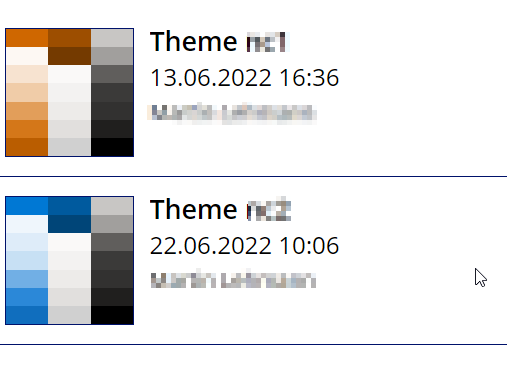
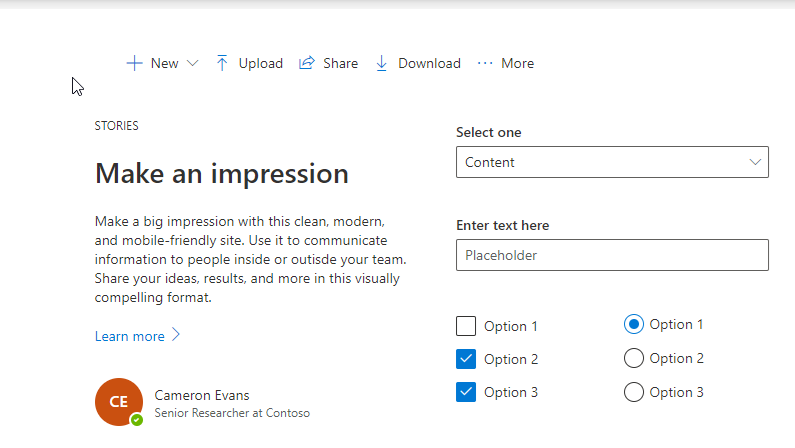
-
now I press export and the generated json is saved back to the sharepoint list.
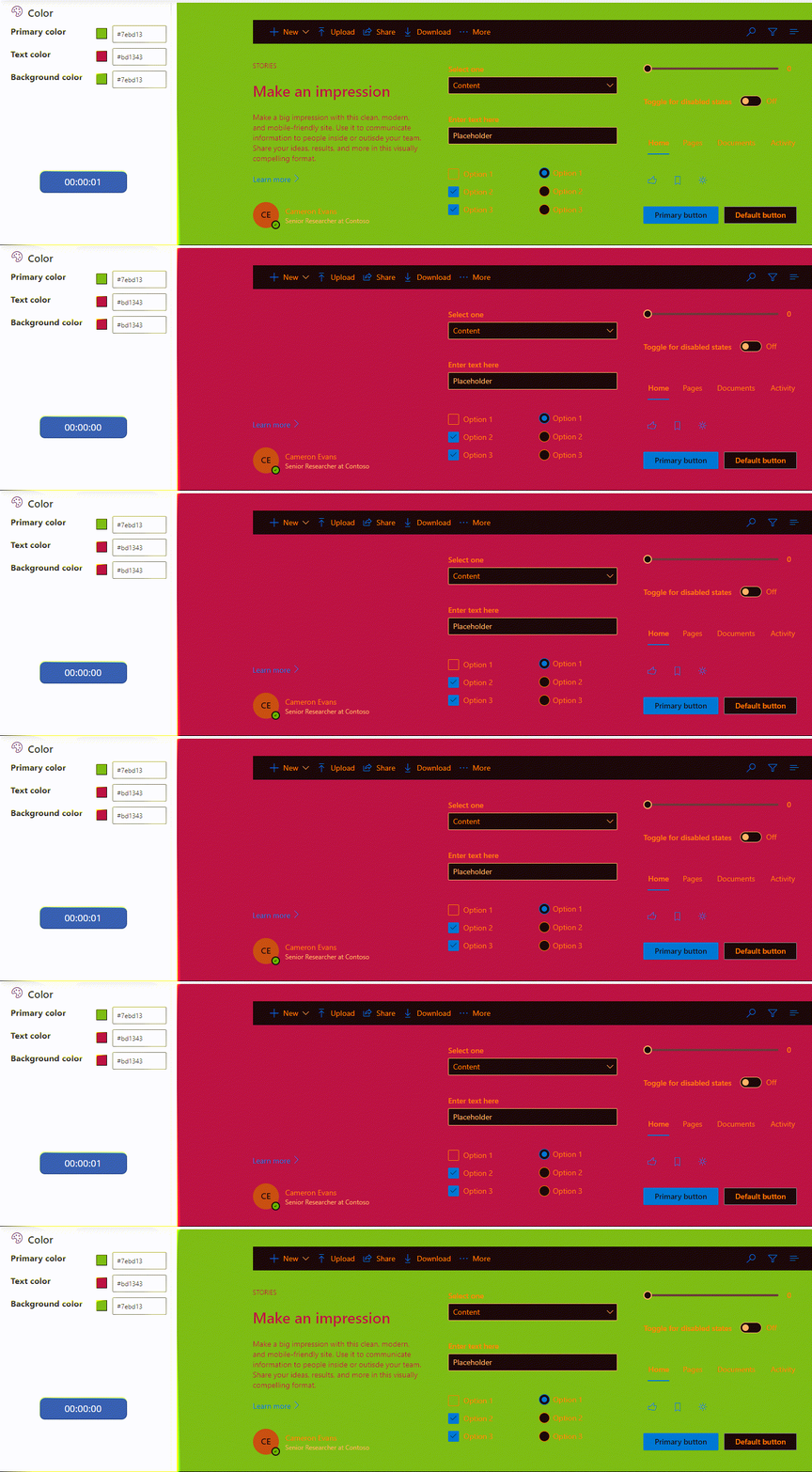
Timer change the Value
You can See, Primary Color will not change the color value.
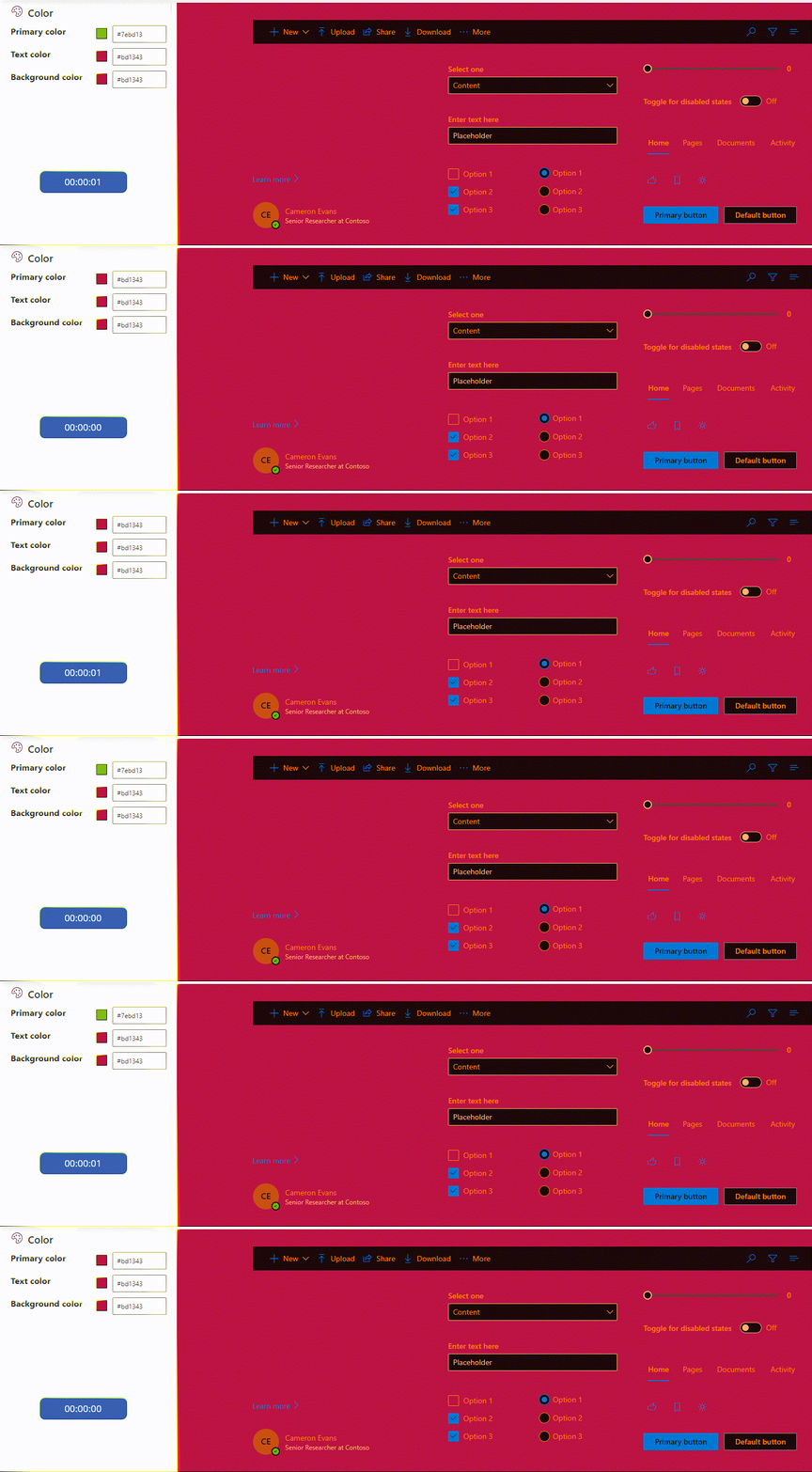
Text Color works fine.
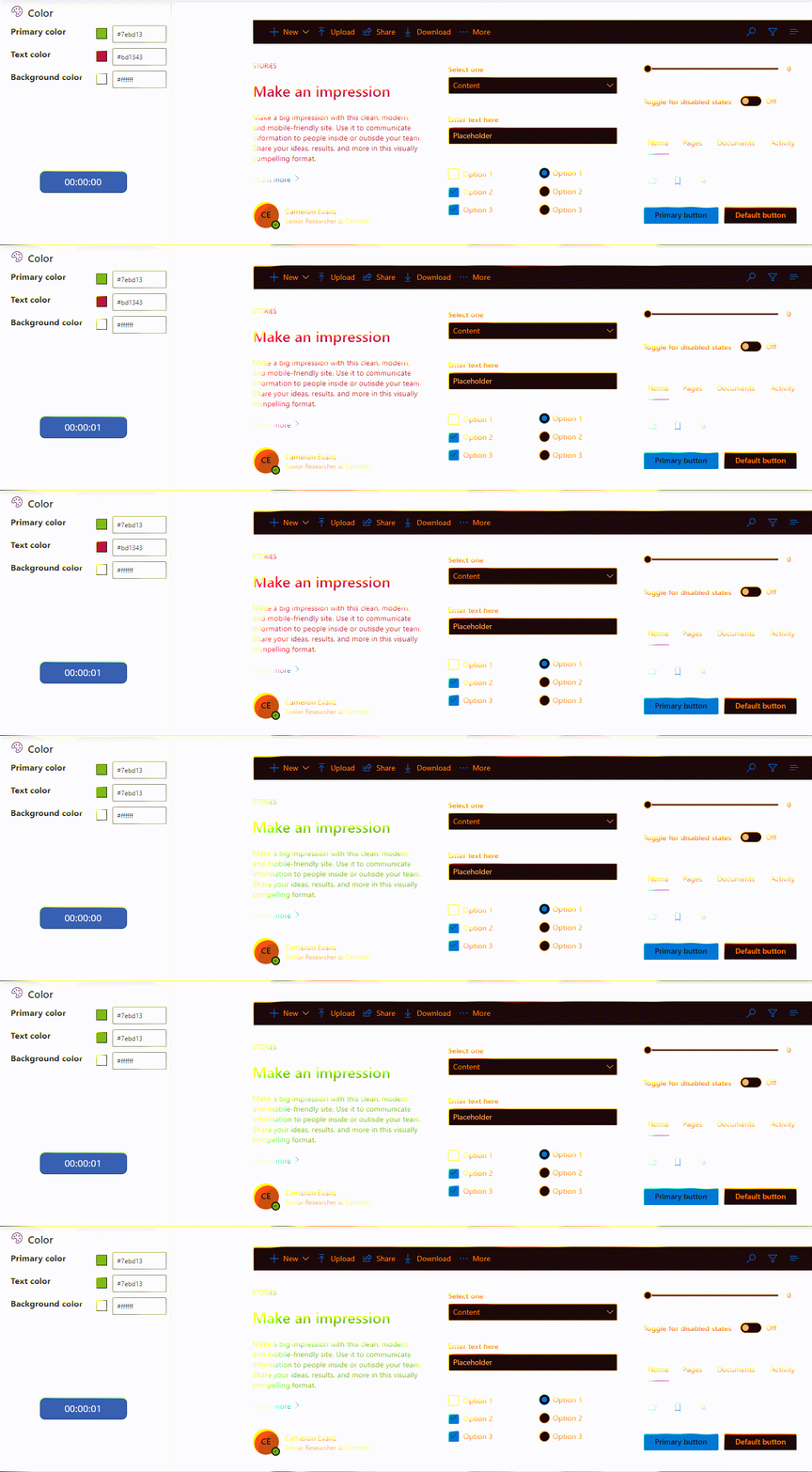
Background Color works fine.
Thanks @mlnc21 for the explanation. We will add this in our backlog and work on it based on the capacity & priority.

@mlnc21 apologies, this has not been fixed yet. We're moving this to May and will prioritize based on resources.
