

 microsoft
[BUG]: Breadcrumbs - SelectedKey property missing
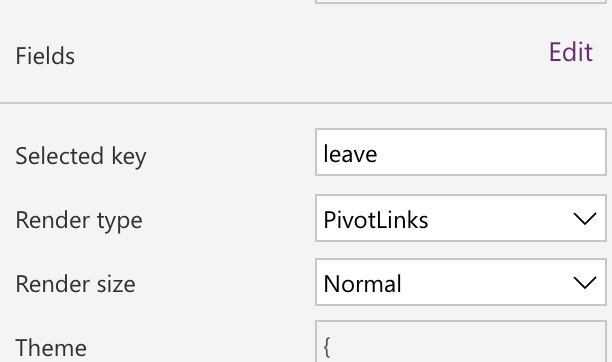
Describe the bug The guidance for Breadcrumbs indicates that the property 'selectedkey' should be used to identify the current selected item. This property does not appear in the property list.
To Reproduce Steps to reproduce the behavior: Look at the property list for the breadcrumb component.
Expected behavior Selectedkey property should exist so the 'bold' item can be changed.
Screenshots
If applicable, add screenshots to help explain your problem.


Hi @JamesSnaps,
Thanks for reaching out in this regard.
SelectedKey was not exposed as a separate property, so that, the approach of getting selected item key is consistent with other components like Command bar/Context menu.
In order to get the Selected key, OnSelect event of the component can be utilized with the below command.
Self.Selected.ItemKey.
We will update the documentation to avoid confusion.
@denisem-msft FYI.

Thanks for the reply @Ramakrishnan24689 - not sure if this is the same thing though. I'm referring to the default selectedkey as the bold state of a clicked item does not change, so it's always the final item that shows as highlighted.
 No matter what you click in this example in the creator kit, the final item is always bold. I assume this isn't intended behaviour as it isn't then clear which option you are currently on? In other components, such as 'pivot', you can define the default 'selectedkey' and then it updates as you click.
Final item being bold irrespective of which item is selected is the intent behavior. Selected item is also highlighted (Not as bold as final item), if observed carefully. In the below screenshot, Item - '2. Sports' is highlighted as well.

Correct, Breadcrumb's structure is designed to display the current location of the user, so the last item will always be bolded. See Fluent UI documentation for reference: https://developer.microsoft.com/en-us/fluentui#/controls/web/breadcrumb
You should use the breadcrumb control as complementary navigation aid for users to view current position in a directory. Were you trying to display a current position in a process?
We will update documentation to reflect that this is only an output property.
