

 microsoft
Trade operator recompute for memory
Description: Operator-level recompute
This PR adds an optional capability trading additional re-computation for better memory efficiency. Specifically, a pre-defined operator list used to iterate the Graph, to find some stashed activations whose lifetime across forward and backward pass.
At the first phase, it still needs manual config or even tries to see which kinds of operators should be enabled for recompute. Ideally, we can analyze the allocation planner for memory peak, and pick up some candidates during the peak, further (which can be a TODO if more models benifits from this).
Baseline
On a 1P model (DEBERTA V2), sequence length 256, training with 16 A100 GPUs. With latest main branch, we can run batch size 16, and the maximum batch size < 32. So 16 is usually chosen by data scientists. 65% of 40GB memory is used during training. The SamplesPerSec=479.2543353561354.

With this PR
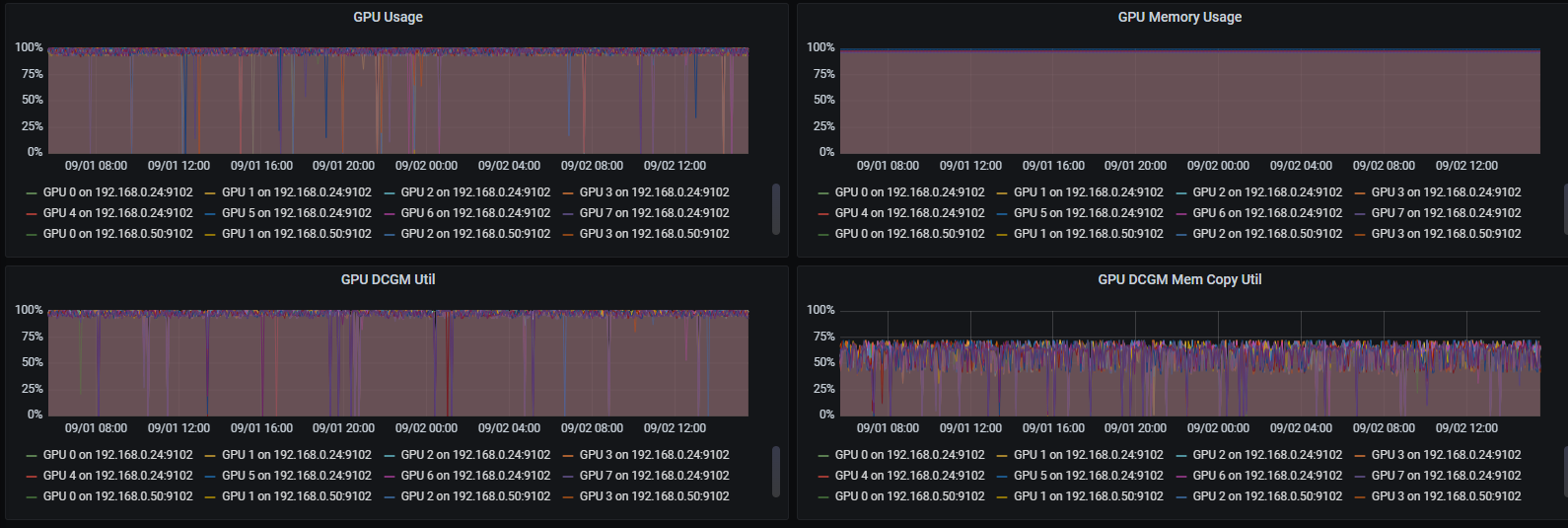
Gelu is recomputed for saving memory peak, batch size 32 can be run. The 97% of 40GB A100 is used, the SamplesPerSec=562.041593991271 (1.17X of baseline).
Transformation Summary
[ RUN      ] MemoryAlleviationTests.GeluRecompute
2022-09-04 15:46:52.033469118 [W:onnxruntime:Default, memory_alleviation.cc:369 ApplyImpl] Node Gelu_1(Gelu) can be recomputed
2022-09-04 15:46:52.033524613 [W:onnxruntime:Default, memory_alleviation.cc:446 PrintSummary]
MemoryAlleviation Summary:
        Type config:
                Dropout-0, Gelu-1, Tile-0
        =================================
        Subgraph: Gelu +        Recompute
                Shape   Frequency
                input1_dim0 x 500 x     1
        --------------------------------
        =================================
"Type config:" whether recompute is enabled by users. 0 - disable, 1- enable. "Subgraph" means what kind of subgraph will be recomputed, in this case, it is a single node "Gelu", and it will be "Recompute". "Shape && Frequency" means, for this recompute, one tensor of size (batch size, 500) will be saved because it will be recomputed.
Even users did not enable any operator recompute, those summary also will be printed for us to understand whether recompute would be helpful when running this model.
worker-0: 2022-09-06 04:51:54.202336019 [W:onnxruntime:, memory_alleviation.cc:457 PrintSummary]
worker-0: MemoryAlleviation Summary:
worker-0:       Type config:
worker-0:               Dropout-0, Gelu-1, Tile-1
worker-0:       =================================
worker-0:       Subgraph: BiasGelu +    Recompute
worker-0:               Shape   Frequency
worker-0:               attention_mask1_dim0 x 256 x 6144 x     48
worker-0:       --------------------------------
worker-0:       Subgraph: Where + BitmaskDropout +      Disabled
worker-0:               Shape   Frequency
worker-0:               attention_mask1_dim0 x 256 x 1536 x     2
worker-0:       --------------------------------
worker-0:       Subgraph: Where + BitmaskDropout + Reshape +    Disabled
worker-0:               Shape   Frequency
worker-0:               24*attention_mask1_dim0 x 256 x 256 x   48
worker-0:       --------------------------------
worker-0:       Subgraph: Tile +        Recompute
worker-0:               Shape   Frequency
worker-0:               24*attention_mask1_dim0 x 512 x 64 x    96
worker-0:       --------------------------------
worker-0:       Subgraph: BitmaskDropout +      Disabled
worker-0:               Shape   Frequency
worker-0:               attention_mask1_dim0 x 256 x 1536 x     2
worker-0:               attention_mask1_dim0 x 1536 x   2
worker-0:       --------------------------------
worker-0:       =================================
Motivation and Context
- Why is this change required? What problem does it solve?
- If it fixes an open issue, please link to the issue here.

Can you explain what config the user needs to set to enable this feature? From the code I gather user needs to set env variable ORTMODULE_ENABLE_MEMORY_ALLEVIATION to "Dropout:0,Gelu:1,Tile:0" is that it? Also how does the user understand the following:
- Such an optimization is available
- Which ones to enable and which ones to disable (Dropout\Gelu\Tile)
- Effect of enabling this optimization technique

Can you explain what config the user needs to set to enable this feature? From the code I gather user needs to set env variable ORTMODULE_ENABLE_MEMORY_ALLEVIATION to "Dropout:0,Gelu:1,Tile:0" is that it? Also how does the user understand the following:
- Such an optimization is available If some models did not use all GPU memory, or ORT has capability to run batch size 13, 31, etc, we had potential to enable the recompute to double the batch size for better perf.
- Which ones to enable and which ones to disable (Dropout\Gelu\Tile) As you mentioned above, ORTMODULE_ENABLE_MEMORY_ALLEVIATION currently is the env var we can control operator-level recompute. As the first trial on some models, we can enable all of them, if we found the saving is more than we need, we can just disable some one by one to avoid added recompute latency.
- Effect of enabling this optimization technique We hope to fully utilize the hardware, both compute and memory bandwidth, so having bigger batch size (power of 2) would be the most direct results using this techniques.
As we talked offline, I put some answers inline. :)
Couple of questions:
- export ORTMODULE_ENABLE_MEMORY_ALLEVIATION="Mul+FusedMatMul+Cast+Unsqueeze+Unsqueeze+Cast+Sub+Mul+Add+BiasSoftmaxDropout+Cast+:1:-1,BiasGelu+:1:-1,BitmaskDropout+Cast+:1:-1,FusedMatMul+:1:-1,Cast+:1:-1,Mul+Add+:1:-1,Mul+Sub+:1:-1"
Here what does +:1:-1 mean?
Subgraph: FusedMatMul+
[1,0]
a. By Frequency do you mean "Occurences" ? b. Why is this stderr?
Can you add a readme\developer doc here: https://github.com/microsoft/onnxruntime/tree/main/docs explaining how to enable and experiment with this feature. You can refine the PR description a little and add it as a doc along with this PR