

 microsoft
LiveShare fails to create collaboration session when the extension is accessed with a Jupyter Notebook opened and in focus
Product and Version [VS/VSCode]: 1.63.2 (User Setup) OS Version [macOS/Windows]: Windows 11 (22000.348) Live Share Extension Version: v1.0.5200 (VSCode remote running on WSL ubuntu 20.04) Steps to Reproduce / Scenario:
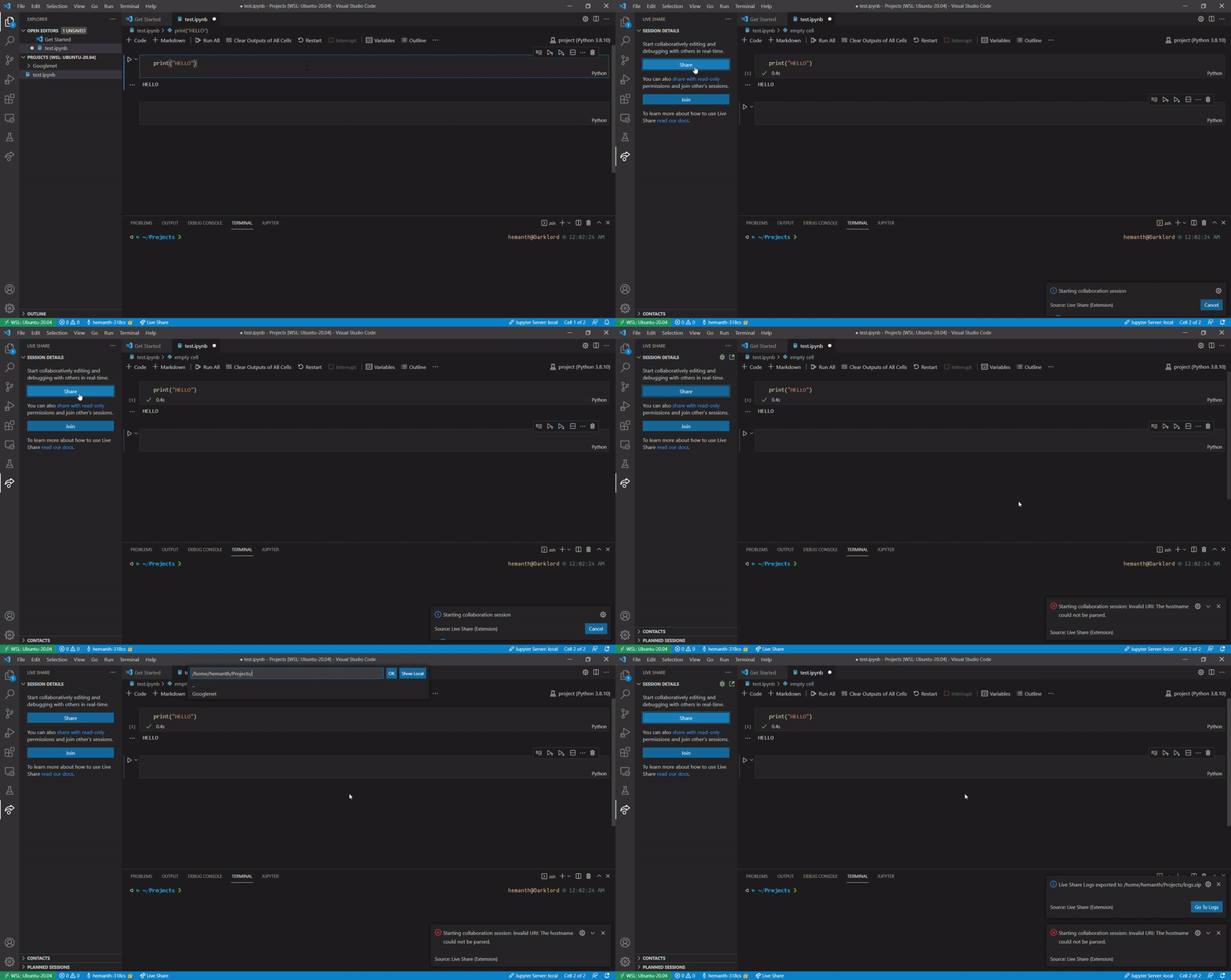
- Open VSCode, open any jupyter notebook (keep the tab opened). Then open the liveshare side pane and click on "Share" button. It will error out saying: "Starting collaboration session: Invalid URI: The hostname could not be parsed."
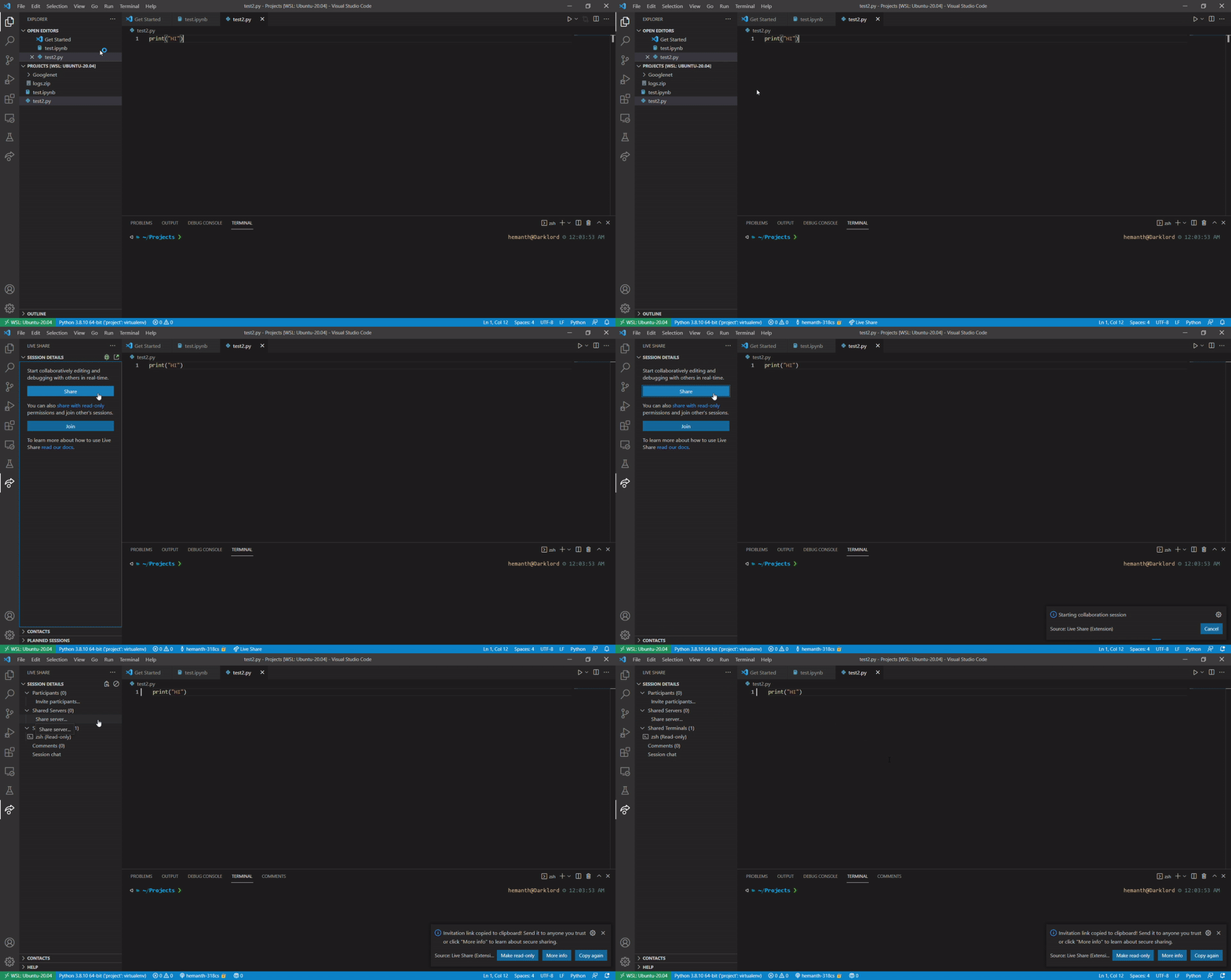
It works fine (creates the collaboration session successfully) when any other tab with some other file (text file, blank file, python file etc) is in opened and in focus (no issues if a jupyter notebook is open in some other tab that is not in focus, but the tab in focus should not be a jupyter notebook).

Hey @hemanth981, thanks for reaching out to Live Share and sorry about the issue you're having. Sharing a Jupyter notebook currently works for me with the same versions of VS Code and Live Share you are using. When we share a session, I'm not aware of anything we do to check what type of files are open so I'm not sure what's going on. Can you please attach logs from a session where you had this error? Thanks!


Hello, I have attached some screen recordings along with this for more clarity. Also I have attached the logs using 'live share:export logs' here. I am not sure, but this might be a WSL + Liveshare issue, since it seems to be working fine for you. Thanks
Logs: logs.zip (Please let me know if this is the exact logs you want, or if you need anything else)
Error case (with jupyter notebook in focus):
Working case (with any other file in focus):
We’re not able to prioritize this issue over the other higher-impact issues we receive every week, based on the votes and comments from others in the community and our understanding of the issue. We understand this may be disappointing; we've all been there, whether in this project or others we've contributed to. However, rest assured that we love your input. If you feel it deserves to stay open, then clarify your use case and contact us to let us know how severe it’s for you.
