
WinUI-Gallery

WinUI-Gallery copied to clipboard
 microsoft
Drop down button on "Easing Functions" page doesn't work
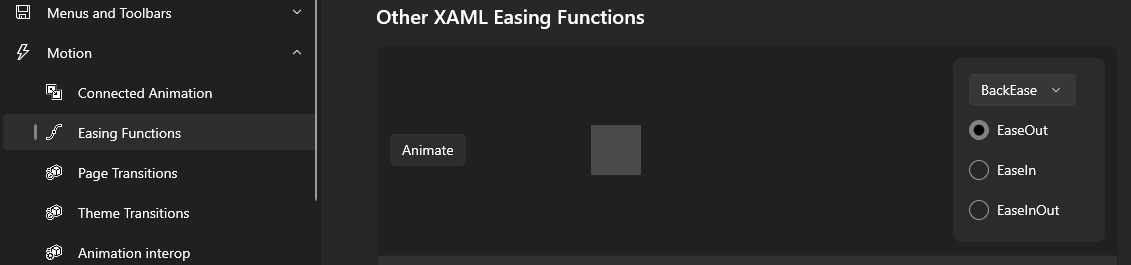
Describe the bug Drop down button in Motion -> Easing Functions -> Other XAML Easing Functions doesn't work the 2nd time.
Steps to reproduce the bug
Steps to reproduce the behavior:
- Go to Motion -> Easing Functions.
- Scroll down to Other XAML Easing Functions.
- Try pressing the drop down button for the 2nd time.
Expected behavior The drop down button should work as it did the first time, correctly, always.
Actual behavior The drop down opens for a fraction of a second and then disappears, when it is pressed the 2nd time. It doesn't happen always and for me it happened in fullscreen.
Screenshots
Version Info
Gallery version (found on Settings page): 1.3.12.0
Windows 10 version: 21H2 (seriously, update the issue template for newer versions)
Device form factor:
- [x] Desktop
- [ ] Mobile
- [ ] Xbox
- [ ] Surface Hub
- [ ] IoT
