

 microsoft
How to handle API key without parameter name when building [Independent publisher connector ]
Hello wonderful team,
i hope everything going well with you,
i will come straight to the point, i was trying to build a independent publisher connector and i have small issues while developing, The service api i am using have the apiKey without any parameter name how do I handle this type of url ? They have mentioned it should be in the query but not in headers,
Thanks in advance,

Can you share which API it is? So the query is something like …/action?{apiKey} ?

Hello @troystaylor,
thanks for your quick response :)
here is how actual URL looks
https://imdb-api.com/en/API/Search/k_y7v36i61/lost
But when testing I noticed in swagger definition request url as below
https://imdb-api.com/en/API/Search/lost/apiKey=k_y7v36i61
I’m AFK, but I believe you can use route request policy to accomplish this: https://docs.microsoft.com/en-us/connectors/custom-connectors/policy-templates/routerequesttoendpoint/routerequesttoendpoint I would suggest that you use no authentication, then download the connector and add a connection parameter for the apiKey, then upload it, after which the connection parameter would be available to the policy.
Alright, I did try but it showed no effect, anyway, I will try your suggestion and see if it works and will update you on the status.
and can you tell me how I can use apiKey parameter in the route policy template in new path is it @queryparamater('apiKey')
Thanks
Use the second example:
https://test.abc.xyz/get/{id} | /@queryParameters('version')/get/{id} | https://test.abc.xyz/v2/get/{id}
You don’t want the user to have to enter the apiKey for every action, so instead of the query parameter it will be a connection parameter in the same format:
/Search/@connectionParameters(‘apiKey’)/lost
When you uploaded it with paconn, it uploaded successfully to the right connector?
I am trying to upload via 'Import an OpenApi file' in the Custom connector section and it throwing me this below error i believe i need to use paconn,
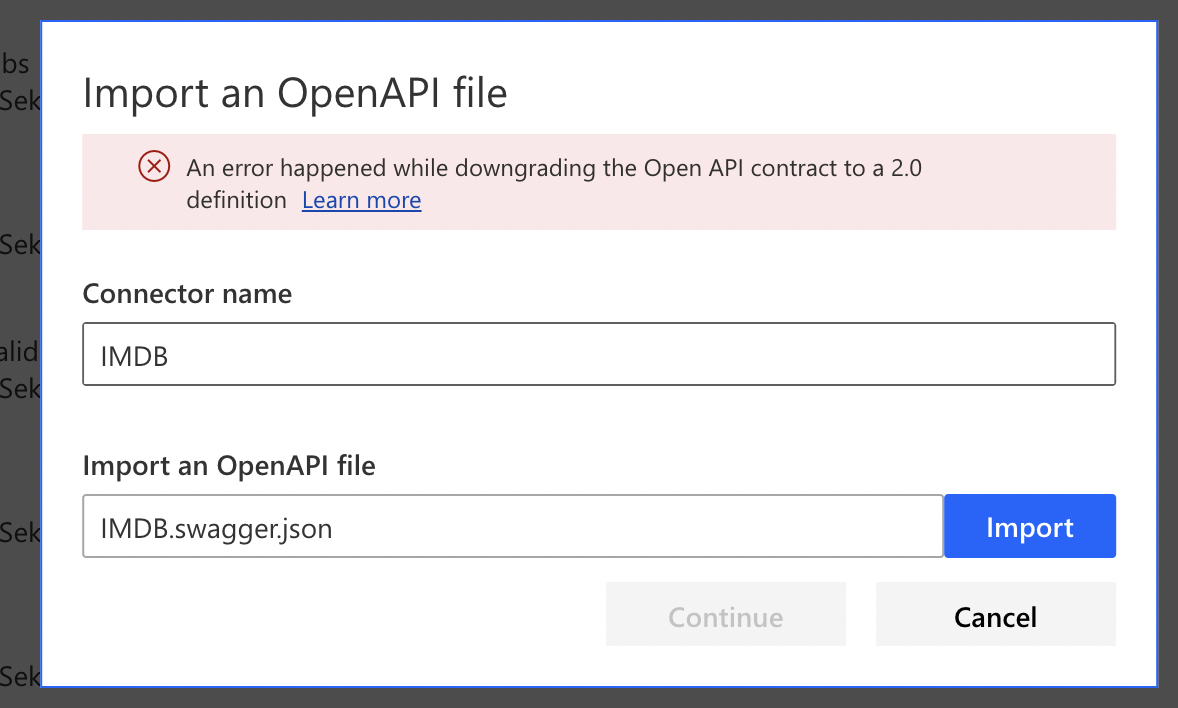
Ok, you need to download the connector you have built and update the apiProperties file.
https://docs.microsoft.com/en-us/connectors/custom-connectors/paconn-cli#download-custom-connector-files
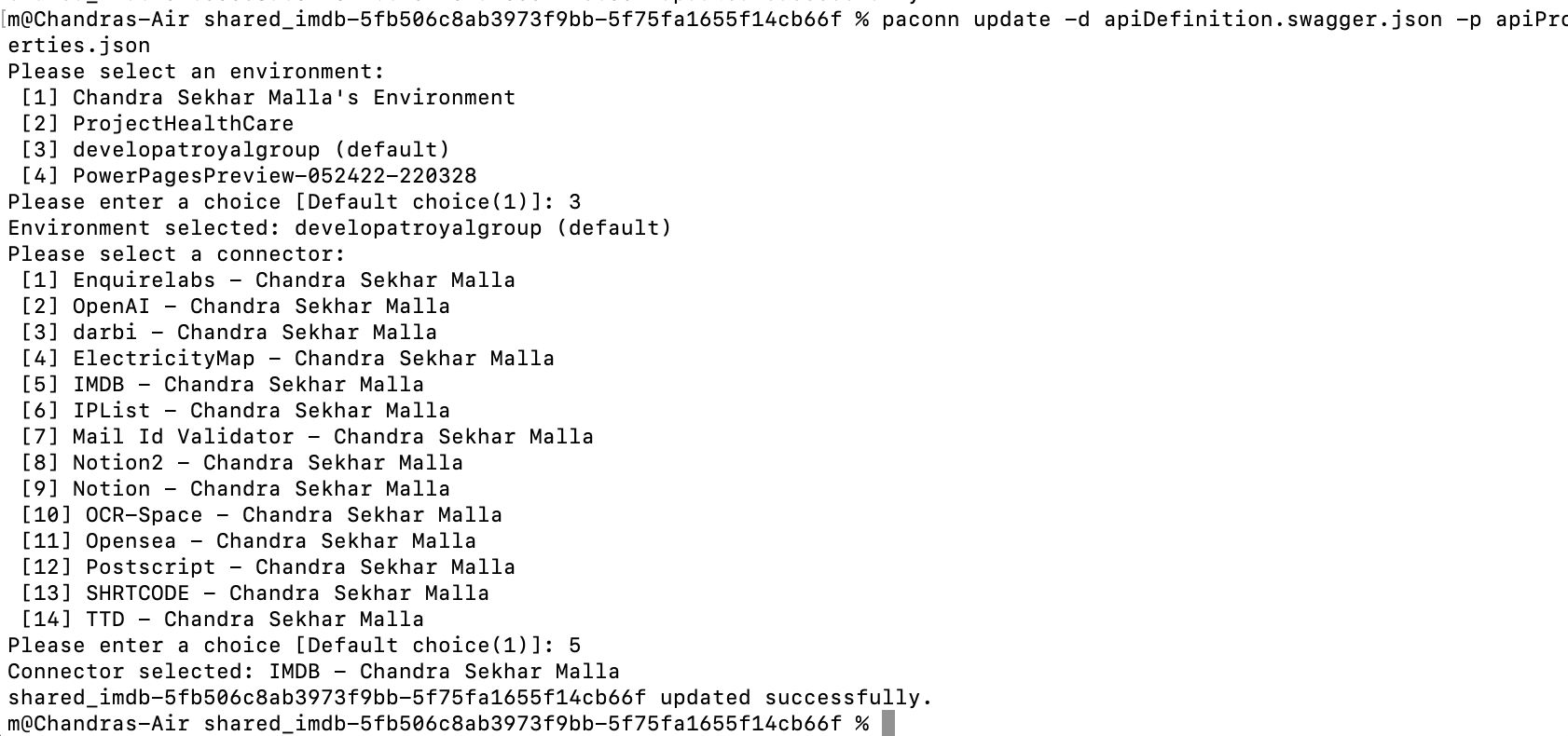
I have updated the Connection parameters as per your suggestion and updated the connector via paconn.

however, It seems policy still did not detect it. i got below error
{ "error": { "code": 500, "message": "Invalid parameters template. No property names specified in @headers or @queryParameters or @connectionParameters expression", "source": "europe-002.azure-apim.net", "path": "choose[3]\\when[1]", "policyId": "" } }
Hello team,
is there any help I can get?
I want to understand how to get through with this.
thanks